
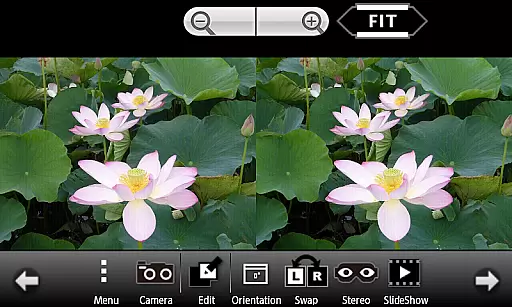
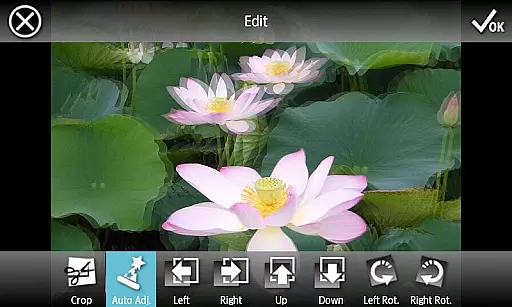
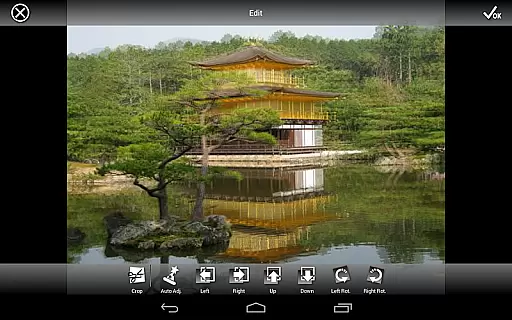
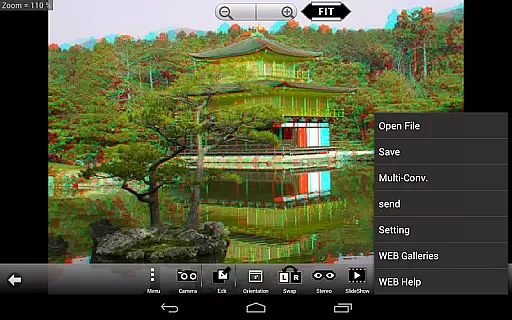
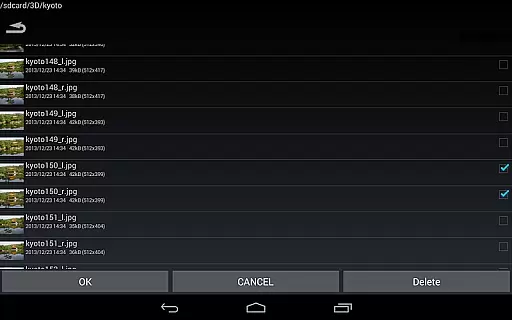
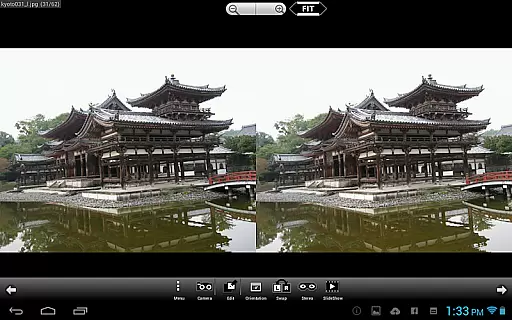
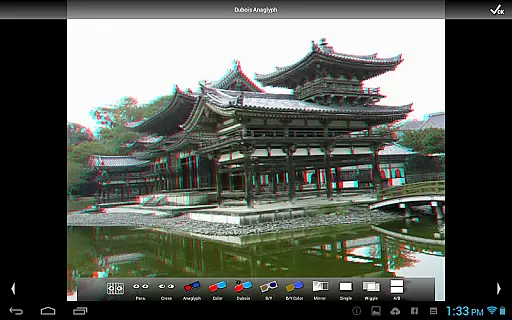
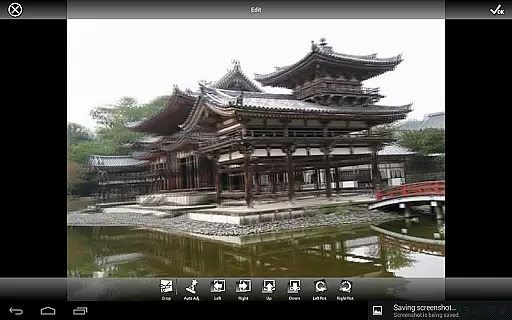
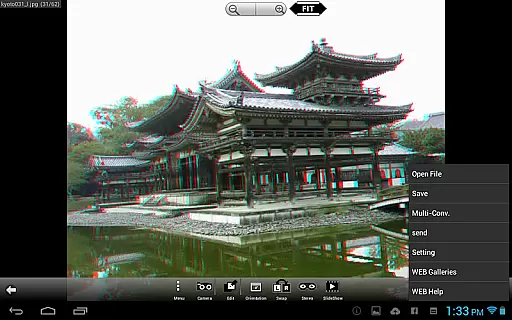
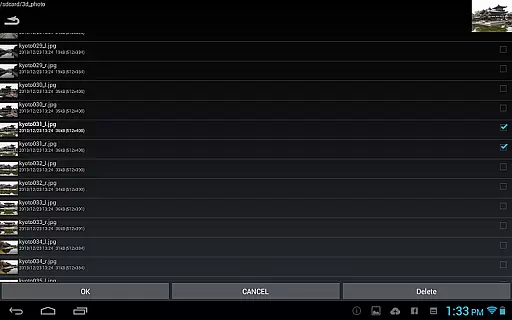
3DSteroid Pro is a premium stereoscopic application designed for Android devices, offering advanced 3D image editing and viewing capabilities. The app supports various input formats including L/R independent, SBS (side-by-side), and MPO files, making it versatile for different types of 3D content. With the ability to auto-align L/R images, adjust positions, rotation, and size errors, users can achieve precise control over their 3D creations.
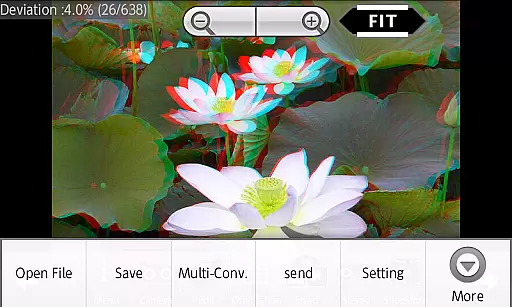
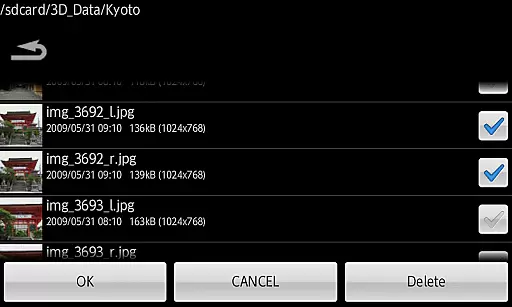
This professional version stands out with exclusive features such as saving edited images, batch conversion, and the option to send saved files directly from the app. It also provides access to an extensive web gallery with over 1000 images and supports multiple display methods like 3D LCD, SBS, Mirror, Wiggle, 2D, and Anaglyph. These features make it ideal for photography enthusiasts and professionals who want to explore the world of 3D imaging on their mobile devices.
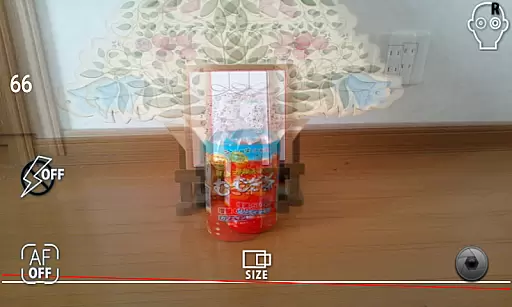
3DSteroid Pro boasts a comprehensive set of features tailored for 3D photography enthusiasts. One of its standout capabilities is the auto-alignment of left/right (L/R) images, which simplifies the process of creating perfectly aligned stereoscopic images. Users can also take L/R pictures directly using the device's internal camera, providing a seamless experience from capture to edit.
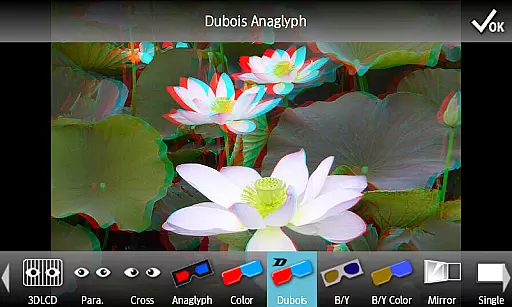
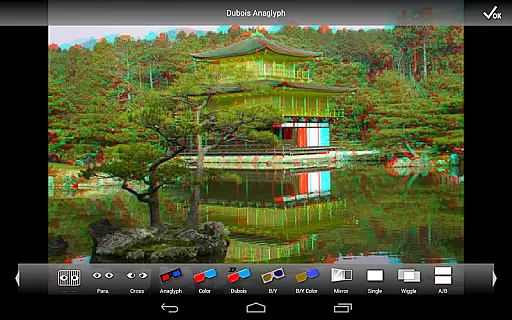
In addition to basic viewing options, the app offers advanced functionalities available only in the Pro version. These include saving edited images, performing batch conversions, and sending saved files. The app supports various display methods such as 3D LCD, SBS, Mirror, Wiggle, 2D, and Anaglyph, catering to different preferences and devices. Furthermore, users can enjoy a built-in web gallery with over 1000 images and engage in immersive slideshow experiences.
3DSteroid Pro offers a real-time capture feature that allows users to take stereoscopic L/R pictures using the internal camera of their Android device. This functionality is crucial for creating 3D images, as it captures two slightly different perspectives, mimicking human vision.
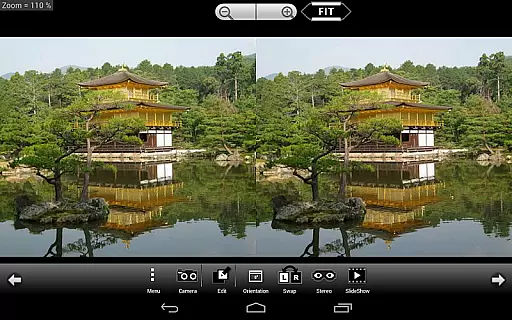
The application provides an intuitive interface for adjusting L/R image positions, correcting rotation and size errors. These adjustments ensure that the final 3D output is perfectly aligned, offering a true-to-life three-dimensional effect when viewed on compatible devices or with 3D glasses.
Users benefit from the ability to instantly preview their captured images within the app. This immediate feedback loop enables photographers to fine-tune their shots on the spot, ensuring optimal 3D effect and composition before saving or sharing the final stereoscopic image.
While 3DSteroid Pro doesn't specifically market itself as having AI beauty features, its advanced image processing capabilities contribute significantly to enhancement naturalness in stereoscopic photography. The app's auto-alignment function for L/R images ensures that composite 3D photos appear natural and comfortable to view.
The application supports various display methods including 3D LCD, side-by-side viewing, and anaglyph formats. Each method maintains the natural quality of the original images while adding the depth perception characteristic of stereoscopic content. This versatility in maintaining image quality across different viewing modes enhances the overall user experience.
Additionally, the batch conversion feature allows users to process multiple images while preserving their natural appearance. Professional users particularly appreciate this capability, as it maintains consistent quality across large sets of stereoscopic images without introducing artificial-looking enhancements or distortions.
Advanced 3D tools
Batch conversion
Auto-alignment feature
Extensive web gallery
Multiple display modes
No MPO support
Limited older device
Pro version costly
Complex for beginners
Fewer free features

Effortlessly organize, view and share your photos & videos with Gallery app!
 4.40
4.40
HD Photo gallery and photo manager to edit, hide private photos, videos & albums
4.4
Professional video recording application with manual controls for filmmakers!
2.80
Viewfinder, Light meter, Reciprocity failure time, DOF & Bellows Extension
4.60
Virtual makeup, hair filters & body tuner—edit from face to full body!
4.20
The #1 app for B&W film developing featuring an advanced darkroom timer.
4.10
live datamoshing
4.00
Enhance, upscale, and transform your images — on your device, without limits
4.70
Discover & download millions of art for The Frame TV or Hisense CanvasTV
4.60
Create funny photos and videos with the popular Time Warp Scan filter.
4.90
Light-weight Media Gallery app for Android made with Jetpack Compose
4.60
Create collages easily! Nice pic collage maker & background eraser for Instagram
4.50
Create AI photos & videos with Enhancer; restore, fix, beautify, enhance photos
4.50
Trendy TikTok time warp scan funny filter app brings you unique photos & videos.
4.40
A reflected light meter with spot metering and incident light metering.
4.40
Future baby face generator: AI kids generator, kid face! What my baby look like?
4.40
Create & Edit with AI: AI Remove, Enhance, Retouch, Filter
4.10
Perfect photos with body shaping, BG changer and object remover.
3.70
Photo Album Watch Face shows your favorite pictures as a Watchface.
1.90


User Reviews