

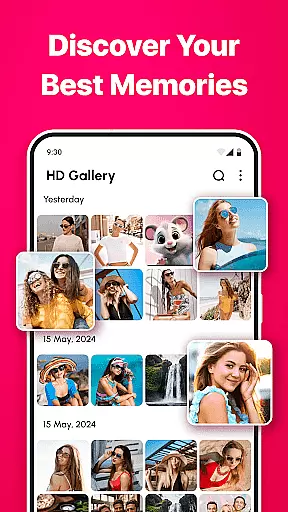
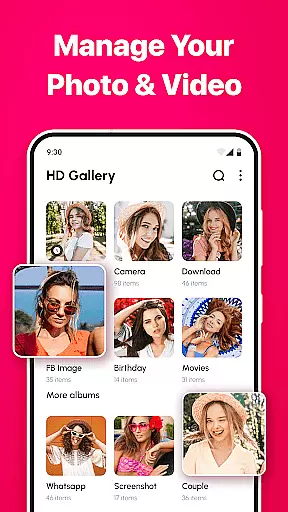
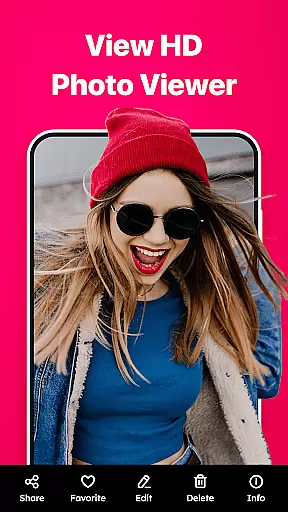
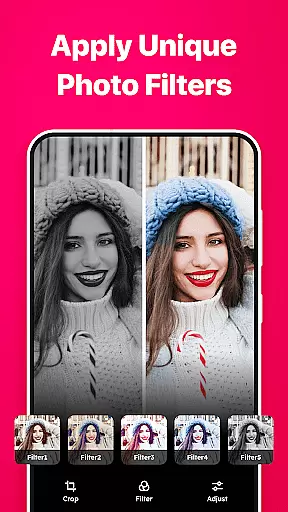
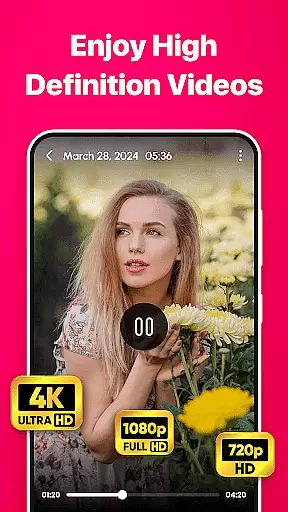

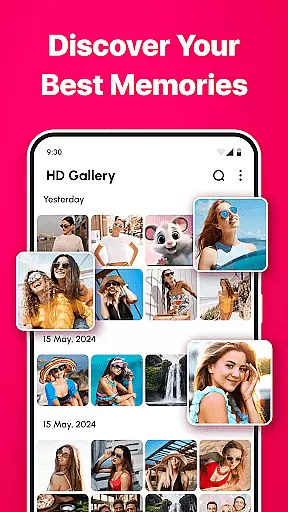
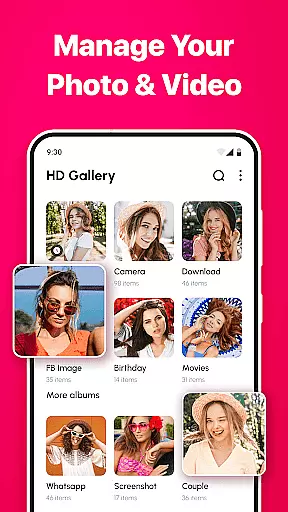
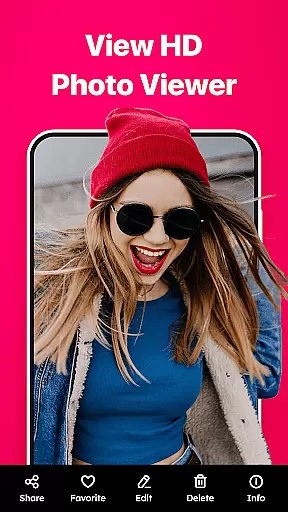
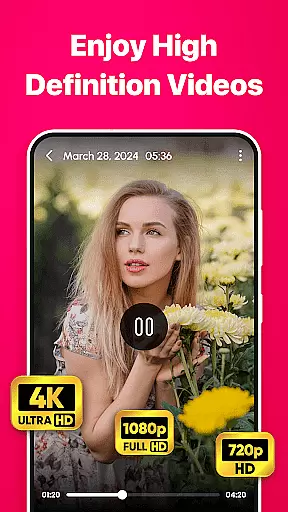

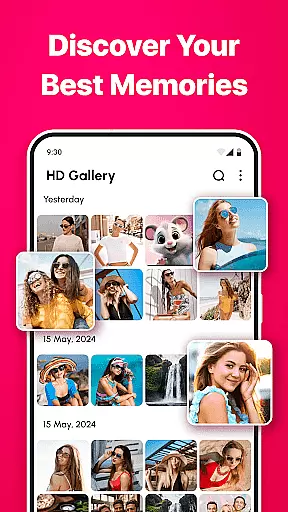
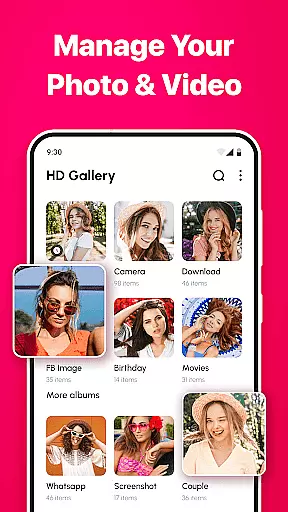
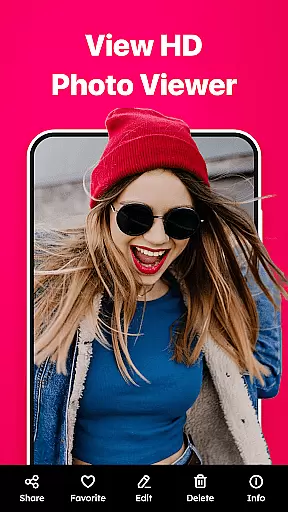
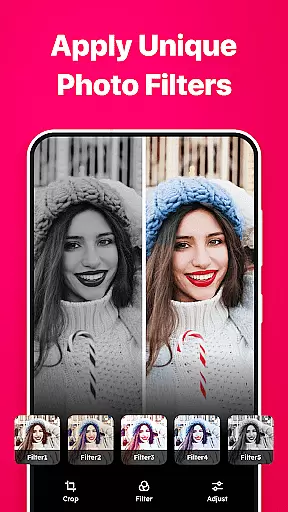
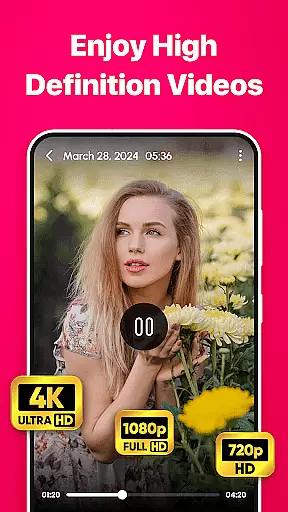

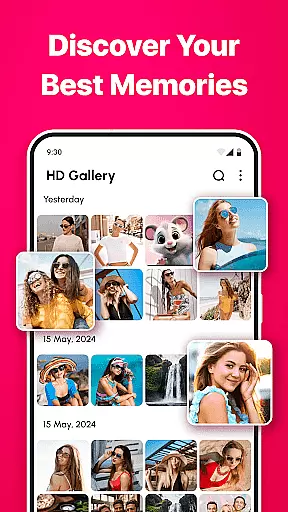
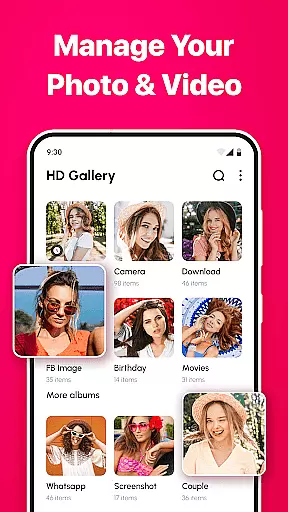
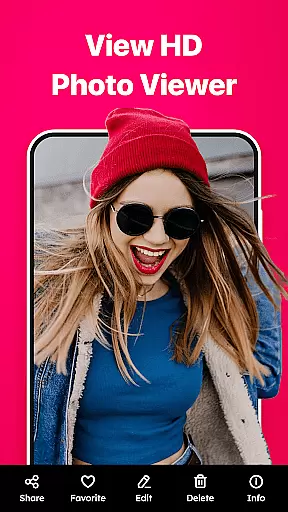
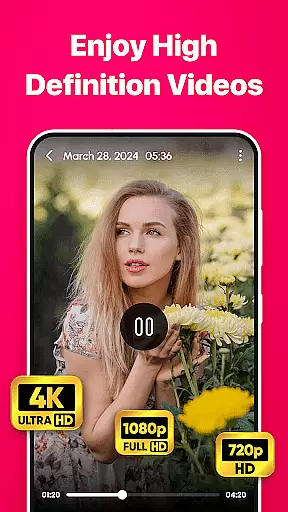
Gallery - photo gallery, album is a comprehensive photo and video management app designed to help users organize, view, and share their cherished moments with ease. The app offers an intuitive interface that supports fluid gestures for seamless navigation through photos and videos.
With support for various file formats including JPEG, PNG, GIF, and RAW, Gallery provides a centralized platform for managing all media files. Its customizable layouts and advanced search options ensure users can personalize their experience while quickly finding specific content. Additionally, the app includes practical editing tools and easy sharing capabilities, making it a versatile solution for both casual and professional photographers.
Gallery - photo gallery, album stands out with its robust feature set tailored for efficient media management. The app's user-friendly interface allows effortless navigation, enabling users to swipe, edit, and zoom through their galleries using simple gestures.
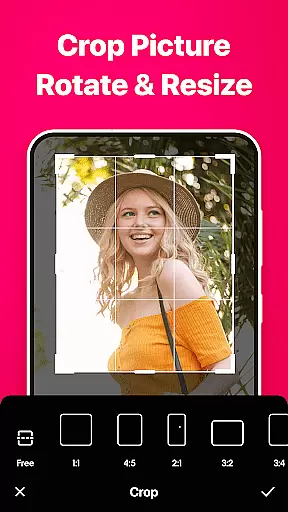
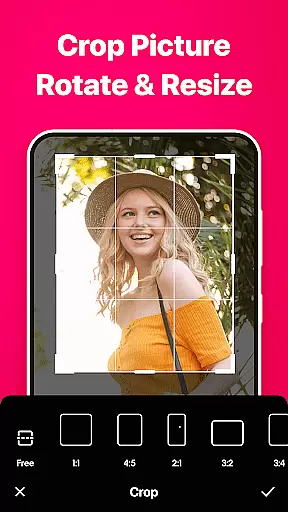
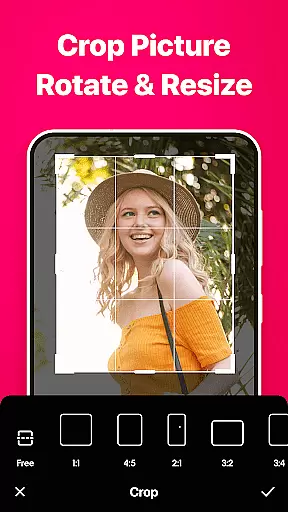
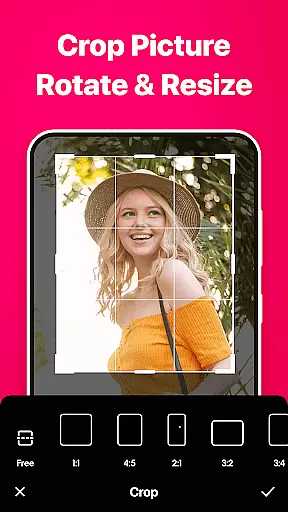
One of the key highlights is its wide file format support, accommodating everything from standard JPEGs to professional-grade RAW files. Users can also enjoy customizable grid layouts, advanced search filters, and built-in editing tools that include cropping, rotating, and adjusting brightness or contrast. These features collectively enhance the overall user experience by providing both functional and aesthetic customization options.
Furthermore, Gallery ensures accessibility and convenience with its multi-language support, light and dark mode themes, and seamless integration with social media platforms for easy sharing. This combination of powerful tools and thoughtful design makes the app an ideal choice for anyone looking to manage their digital memories effectively.
Real-time capture and preview functionality is essential for any photography app as it allows users to see exactly what the camera sees before taking a shot. This ensures that photos are framed correctly, lighting is optimal, and unwanted elements are avoided.
Gallery - photo gallery, album app offers an intuitive real-time capture feature that provides users with a seamless experience. The app's interface displays a live feed from the device's camera, enabling users to adjust settings such as exposure and focus directly on the preview screen. This immediate feedback empowers photographers to make necessary adjustments on the fly, ensuring each shot is as intended.
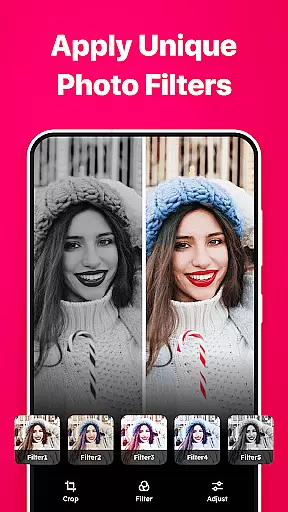
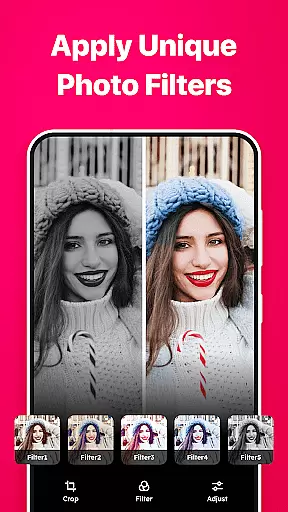
With this app, users can also apply filters and effects in real time before capturing an image. This means that the final photo will look just as it did in the preview, eliminating guesswork and allowing for creative expression right from the start. Such features enhance user satisfaction by providing them with tools to produce high-quality images without needing extensive post-processing.
The ability to instantly review captured photos within the same interface adds another layer of convenience. Users can quickly assess their shots and retake them if needed, streamlining the photography process and making it more efficient and enjoyable.
AI beauty and enhancement features have become increasingly popular in photography apps, offering users the ability to improve their photos with just a few taps. However, maintaining naturalness while enhancing images is crucial to avoid artificial-looking results.
Gallery - photo gallery, album incorporates advanced AI algorithms designed to enhance facial features subtly and naturally. These tools automatically detect faces in photos and allow users to adjust skin tone, smoothness, and other attributes with precision. By prioritizing natural enhancements over exaggerated effects, the app ensures that edited photos retain their authenticity.
In addition to facial enhancements, the app provides various AI-powered editing options like brightness adjustment, contrast optimization, and color correction. Each tool is calibrated to deliver subtle improvements that complement the original photo rather than overshadowing it. This approach helps maintain the integrity of the image while still achieving professional-grade results.
Users benefit from these AI-driven enhancements by being able to create stunning yet realistic photos effortlessly. Whether sharing on social media or printing for personal keepsakes, the enhanced images produced by Gallery - photo gallery, album strike the perfect balance between polished and genuine, elevating the overall photography experience.
User-friendly interface
Wide file format support
Customizable layouts
Built-in editing tools
Easy sharing options
Limited iOS compatibility
Occasional bugs reported
Ads in free version
Premium feature costs
Storage constraints

Trendy TikTok time warp scan funny filter app brings you unique photos & videos.
 4.40
4.40
Easily stitch panoramas from multiple photos or video.
4.40
Find time and duration of different sunlight phases at any location
4.90
Cut and paste photo editor & eraser to customize photos easy and swap faces fun
4.50
Edit like a pro with Hypic. Apply filters, AI effects, & magic touch.
4.40
HD Camera Pro with HD Video shooting, Panorama, Photo editor , Beauty Camera.
4.50
A must-have app for landscape photographers
4.60
Unlock the full potential of your DJI drone with Litchi
4.50
Your Family Calendar + Photos. Manage your Skylight Calendar and Skylight Frame.
4.40
Pro version: AR sun/moon tracker for any date. Tool for photographers & planners
4.90
Gallery show photo, video, slideshow, is perfect 3D effect private photo albums.
4.80
A collection of tools and reference tables for DPs, ACs, DITs and Operators.
4.70
Easily view, share, delete photos with Gallery.
4.70
Viewfinder, Light meter, Reciprocity failure time, DOF & Bellows Extension
4.60
Easily create custom gifts, cards, photo books & more on the Shutterfly app!
4.60
Create AI photos & videos with Enhancer; restore, fix, beautify, enhance photos
4.50
Hair color changer, AI haircut app, fun hair editor and buzz cut filter for all!
3.80
Professional video recording application with manual controls for filmmakers!
2.80
Remote control the phone camera shutter from your smartwatch and take a picture
1.60


User Reviews