
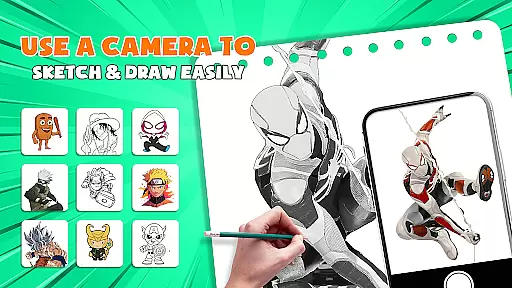
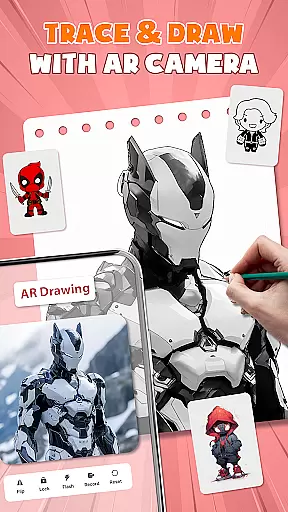
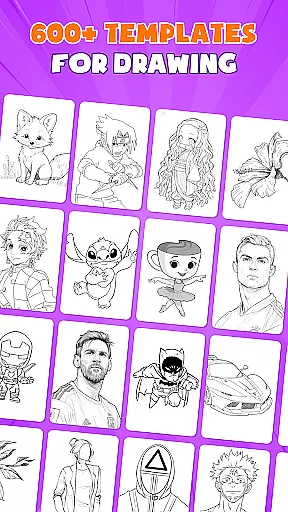
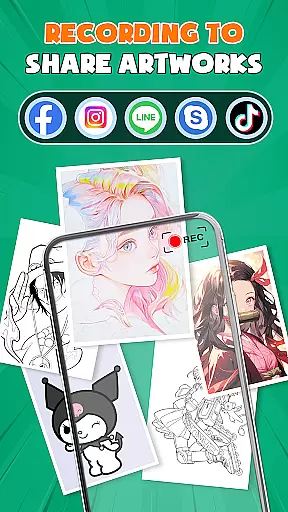
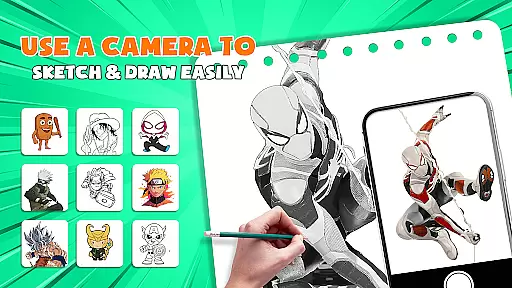
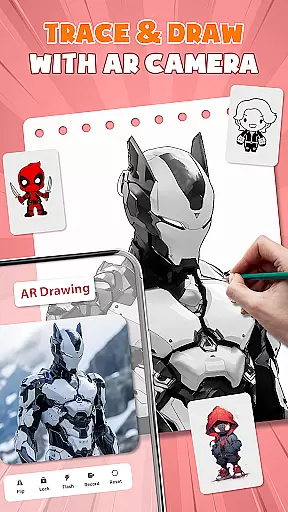
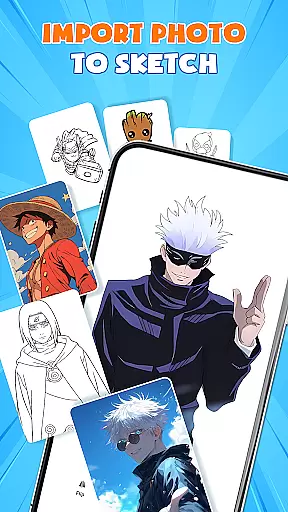
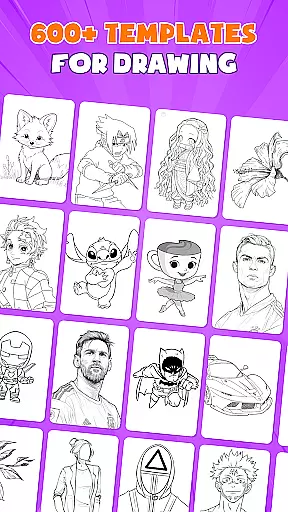
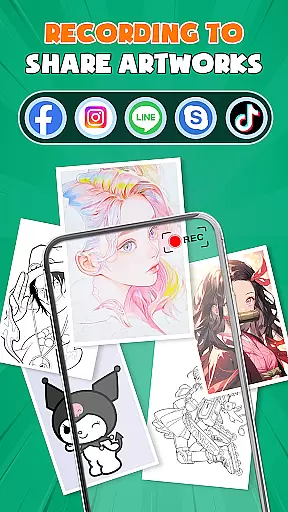
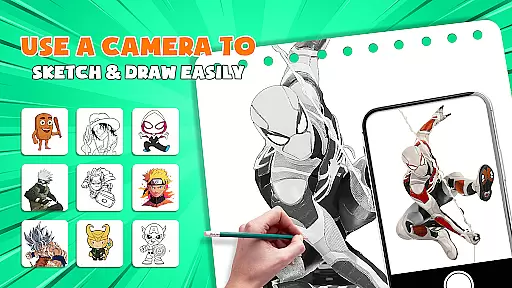
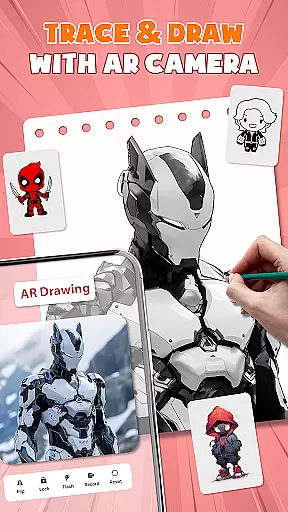
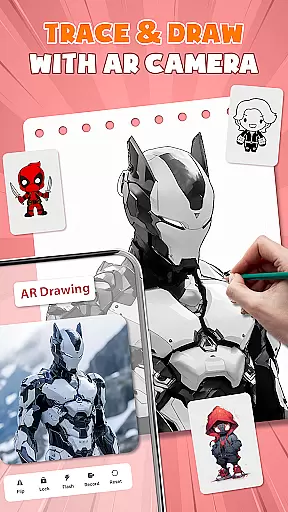
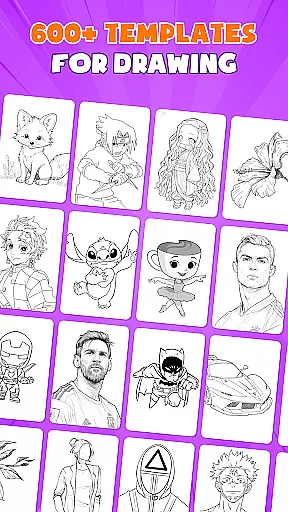
AR Drawing - Paint & Sketch is an innovative art application that combines augmented reality technology with traditional drawing techniques. This app allows users to create anime-style artwork using AR projection and tracing features, making it easier than ever to learn how to draw. With over 1000 free templates and a comprehensive suite of painting tools, the app caters to both beginners and experienced artists.
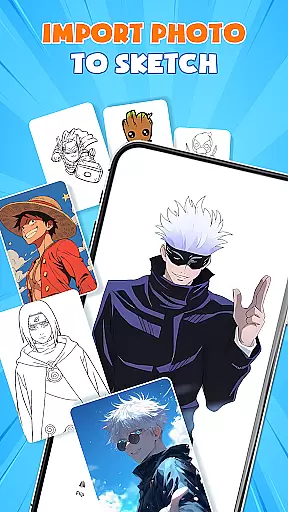
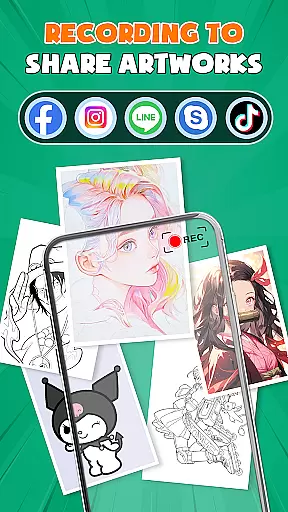
The application's standout feature is its AR anime drawing mode, which provides step-by-step tutorials and sketch overlays for creating professional-quality anime artwork. Users can import images from their gallery, adjust parameters in AR view, and trace directly onto paper or canvas. The app also includes game-like elements and community features, enabling artists to connect, share their work, and participate in drawing competitions.
This versatile drawing tool is particularly useful for artists who want to practice their skills without investing in expensive equipment. By using just their smartphone and regular drawing materials, users can achieve precise sketches and vibrant paintings. The app's intuitive interface and comprehensive feature set make it an excellent choice for anyone looking to improve their drawing abilities while exploring the possibilities of augmented reality art creation.
AR Drawing - Paint & Sketch offers an impressive array of features that revolutionize digital art creation. The app's core functionality revolves around its augmented reality capabilities, allowing users to project images onto real-world surfaces for accurate tracing. This feature is complemented by advanced drawing tools including various brushes, pencils, and coloring options that mimic traditional art supplies while providing the benefits of digital precision.
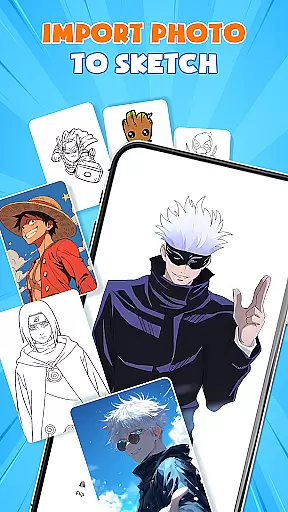
One of the most notable aspects is the Anime Studio mode, which includes specialized features for creating anime artwork. Users can access detailed tutorials, preset styles, and sketch filters specifically designed for anime drawing. The app also incorporates gamification elements through its Art Games feature, where users can participate in drawing tournaments and compete with other artists. Additionally, the Picture Importer function enables users to transform photographs into traceable artwork, expanding creative possibilities.
The application stands out through its comprehensive approach to art education and creation. It combines learning resources with practical tools, making it suitable for artists at different skill levels. The inclusion of tattoo and pencil art modes further demonstrates its versatility, while the active community platform encourages collaboration and feedback exchange among users. These features collectively create a robust environment for artistic development and experimentation.
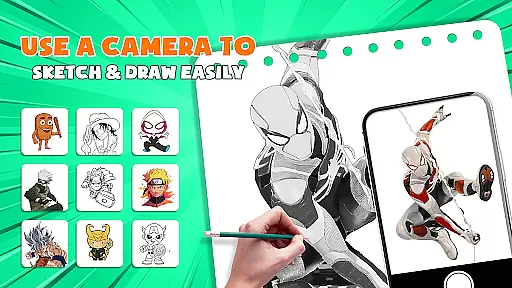
AR Drawing - Paint & Sketch offers an extensive suite of creative tools that cater to both amateur and professional artists. The app includes AR projection and tracing features, allowing users to turn their devices into mobile projectors for precise sketching. This functionality bridges the gap between traditional drawing and modern technology, providing a unique way to create art.
In addition to its projection capabilities, the app boasts a full range of painting features. Users can take advantage of vibrant brushes and shading options with the AR pencil drawing tool. These features ensure that artists have everything they need to bring their visions to life, whether they are working on simple sketches or detailed anime artwork.
The inclusion of an Anime Studio mode further highlights the app's dedication to comprehensive art creation. With ar drawing anime tutorials, presets, and sketch effects, users can immerse themselves in the world of anime art. This positions AR Drawing - Paint & Sketch as not just a drawing app but also a learning platform for those interested in anime-style creations.
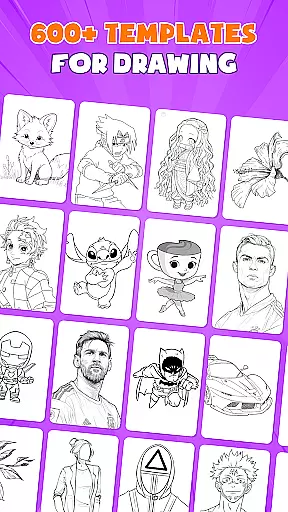
Ultimately, the app's vast array of features, including over 1000 free templates and various art games, ensures that artists have access to all the necessary tools to explore their creativity. Whether importing images for tracing or engaging in drawing competitions, users will find that this app provides a complete package for unleashing artistic potential.
Flexibility in canvas and format options is crucial for artists who wish to express their creativity without limitations. AR Drawing - Paint & Sketch addresses this need by offering versatile canvas settings that adapt to different artistic styles and requirements. Artists can easily adjust the size, position, and transparency of their projects within the AR view, ensuring that their work fits perfectly on any physical medium.
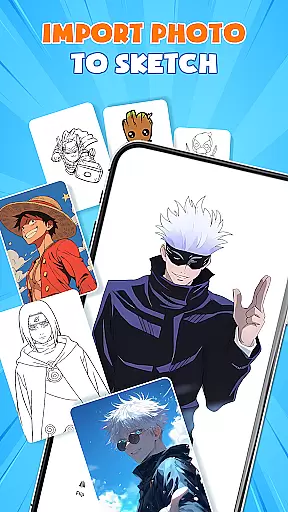
The app supports importing images from a gallery, which can then be adjusted for opacity and traced directly. This feature allows creators to transform photographs into artwork effortlessly, expanding the possibilities for artistic expression. By accommodating various input methods, the app caters to a wide range of artistic processes and preferences.
Moreover, AR Drawing - Paint & Sketch facilitates a seamless transition from sketching to coloring. Users can switch to paint mode to add colors and finalize their masterpieces. This dual capability enhances the flexibility of the canvas, making it suitable for both line art and fully colored pieces.
With its focus on adaptable canvas and format options, AR Drawing - Paint & Sketch empowers artists to experiment with different techniques and styles. Whether crafting detailed pencil sketches or vibrant anime drawings, users can trust that the app will support their vision and allow them to produce high-quality art every step of the way.
User-friendly interface
Extensive template library
Advanced AR features
Comprehensive art tools
Active artist community
May require premium purchase
Steep learning curve
Device compatibility issues
Limited offline functionality
High system requirements

Premium version of Shimeji-ee app with no ads & no limit active shimeji
 4.0
4.0
Image/ Text to Video Generator
4.40
Sketch, plan, take notes and illustrate on an infinite canvas.
4.20
Draw anime & manga drawing, art with templates to create stunning picture!
4.50
Castle is social media for creating and playing games!
4.60
Photo editor for art, avatars, filters & fun transformations.
4.60
Create cute cat emojis & PFPs! Fun, custom avatars for cat lovers.
3.70
Unleash your inner artist! Sketchar: AR Drawing for Limitless Creativity
4.40
All-in-One art, logo & collage maker. Design photos and edit video backgrounds
4.80
Your AI soulmate — meaningful chats, and unique emotional moments
4.70
Painting, drawing, & sketching
4.50
Create and Design Custom Logos in Seconds with AI-Powered Tools!
4.40
Remove Background, Magic Eraser, Photo Enhancer, Story Templates, Collage Maker
4.30
Bring One UI 8.5 Icons to life -elegant dark icons with a modern, premium touch.
4.30
Customizable Outlined Fonts. Watch Face Format. Battery friendly Digital Clock.
4.20
Create stylish invitation cards using templates for weddings, birthdays & RSVP.
4.20
Vidu is an AI video generator made for creators and aspiring makers.
3.30
Sketch, trace and master AR drawing with awesome anime art!
3.30
Download now for a stylish and functional timepiece
4.1


User Reviews