
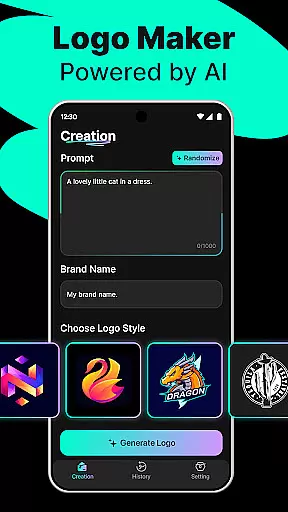
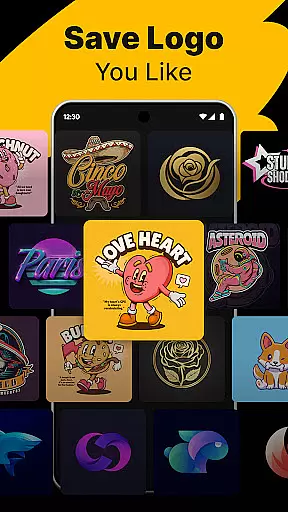
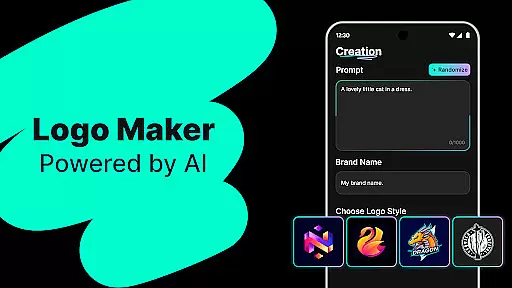
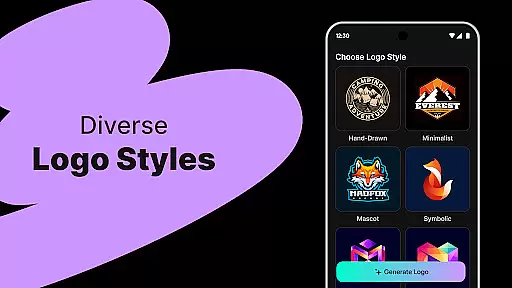
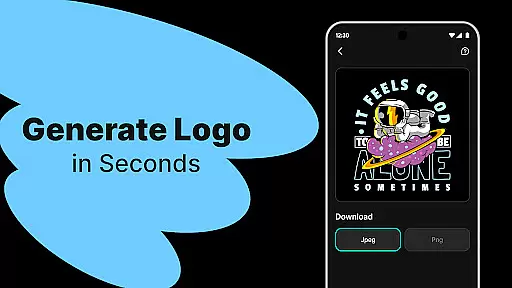
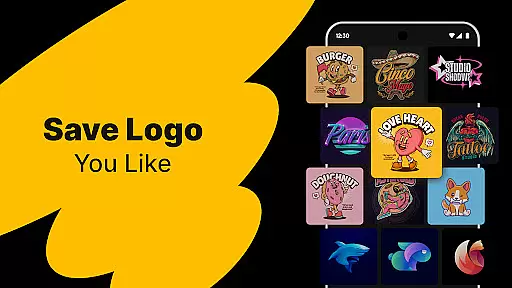
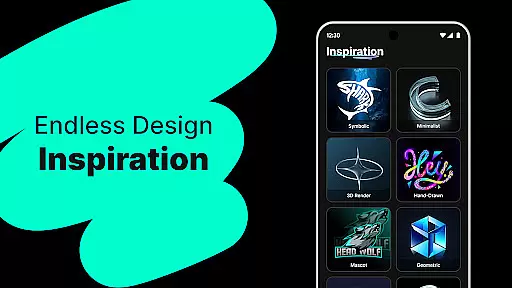
Logo Maker is an AI-powered logo design tool that enables users to create professional logos effortlessly. Designed for entrepreneurs, small businesses, and creators, it eliminates the need for design expertise by generating unique logo designs based on user input. Simply describe your vision, and the app crafts multiple logo options tailored to your brand.
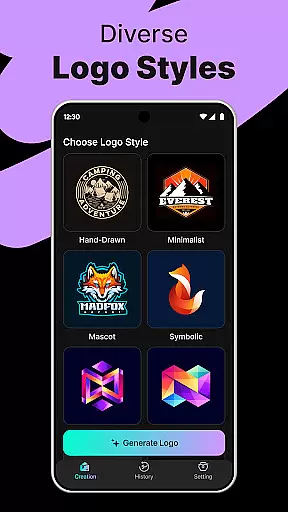
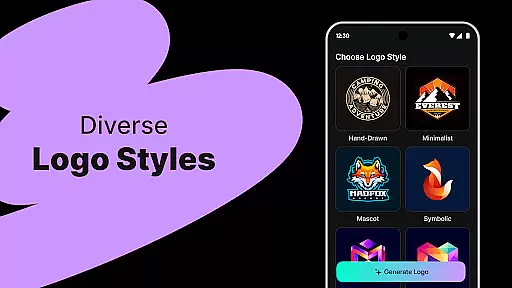
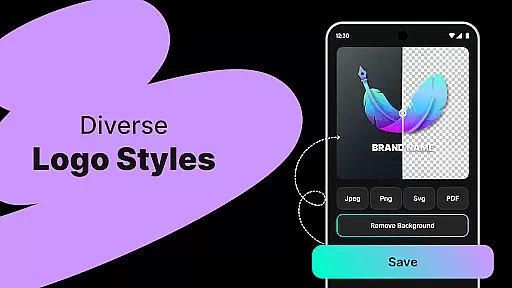
The app offers hundreds of customizable templates spanning various styles such as modern, minimalist, vintage, and hand-drawn. Users can refine their logos with a user-friendly editor that supports drag-and-drop functionality. Additionally, high-quality exports in PNG and JPG formats ensure logos are suitable for websites, business cards, social media, and print materials.
Whether you're building a startup, managing personal projects, or creating content for platforms like YouTube and Instagram, Logo Maker provides a fast, budget-friendly solution to establish a strong brand presence.
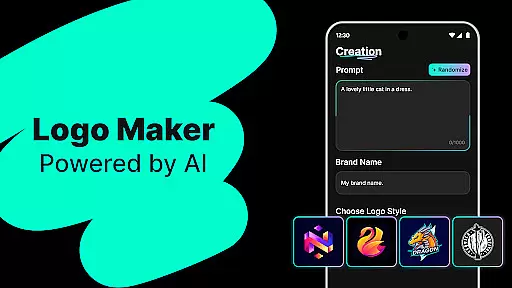
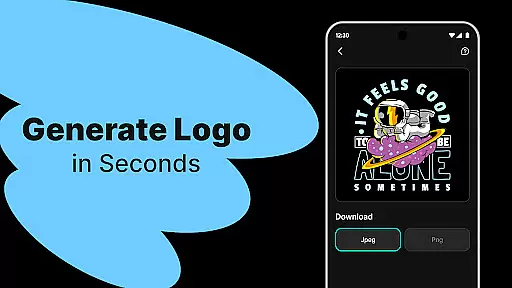
Logo Maker stands out with its AI-driven logo generation capabilities. By entering a brand name and relevant keywords, users instantly receive multiple unique logo designs. This feature ensures quick ideation without compromising creativity, making it ideal for users who need professional results in minimal time.
The app includes an extensive library of customizable templates catering to diverse design preferences. From sleek modern aesthetics to classic vintage looks, these templates serve as a starting point for further customization. The intuitive drag-and-drop editor allows users to adjust elements easily, ensuring a personalized final product.
Another notable feature is the ability to export logos in high-resolution formats. This functionality supports various use cases, including digital platforms and physical marketing materials. With its combination of speed, flexibility, and quality output, Logo Maker empowers users to produce polished logos that align with their branding goals.
When it comes to logo design, having access to a comprehensive set of creative tools is essential. Logo Maker offers an extensive suite of features that cater to both beginners and experienced designers. The AI-powered logo generation allows users to input their brand name and keywords, instantly receiving multiple unique logo concepts.
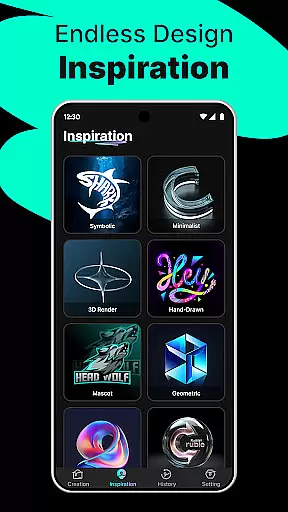
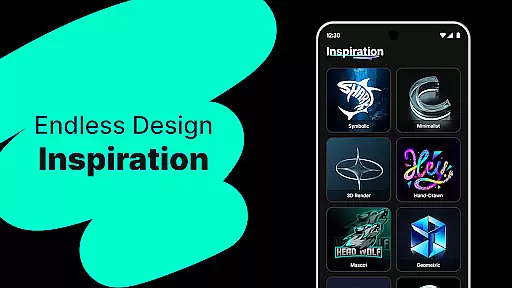
In addition to the smart generator, the app provides hundreds of customizable templates. These templates span various styles including modern, minimalist, vintage, and hand-drawn designs, ensuring there's something for every brand identity. This vast template library empowers users to find the perfect starting point for their logo creation process.
The user-friendly editor takes design accessibility to the next level. With intuitive drag-and-drop functionality, even those without any design experience can easily manipulate elements, change colors, and adjust layouts. This combination of powerful AI technology and traditional design tools creates an unparalleled creative environment.
Furthermore, the app supports high-quality exports in multiple formats including PNG and JPG. These export options ensure logos maintain their integrity across various platforms, from websites and business cards to social media profiles and print materials. This complete package of creative tools makes professional logo design accessible to everyone.
Flexibility in canvas size and format options is crucial for creating logos that work across different mediums. Logo Maker understands this need and provides users with remarkable adaptability in their design process. The application allows seamless adjustments to canvas dimensions, enabling designers to create logos suitable for everything from small business cards to large-scale banners.
The platform supports various aspect ratios and resolutions, ensuring logos maintain their quality and proportions regardless of where they'll be used. Whether you're designing for digital platforms like websites and social media profiles or preparing files for print materials such as brochures and posters, the app accommodates all these requirements effortlessly.
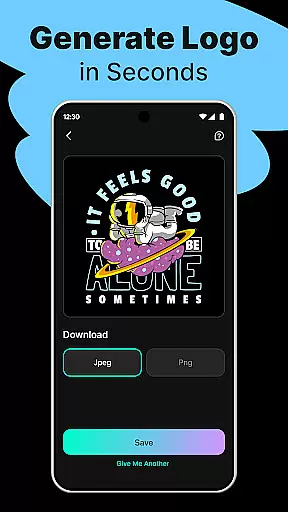
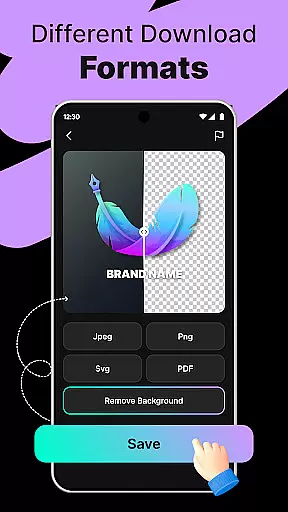
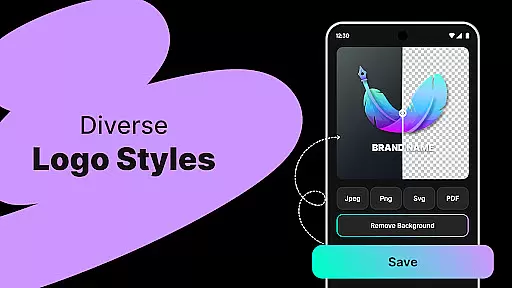
Moreover, Logo Maker offers multiple file format options for exporting finished designs. Users can download their logos in both PNG and JPG formats, each optimized for specific use cases. The PNG format provides transparent backgrounds ideal for versatile applications, while JPG ensures compatibility with virtually all digital platforms.
This exceptional canvas and format flexibility extends the usability of created logos, making them suitable for diverse applications. From startups establishing their brand presence to content creators needing platform-specific graphics, the app's adaptable nature ensures every user can generate logos that perfectly fit their unique requirements.
User-friendly interface
AI-powered design
Customizable templates
High-quality exports
Budget-friendly pricing
Limited advanced tools
Fewer typography options
Basic color schemes
Occasional AI inaccuracies
No live support

The ultimate tool for creating animations
 4.60
4.60
Learn how to draw with step-by-step tutorials, fun lessons & multiplayer drawing
4.70
Create trending AI photos & videos with powerful effects and 3D styles.
3.20
Digital illustration drawing & painting pad app to paint Anime and Manga art
4.50
Trace, draw, and create art with AR - from memes to masterpieces!
4.30
Logo Generator powered by AI: Create stunning logos effortlessly!
4.70
Design unique, funny and adorable cat stickers that reflect your own style!
3.80
Your homescreen as an elegant glass with customized blur, lighting, and visuals.
3.70
Create cute cat emojis & PFPs! Fun, custom avatars for cat lovers.
3.70
Mobile pixel art editor. Simple. Fast. Portable.
4.80
Image resizer to resize, crop, rotate, flip, change dpi photo or picture in bulk
4.60
Unleash your drawing and painting potential
4.50
800+ Drawing, Painting Lessons App to Practice, Sketch & Paint Art.
4.30
Easy 3D drawing design maker & creator. Model designing, Sculpting. Create&paint
4.00
AI Assistant, powered by ChatGPT GPT-4 & GPT-4o. Your intelligent companion.
3.50
Create sweet, cool and unique couple avatars easily, in just a few steps!
3.40
Inky runs Inkscape on Android devices and Chromebooks
2.90
Art of Combination Wear OS Watch Faces
4.5
A luxurious gold watch face for an elegant and refined look.
4.1


User Reviews