
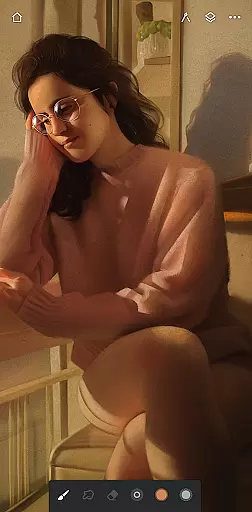
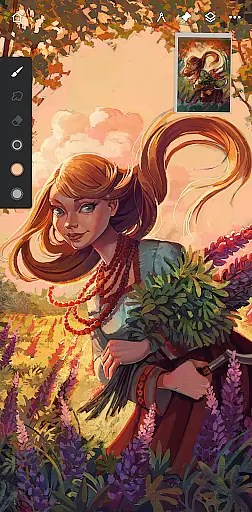
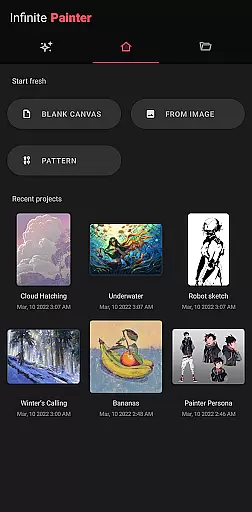
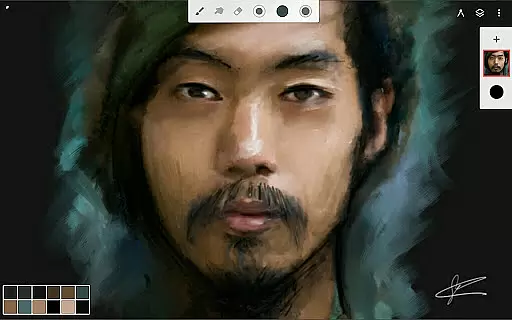
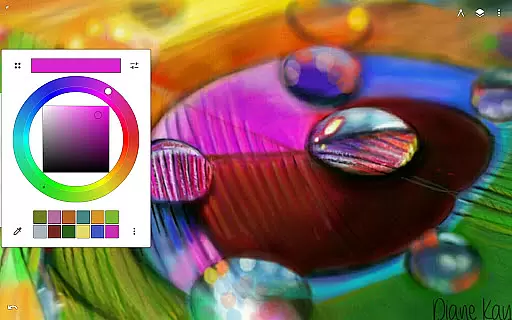
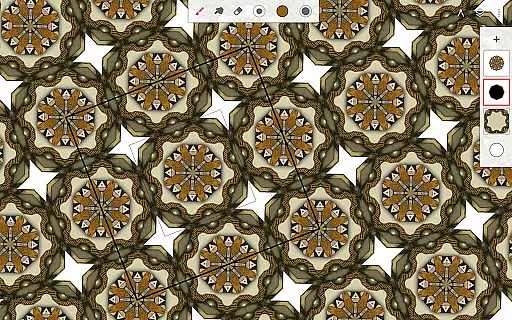
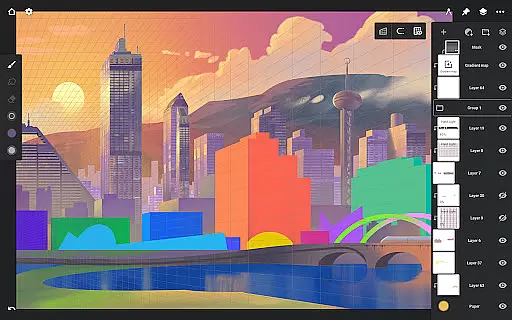
Infinite Painter is a premier painting, sketching, and drawing app designed for tablets, phones, and Chromebooks. It offers an award-winning experience with rich features tailored for artists of all levels, whether art is your hobby or career.
Key highlights include best-in-class pencils, an intuitive interface, and robust tools. The app supports stylus devices with full pressure and tilt, allowing users to create realistic brush strokes. Additionally, it provides advanced functionalities like symmetry tools, perspective guides, and pixel-perfect editing options.
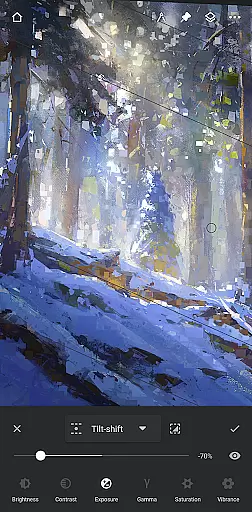
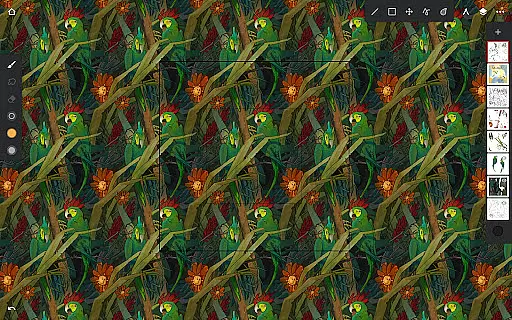
With Infinite Painter, artists can enjoy seamless pattern projects, industry-leading transformations, and over 40 live filter effects. The app also facilitates sharing timelapse recordings and integrates with a growing community of creators.
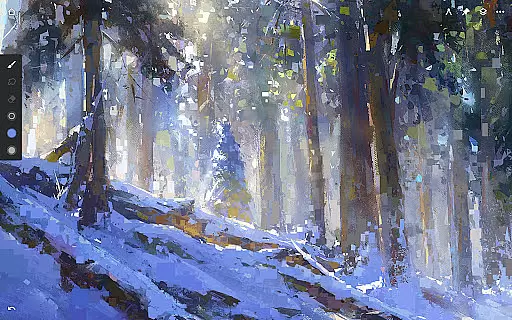
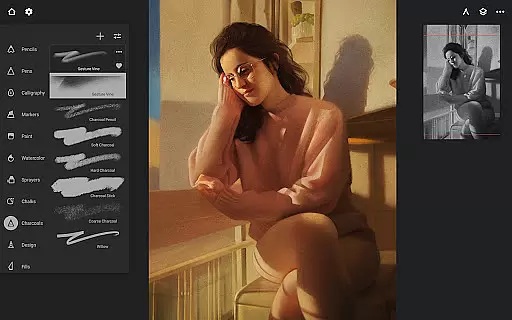
Infinite Painter stands out with its comprehensive set of features designed to enhance the creative process. The app includes hundreds of built-in brushes with customizable settings, enabling realistic interactions between brush and canvas.
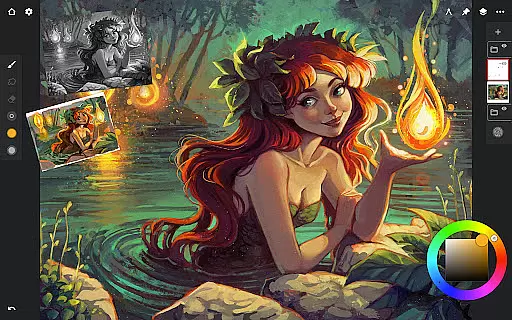
Artists can organize their workspace efficiently with a clean, customizable interface that minimizes clutter. Tools such as the quick access eyedropper, gesture-based canvas rotation, and innovative hatching guides streamline the drawing experience.
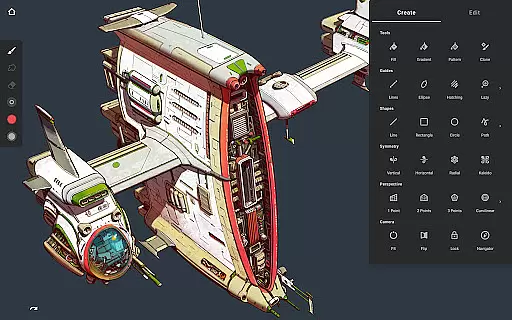
Advanced tools like 3D cityscape design with perspective guides, smart shape detection, and professional color correction make this app suitable for both amateur and professional use. Users can also import and export custom brushes, ensuring a personalized workflow.
Infinite Painter offers an extensive suite of creative tools that cater to both amateur and professional artists. The app includes hundreds of built-in brushes with realistic brush-to-canvas interaction, offering over 100 customizable settings. This allows users to fine-tune their drawing experience according to their preferences and needs.
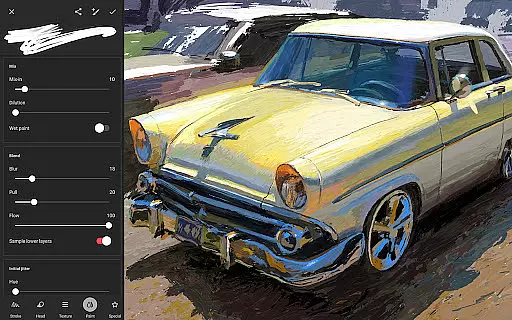
For those who work with stylus devices, the app provides full pressure and tilt support, ensuring every stroke translates accurately from the hand to the digital canvas. Artists can also apply real-time color adjustments and live effects to any brush, providing a dynamic range of artistic expressions without interrupting the creative flow.
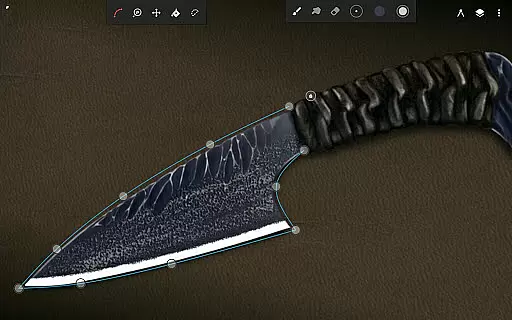
The versatility extends to features like seamless pattern projects, selection and masking tools, and industry-leading transformations. Infinite Painter supports complex symmetry options, smart shape detection, and innovative guides such as the Hatching guide, which help in creating precise drawings with ease.
With functionalities ranging from gradient map adjustments to liquify effects, this application ensures that creators have everything they need at their fingertips for an immersive art-making process.
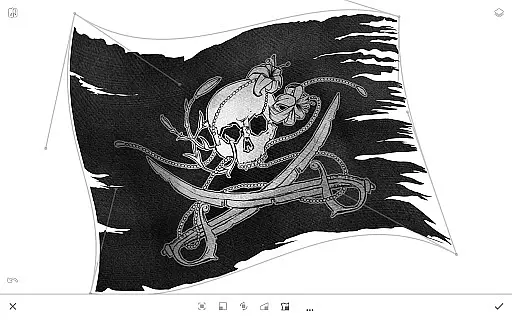
Flexibility is key when it comes to digital art creation, and Infinite Painter excels by providing a highly adaptable canvas environment. Users can enjoy more canvas space with less clutter thanks to its clean, customizable interface that lets them assign finger functions separately from the stylus, enhancing control over their artwork.
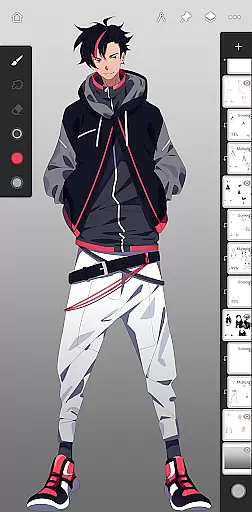
The app's layer support system is robust, featuring 30 blend modes along with masks for layers, adjustments, and groups. Artists can transform multiple layers simultaneously or target specific ones using fill tools, giving them unparalleled command over how elements interact on the canvas.
Infinite Painter also supports various formats including exporting images as JPG, PNG, WEBP, ZIP, layered PSD files, or Painter projects. This format compatibility ensures that no matter where your work will be used nextu2014be it print or webu2014you're covered with high-quality output options.
Additionally, artists benefit from perspective guides designed for creating 3D cityscapes, isometric perspectives ideal for game art, plus tools tailored towards pixel-perfect editing such as cloning techniques and pattern creation aids, making sure every detail meets exact specifications.
Intuitive user interface
Extensive brush library
Realistic drawing experience
Advanced layer support
Vibrant artist community
Limited free features
Pro subscription required
High learning curve
Occasional bugs
Device compatibility issues

Premium version of Shimeji-ee app with no ads & no limit active shimeji
 4.0
4.0
The ultimate tool for creating animations
4.60
Design your dream room with AI. Get decor ideas & plan home interiors
3.90
AI Assistant, powered by ChatGPT GPT-4 & GPT-4o. Your intelligent companion.
3.50
Create color palette from Image, RGB & RYB Color wheel harmonies, Color Scheme
4.50
Android 14 style widgets and wallpapers app.
4.0
Draw, fidget, and spin glow art! Relax and express your creativity with a finger
4.60
Explore future self face age filter & remove background image for a unique look.
3.50
Multiplayer Drawing game, Coloring, Painting・Sketch, Handwriting・Paint, draw
4.30
Logo Generator powered by AI: Create stunning logos effortlessly!
4.70
Novices can also easily complete diamond painting masters
4.70
Photo stitcher for automatically screenshot stitching into a long screenshot
4.70
Draw beautiful mandala's very easily
4.60
Video AI: Revolutionize Your Content Creation with Advanced Video Generation
4.50
800+ Drawing, Painting Lessons App to Practice, Sketch & Paint Art.
4.30
Customizable Outlined Fonts. Watch Face Format. Battery friendly Digital Clock.
4.20
Easy 3D drawing design maker & creator. Model designing, Sculpting. Create&paint
4.00
Powerful home decoration & house design that allows you to design dream home.
3.80
A luxurious gold watch face for an elegant and refined look.
4.4


User Reviews