
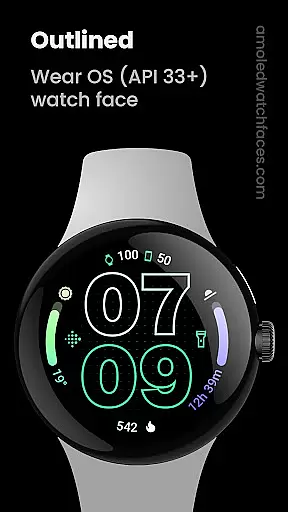
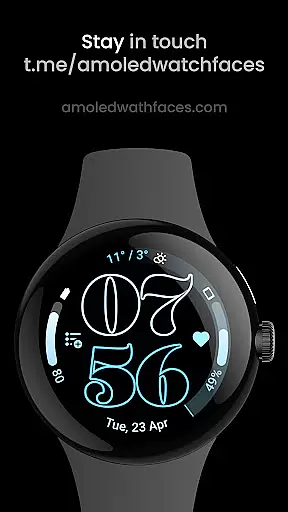
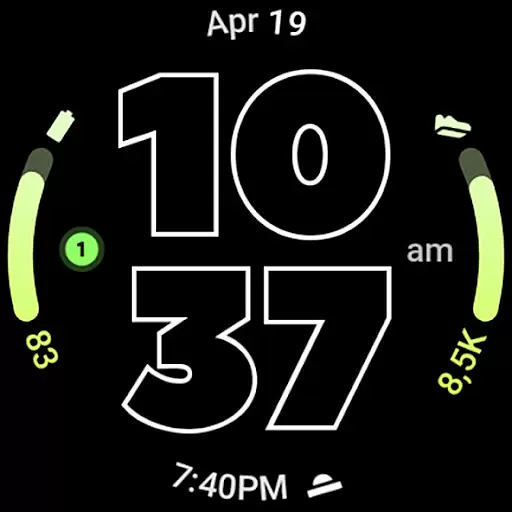
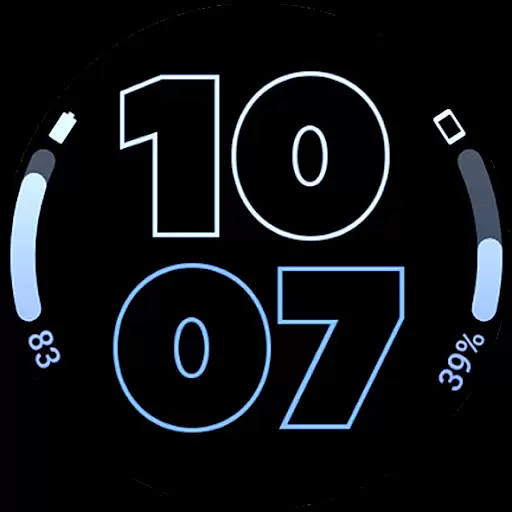
Outlined Watch Face is a premium design for Wear OS 4+ devices, offering users a unique and customizable watch face experience. It features true black backgrounds, battery-friendly operations, and high-resolution designs optimized for round watches.
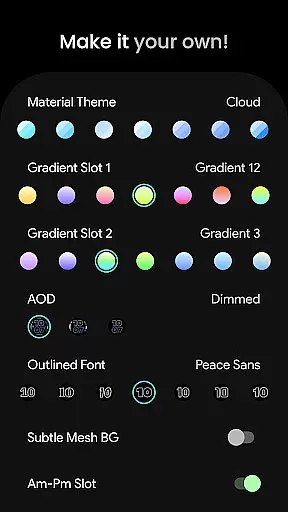
The app supports advanced complications like combined watch/phone battery indicators and offers unique outlined digital clock fonts. With compatibility across Pixel Watch 2 and Galaxy Watch6, it provides users with extensive customization options including gradient slots, material themes, and Always-On-Display (AOD) styles.
This application is ideal for users seeking both aesthetic appeal and functional utility on their smartwatches, ensuring a personalized and efficient wearable experience.
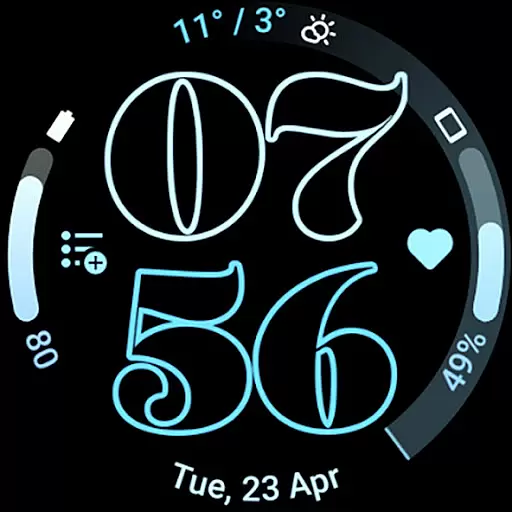
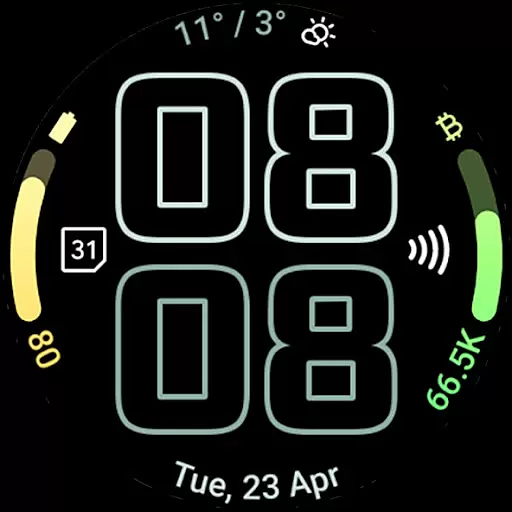
Outlined Watch Face stands out with its innovative features tailored for tech-savvy users. The app utilizes the Watch Face Format to deliver two gradient arc complication slots and supports combined battery complications for both watch and phone.
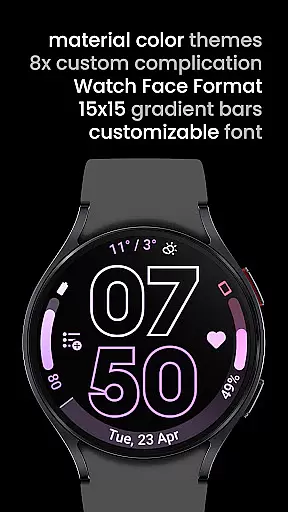
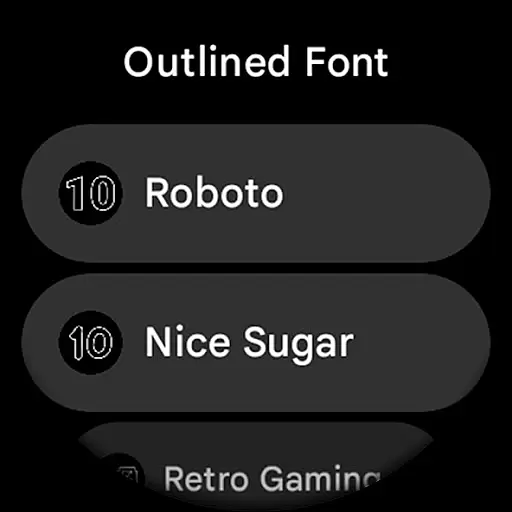
Users can choose from unique outlined digital clock fonts and enjoy a true black background that enhances battery life. The high-res design includes custom color themes and individual progress bar gradients when ranged value complications are used.
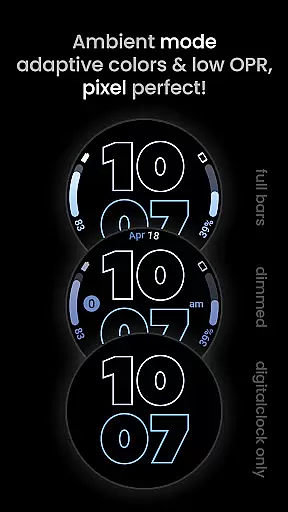
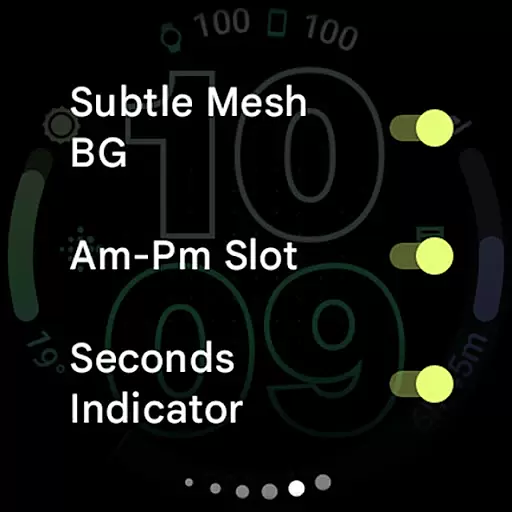
Additional features include burn-in protection, optional wave-styled seconds indicators, and three AOD styles. These functionalities allow users to create a personalized daily companion while optimizing battery performance through MCU offloading options.
Creative tools are essential for users seeking to customize their wearable experience. Outlined Watch Face offers a comprehensive suite of creative options that allow users to personalize their watch faces with precision.
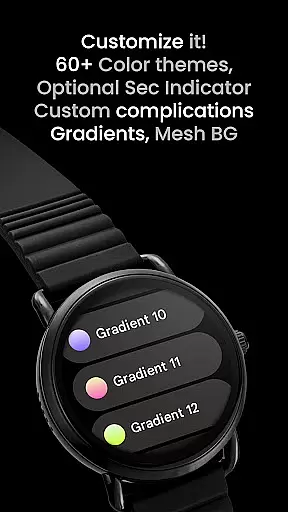
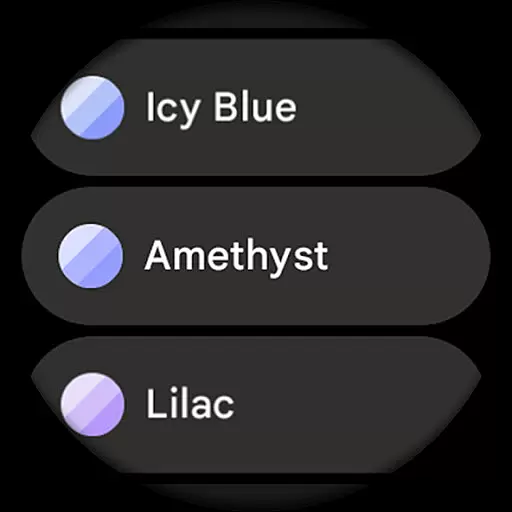
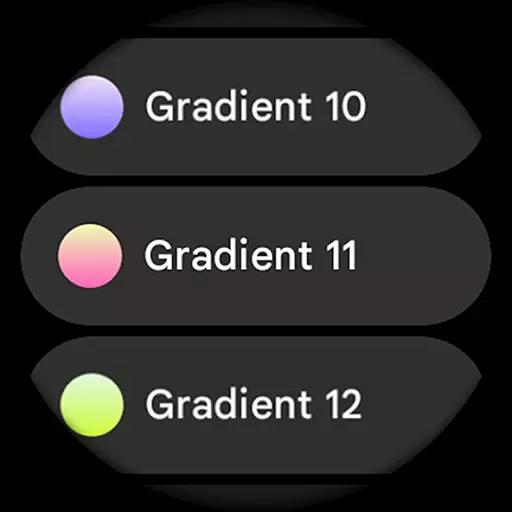
The app provides over 60 material themes and 19 gradient choices, ensuring a wide variety of customization possibilities. Users can choose from unique outlined digital clock fonts and select between different Always-On-Display styles, offering three distinct choices to fit personal preferences.
With support for custom complications, including battery indicators and wave-styled seconds indicators, the app ensures that each feature is both functional and visually appealing. This level of detail extends to optional settings like burn-in protection and subtle mesh backgrounds, enhancing usability without compromising aesthetics.
By integrating advanced features such as combined watch/phone battery complications and high-res design compatibility, Outlined Watch Face empowers users to create a truly personalized and battery-efficient wearable experience.
Flexibility in canvas and format options is crucial for accommodating various device types and user preferences. Outlined Watch Face excels in providing adaptable solutions tailored specifically for Wear OS 4+ devices.
This app supports fully customizable progress bar gradients, allowing users to adjust visual elements when using ranged value complications. Such detailed control ensures that every aspect of the display aligns with individual tastes and requirements.
Outlined Watch Face also includes multiple AOD styles, giving users the option to use only the digital clock and offload processing to the MCU. This not only enhances battery life but also caters to those who prefer minimalistic designs during downtime.
Additionally, the app's compatibility with high-end models like Pixel Watch 2 and Galaxy Watch6 guarantees optimal performance across different hardware configurations. By prioritizing both versatility and functionality, Outlined Watch Face delivers an unmatched level of format flexibility.
User-friendly interface
Highly customizable
Battery efficient
Unique design options
Wide device compatibility
Not for rectangular watches
Premium cost
Complex setup
Limited free features
Wear OS 4+ only

The ultimate tool for creating animations
 4.60
4.60
Digital illustration drawing & painting pad app to paint Anime and Manga art
4.50
Create stunning video, photo & magic from text with FlixAI GPT video generator.
3.10
Powerful home decoration & house design that allows you to design dream home.
3.80
2D animation studio for Android tablets - unlimited layers, infinite timeline
4.70
Inky runs Inkscape on Android devices and Chromebooks
2.90
Everything you need to create hand drawn animation, anywhere you go!
4.40
Retouch photos. Create or edit images. Endless capabilities.
2.70
AI-powered photo & video creation—fast, fun, and effortless with Quick Actions
4.60
Mobile pixel art editor. Simple. Fast. Portable.
4.80
Your AI soulmate — meaningful chats, and unique emotional moments
4.70
Draw glowing spinners, relax, and spin your creative art
4.60
Discover Cartoon Dream : Unleash Your Creativity with CuttingEdge AI
4.50
Stylish letters, Stylish Keyboard, Symbols, Emojis, Cool nickname
4.40
Easy 3D drawing design maker & creator. Model designing, Sculpting. Create&paint
4.00
Sketch and paint on your device with the feel and freedom of drawing on paper
4.00
AI Face Swap, Video Effects Editor, Realtime Morph, Funny Video FX,AI Filters
3.70
Sketch, trace and master AR drawing with awesome anime art!
3.30
Download now for a stylish and functional timepiece
4.3


User Reviews