
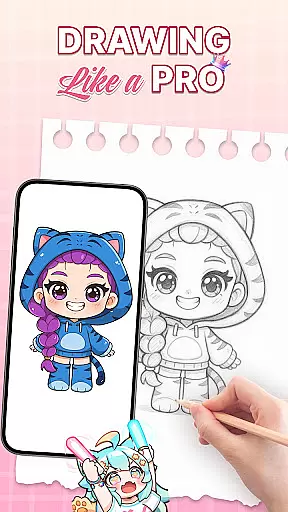
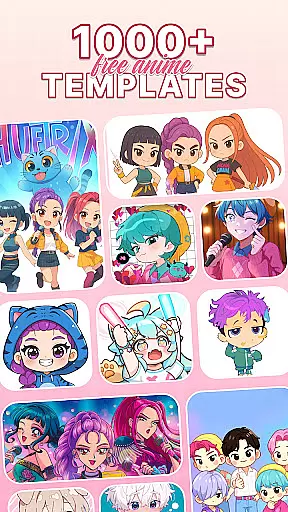
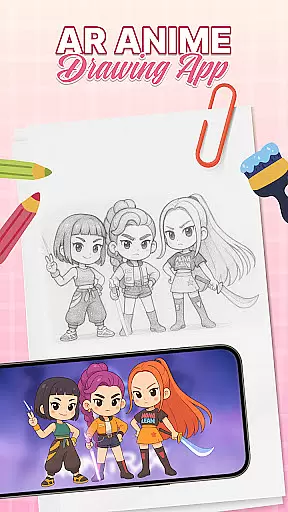
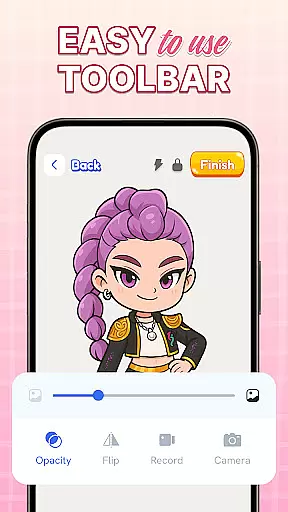
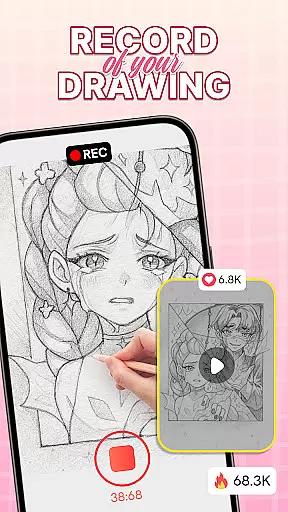
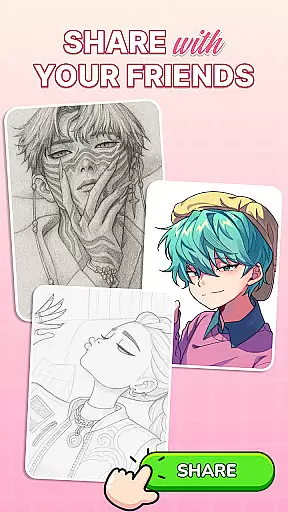
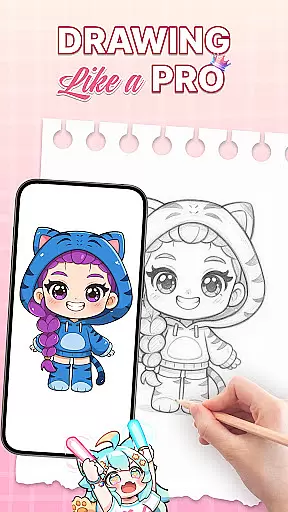
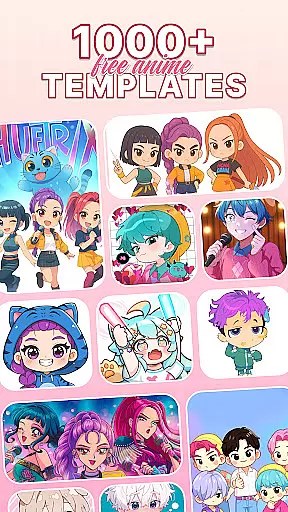
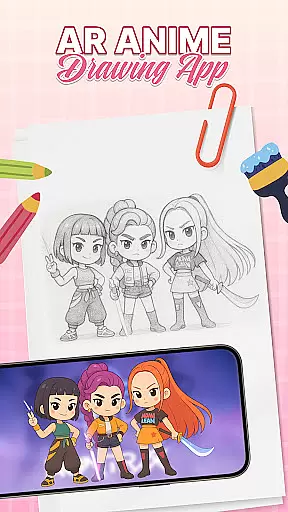
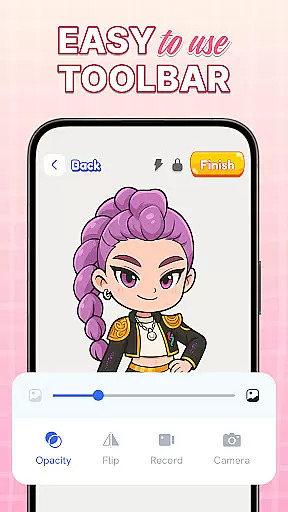
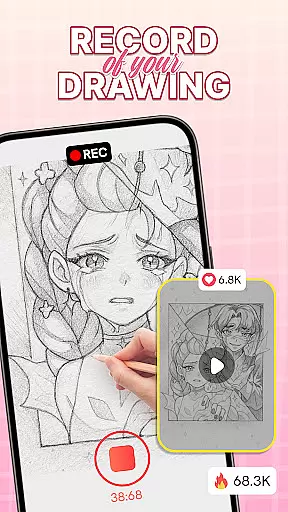
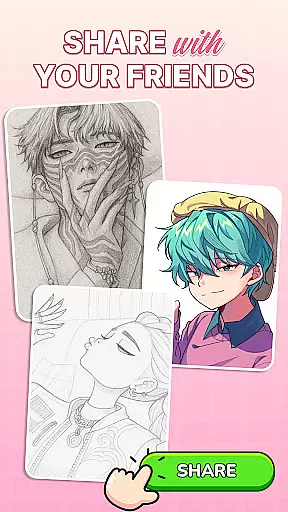
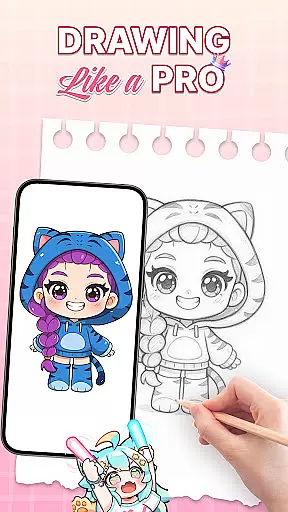
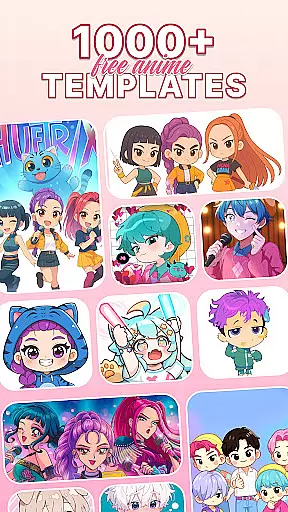
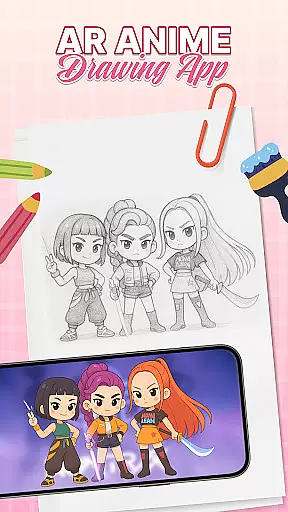
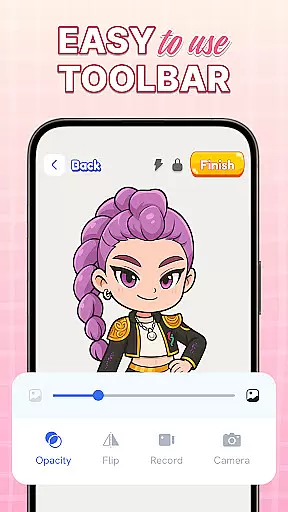
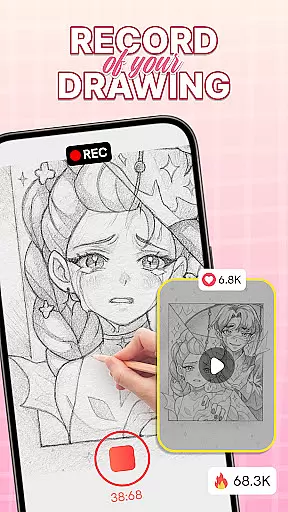
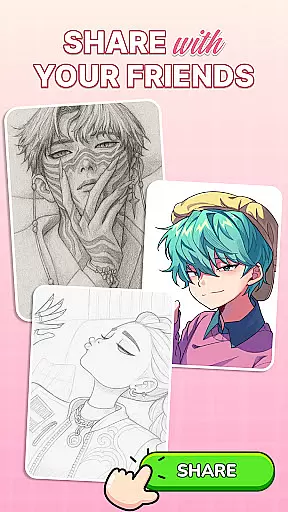
AR Drawing: Sketch & Trace is an innovative mobile application designed to revolutionize the way users engage with art. This app leverages Augmented Reality (AR) technology to project any image onto paper, allowing users to trace and sketch with remarkable ease and precision. Whether you're a beginner or a professional artist, AR Drawing offers diverse drawing templates including anime, animals, food, and nature, providing endless inspiration for your artistic journey.
The app's standout feature is its ability to turn images into traceable guides, making it an ideal tool for learning to draw anime and cartoons. With intuitive camera integration and a built-in flashlight for low-light conditions, users can create art anywhere, anytime. The user-friendly interface ensures accessibility for all ages, while the regular updates and educational resources make it a reliable companion for continuous skill development in various art forms.
AR Drawing: Sketch & Trace stands out with its comprehensive set of features tailored for artists of all levels. The core functionality revolves around AR drawing and tracing, where users can overlay images onto any surface through their phone's camera. This feature not only simplifies the tracing process but also enhances accuracy, making it perfect for refining sketching skills.
In addition to AR capabilities, the app provides a vast library of drawing templates covering multiple categories such as anime, animals, and nature. These templates serve as excellent starting points for new projects. Users can further enhance their creations with advanced Sketch & Paint tools, offering vibrant colors and intricate detailing options. The integrated camera and flash system ensure optimal visibility, even in dim environments, while the extensive palette in the Paint & Color section allows for complete customization of artworks.
When it comes to digital art applications, the comprehensiveness of creative tools is paramount. AR Drawing: Sketch & Trace offers an extensive suite of features that cater to both amateur and professional artists. The app provides diverse drawing templates covering popular themes like anime, animals, and nature, ensuring there's something for every artistic style.
The Sketch & Paint functionalities allow users to not only trace images but also add vibrant colors and intricate details to their work. With integrated camera support and a built-in flashlight, artists can project their templates onto any surface, making tracing effortless even in low-light conditions. This feature set empowers users to create detailed artwork with precision.
Moreover, the app includes a wide range of artistic tools designed to enhance creativity and refine drawing techniques. These tools are complemented by an extensive palette in the Paint & Color section, offering endless customization possibilities. Whether you're sketching traditionally or exploring AR art, these features ensure your creative process is both enjoyable and productive.
Flexibility in canvas and format options is crucial for artists who want to explore different mediums and styles. AR Drawing: Sketch & Trace excels in this area by providing versatile solutions that adapt to various artistic needs. Users can project any image onto paper using augmented reality, allowing them to trace and refine their sketches with ease.
The app supports a broad spectrum of drawing templates, from anime to food illustrations, giving artists the freedom to experiment with different subjects and styles. This versatility extends to its Sketch & Paint tools, which enable users to bring their creations to life with vibrant colors and fine details. Such flexibility ensures that each piece of art remains unique and personal.
Additionally, the user-friendly interface makes it easy for anyone, regardless of skill level, to navigate and utilize these flexible features effectively. Regular updates promise ongoing improvements and new functionalities, keeping the creative journey exciting and relevant. By blending technology with creativity, AR Drawing: Sketch & Trace offers limitless possibilities for artistic expression.
User-friendly interface
Vast template library
Augmented reality tracing
Regular feature updates
Educational benefits
Limited free templates
Requires stable surface
Flashlight could be brighter
Occasional bugs
Premium subscription needed

Create sweet, cool and unique couple avatars easily, in just a few steps!
 3.40
3.40
Art of Combination Wear OS Watch faces
4.4
Passport size photo maker, create ID photo and visa photo in seconds
4.80
AI Art Generator transforms your words into AI generated art & paintings.
3.70
Create stunning video, photo & magic from text with FlixAI GPT video generator.
3.10
Mobile pixel art editor. Simple. Fast. Portable.
4.80
Resize photos and print photos in exact size with our powerful photo printer!
3.80
2D animation studio for Android tablets - unlimited layers, infinite timeline
4.70
Draw, fidget, and spin glow art! Relax and express your creativity with a finger
4.60
Novices can also easily complete diamond painting masters
4.70
The perfect place to start sketching! Use Sketchbook to draw and paint sketches.
4.50
800+ Drawing, Painting Lessons App to Practice, Sketch & Paint Art.
4.30
Customizable Outlined Fonts. Watch Face Format. Battery friendly Digital Clock.
4.20
Create stylish invitation cards using templates for weddings, birthdays & RSVP.
4.20
Your homescreen as an elegant glass with customized blur, lighting, and visuals.
3.70
Art of Combination Wear OS Watch Faces
3.30
Pose and morph realistic male and female models! 3D poser app
3.00
Inky runs Inkscape on Android devices and Chromebooks
2.90
Transform photos into amazing monochrome dither art with professional algorithms
4.5


User Reviews