
AR Drawing - Sketchar App is a revolutionary tool in the Art & Design category that combines augmented reality with creative expression. This app allows users to transform their real-world environment into a canvas for drawing and sketching, blending physical surroundings with virtual elements.
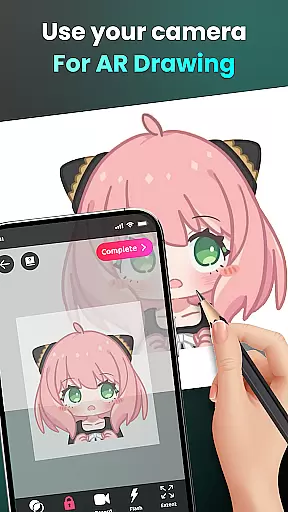
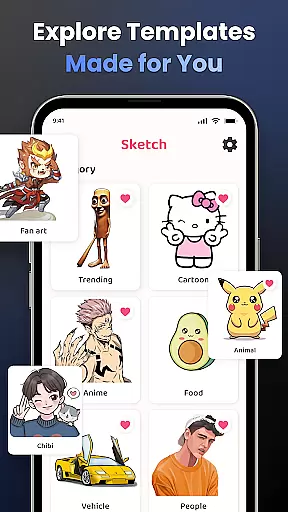
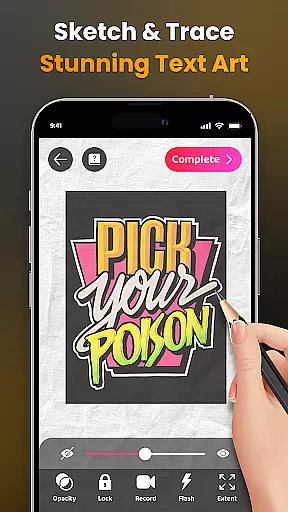
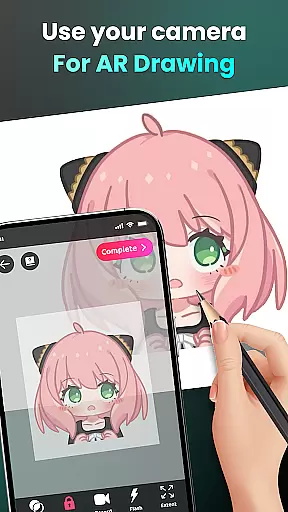
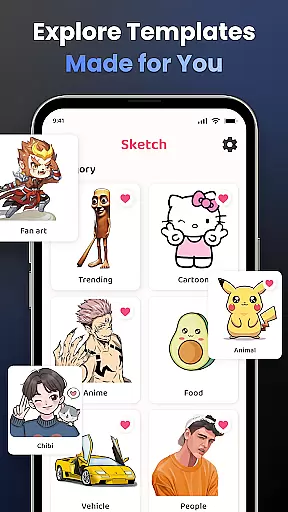
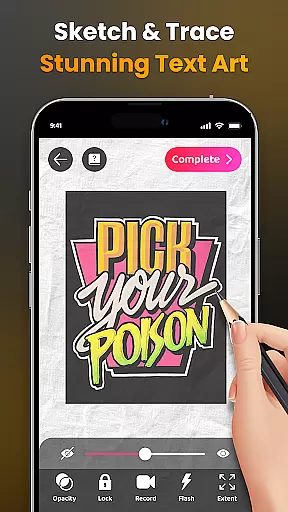
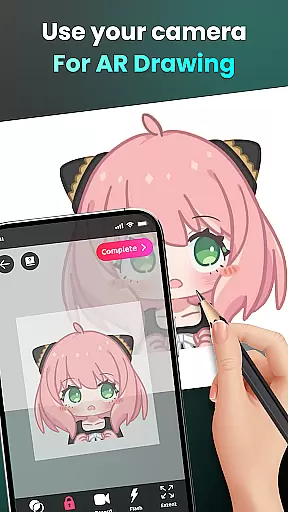
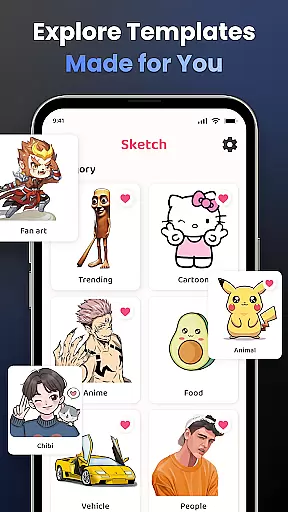
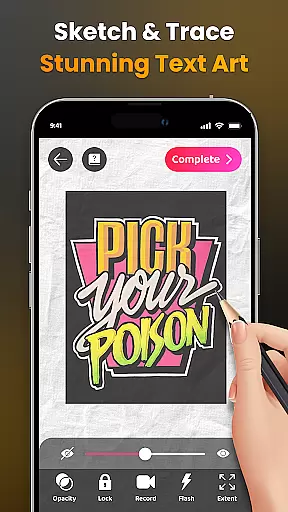
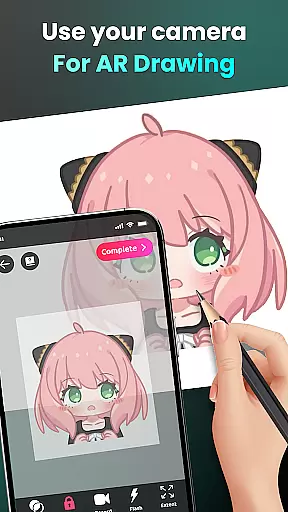
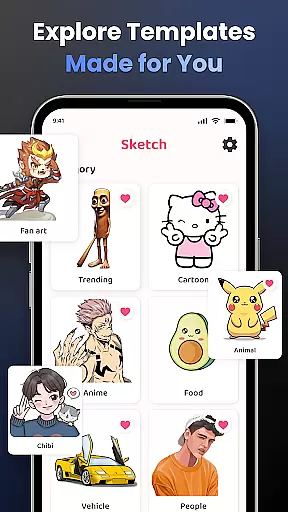
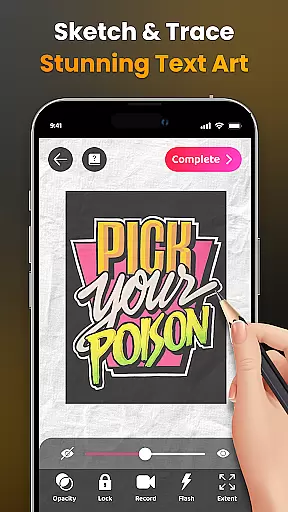
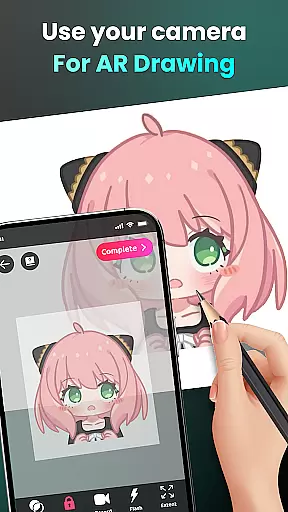
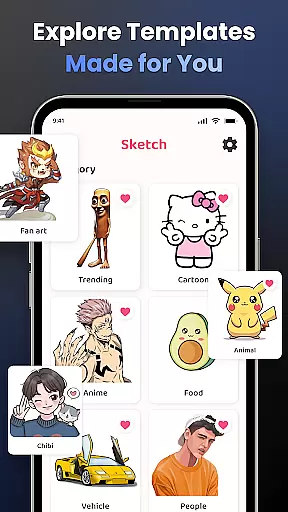
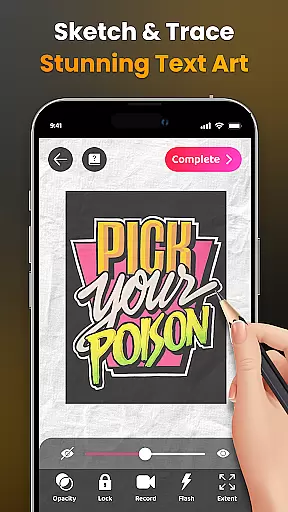
The core functionality includes camera-based drawing, where users can sketch anything they see through their phone's camera. Whether it's characters like Hello Kitty or Pikachu, or complex scenes from daily life, AR Drawing makes it possible to create unique artwork effortlessly. The app also offers advanced features such as opacity adjustment, video recording of the drawing process, and zoom controls.
This app is particularly useful for both beginners who want to learn how to draw and experienced artists looking to explore new creative avenues. With personalized content, skill tracking, and a diverse range of lessons, AR Drawing provides an all-encompassing platform for artistic growth and sharing your creations with a wider community.
AR Drawing stands out with its innovative use of augmented reality technology. The app's camera-based drawing feature lets users sketch live scenes or objects, making it easy to trace and recreate images from their surroundings. This functionality supports everything from simple outlines to detailed drawings of popular characters and complex scenes.
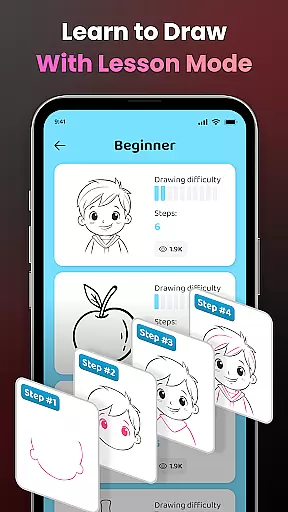
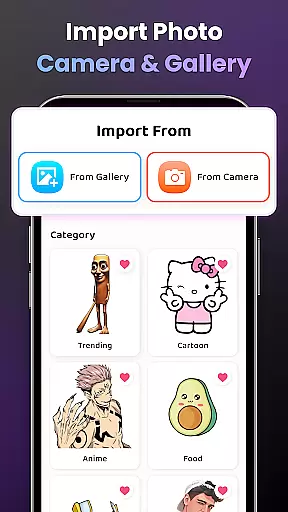
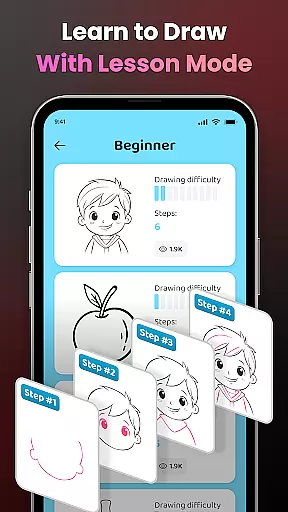
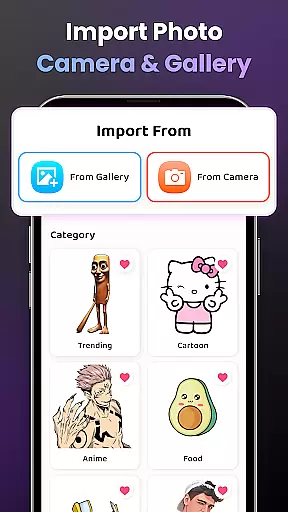
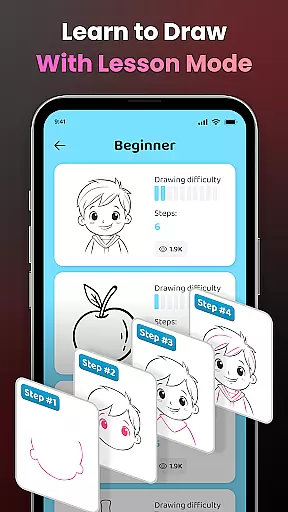
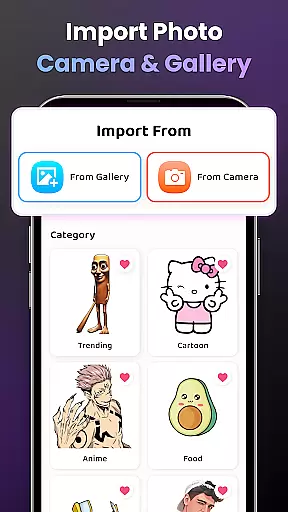
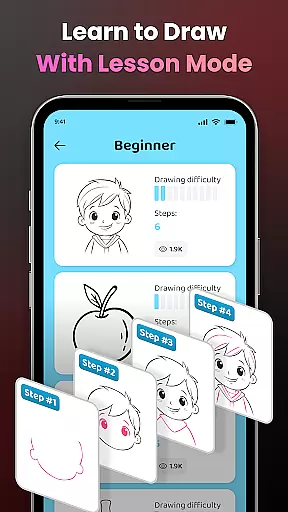
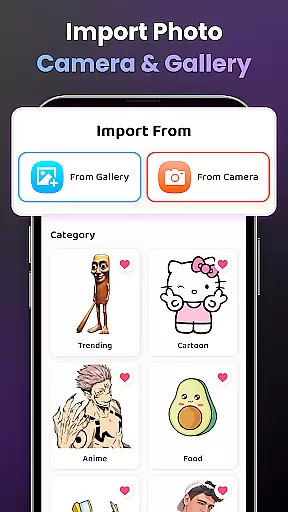
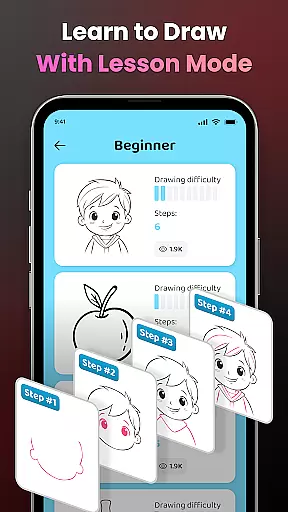
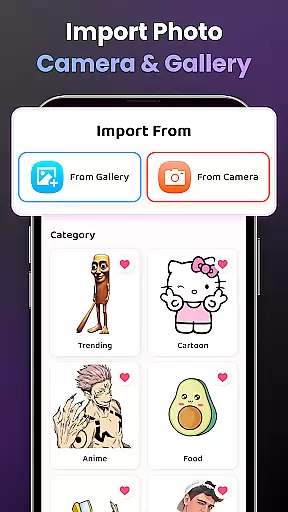
In addition to its primary drawing capabilities, the app offers extensive customization options. Users can adjust opacity levels, control flash settings, and zoom in or out for precision drawing. The ability to import personal photos and access a vast library of samples ensures unlimited creative possibilities. Video tutorials are available for beginners, providing step-by-step guidance on creating specific artworks.
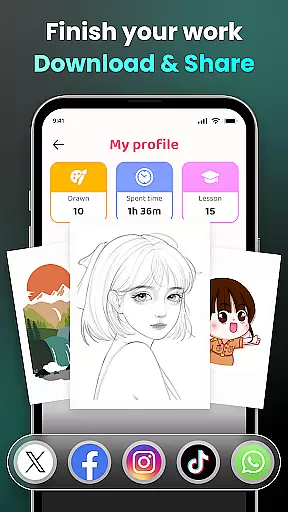
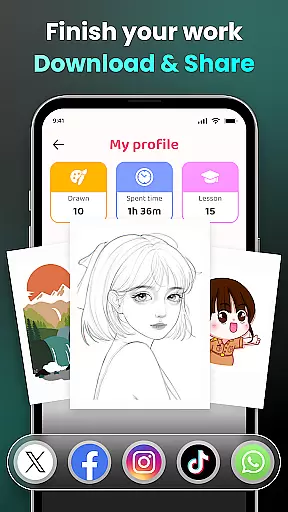
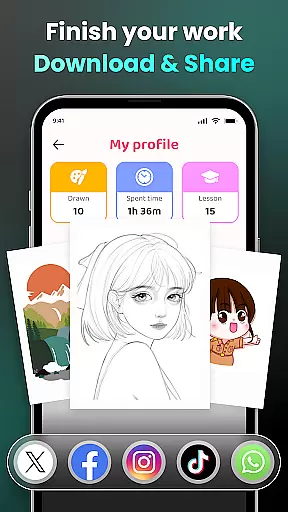
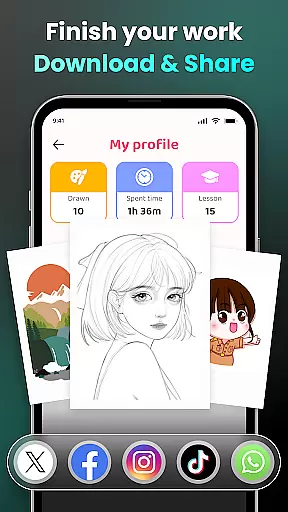
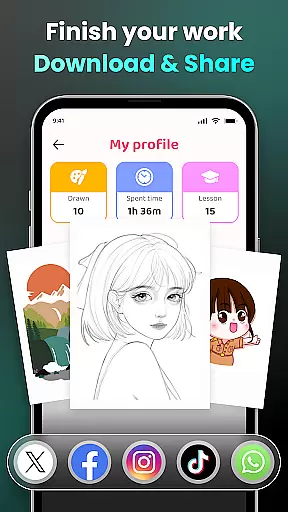
Another key feature is the app's social component. Artists can share their finished pieces with the built-in community, download process videos, and track their progress through a personalized profile. These features not only enhance the drawing experience but also foster a sense of connection among users worldwide.
In the realm of digital art, having a comprehensive set of creative tools is paramount. AR Drawing - Sketchar App offers an extensive suite of features that cater to artists at all levels. From beginners who are just starting their artistic journey to seasoned professionals looking for advanced functionalities, this app provides everything needed to create stunning artwork.
The application leverages augmented reality technology, allowing users to transform any real-world surface into a canvas. With options like adjusting opacity, zooming in and out, controlling the flash, and extending images, artists have complete control over their creations. These capabilities ensure that whether you're sketching from life or tracing complex photos, your work will be as detailed and precise as possible.
Moreover, AR Drawing supports importing personal photos and selecting from a diverse sample library, which enhances creativity by offering unlimited possibilities. The inclusion of video tutorials further enriches the user experience, providing step-by-step guidance on mastering specific techniques. This holistic approach not only aids in skill development but also inspires innovation and experimentation within the art community.
Flexibility in canvas size and format is crucial for artists who wish to explore various mediums and styles without constraints. AR Drawing - Sketchar App excels in this area by offering unparalleled adaptability. Users can easily adjust their workspace to fit different project requirements, ensuring that every piece of art meets their exact specifications.
Whether you're working on intricate designs that require minute details or expansive landscapes that demand broader strokes, the app accommodates all needs seamlessly. Its intuitive interface allows for effortless resizing and reformatting, enabling artists to focus more on their creative process rather than technical limitations.
Additionally, the ability to record videos of the drawing process adds another layer of versatility. Artists can document their progress, share insights with peers, and even monetize their content through platforms like YouTube or social media. By combining robust canvas customization with practical sharing features, AR Drawing empowers creators to push boundaries and redefine what's possible in digital art.
User-friendly interface
Advanced AR tools
Vast drawing library
Personalized learning
Active community
Requires steady hand
Premium features cost
Learning curve
Device compatibility
Occasional bugs

Design your dream room with AI. Get decor ideas & plan home interiors
 3.90
3.90
Easy 3D drawing design maker & creator. Model designing, Sculpting. Create&paint
4.00
Trace, draw, and create art with AR - from memes to masterpieces!
4.30
Everything you need to create hand drawn animation, anywhere you go!
4.40
Draw, make movies & animate cartoons easily with our 2D animation maker app
4.40
Sketch and paint on your device with the feel and freedom of drawing on paper
4.00
Create amazing pictures and unleash your creative genius with AR Drawing Sketch
4.40
Explore future self face age filter & remove background image for a unique look.
3.50
All-in-One art, logo & collage maker. Design photos and edit video backgrounds
4.80
Novices can also easily complete diamond painting masters
4.70
Minecraft & Roblox Clothes
4.70
Digital, Abstract, Classic - all types of color wheels in one app!
4.60
Photo editor for art, avatars, filters & fun transformations.
4.60
Digital illustration drawing & painting pad app to paint Anime and Manga art
4.50
Create neon drawing with magic doodle and fun doodle art effects!
4.50
Unleash your drawing and painting potential
4.50
Paint with oils and sketch with natural tools on a realistic virtual canvas.
3.80
AI Assistant, powered by ChatGPT GPT-4 & GPT-4o. Your intelligent companion.
3.50
Meet the magic aı 3d photo generator and smart AI video generator app.
3.20


User Reviews