
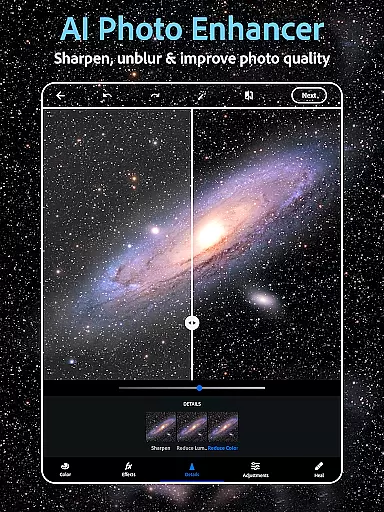
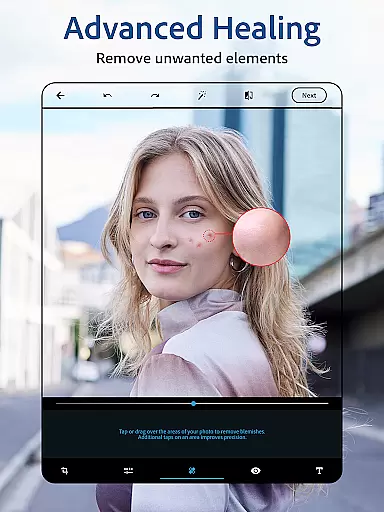
Photoshop Express is a versatile photo editing app that brings professional-grade tools to your fingertips. Designed for both amateur and experienced photographers, this application offers a complete suite of features including AI-powered image retouching, one-tap filters, and advanced airbrush tools. Whether you're looking to enhance a selfie, create stunning collages, or add creative text overlays, Photoshop Express provides all the necessary tools in an intuitive interface.
The app stands out with its state-of-the-art AI capabilities, allowing users to generate unique images, remove unwanted objects, and apply vintage camera effects with ease. Its collage maker and face editor functionalities make it a go-to solution for social media enthusiasts who want to produce high-quality content. With support for various file formats like RAW and TIFF, Photoshop Express ensures that your creativity is never limited by technical constraints.
Perfect for transforming everyday moments into artistic expressions, Photoshop Express caters to a wide range of users. From quick touch-ups to detailed photo manipulations, this app empowers you to bring your creative ideas to life while maintaining exceptional image quality across all edits.
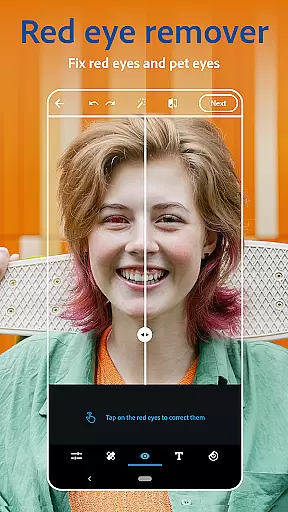
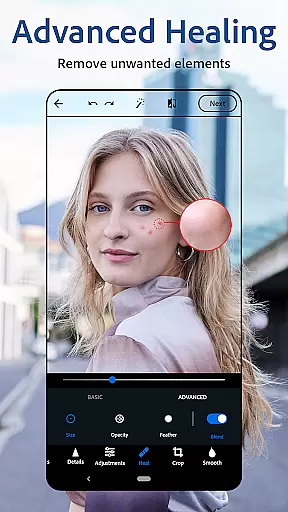
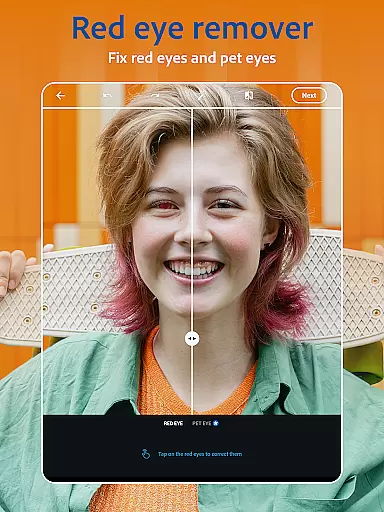
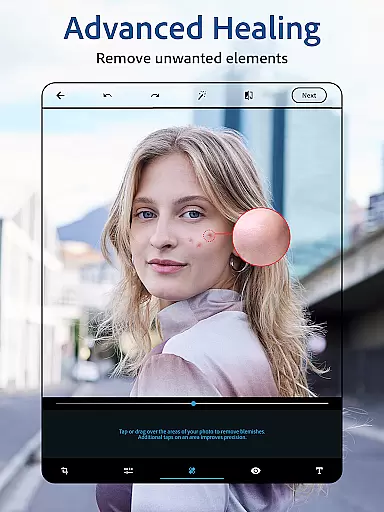
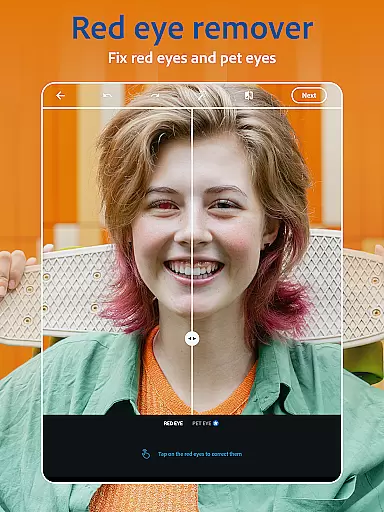
Photoshop Express boasts an impressive array of features designed to cater to diverse photo editing needs. At its core, the app functions as a powerful AI photo editor, enabling users to effortlessly retouch images with tools like blemish removal, spot healing, and red-eye correction. The inclusion of a face editor app allows for precise enhancements, ensuring your selfies look flawless with just a few taps.
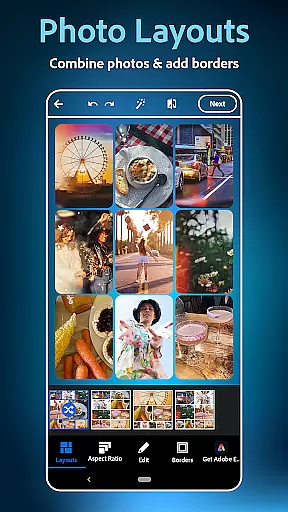
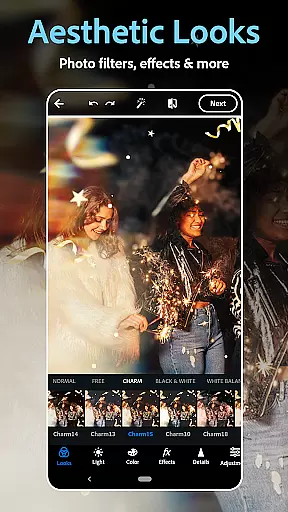
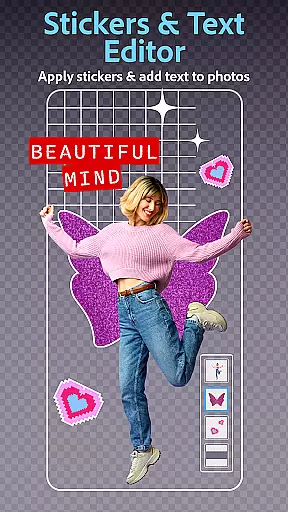
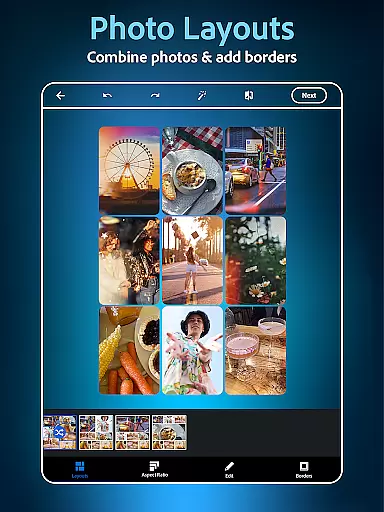
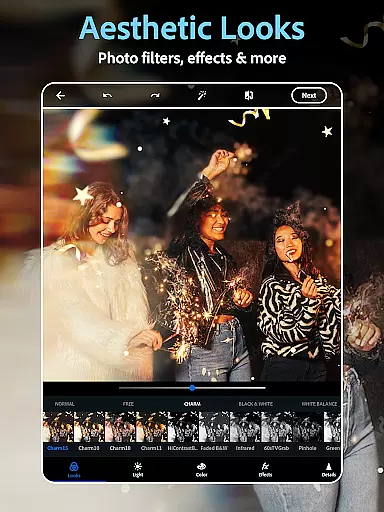
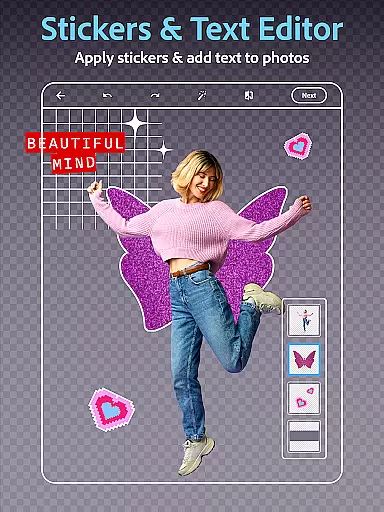
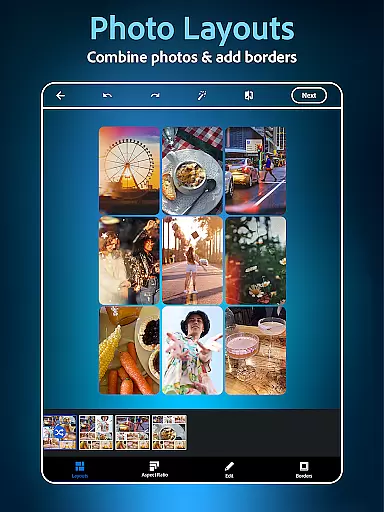
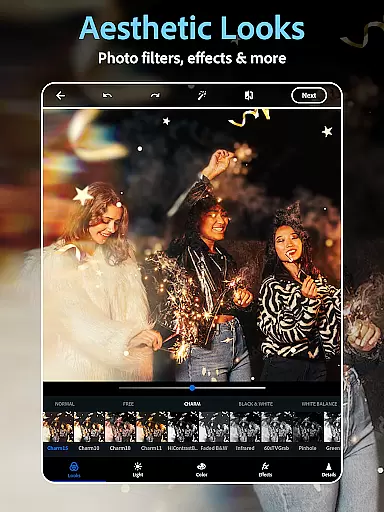
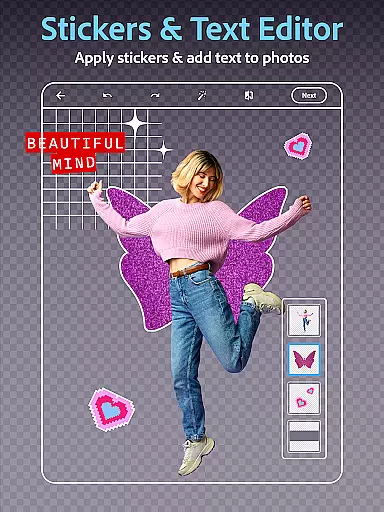
Beyond basic editing, Photoshop Express offers creative tools such as text overlays, custom stamps, and watermark creation. Users can experiment with thousands of aesthetic styles through vintage camera filters and film effects, giving their photos a distinct mood and character. The app's collage maker provides pre-made grids and customizable layouts, making it easy to combine multiple images into eye-catching compositions.
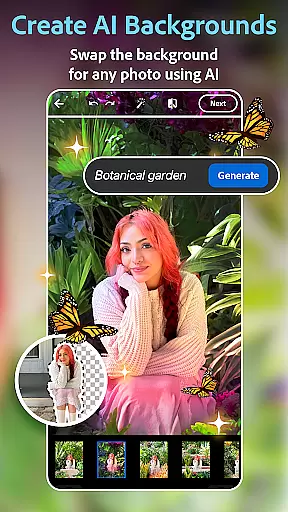
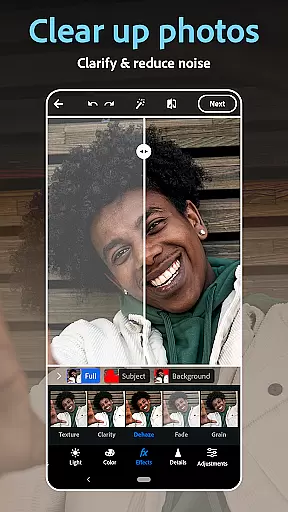
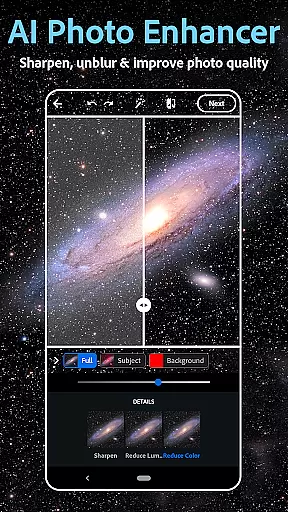
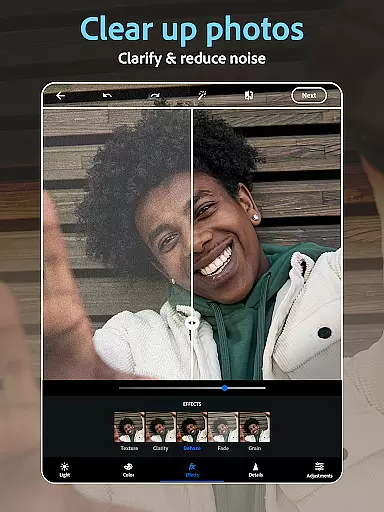
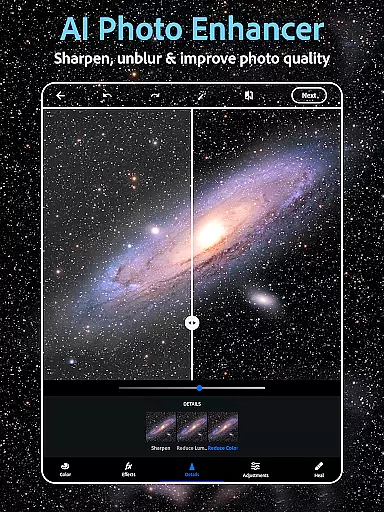
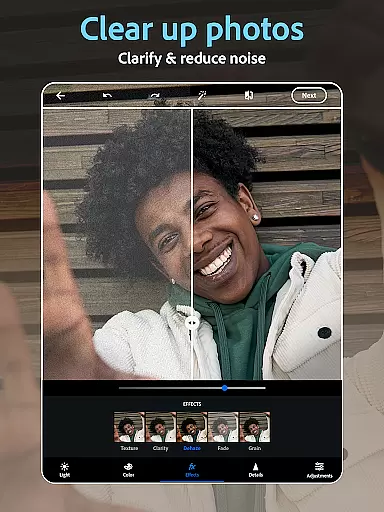
One of the standout features is the AI-powered image generator, which lets users create unique visuals from text prompts. This innovative capability extends the app's functionality beyond traditional editing, allowing for the generation of custom stickers, outfits, and accessories. With additional options to replace backgrounds, remove blur, and dehaze pictures, Photoshop Express delivers professional-level results in a user-friendly package.
Real-time capture and preview functionality is essential for ensuring that every photo taken meets the user's expectations. With Photoshop Express, users can see exactly how their image will look before capturing it, allowing for adjustments to be made on the fly.
The app provides a dynamic preview feature that simulates various camera filters and effects in real time. Whether you're aiming for moody film effects or a vintage camera aesthetic, the live preview ensures that your creative vision is realized without any guesswork.
This immediate feedback loop not only saves time but also enhances the overall photography experience by enabling users to fine-tune settings such as exposure, contrast, and saturation instantly. The ability to visualize changes in real time empowers both amateur and professional photographers alike.
By offering an intuitive interface coupled with powerful editing tools, Photoshop Express makes it easy to capture the perfect shot every time. This feature is particularly beneficial for those who wish to produce high-quality images directly from their mobile device without needing extensive post-production work.
AI beauty and enhancement features are revolutionizing the way we edit photos by providing natural-looking improvements that respect the original image's integrity. Photoshop Express leverages advanced AI algorithms to deliver enhancements that are both subtle and effective.
From airbrushing selfies with precision to applying skin-smoothing effects that retain texture, the app ensures that all edits appear authentic. Users can remove blemishes, correct red-eye, and even whiten teeth with tools designed to enhance natural beauty without over-processing.
One of the standout aspects of Photoshop Express is its ability to maintain the uniqueness of each face while still delivering polished results. This balance between enhancement and realism is crucial for creating images that resonate emotionally with viewers.
Whether you're retouching portraits or enhancing landscapes, the AI-driven enhancements provide a level of detail and nuance that manual editing often struggles to achieve. By prioritizing naturalness, Photoshop Express helps users create stunning visuals that remain true to life.
User-friendly interface
Wide range of editing tools
AI-powered enhancements
Vintage camera effects
Collage maker functionality
Premium features locked
Advanced tools require learning
Occasional performance issues
Limited free filter options
Subscription cost may be high

Easily stitch panoramas from multiple photos or video.
 4.40
4.40
Create AI Photos, Improve and restore quality of blurry, old or damaged pics.
4.20
Light-weight Media Gallery app for Android made with Jetpack Compose
4.60
The #1 app for B&W film developing featuring an advanced darkroom timer.
4.10
Photo Exif Editor allows to view, add and modify EXIF data of multiple photos
4.50
Gallery Slideshow is slideshow maker app for slideshow from your gallery photos.
3.90
USB Storage Access for Photos, Videos, Music and Documents
3.80
AI Photo Editor with 100+ Filters, Effects! Remove BG, Retouch & Photo Enhancer.
4.80
AI-powered video creator by MiniMax - Where ideas meet cinema
4.20
Pro version: AR sun/moon tracker for any date. Tool for photographers & planners
4.90
Gallery show photo, video, slideshow, is perfect 3D effect private photo albums.
4.80
A collection of tools and reference tables for DPs, ACs, DITs and Operators.
4.70
See your baby AI baby face generator AI baby maker Face generator babymaker fun!
4.70
Your personal guide to the sun and moon. Plan ahead, visualize and predict!
4.70
Search, tag and rate your way to an organized image gallery
4.40
Virtual makeup, hair filters & body tuner—edit from face to full body!
4.20
Perfect photos with body shaping, BG changer and object remover.
3.70
Create amazing frames with up to five photos. Rounded corners, effects and more!
3.60
Superimpose one photo on top of another using the original Superimpose app!
3.20


User Reviews