
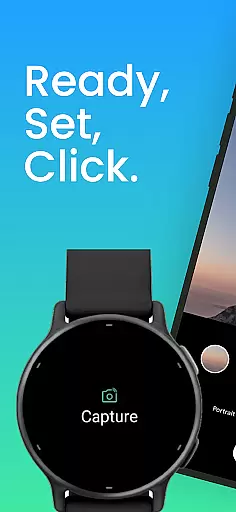
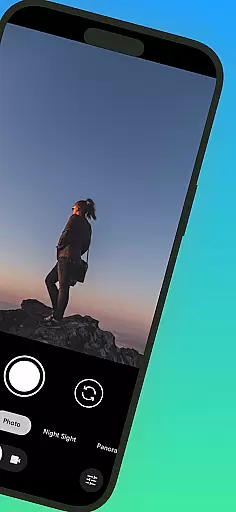
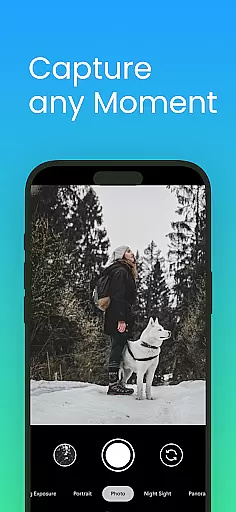
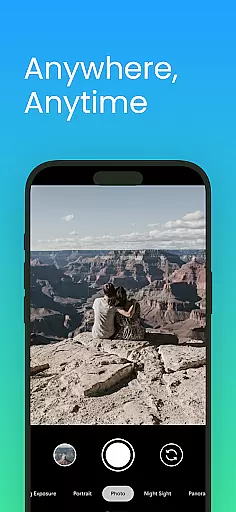
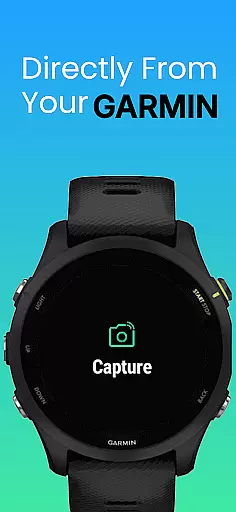
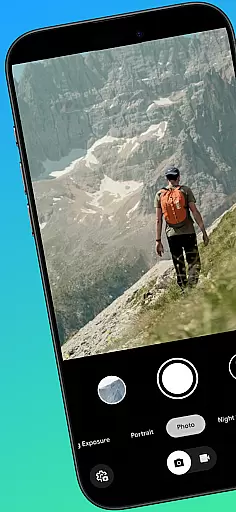
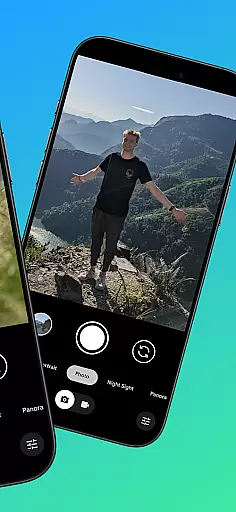
CameraClick is a powerful photography app that connects Garmin smartwatches with Android phones, enabling wireless remote control of your phone's native camera. This seamless integration allows users to capture photos and videos directly from their wrist, making it ideal for group shots, solo adventures, or distance recordings.
The app works with your existing camera application, preserving preferred quality settings, lens choice, and storage paths. By leveraging Android’s AccessibilityService, CameraClick interacts directly with the camera shutter button, ensuring compatibility across various devices and camera apps.
Whether you're an athlete recording workouts, a creator capturing nature, or simply someone who wants to take photos without handling your phone, CameraClick offers a reliable solution tailored to your needs.
CameraClick stands out with its unique ability to integrate with your phone's native camera app rather than relying on a custom viewer. This ensures that all your preferred camera settings—such as quality, lens choice, and storage paths—are preserved while using the app.
One of the key features is its use of Android’s AccessibilityService, which allows direct interaction with the camera shutter button. This makes CameraClick compatible with a wide range of camera apps across different devices, giving users full control over how their media is captured.
Additionally, CameraClick has been tested on popular Android devices from brands like Google, Samsung, Motorola, Xiaomi, Fairphone, OPPO, Honor, Nothing, and OnePlus, ensuring broad compatibility and reliability for creators, athletes, and everyday users alike.
Real-time capture and preview functionality is essential for ensuring that users can take photos or record videos with precision and confidence. CameraClick excels in this area by providing seamless integration between your Garmin smartwatch and Android phone.
The app leverages the native camera app on your phone, meaning you can use the same high-quality settings and lenses you're accustomed to, while controlling it remotely from your wrist. This real-time interaction ensures that you never miss a moment, whether you're taking group shots or capturing solo adventures.
With CameraClick, you get immediate feedback on your actions. The app triggers the camera shutter directly through Androidu2019s AccessibilityService, allowing you to see exactly what your camera sees without delay. This instant feedback loop enhances the overall photography experience, making it more intuitive and reliable.
Ultimately, the real-time capture and preview feature empowers users to take better photos and videos. By removing the need to physically interact with your phone, CameraClick offers convenience and control, which is particularly beneficial in dynamic shooting scenarios where timing is crucial.
AI beauty and enhancement features have become increasingly popular in photography apps, offering users the ability to refine and enhance their images instantly. CameraClick incorporates these enhancements naturally, ensuring that edits look authentic and not over-processed.
Using advanced algorithms, CameraClick applies enhancements that preserve the original quality of the photo while subtly improving aspects like lighting, color balance, and sharpness. This approach ensures that your photos maintain their genuine feel, avoiding the artificial look that can sometimes result from heavy editing.
The app's compatibility with a wide range of Android devices means that users benefit from consistent enhancement quality across different hardware. Whether you're using a Google Pixel or a Samsung Galaxy, CameraClick delivers natural-looking enhancements tailored to your device's capabilities.
By focusing on natural enhancement, CameraClick caters to both casual photographers and serious creators who value authenticity in their work. This feature not only saves time but also elevates the final output, making every photo captured with CameraClick a testament to quality and realism.
Wireless camera control
Native app integration
Wide device compatibility
Preserves user settings
Easy to use interface
Requires Accessibility permissions
Limited to Android devices
Dependent on Garmin smartwatch
No iOS support
Specific hardware needed

Find time and duration of different sunlight phases at any location
 4.90
4.90
Create funny photos and videos with the popular Time Warp Scan filter.
4.90
All-in-One Editor & AI Photo Enhancer, Collage, Cartoonify, Funny Stickers & BGS
4.10
The #1 app for B&W film developing featuring an advanced darkroom timer.
4.10
HD Camera Pro with HD Video shooting, Panorama, Photo editor , Beauty Camera.
4.50
A must-have app for landscape photographers
4.60
Easily create custom gifts, cards, photo books & more on the Shutterfly app!
4.60
live datamoshing
4.00
The original Rarevision VHS look seen everywhere!
4.70
Perfect body tune & face app - photo retouch, makeup, slim body & beautify face.
4.80
Easily view, share, delete photos with Gallery.
4.70
1M influencer's special filter
4.60
Unblur, enhance & restore photos with powerful AI photo enhancer tools.
4.60
Cut and paste photo editor & eraser to customize photos easy and swap faces fun
4.50
Create Business Headshots, Polaroid Filter, Retake Photos,Profile Pics,AI Photos
4.50
Trendy TikTok time warp scan funny filter app brings you unique photos & videos.
4.40
AI portrait generator and polaroid AI selfie, fun AI generated AI photo creator!
4.30
AI-powered video creator by MiniMax - Where ideas meet cinema
4.20
Professional quality photo edits with the new Snapseed.
4.00


User Reviews