
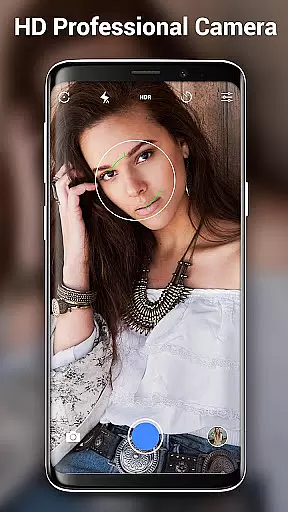
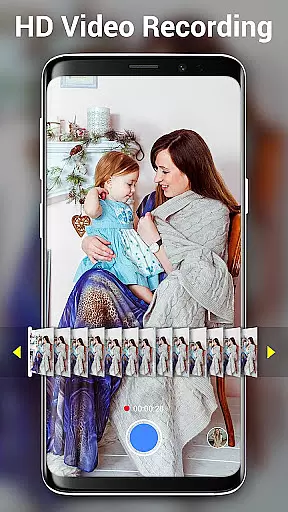

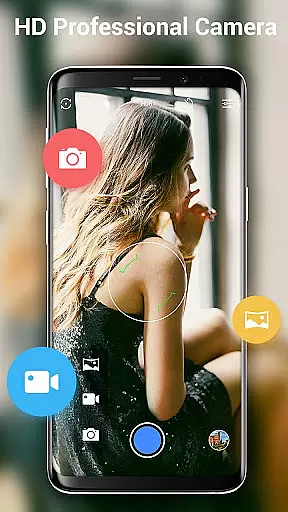
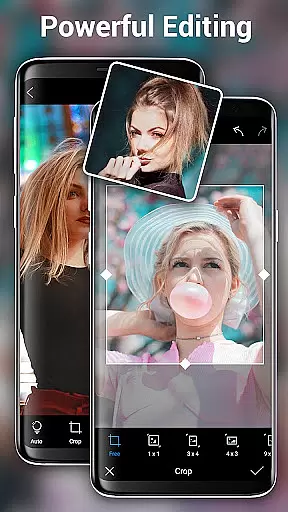
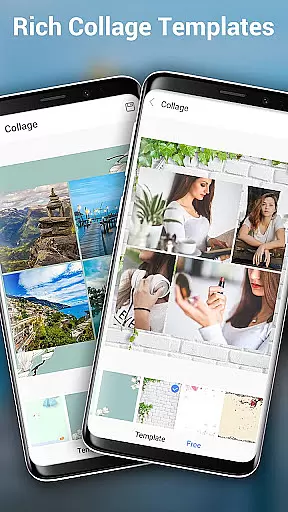
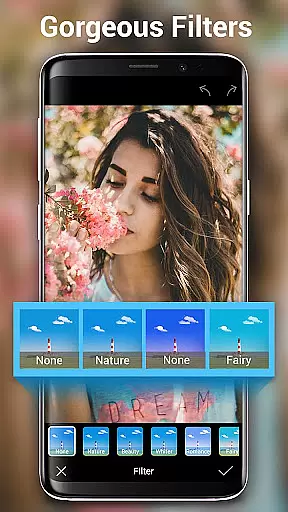
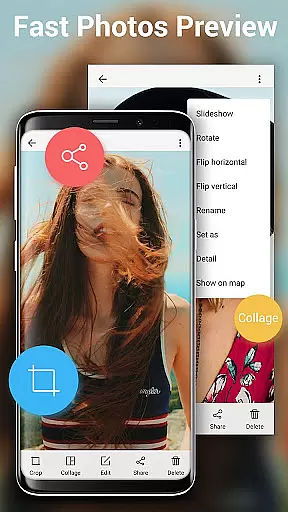
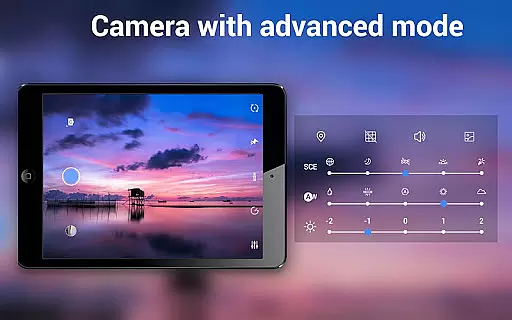
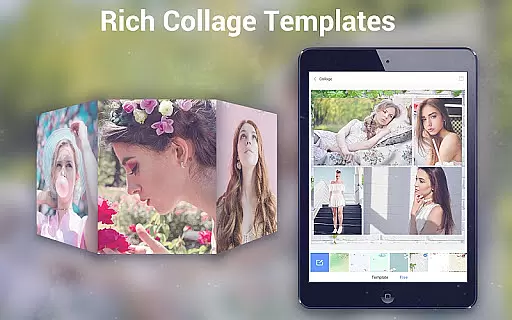
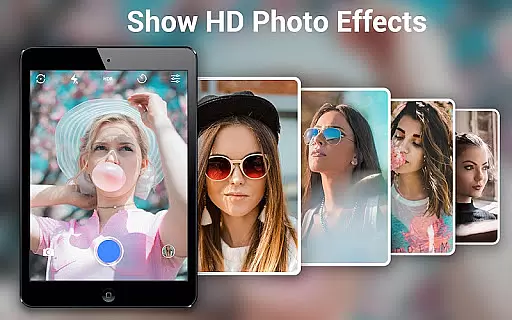
HD Camera Pro Edition is a premium photography application designed for Android users who demand professional-grade features without advertisements. This app offers an extensive range of functionalities including high-definition photo and video capture, creative panorama modes, and advanced photo editing tools.
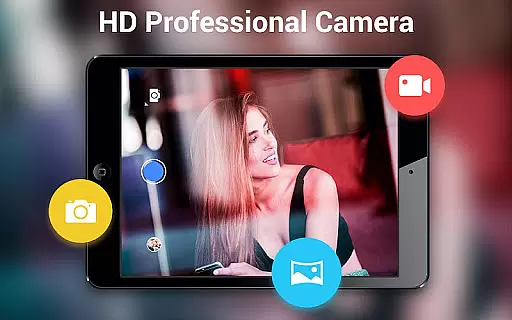
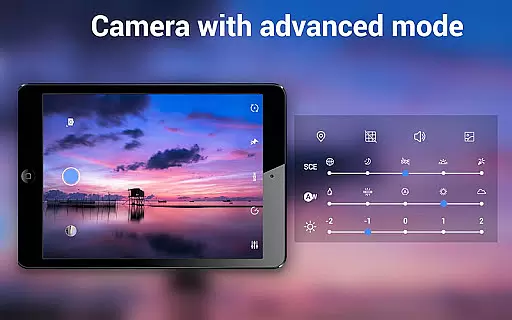
The application stands out with its intuitive interface that mimics a professional digital camera, making it simple and lightweight to use while delivering exceptional image quality. Whether you're capturing selfies or shooting in challenging lighting conditions, HD Camera Pro provides the necessary tools such as white balance settings, optical and digital zoom, and various focus modes.
With its powerful capabilities, this app is suitable for both amateur photographers looking to enhance their mobile photography skills and professionals needing a reliable camera app on-the-go. The value lies in its comprehensive feature set that rivals DSLR cameras, all packed into a convenient mobile app.
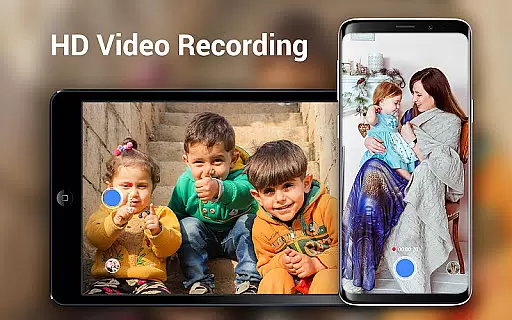
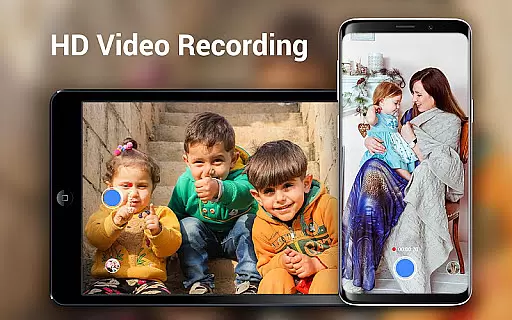
HD Camera Pro boasts an impressive array of features tailored for photography enthusiasts. One of its standout capabilities is the support for high-definition video recording, allowing users to capture crisp and clear footage with options like pause and panoramic video.
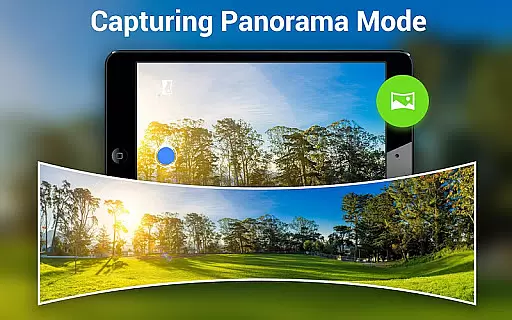
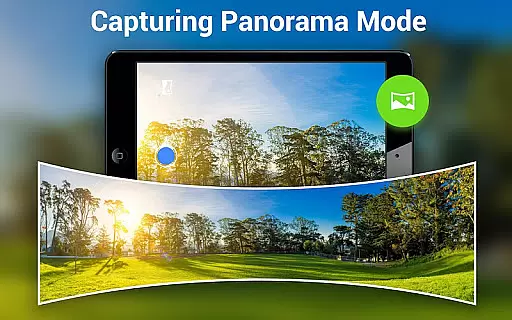
The app also includes specialized modes such as Photo Sphere and panorama shooting, which enable users to create immersive and expansive images. Additionally, the Beauty Camera mode enhances portrait shots, making it ideal for taking stunning selfies. With built-in filters and photo editing tools, users can apply creative effects and adjustments directly within the app.
Other notable features include time-lapse photography, adjustable white balance settings for different lighting environments, and a timer function for hands-free shooting. These features collectively provide users with a versatile toolkit to explore their creativity and produce high-quality visual content.
Real-time capture and preview functionality is essential for ensuring that users can accurately frame and capture their desired shots without delay. HD Camera Pro Edition excels in this area by providing a seamless experience that mimics the responsiveness of professional digital cameras.
The application leverages the full capabilities of the device's camera hardware, allowing users to take high-definition photos and videos with minimal lag. This immediacy is crucial for capturing fleeting moments, making the app suitable for both casual photographers and professionals who need reliable performance.
With intuitive controls and a user-friendly interface, users can easily adjust settings such as white balance, focus, and exposure in real time. This ensures that the preview accurately reflects the final image or video output, thus enhancing the overall photography experience.
By offering advanced features like optical and digital zoom, tap-to-focus, and various shooting modes, HD Camera Pro Edition empowers users to explore creative possibilities while maintaining precise control over their compositions. The result is a powerful mobile photography tool that delivers professional-grade results directly from a smartphone or tablet.
AI beauty and enhancement features have become increasingly popular in mobile photography, allowing users to refine and beautify their images effortlessly. HD Camera Pro Edition stands out by offering sophisticated AI-driven tools that enhance portraits and selfies naturally, without compromising the authenticity of the original photo.
The app employs advanced algorithms to analyze facial features and apply enhancements that are subtle yet effective. These include skin smoothing, blemish removal, and eye enhancement, all calibrated to maintain a realistic appearance. Users can customize the intensity of these effects, ensuring that the final image aligns with their personal preferences.
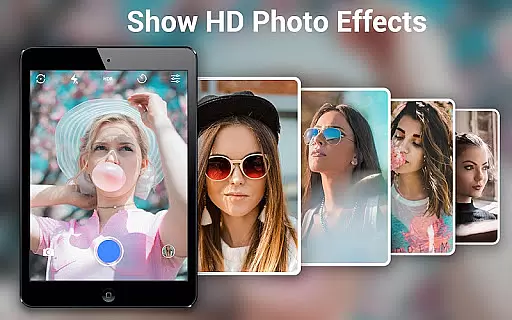
In addition to portrait enhancements, HD Camera Pro Edition provides a variety of filters and effects that can be applied to any photo. These filters are designed to improve the overall aesthetic of the image while preserving its natural qualities. Whether capturing landscapes, events, or everyday moments, users can rely on the app to deliver visually appealing results.
By integrating AI technology with a comprehensive suite of editing tools, HD Camera Pro Edition offers a versatile solution for anyone looking to elevate their mobile photography. The emphasis on natural enhancement ensures that edited photos retain their genuine charm, making the app a valuable asset for creating memorable and authentic visual content.
User-friendly interface
High-quality image capture
Extensive feature set
No advertisements
Versatile shooting modes
Premium price point
Feature overload for beginners
Limited cross-platform support
Occasional performance lags
Requires modern hardware

Photo Album Watch Face shows your favorite pictures as a Watchface.
 1.90
1.90
Add Watermark - Sign your pictures with a text or logo. Effective, quick, easy!
4.50
Application for remote controlling DSLR
3.00
Photobooth mini FULL app will allow you to add more fun to your parties
4.00
Edit like a pro with Hypic. Apply filters, AI effects, & magic touch.
4.40
Raw Image Viewer. Gallery with support of raw images (.cr3, .cr2, .nef, .raf).
2.00
AI Photo Editor with 100+ Filters, Effects! Remove BG, Retouch & Photo Enhancer.
4.80
Easily create custom gifts, cards, photo books & more on the Shutterfly app!
4.60
Pro version: AR sun/moon tracker for any date. Tool for photographers & planners
4.90
Find time and duration of different sunlight phases at any location
4.90
Photo editor: AI filters, photo enhancer, pic collage maker, AI art generator.
4.80
Take videos and pictures with the popular TikTok TIME WARP SCAN filter.
4.60
PhotoSync Bundle Add-On License. Enables all features and services in PhotoSync.
4.60
Virtual makeup, hair filters & body tuner—edit from face to full body!
4.20
Create AI Photos, Improve and restore quality of blurry, old or damaged pics.
4.20
Professional quality photo edits with the new Snapseed.
4.00
Turn photos into cartoons & avatars! - Photo Editor, Cartoon Face!
3.90
Astrophotography with your smartphone, photo live stacking and much more!
3.90
GCamera allows all GCam features on all phone models! Better photos with GCamera
3.30


User Reviews