
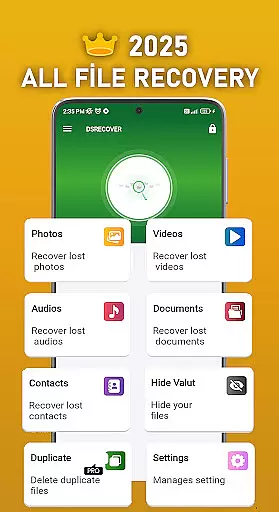
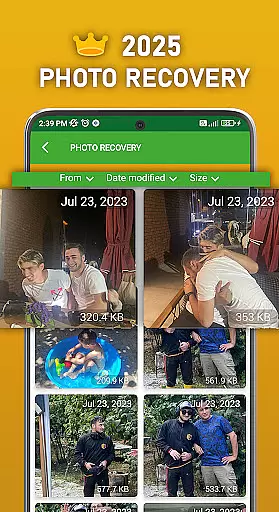
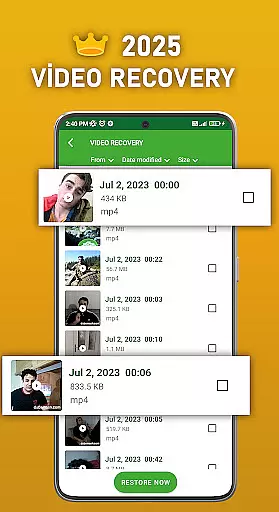
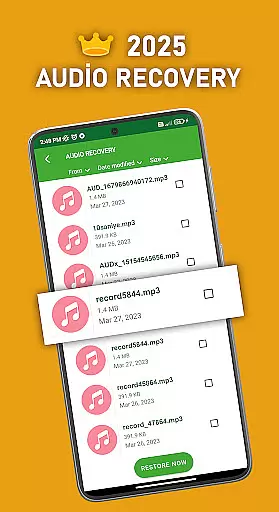
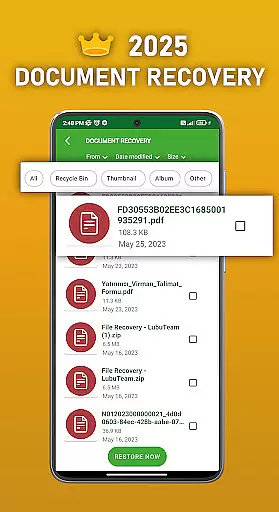
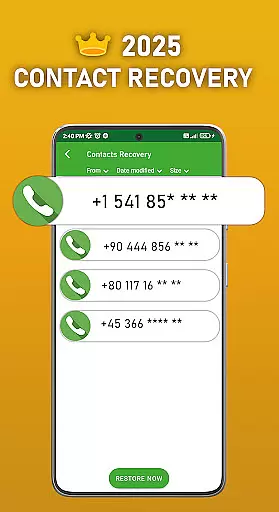
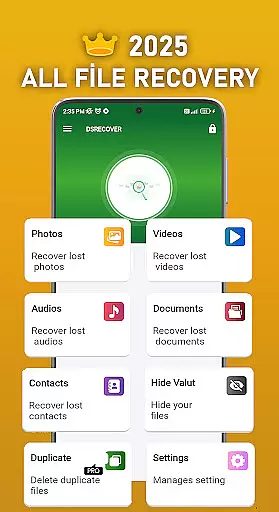
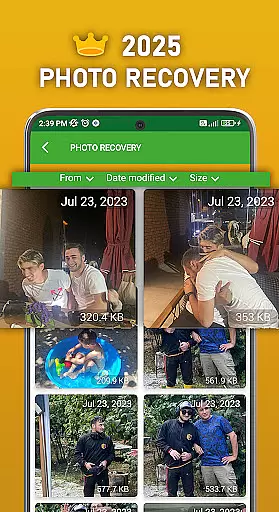
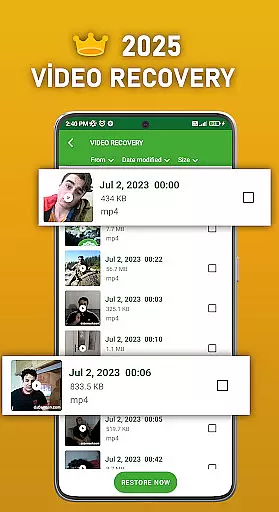
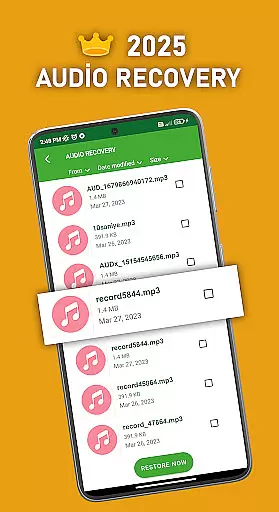
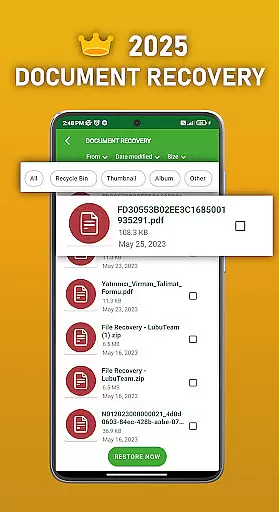
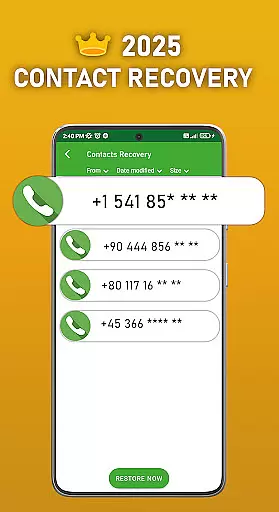
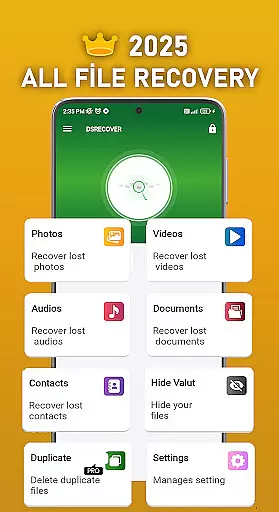
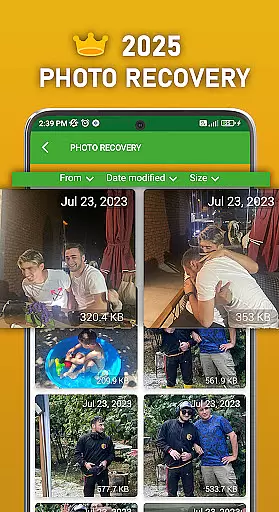
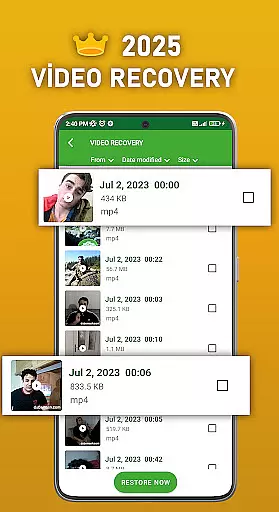
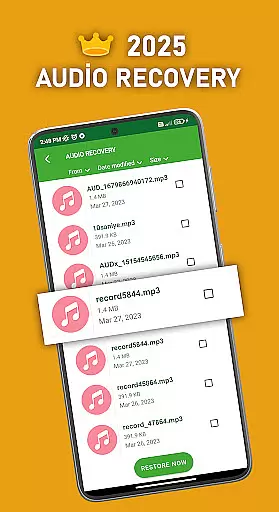
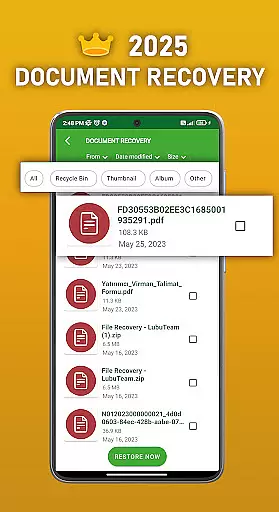
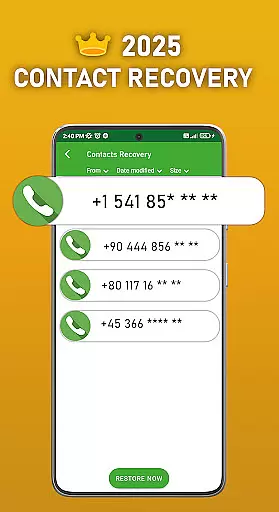
DS PRO is a comprehensive recovery tool designed to retrieve deleted files across multiple categories on Android devices. The app specializes in recovering lost photos, videos, audio files, contacts, and documents without requiring root access. Its powerful scanning technology ensures deep searches within internal memory and SD cards, while its user-friendly interface makes file restoration quick and straightforward.
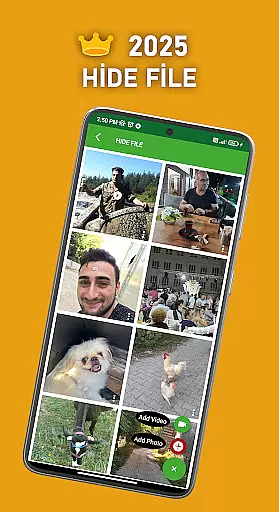
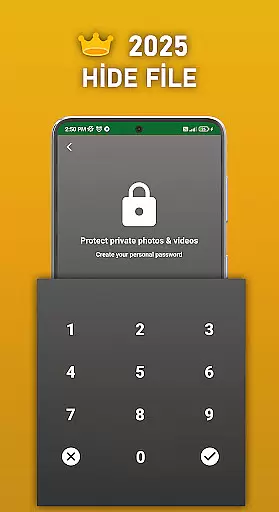
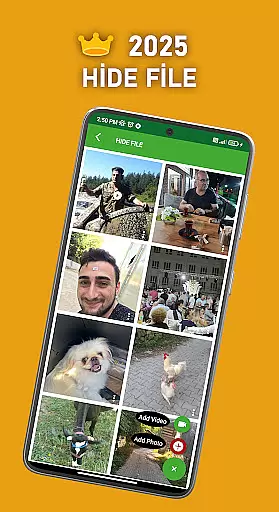
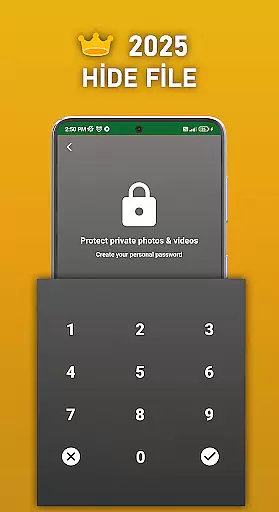
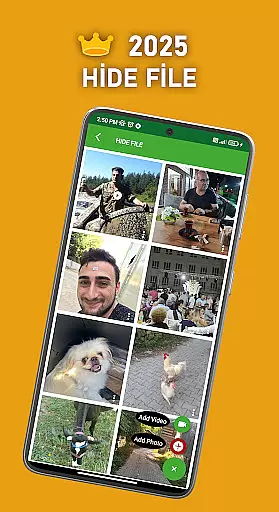
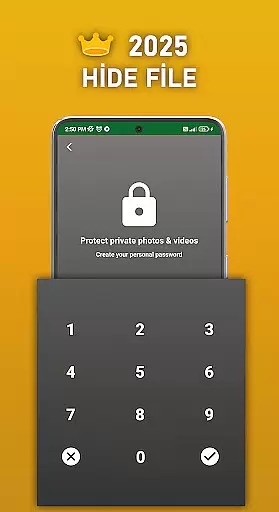
A key feature of DS PRO is its ability to handle various file formats, including MP4 for videos and MP3 for audio. Additionally, the app offers a unique File Hide functionality, allowing users to password-protect sensitive media. Whether you accidentally deleted important files or need to manage duplicate content, DS PRO provides an all-in-one solution for both productivity and privacy management.
DS PRO stands out with its diverse range of features tailored for efficient file recovery. The app supports instant restoration of deleted apps, images, videos, and documents directly from your device's recycle bin. It also includes advanced tools like Duplicate File Remover, which helps declutter your storage by identifying identical files.
Another notable feature is the Deleted Video Recovery tool, which not only retrieves erased videos but may even display non-deleted ones during scans. For enhanced security, the File Hide option lets users conceal personal photos and videos behind a password. These capabilities make DS PRO an indispensable utility for anyone seeking reliable data recovery combined with privacy protection.
DS PRO positions itself as a comprehensive recovery tool designed to retrieve deleted files across multiple categories. The app's core functionality focuses on recovering photos, videos, audio files, contacts, and documents with remarkable precision. Its effectiveness is demonstrated through the ability to restore files without requiring root access, making it accessible to a wider user base.
The application employs a deep scanning mechanism that searches all device locations for recoverable files. This ensures that users can retrieve lost content even from complex storage structures. The inclusion of specialized features like File Hide adds an extra layer of utility, allowing users to manage sensitive media with password protection while maintaining system integrity.
What sets DS PRO apart is its multi-format compatibility and instant recovery capability. The app can handle various file types including image formats, MP4 videos, and MP3 audio files. The straightforward recovery process - simply selecting items from a recycle bin interface - demonstrates both accuracy in file detection and effectiveness in restoration speed.
The DS PRO application presents a user-friendly interface that simplifies the complex process of file recovery. The main dashboard organizes recovery options into clear categories, enabling users to quickly identify and select the type of content they wish to restore. This logical structure eliminates unnecessary complexity, making data recovery accessible even to non-technical users.
A notable design feature is the familiar recycle bin interface, which provides an intuitive way to browse and restore deleted items. Users can easily navigate through different file types and select items for recovery with minimal learning curve. The app's recommendations system further enhances usability by suggesting appropriate recovery methods based on the file type being restored.
Additional functionality, such as the File Hide feature, maintains this commitment to simplicity. Users can protect sensitive media with just a few taps, while still enjoying clear instructions and straightforward controls. The interface consistently prioritizes essential functions, ensuring that users can perform critical recovery tasks without distraction or confusion.
User-friendly interface
Comprehensive file recovery
No root required
Instant restore functionality
File hiding feature
Premium version needed
Permissions extensive
Limited free options
Occasional scan delays
Ads in free version

Canon PRINT is a companion app for your Canon printer.
 4.60
4.60
Quickly & easily calculate the spacing of handrail balusters
4.20
MS-DOS in your pocket. Play old DOS games anywhere you are ;)
4.10
The one-and-only remote control for PC, Mac, and Linux
4.70
Mirror your screen to Fire TV - Super fast and simple
4.40
Connect wirelessly to your computer to watch movies, browse the web, play games
5.00
Download any file easily and quickly with Downloader
4.0
Remote Play with FSR upscaling, low latency & full controller support
4.80
Protect your device with antivirus, storage cleanup, and system monitoring
4.70
Navigate with Ease and Style
4.90
Extremely fast, secure, and protects your privacy
4.80
Bedrock Together: Join any bedrock server on Xbox/PS
4.80
WiFi Signal Strength Meter help you detect WiFi Signal Strength in real time.
4.80
HD Camera captures every special moment.
4.60
Button mapper, mouse toggle, sleep timer and a lot of another features
4.50
Safely recover deleted photos, videos, and files with a single easy tap.
3.70
Clean the junk files on your device
3.40
Undelete and recover your lost or deleted files with DiskDigger!
3.40
Save any video in HD - paste the link, download fast and watch offline.
4.3


User Reviews