
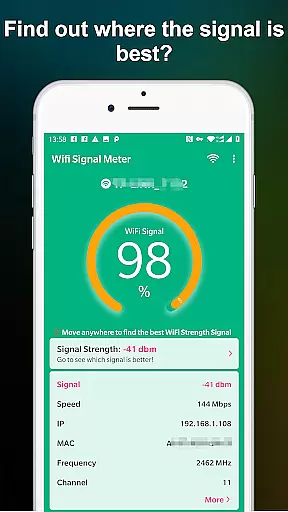
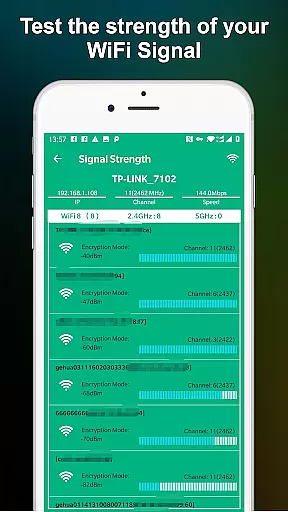
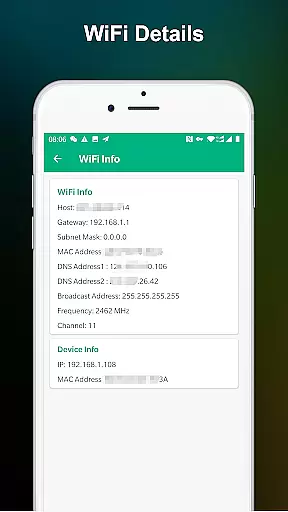
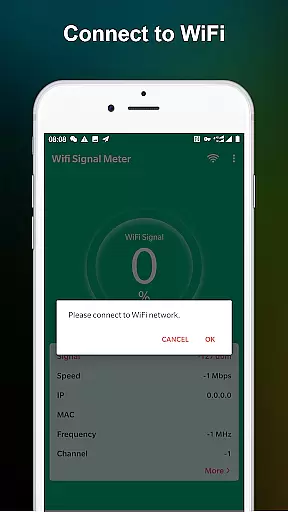
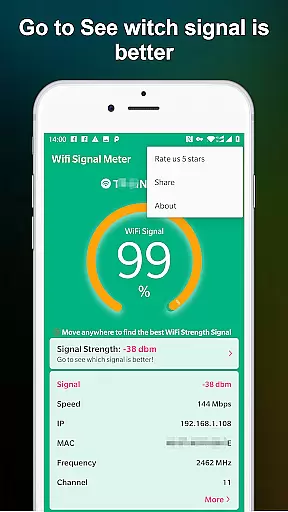
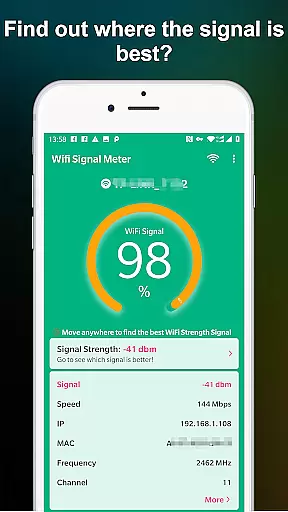
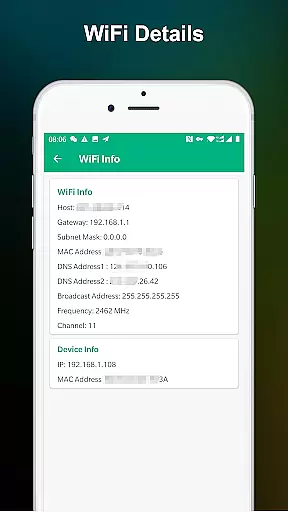
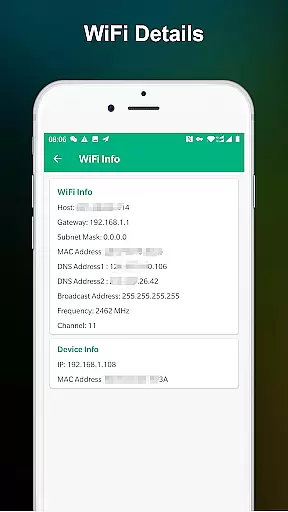
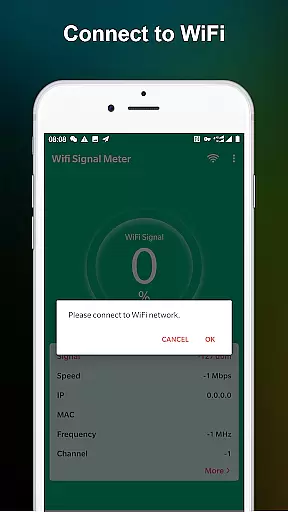
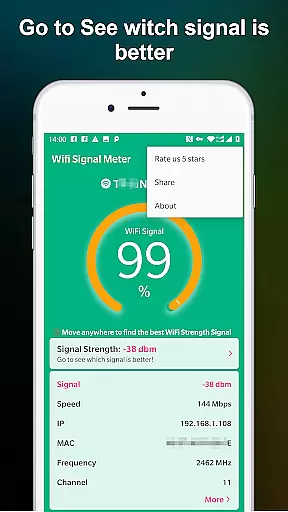
WiFi Signal Strength Meter Pro is a professional tool designed to help users optimize their WiFi network performance. The app's core functionality lies in its ability to identify the strongest WiFi signal areas, commonly known as sweet spots, within your environment. This capability proves particularly useful for both home and office settings where consistent connectivity is crucial.
The application provides real-time monitoring of your current WiFi signal strength while also detecting surrounding networks. Its intuitive interface allows users to quickly assess their WiFi quality and determine the best locations for optimal connectivity. By continuously updating signal strength readings, the app enables users to move around their space and pinpoint areas with the most reliable connection.
This tool becomes especially valuable when setting up workspaces or troubleshooting connectivity issues. Maintaining a signal strength above 60% helps prevent disconnection problems, making this app an essential utility for anyone looking to improve their wireless network experience.
WiFi Signal Strength Meter Pro stands out through its comprehensive feature set tailored for network optimization. The application's primary feature is its real-time signal strength monitoring capability, which provides continuous updates as you move through your environment. This dynamic tracking system allows users to create detailed signal strength maps of their spaces.
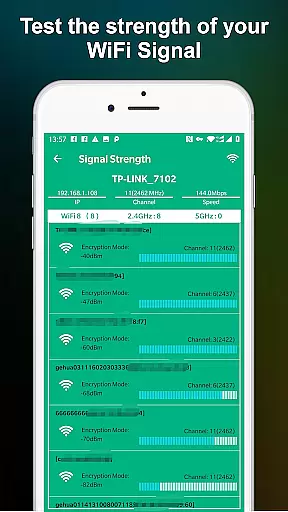
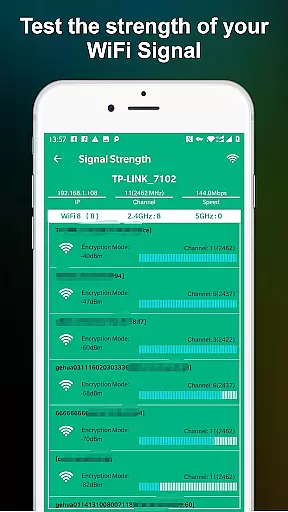
A key differentiating feature is the app's ability to detect and display information about surrounding WiFi networks. This functionality helps users understand potential interference sources and make informed decisions about channel selection. The app also includes a specialized algorithm that recommends optimal positioning for routers and devices based on collected data.
Additional features include historical signal strength tracking, which enables users to monitor network performance trends over time. The application's user-friendly interface presents technical information in an accessible manner, making it suitable for both casual users and networking professionals seeking to improve their WiFi infrastructure.
WiFi Signal Strength Meter Pro is designed to provide accurate and real-time monitoring of your WiFi signal strength. This functionality is crucial for users who need to identify the best locations in their home or office to ensure a stable internet connection.
The app constantly updates the signal strength, allowing users to walk around and pinpoint areas with optimal WiFi coverage. By detecting signal strength in real time, it helps avoid dead zones where connectivity might be compromised.
With its intuitive interface, users can quickly check their WiFi strength and make necessary adjustments to their network setup. This ensures minimal disconnection issues and maximizes the overall performance of the network.
Ultimately, the app's core function empowers users to maintain a robust and reliable WiFi connection, enhancing both productivity and leisure activities that depend on a steady internet link.
A simple and intuitive interface is essential for tools like WiFi Signal Strength Meter Pro, ensuring that users can easily navigate and utilize its features without a steep learning curve. The app excels in providing straightforward access to critical information about your WiFi network.
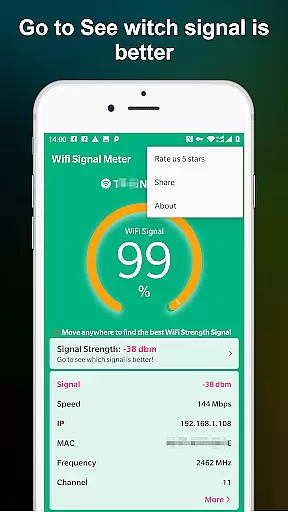
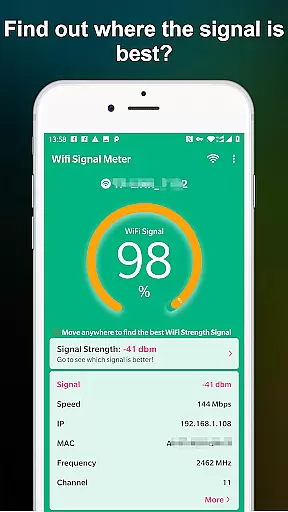
Upon opening the app, users are greeted with a clear display of their current WiFi signal strength. This immediate access to vital data simplifies the process of finding the best location for optimal signal reception.
Moreover, the app's design minimizes unnecessary complexities, focusing on delivering a seamless user experience. Its streamlined approach allows even those with limited technical knowledge to effectively manage and improve their WiFi connectivity.
By prioritizing interface simplicity and intuitiveness, WiFi Signal Strength Meter Pro ensures that all users, regardless of their tech-savviness, can effortlessly enhance their network performance.
Real-time signal tracking
User-friendly interface
Network optimization tools
Surrounding WiFi detection
Continuous updates
Limited advanced settings
No automated reporting
Premium version required
Occasional lags
Basic analytics

Remote for Roku, Fire TV, Samsung TV, LG TV, Android TV, Chromecast and VIZIO TV
 4.20
4.20
Save any video in HD - paste the link, download fast and watch offline.
4.0
Optimize your WiFi network, turn your phone into Wifi Analyzer
4.70
Create your own live wallpaper or check out thousands already made presets
3.90
With videos, electrical calculators, and built-in ebook, Ugly’s has your answer.
4.50
Support Fossify apps with a warm thank you!
5.00
Screen Mirroring for Roku Sticks, Roku TCL TV and Roku Hisense TV
4.50
Introducing Smart Printer, your ultimate destination for printing solutions!
4.00
Creation, Learning, Entertainment & More — The All-in-One AI Search Engine
4.70
The ultimate tool for network analysis, wifi scanning and problem detection.
4.90
Easily install aab(Android App Bundle) files on your Android device with our app
4.80
ADB support Android 4.X-Android 13(Support wireless pair mode).No root required!
4.70
HD Camera captures every special moment.
4.60
Keep track of your Palia friendships, tasks, and inventory with Palia Notebook
4.60
App to pay for FUTO Keyboard
4.60
pdf merge, word to pdf, jpg to pdf, edit pdf, convert to pdf and much more!
4.20
Just one-tap to easy translate in any language after calls within seconds.
4.20
View detailed information about your Nissan Leaf the dealer never shows you.
4.10
Family Locator, Share location, StayConnect with your family in real time
3.90


User Reviews