
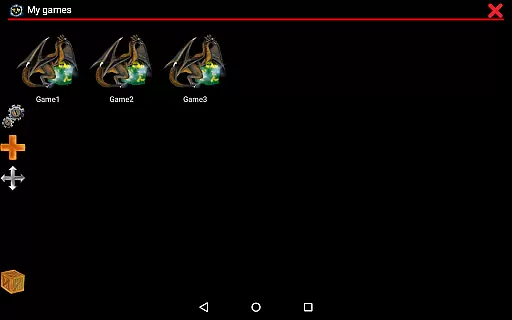
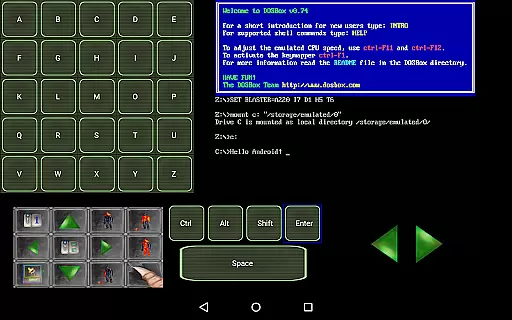
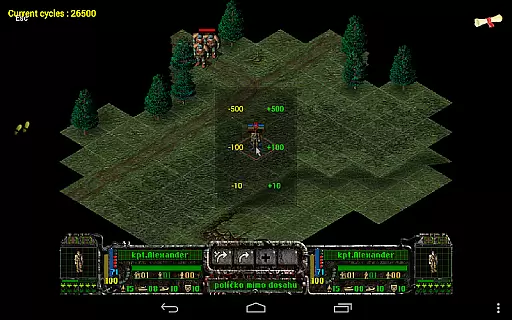
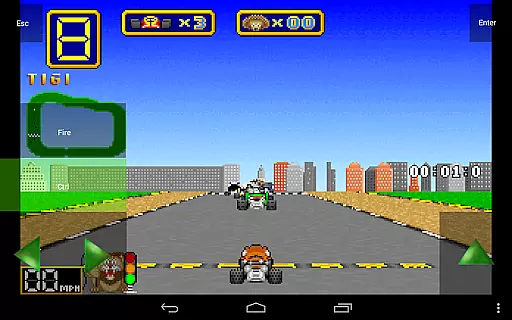
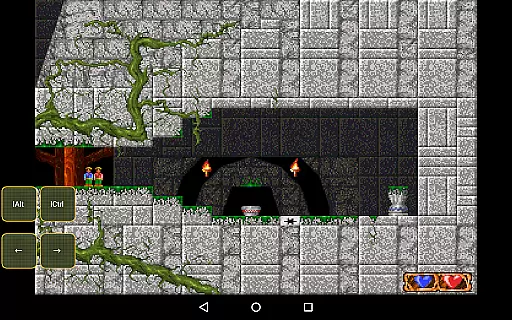
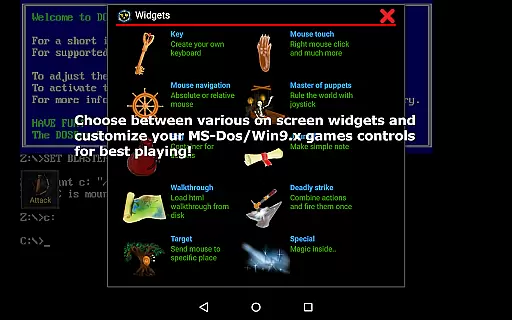
Magic DosBox is a highly optimized and fast DOSBox emulator for Android, designed to bring your favorite DOS and Windows games to your mobile device. With full support for mouse, keyboard, sound, and gamepads, this app allows you to play classic games anywhere without the need for external hardware. The unique control system includes customizable on-screen widgets, making it easy to enjoy gaming on the go.
This donated version offers unlimited game profiles and advanced features like IPX network support for multiplayer gaming. Whether you're revisiting nostalgic titles or exploring retro games for the first time, Magic DosBox provides a seamless experience with extensive customization options and comprehensive documentation available on their official website.
Magic DosBox stands out with its rich feature set tailored for both casual gamers and retro enthusiasts. The app supports a complete game collection where each profile can be extensively customized, including creating desktop shortcuts and exporting/importing entire game setups with designed layouts. This makes sharing configurations with friends effortless.
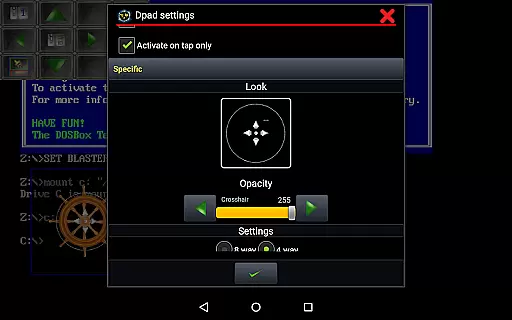
The emulator offers 10 types of on-screen widgets, ranging from virtual keyboards to customizable D-pads, with dozens of settings for personalization. Advanced functionalities include absolute and relative mouse modes, support for external controllers like Xbox 360 and NVIDIA Shield, and gesture mapping for intuitive controls. Additionally, Magic DosBox supports various file formats such as ISO, GOG, and CUE OGG, ensuring compatibility with a wide range of games.
Magic DosBox is a highly optimized and fast DOSBox port for Android, designed to emulate DOS and Windows games with precision. The core function of this application lies in its ability to run games and applications originally developed for the DOS platform without any hiccups. It achieves this through full mouse, keyboard, sound, and gamepad support, ensuring that users can enjoy their favorite games seamlessly on modern devices.
The emulator's effectiveness is further enhanced by its unique control system tailored for touch devices. This feature allows users to play anywhere without the need for external hardware, making it an ideal solution for gaming on the go. With support for various modes such as design mode and play mode, Magic DosBox offers flexibility that caters to both casual gamers and enthusiasts who want to customize their experience extensively.
Users benefit from the app's advanced capabilities like multi-language support, customizable widgets, and different types of on-screen controls. These elements contribute to a more immersive and personalized gaming session. Additionally, features such as absolute and relative mouse support, mappable swipes gestures, and longpress actions ensure that all aspects of gameplay are accurately replicated, providing a true-to-original experience while maintaining ease of use.
Magic DosBox stands out not only for its powerful emulation capabilities but also for its intuitive interface design. Despite the complexity of emulating DOS-based games, the application maintains a user-friendly environment that simplifies interaction. Users can easily navigate through the app thanks to its well-organized layout and straightforward menu options, which make accessing game collections or adjusting settings hassle-free.
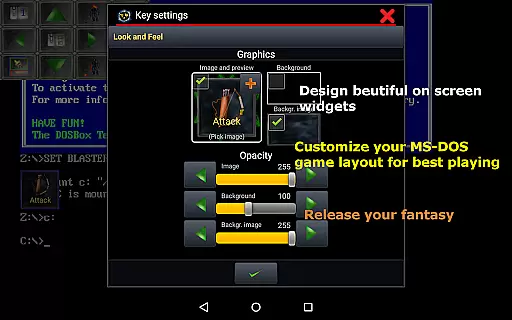
A key aspect of Magic DosBoxu2019s interface is the ability to create highly customizable game profiles. Each profile can be tailored with specific configurations, including on-screen widgets and button layouts, allowing players to adapt the controls according to their preferences. This level of customization ensures that even those new to emulation will find it easy to set up and start playing their old favorites without needing extensive technical knowledge.
Moreover, Magic DosBox includes practical tools such as export/import/duplicate profile functionalities, enabling users to share their custom designs with friends effortlessly. The inclusion of dozens of painted images and background images for widget styling adds another layer of personalization, enhancing the overall aesthetic appeal. Such thoughtful design choices result in an engaging yet simple interface that appeals to both novice and experienced users alike.
Highly optimized performance
Extensive customization options
Full controller and peripheral support
Active development and updates
Comprehensive documentation
No included games
Complex setup for beginners
Limited free version features
Occasional compatibility issues
Requires technical knowledge

 4.50
4.50
Head tracking for PC sim games such as MSFS 2024 or Elite:Dangerous. No headset!
4.50
An easy-to-use calculator designed to save time calculating and bending conduit
4.30
Excellent scientific calculator with symbolic algebra, integrals, derivatives
4.80
The ultimate tool for network analysis, wifi scanning and problem detection.
4.90
Pro Emulator is an easy to use game console emulator for a range of consoles.
4.40
Automate everything from settings to photos, SMS to speech. ADC2 prize winner.
4.10
Your personal health butler
3.60
The ideal app to be the digital eye of your family
3.40
Best leveling tool for your Android device. Hang paintings like a pro.
4.90
WiFi Signal Strength Meter help you detect WiFi Signal Strength in real time.
4.80
Remote Play with FSR upscaling, low latency & full controller support
4.80
NFC Tools can read and write NFC tags.
4.70
Mirror your screen to Chromecast and Android TV - Super fast and simple
4.60 4.50
4.50
eXtended Permission Manager - a small app to manage permissions and AppOps
4.50
With videos, electrical calculators, and built-in ebook, Ugly’s has your answer.
4.50
Button mapper, mouse toggle, sleep timer and a lot of another features
4.50
Detect hidden spy camera with advanced scanning {{ Premium version }}
4.00


User Reviews