
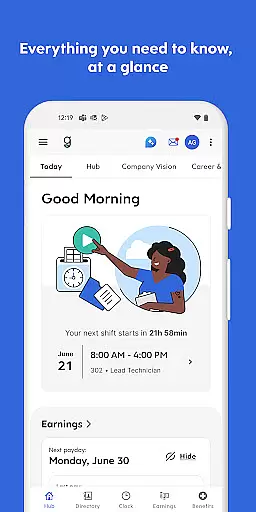
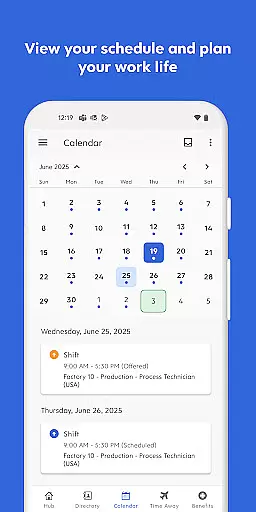
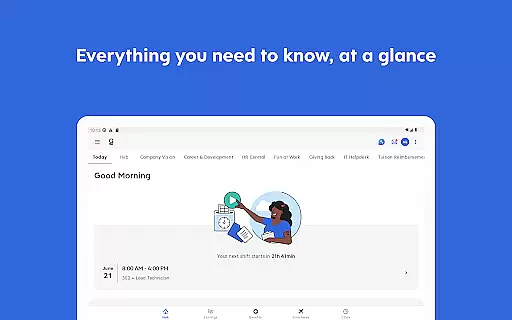
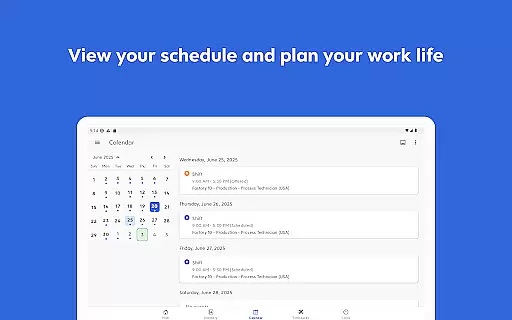
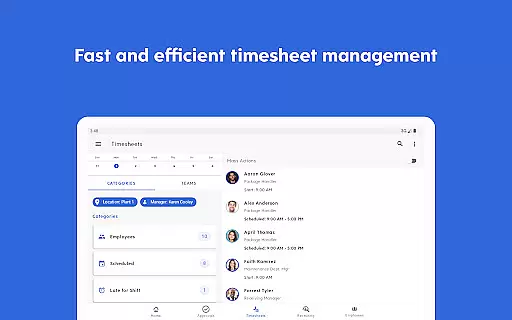
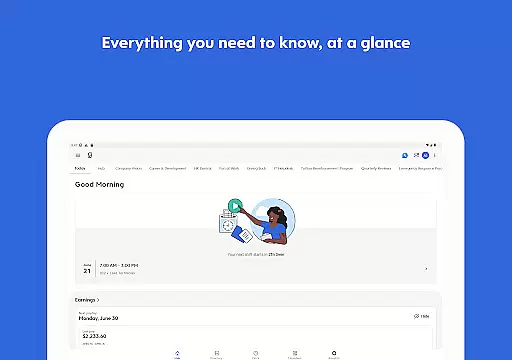
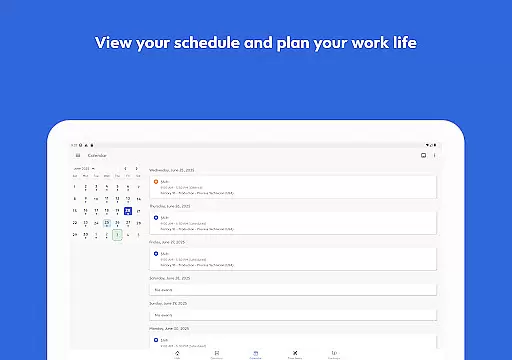
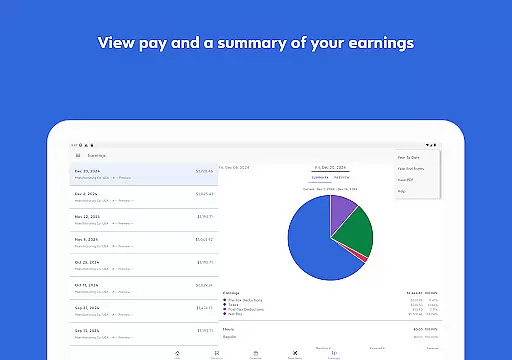
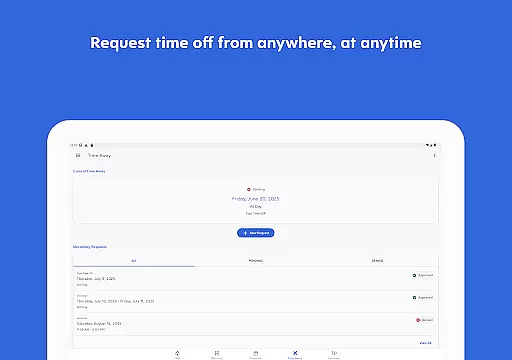
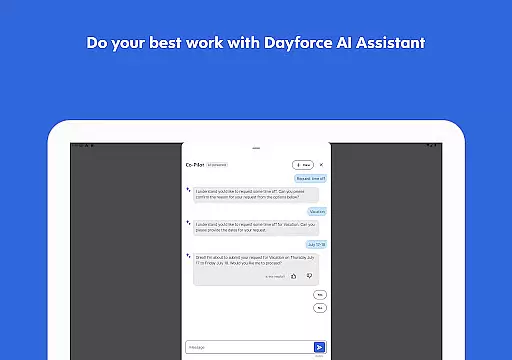
Dayforce is a comprehensive business management app designed to help employees and managers streamline their work processes. The app allows users to clock in and out, manage schedules, swap shifts, and review benefits directly from their mobile devices. It eliminates the need for paperwork by providing an efficient digital solution that works across multiple platforms. Additionally, Dayforce offers real-time earnings tracking and early access to pay, giving users greater financial flexibility when needed.
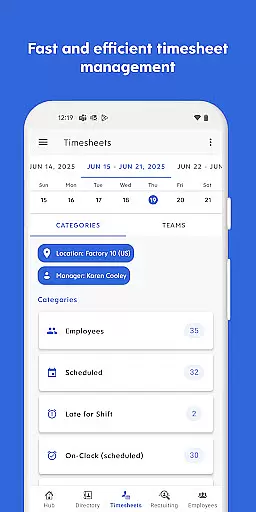
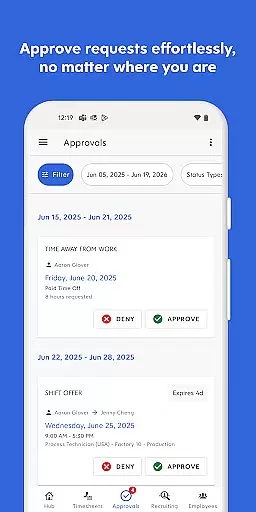
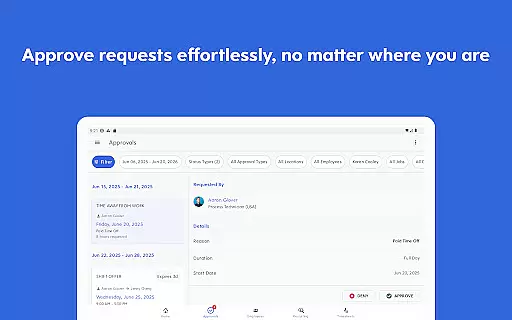
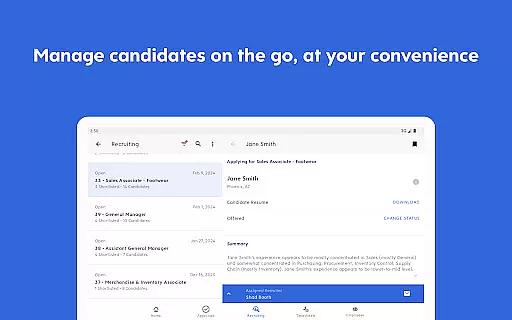
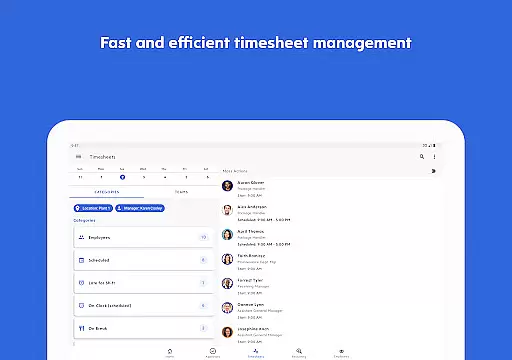
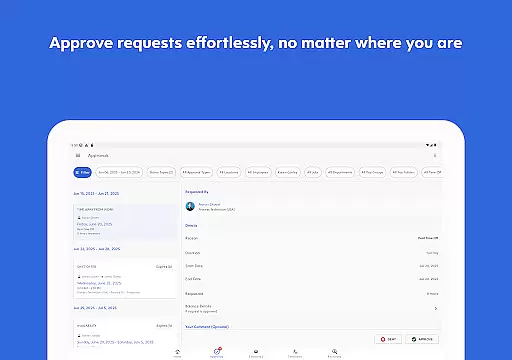
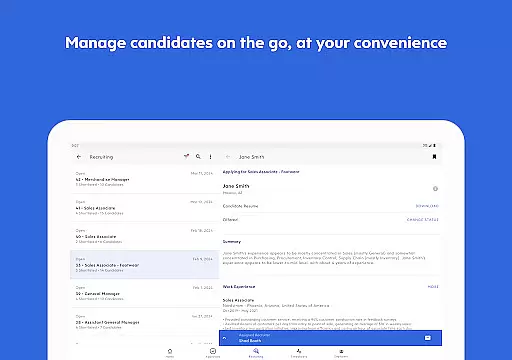
For people leaders, the app provides essential management tools at their fingertips. Managers can approve timesheets, respond to requests, and handle various tasks on the go. This ensures that they stay connected and in control no matter where they are. However, it's important to note that the availability of features depends on the employer's setup, and not all functionalities may be accessible to every user.
The true value of Dayforce lies in its ability to integrate work and life management seamlessly. Whether you're an employee looking to manage your day-to-day tasks more efficiently or a manager needing to oversee team operations remotely, Dayforce offers a versatile solution that adapts to various business needs.
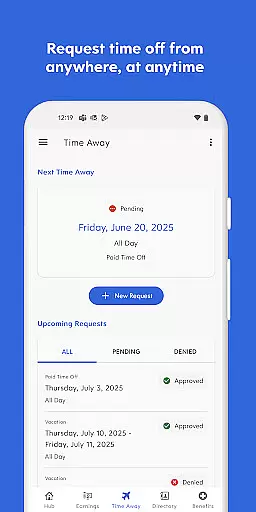
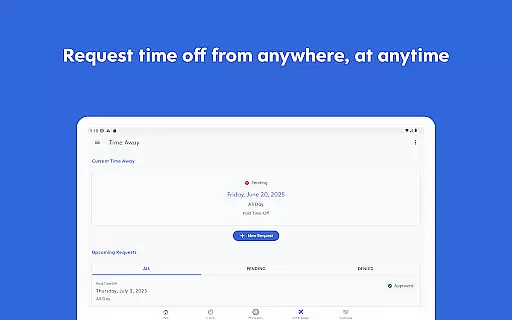
Dayforce stands out with its robust set of features tailored for both employees and managers. One of its core functionalities is the ability to clock in and out digitally, which simplifies time tracking and reduces administrative overhead. Users can also manage their schedules, request time off, and swap shifts with colleagues, all within the app. These features ensure that employees can manage their time effectively without the hassle of traditional methods.
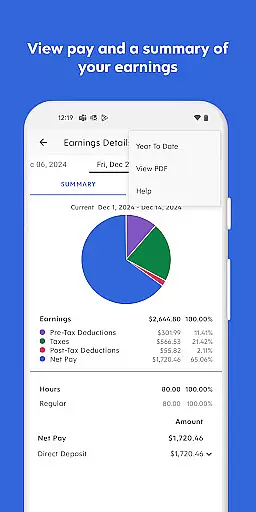
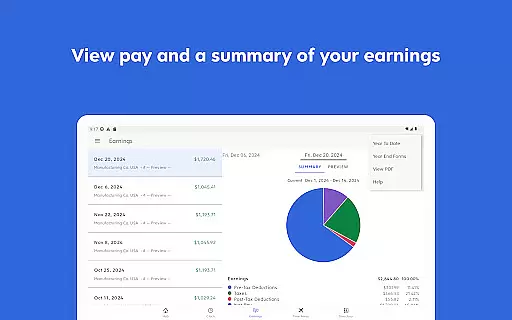
For those in leadership roles, Dayforce offers advanced tools such as timesheet approval and request management. Managers can handle these tasks from their mobile devices, allowing them to stay productive even when they're away from the office. The app also provides real-time earnings tracking and on-demand pay options, giving users financial insights and flexibility. This feature is particularly beneficial for employees who need immediate access to their earnings before the official payday.
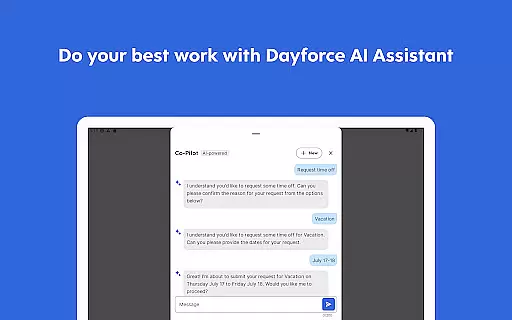
Another notable aspect of Dayforce is its seamless integration across devices. Whether you're using a smartphone, tablet, or computer, the app ensures that all your data is synchronized and accessible. This cross-platform compatibility enhances user experience and ensures that everyone stays connected and informed. Overall, Dayforce's innovative approach to workforce management makes it a valuable tool for modern businesses.
Collaborative work features are essential for modern businesses, enabling seamless communication and task management among team members. The Dayforce app excels in this area by providing tools that facilitate efficient collaboration across various devices.
With Dayforce, employees can clock in and out, check schedules, swap shifts, and review benefits effortlessly. This ensures that everyone is on the same page, reducing misunderstandings and increasing productivity. The app's real-time updates allow team members to stay informed about any changes or new assignments instantly.
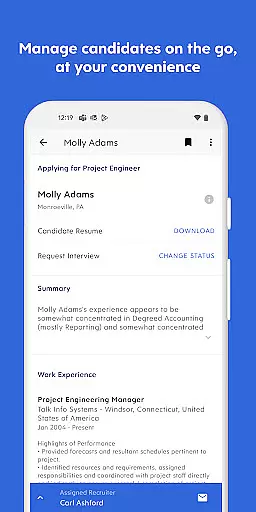
For people leaders, Dayforce offers essential manager tools at their fingertips. Approving timesheets, responding to requests, and managing team tasks become straightforward processes. These capabilities empower managers to handle responsibilities on the go, freeing up more time for strategic activities.
The collaborative features of Dayforce not only streamline daily operations but also foster a cohesive work environment where all team members can contribute effectively.
Effective task management is crucial for maintaining productivity and ensuring timely completion of work. The Dayforce app provides robust task management functionalities that help users organize and prioritize their daily activities efficiently.
From planning time off to reviewing benefits, Dayforce allows employees to manage their tasks without the hassle of paperwork. The intuitive interface makes it easy to navigate through different features, ensuring that users can quickly access the information they need. Real-time updates keep everyone informed about task statuses and deadlines.
One standout feature is the ability to track real-time earnings and access pay before payday. This financial flexibility empowers employees to better manage their personal finances, adding an extra layer of convenience and control over their lives.
Overall, Dayforceu2019s task management capabilities enhance user experience by simplifying complex processes and promoting a balanced approach to work and life.
User-friendly interface
Real-time earnings tracking
Cross-device compatibility
Efficient task management
On-demand pay options
Limited feature availability
Employer-dependent setup
No offline functionality
Potential synchronization issues
Dependent on employer configurations

The revolutionary flexible staffing platform
 4.40
4.40
TurboScan turns your phone into a full-featured PDF document scanner.
4.80
Your employer must have UKG Ready software configured for Mobile.
4.60
Find the right fit, faster.
4.70
Find work, shifts and gigs near you. Jobs lasting a few hours to a few months.
4.30
enjoy effortless PDF reading anytime, anywhere
3.90
Make invoices, bills, receipts & estimates on the go with Invoice Generator.
4.70
Say hello to the mobile work experience built to help you thrive at work.
4.30
Make money as a delivery driver with DoorDash and work when you want as a Dasher
4.30
FaxCover - Create fax cover pages. Works with any app or fax machine.
4.90
Permission Guard is a security app that helps you manage app permissions.
4.80
Use Generative Summary to understand your rental or insurance docs in seconds.
4.70
USPS Mobile®Access USPS.com’s most popular tools on-the-go.
4.70
Grow your business and connect with more people with Meta Business Suite.
4.60
Work happy with AI Companion
4.10
Zoom built for Chrome OS
3.90
Get your benefits on-the-go.
3.80
Delivery Track App - Tracking with Fedex, USPS, UPS, DHL. Monitor your Orders.
3.20
viewing and sharing PDFs and other files—anytime, anywhere!
4.3


User Reviews