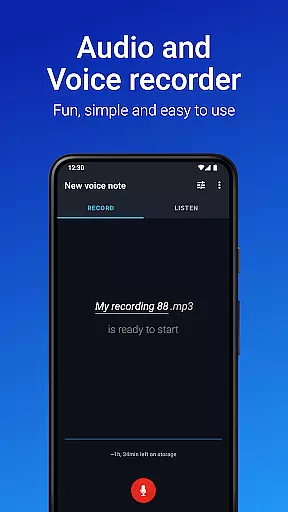
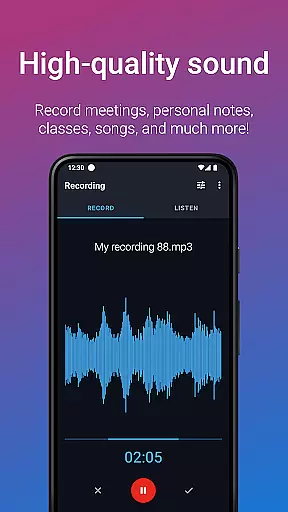
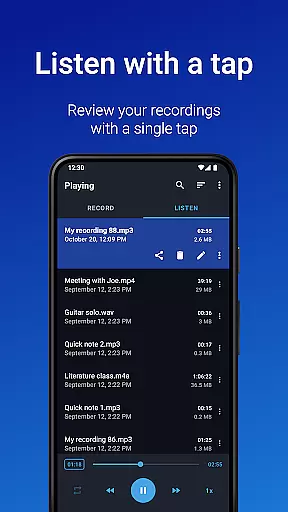
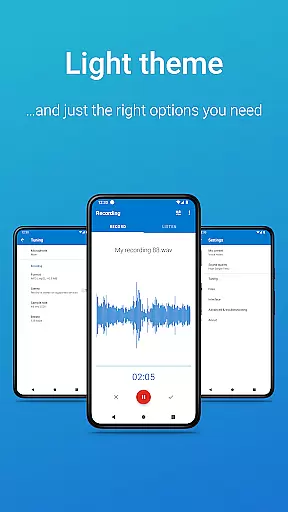
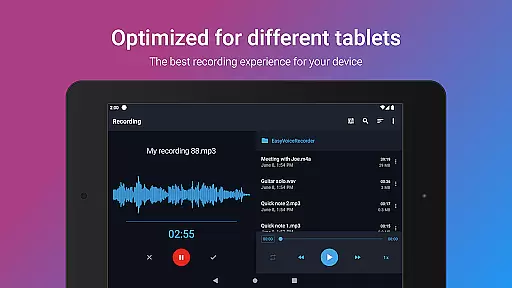
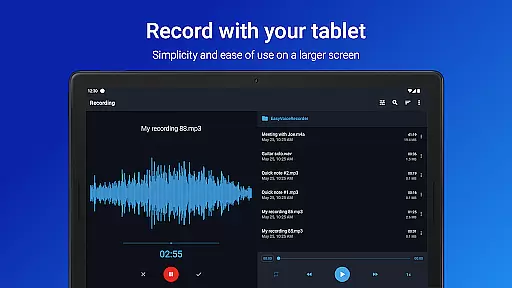
Easy Voice Recorder Pro is a versatile audio recording application designed for Android users. It allows you to capture high-quality recordings of meetings, classes, music, and more without any time restrictions or advertisements. The app offers advanced features tailored for students, professionals, musicians, and everyday users.
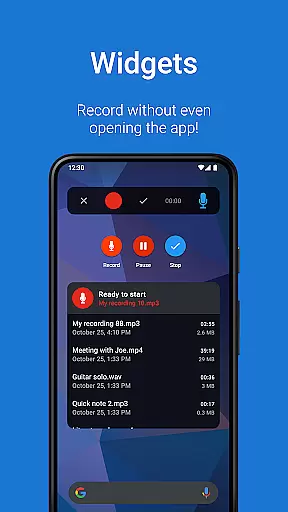
For students, the app provides clear lecture recordings that can be played back at adjustable speeds. Business users can benefit from convenient widgets, cloud uploads, and easy sharing options. Musicians will appreciate the fine-tuned recording settings and support for various formats like MP3 and FLAC. With its intuitive interface and powerful functionality, Easy Voice Recorder Pro adapts to meet diverse recording needs.
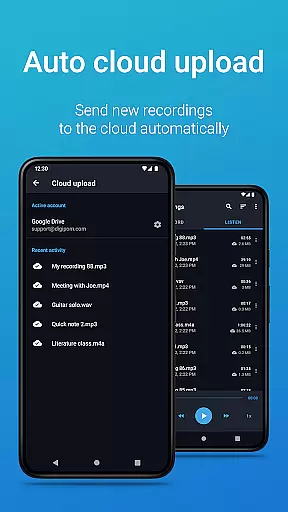
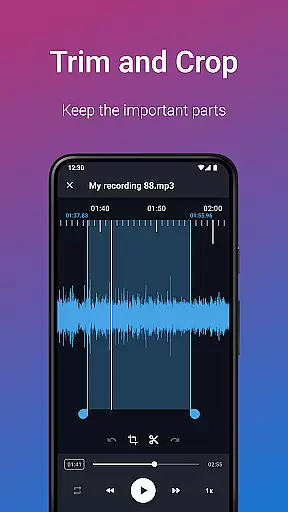
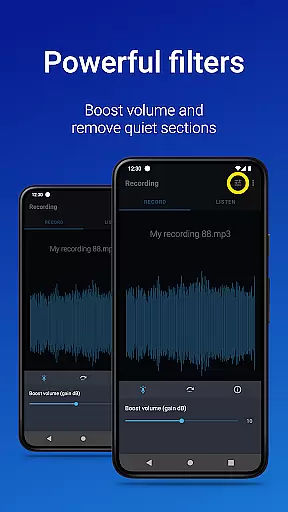
Easy Voice Recorder Pro stands out with its comprehensive feature set. The app supports multiple recording formats including PCM, MP4, AMR, MP3, FLAC, and AAC, catering to different storage and quality requirements. Advanced Pro features include automatic cloud uploads to Google Drive or Dropbox, Bluetooth microphone support, and an Edit mode for trimming recordings.
Additional functionalities enhance user experience further. Users can organize recordings into folders, control the recorder from the notifications bar, and take advantage of bonus features like stereo recording and custom bitrates. The inclusion of Wear OS support enables recording directly from smartwatches, while light and dark themes offer personalized aesthetics. These robust features make Easy Voice Recorder Pro a reliable tool for all your recording needs.
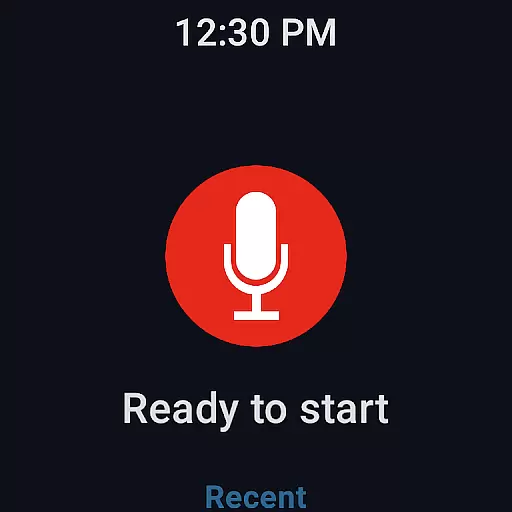
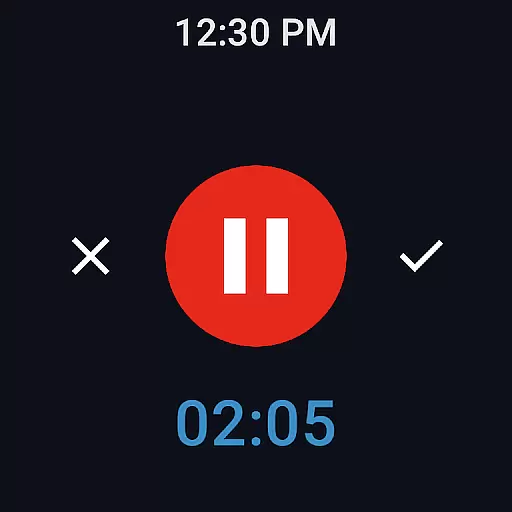
Companion app integration is essential for users who rely on wearable technology to manage their daily tasks efficiently. Easy Voice Recorder Pro offers seamless connectivity between your smartphone and Wear OS devices, ensuring that you can start, stop, and manage recordings directly from your smartwatch. This feature provides unmatched convenience, especially in scenarios where handling your phone might not be feasible.
The application's ability to integrate with companion apps extends its functionality beyond just recording. With the included watch tile, users can quickly initiate a new recording without needing to access their phones. This instant access transforms how professionals, students, and creatives capture important moments, making the recording process more fluid and adaptable to various environments.
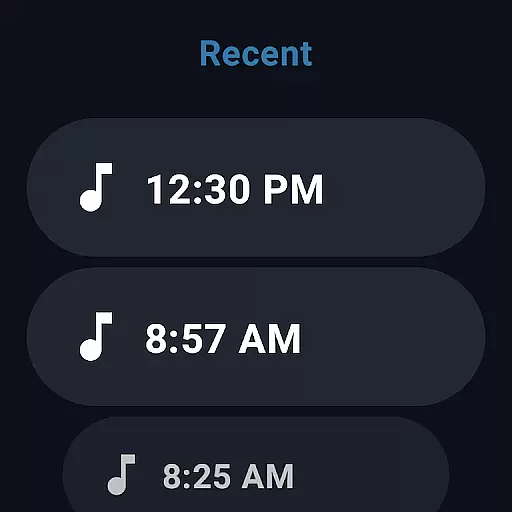
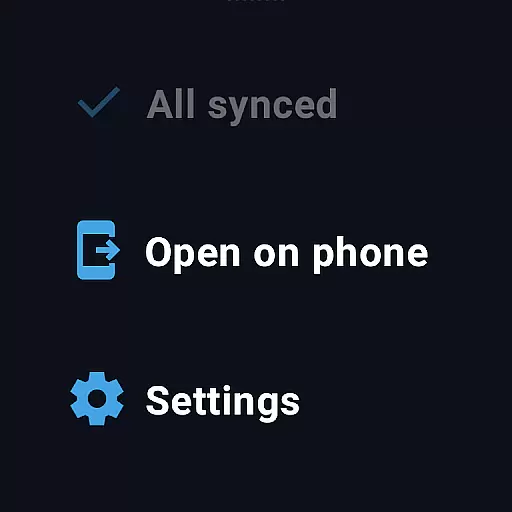
Moreover, the synchronization between devices ensures that all recordings are automatically updated across platforms. Whether you're commuting, attending meetings, or capturing spontaneous musical ideas, the recordings saved on your smartwatch will be immediately available on your smartphone or tablet. This cross-device harmony enhances productivity and ensures no critical information is lost during transitions between devices.
Device compatibility is crucial for applications designed to work across multiple platforms, including smartphones, tablets, and smartwatches. Easy Voice Recorder Pro excels in this area by offering extensive support for Wear OS devices, ensuring that users can leverage the full potential of their smartwatches. This compatibility allows for an uninterrupted recording experience, regardless of the device you choose to use.
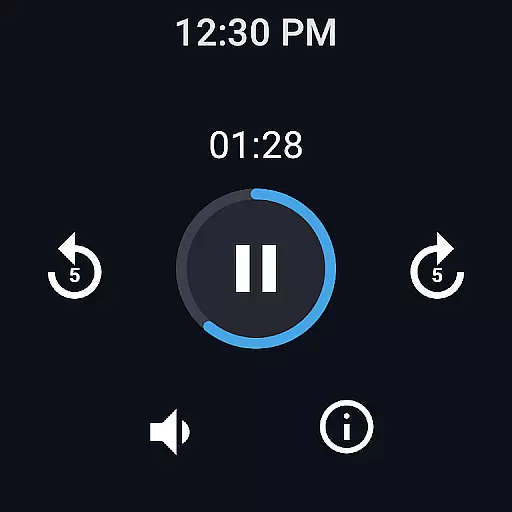
The app's design takes into account the unique requirements of different devices, providing tailored functionalities that enhance user interaction. For instance, the Wear OS support enables users to control recordings through intuitive interfaces specifically optimized for smaller screens. This thoughtful adaptation ensures that managing recordings on a smartwatch is as straightforward and efficient as on a smartphone or tablet.
Furthermore, Easy Voice Recorder Pro's commitment to compatibility means regular updates and improvements to maintain performance across all supported devices. Users can expect consistent quality and reliability, whether they're using the latest smartwatch model or an older version. This dedication to broad device support underscores the app's versatility and positions it as a top choice for anyone seeking a robust, cross-platform voice recording solution.
User-friendly interface
High-quality recording options
Cloud integration
Versatile format support
Wear OS compatibility
No call recording capability
Premium version required
Limited free features
Storage permissions needed
Occasional bugs reported

"PER27 Galaxy Digital" is a digital Wear OS watch face designed by PERSONA
 4.10
4.10
Diet tracker for weight loss - track calories, food and macros. Simple and easy!
4.70
Sleek, highly customizable watch face inspired by Galaxy Watch Circle Dashboard.
4.1
The ultimate destination for kids ages 3-8 to explore the Marvel Universe!
4.30
Stylish, Energizing and Modern Watch Face crafted by Dominus Mathias.
4.50
The most customizable hybrid watch face. For Wear OS 5.0, API 34+ and later
4.70
Hybrid watch face for Wear OS with customizable complications by Matteo Dini MD
4.70
Start and succeed with PAP
4.10
Back up your contacts & access them anywhere
4.30
The Chevron App allows you to pay for fuel from the comfort of your car!
4.80
Real-time weather radar with temperatures, warnings, hurricanes, and widgets
4.80
WTW M17 is a premium and luxurious hybrid watch face
4.70
Monitor health with the stress test and pulse checker in the heart rate app.
4.60
Digital watch face with big numbers and many customization for Wear OS devices
4.40
Watch face for Wear OS.
4.20
Snowflake Rose Gold Watch Face - Digital, modern, & sleek with GYRO effect.
4.10
Get helpful reminders, take progress photos and find answers to your questions.
3.90
Stay in touch with your friends and family using LINE!
3.40
Contemporary digital watch face with five complications
4.4


User Reviews