
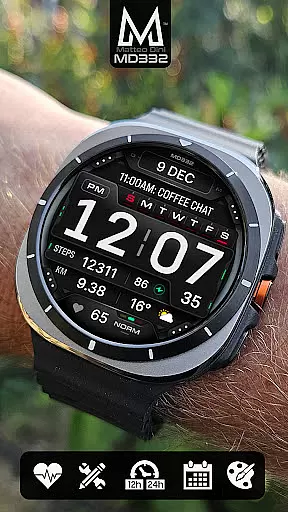
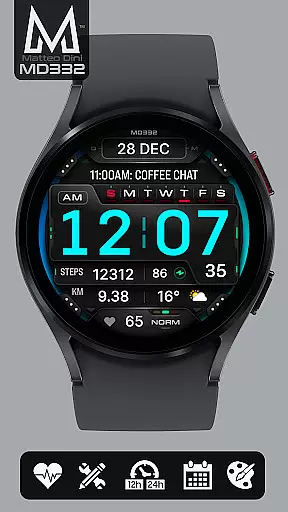
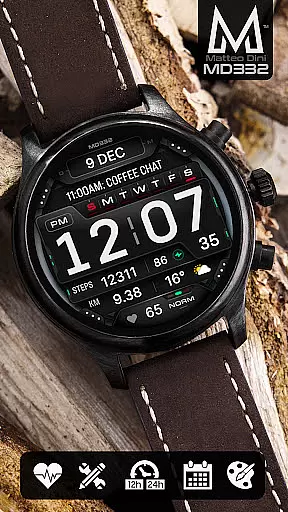
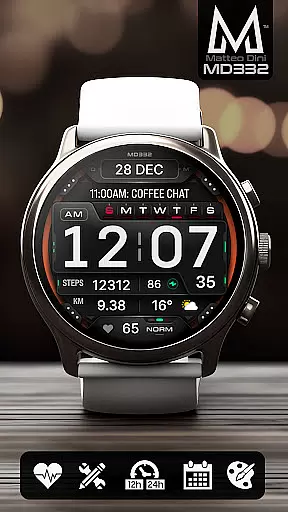
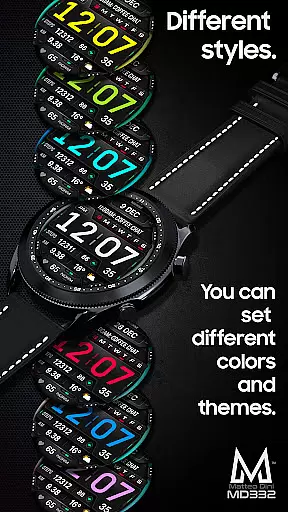
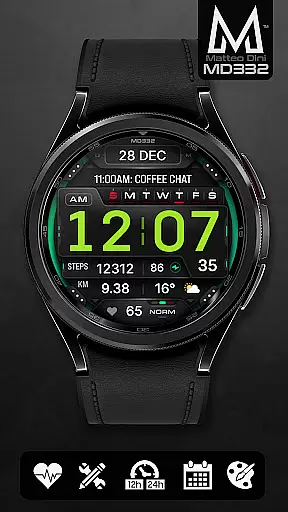
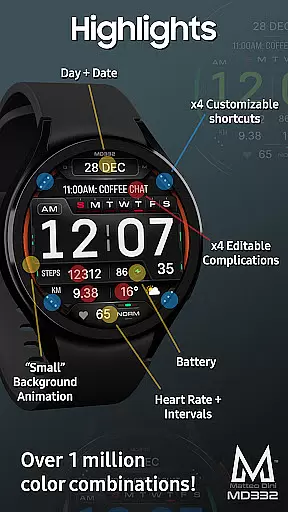
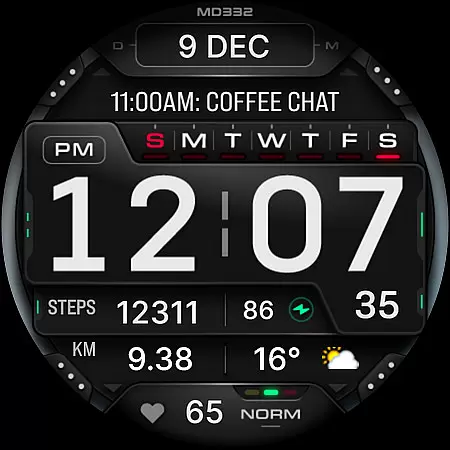
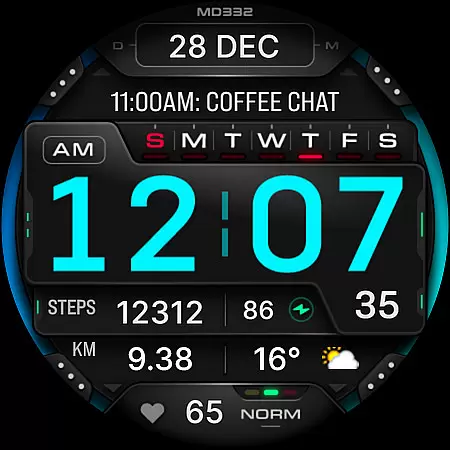
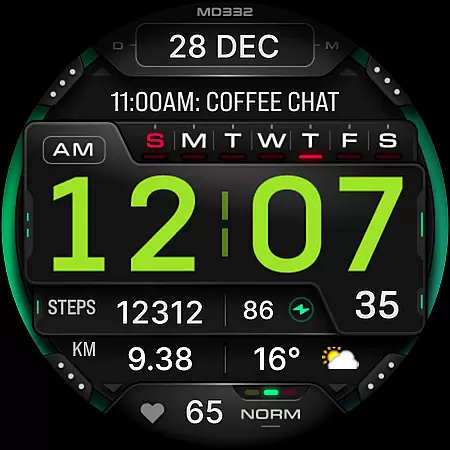
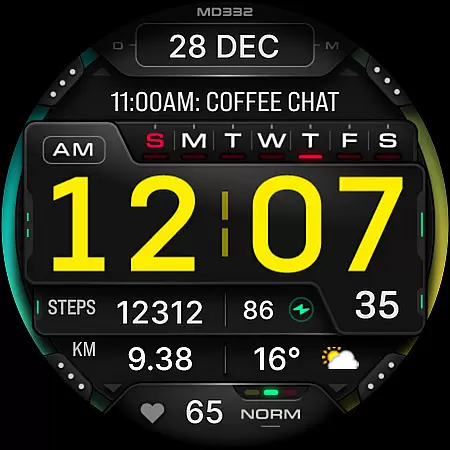
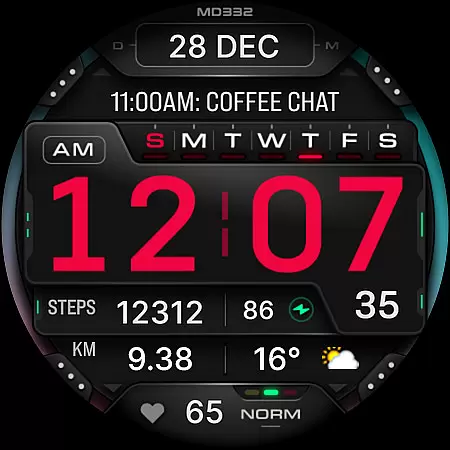
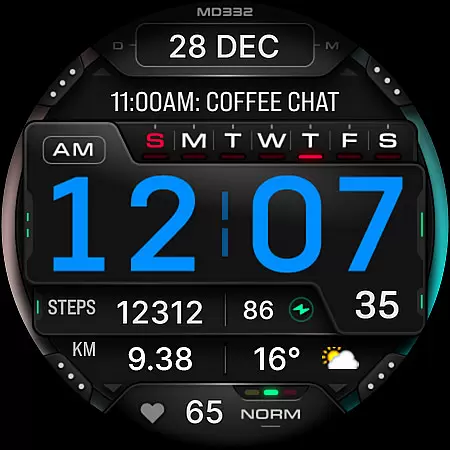
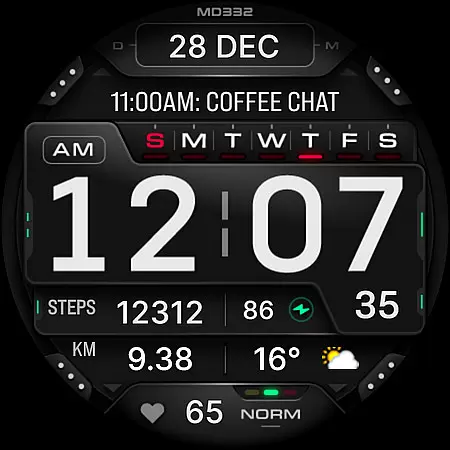
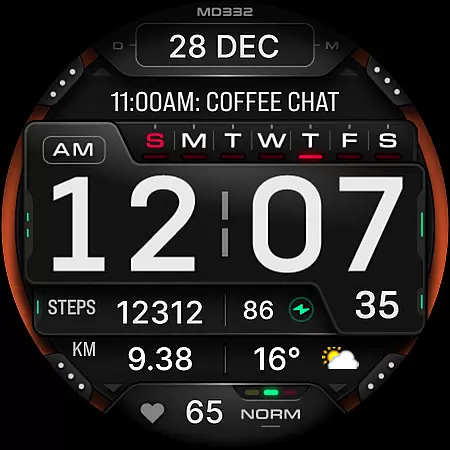
MD332 Digital watch face is a feature-rich, customizable watch face designed for Wear OS devices. It offers advanced functionalities including 3 preset app shortcuts, 4 customizable shortcuts, and 4 complications that support various data types like weather, heart rate, and more.
This digital watch face supports both 12/24hr time formats, date, day, battery status, and heart rate monitoring. Users can personalize colors, choose big numbers display, and switch between minimal and full Always-On Display (AOD) modes.
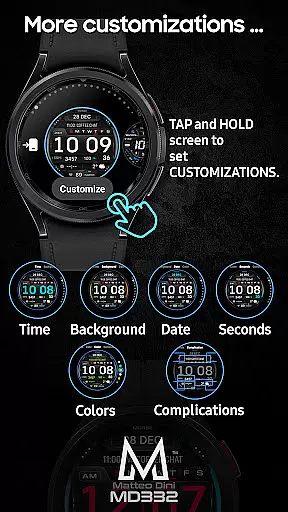
Ideal for Samsung Galaxy Watch 4-8, Ultra, and Pixel Watch users, this watch face requires API Level 33+ (Wear OS 4 and later). The customization process is simple - just touch and hold the display, then tap on the customize option to adjust settings directly on your smartwatch.
The MD332 watch face stands out with its comprehensive customization options. Users can modify time, date, seconds, background, and general colors to match their preferences. The inclusion of big numbers and multiple display modes makes it highly versatile.
One of the key features is the extensive shortcut system. The watch face comes with preset shortcuts for Calendar, Battery, and Heart Rate measurement. Additionally, users can configure four custom shortcuts and complications, allowing them to display preferred data such as weather, calories burned, or distance walked.
The watch face also supports external complications, though these are managed by separate apps. This modular approach enables users to expand functionality by installing additional complications as needed. However, some features may vary in availability depending on the specific watch model.
Companion app integration is crucial for a seamless wearable experience. MD332 Digital watch face offers robust connectivity with its companion app, ensuring that all features are easily accessible and customizable.
The Samsung Wearable app allows users to personalize their watch face directly from their phone. However, due to the complexity of this watch face, it's recommended to customize directly on the device. This ensures optimal performance and customization without relying on potentially unstable app connections.
Users benefit from real-time synchronization between the phone and the watch, allowing them to adjust settings like time format, complications, and color schemes effortlessly. This direct interaction enhances user engagement and satisfaction.
By supporting API Level 33+ devices, MD332 guarantees compatibility with the latest Wear OS versions, providing a future-proof solution for Galaxy Watch users. This ensures that your personalized settings remain intact across software updates.
Device compatibility is essential for ensuring that a watch face functions correctly across various Wear OS devices. MD332 Digital watch face supports all Wear OS devices with API Level 33+, including Samsung Galaxy Watch 4-8, Ultra, and Pixel Watch models.
This broad compatibility ensures that users can enjoy consistent performance regardless of their specific device model. The watch face takes full advantage of Wear OS 4 and later versions, offering advanced features like customizable complications and shortcuts.
With support for both minimal and full Always-On Display (AOD) modes, MD332 provides flexibility in power management while maintaining essential information visibility. Users can choose between different display modes based on their preferences and battery life considerations.
Additionally, the watch face includes preset app shortcuts and customizable complications, allowing users to tailor their experience according to individual needs. This level of personalization enhances usability and ensures that important data is always at hand.
Highly customizable
Wide device compatibility
Comprehensive shortcut system
Versatile complication options
User-friendly interface
Complex setup process
Limited Samsung editor support
External complication dependency
Feature variability across devices
Premium customization required

Walking app for weight loss: walk & step tracker, pedometer, indoor treadmill
 4.60
4.60
Watch the sharpness of the sky on your wrist..
3.70
Highly customizable hybrid watch face for Wear OS, perfect for everyday use.
4.60
3 Complications. All shadow on/off. 30 Themes color palette...
4.3
Hybrid Vibrant Health Watch Face for Wear OS
4.2
Premium hybrid watch face with many customizations for Wear OS devices.
4.40
Your music, your playlists, and more—offline and unlimited.
4.20
Your local weather forecast, storm tracker, radar maps & live weather news
3.40
Track your active life in one place and share the journey with friends.
4.40
Rose gold watch face with festive lights & customizable features.
4.60
Monitor health with the stress test and pulse checker in the heart rate app.
4.60
Beautiful artistic animated digital watch face, with a customizable layout!
4.40
Animated video-game inspired “secret agent” simulation, right on your wrist!
4.20
Animated Watch Face and Customizable with 24 Backgrounds. Perfect for Christmas!
3.90
Wear Os Watch Face - Animated Snow Effect & Christmas Lights
4.4
Stunning modern digital watch face with 7 complications and strong contrast
4.4
Artistic Digital Watchface
4.2
Fitness interactive virtual pet super fighter boy watch face
4.3
Minimalistic design modern digital watch face.
4.2


User Reviews