
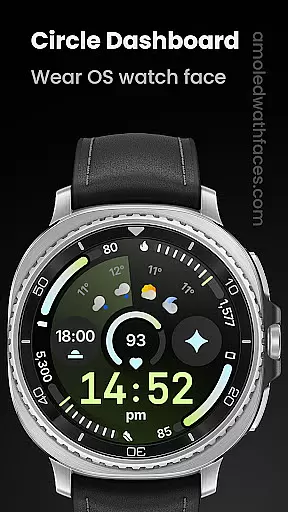
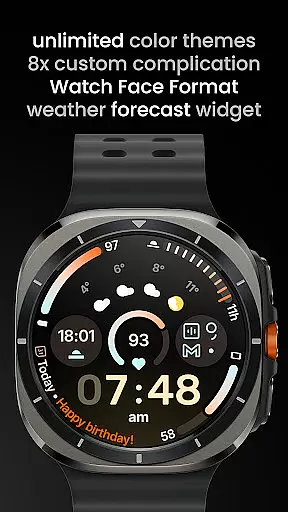
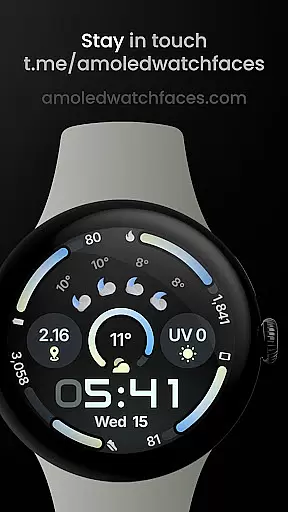
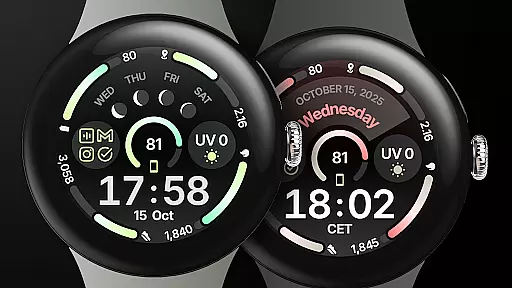
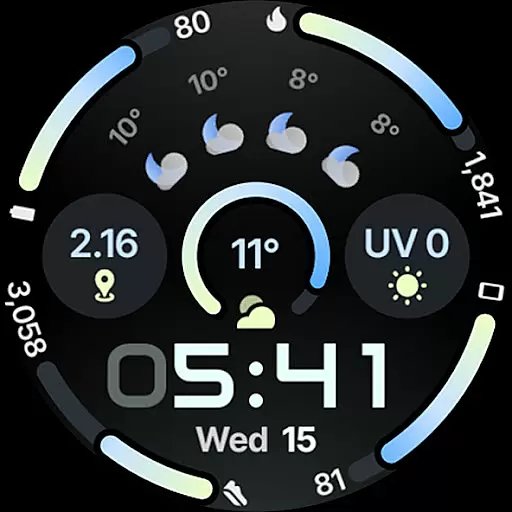
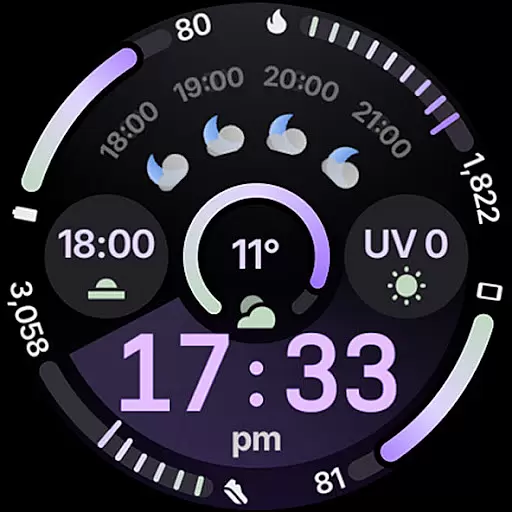
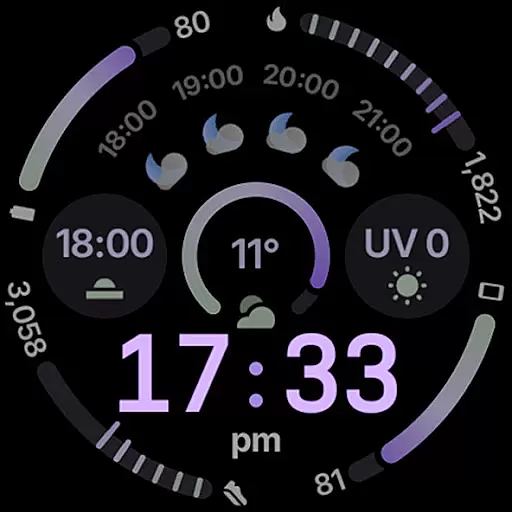
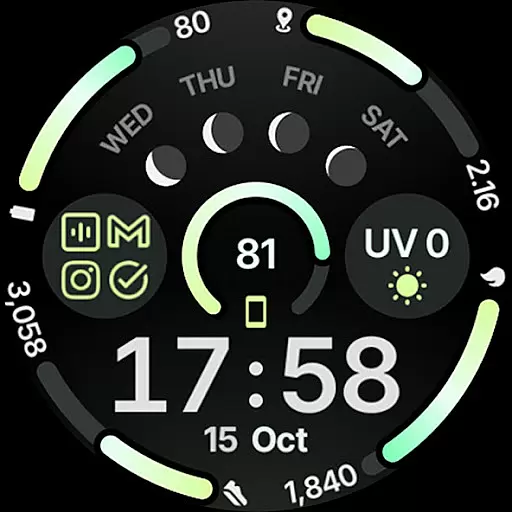
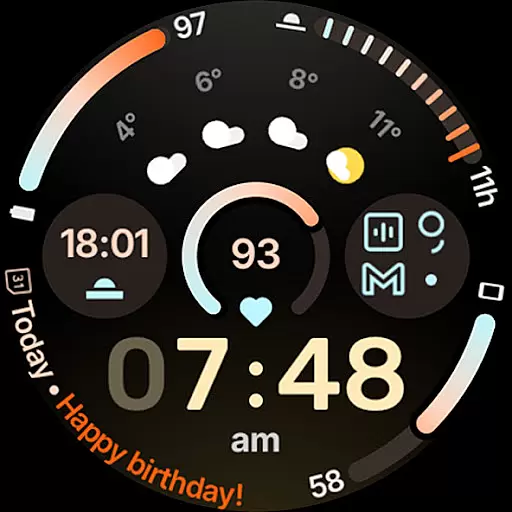
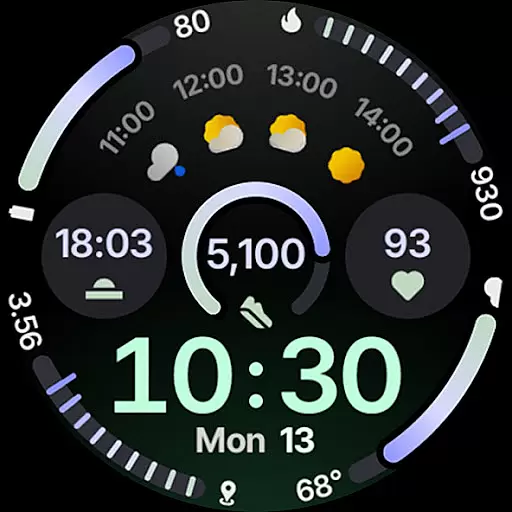
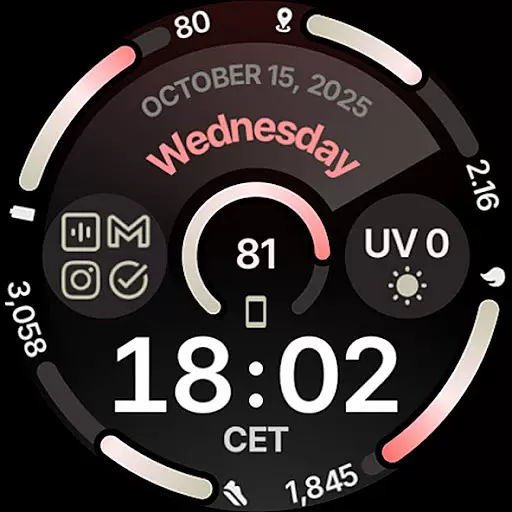
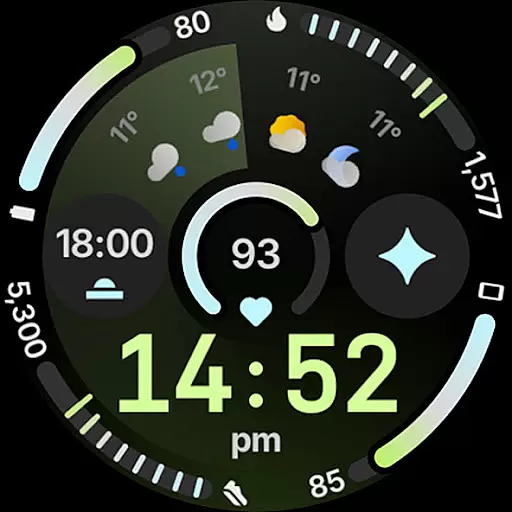
Circle Dashboard Watch Face is a feature-rich watch face designed exclusively for Wear OS 4+ devices. Inspired by the Galaxy Watch 8 series, it offers advanced customization options and supports multiple complications. The watch face provides users with an interactive and visually appealing interface that enhances their smartwatch experience.
This application stands out through its support for custom complications, adaptive text sizing, and expressive progress bars. With unlimited color theme combinations and three always-on display styles, users can personalize their watch to suit their preferences. Its battery-friendly design ensures optimal performance without compromising on aesthetics or functionality.
Circle Dashboard Watch Face boasts an impressive array of features that cater to both functionality and personalization. It supports eight custom complication slots, each compatible with various complication types such as SHORT_TEXT, LONG_TEXT, and RANGED_VALUE. This versatility allows users to display a wide range of information directly on their watch face.
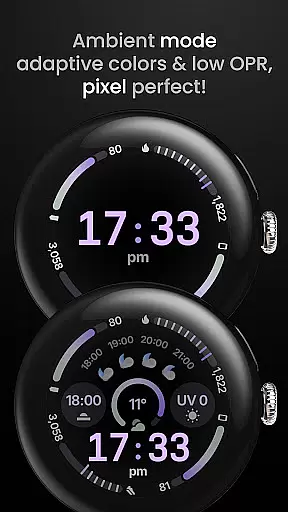
The application also includes innovative elements like animated AOD entering, digital clock fonts, and blinking colon effects. Users can choose from multiple date formats, weather icon packs, and AOD styles. With support for multilanguage and true black background, this watch face delivers both practicality and visual appeal while maintaining compatibility with future Wear OS versions.
Companion app integration is essential for wearable devices to synchronize data and settings with a smartphone. Circle Dashboard Watch Face offers seamless companion app integration, ensuring that users can easily manage their watch face settings directly from their mobile device.
The application supports advanced features like custom complications, which allow users to display personalized information on their watch face. This is made possible through the companion app, where users can configure up to eight different complication slots. Each slot can present various types of data such as weather forecasts, moon phases, or phone notifications.
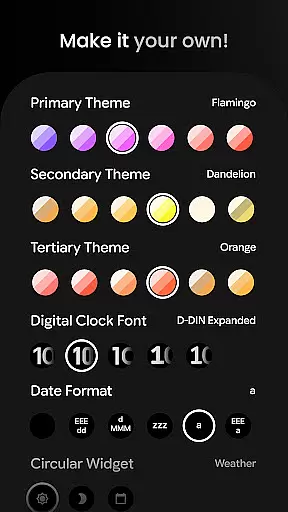
By using the companion app, users gain access to over 60 theme combinations, multiple date formats, and digital clock fonts. These extensive customization options ensure that each user can tailor their watch face to match their personal style and needs.
Furthermore, the companion app provides troubleshooting guides and installation support, making it easier for users to set up and maintain their customized watch faces. With dedicated customer support and a community Telegram group, users can resolve issues quickly and stay updated on new features.
Device compatibility is crucial for ensuring that applications run smoothly across different hardware. Circle Dashboard Watch Face is designed specifically for Wear OS 4+ devices, guaranteeing optimal performance and functionality on supported smartwatches.
This watch face leverages the latest advancements in Wear OS technology, including Watch Face Format 4 and upcoming features available in Wear OS 5 and 6. Users benefit from enhanced capabilities such as animated always-on display entering, adaptive complication text size, and vivid digital clock effects.
In addition to supporting the latest operating systems, Circle Dashboard Watch Face also ensures backward compatibility with older versions of Wear OS. This means that even users with slightly older devices can enjoy many of the advanced features without needing to upgrade their hardware immediately.
With comprehensive language support and battery-friendly operations, this watch face caters to a global audience while maintaining efficiency. Whether you're looking for true black backgrounds, unlimited color themes, or three always-on display styles, Circle Dashboard Watch Face delivers a versatile and compatible solution for all your wearable needs.
User-friendly interface
Highly customizable
Battery efficient
Multiple complication support
Visually appealing design
Wear OS 4+ only
Some features need additional apps
Complex for beginners
Weather widget has limitations
Premium features require purchase

"PER27 Galaxy Digital" is a digital Wear OS watch face designed by PERSONA
 4.10
4.10
Christmas watch face. For Wear OS devices.
4.30
Embrace the holiday spirit with this magical animated watch face!
4.40
Digital watch face with big numbers and many customization for Wear OS devices
4.40
Fitness interactive virtual pet super fighter boy watch face
4.5
Professional weather radar and more
3.90
Premium hybrid watch face with many customizations for Wear OS devices.
4.40
Hybrid watch face for Wear OS with customizable complications by Matteo Dini MD
4.70
A white realistic classic analog watch face with many customization options.
4.40
Be an elegant and classy secret agent, with this carefully detailed watch face
4.70
Real-time results, stats, schedules and player profiles for all leagues
4.60
Simple, helpful messaging by Google
4.60
Stylish, Energizing and Modern Watch Face crafted by Dominus Mathias.
4.50
Calming & relaxing sounds for sleeping and stress relief. Stay focused all day!
4.20
Embrace the festive spirit with our Christmas Countdown watchface for Wear OS
4.10
The #1 source of faces for your smartwatch!
4.00
Authentic military-tactical design with ZULU time! Realistic and functional!
3.80
Precision analog watch face with 7 complications and style options
4.4
Contemporary digital watch face with five complications
4.0


User Reviews