
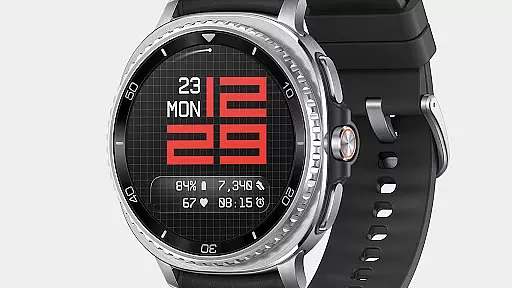
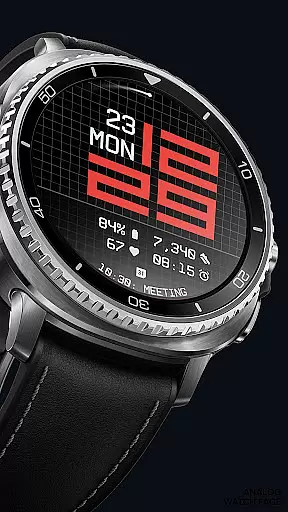
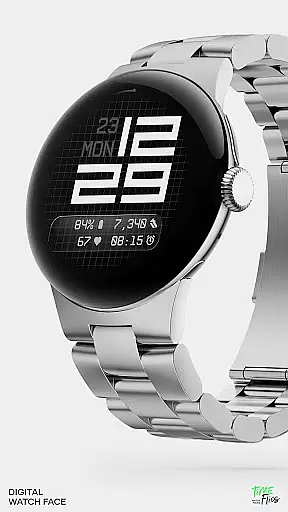
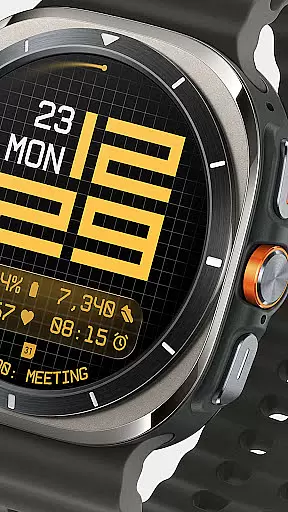
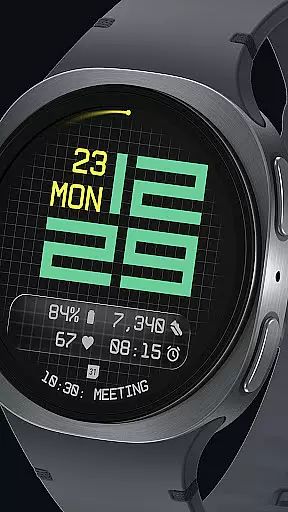
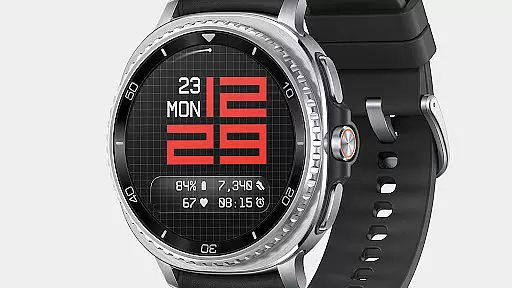
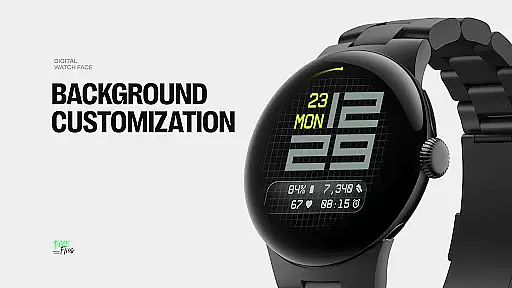
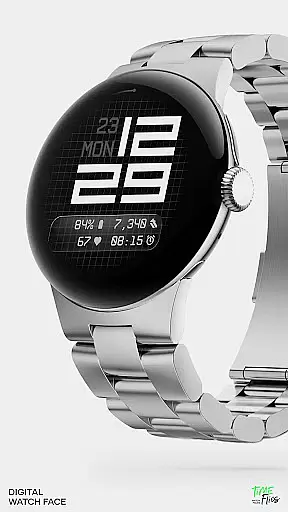
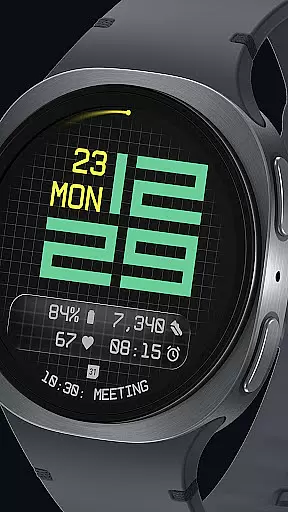
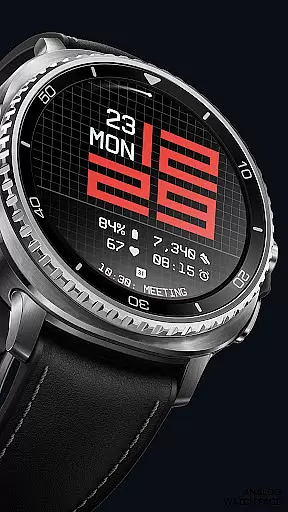
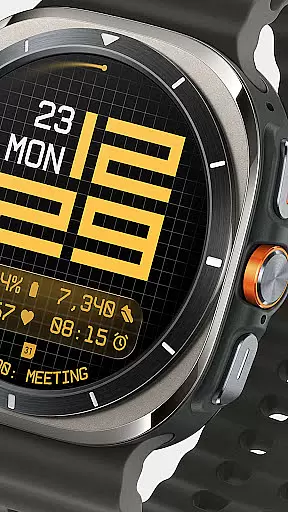
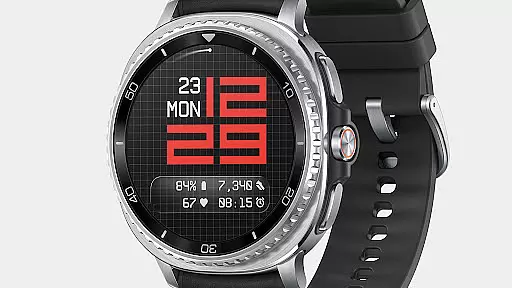
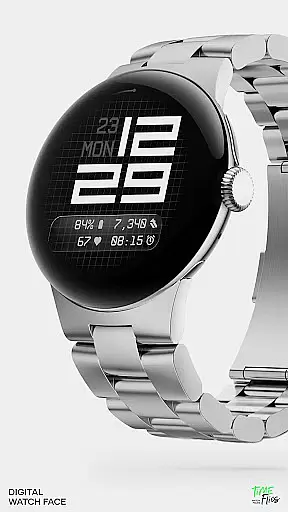
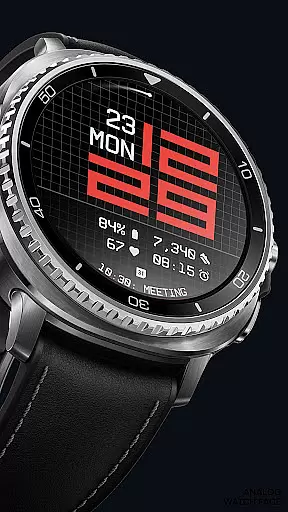
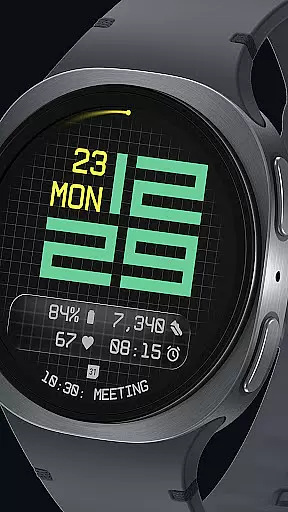

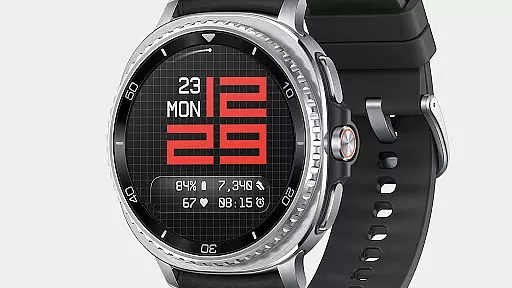
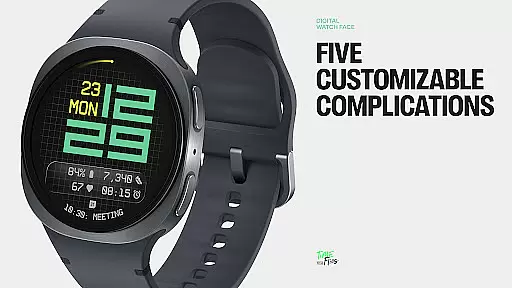
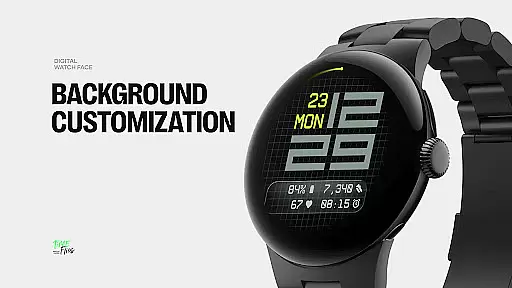
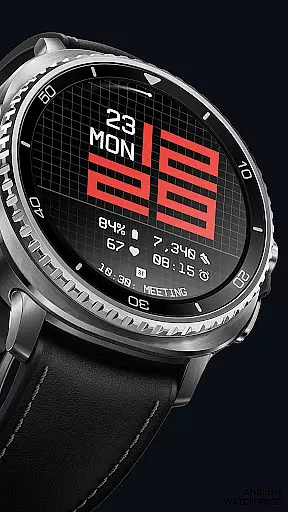
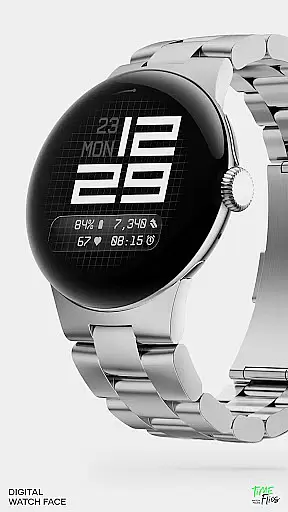
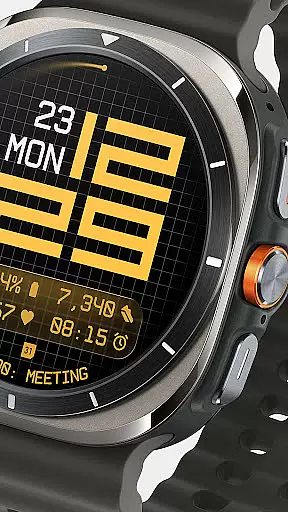
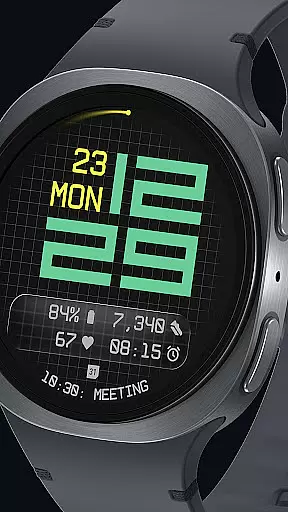
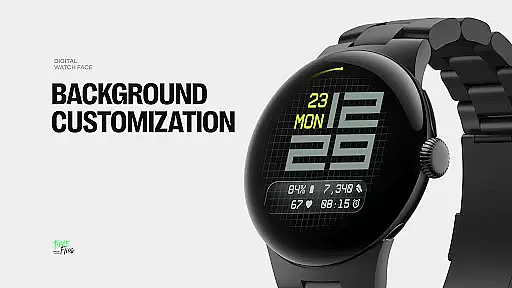
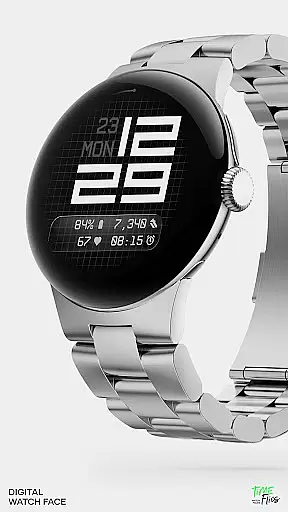
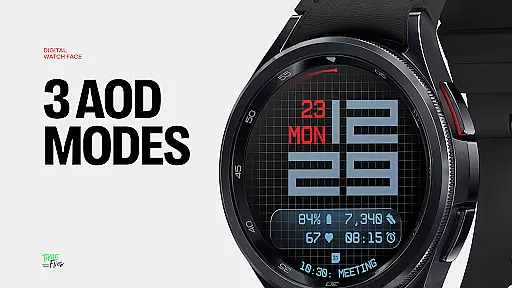
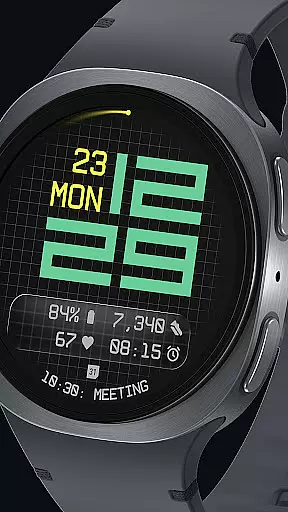
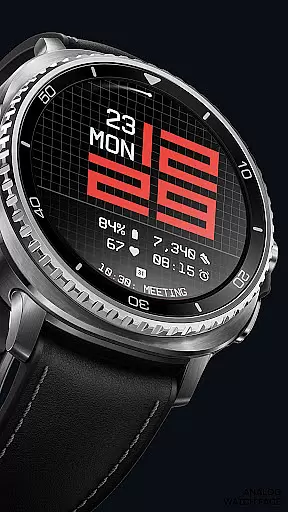
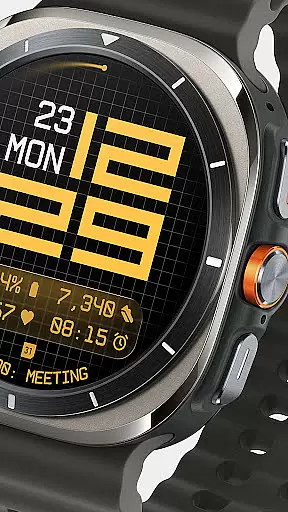
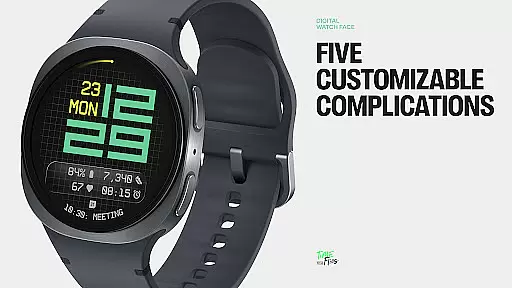
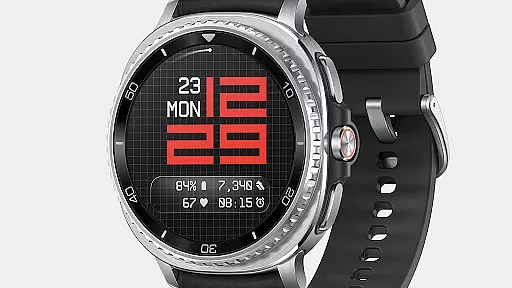
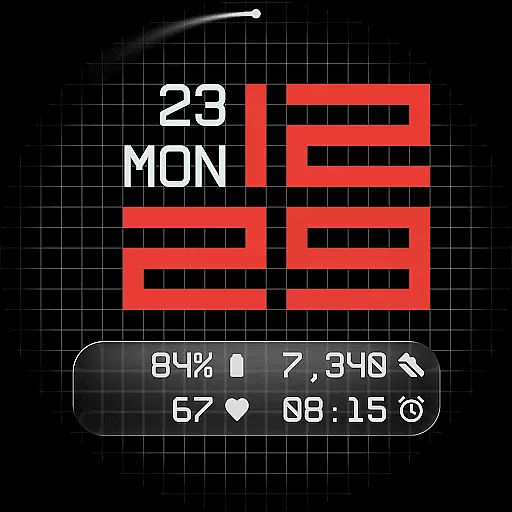
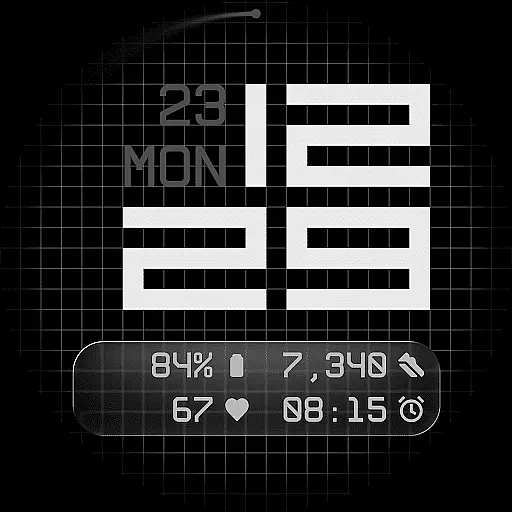
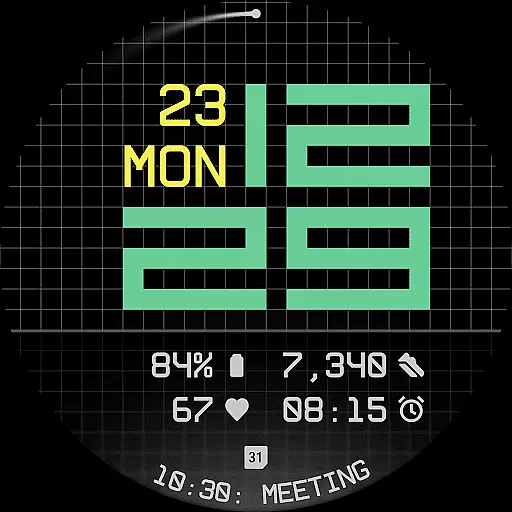
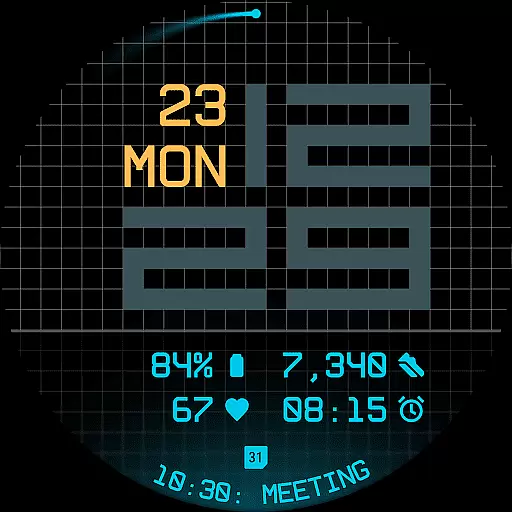
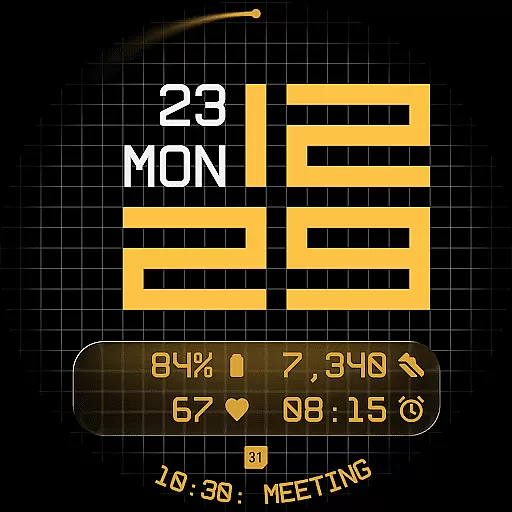
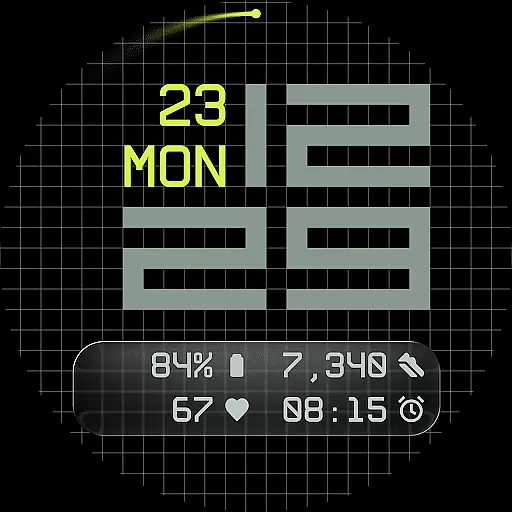
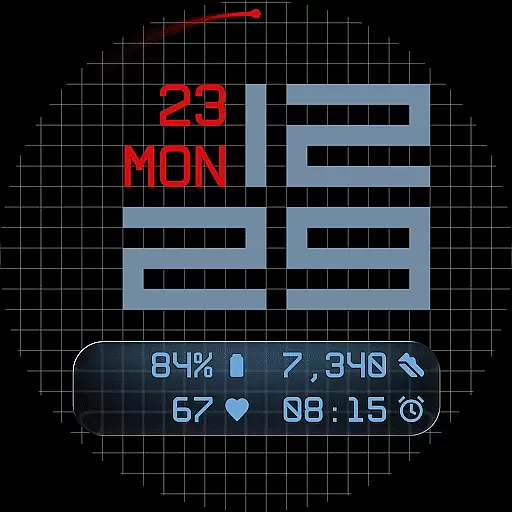
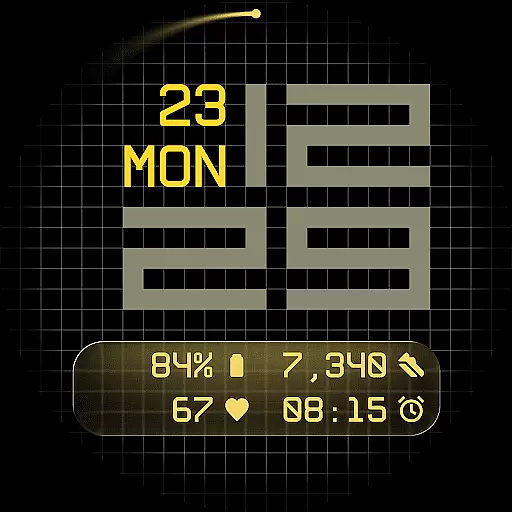
Fast Lane Watch Face is a contemporary digital watch face designed for Wear OS smartwatches, blending typographic clarity with modern aesthetics. The time display features a modular numerical structure inspired by automotive instrument panels, offering a sleek and functional appearance. Users can choose from multiple display styles, including a minimal grid, blurred circular accents, or a translucent UI-inspired glass island that hosts complications.
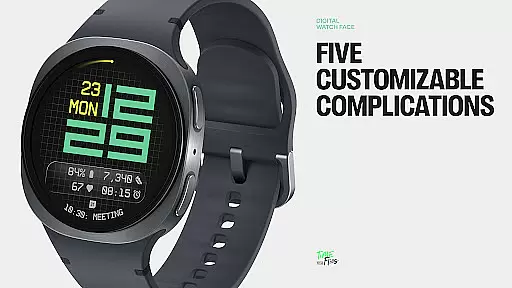
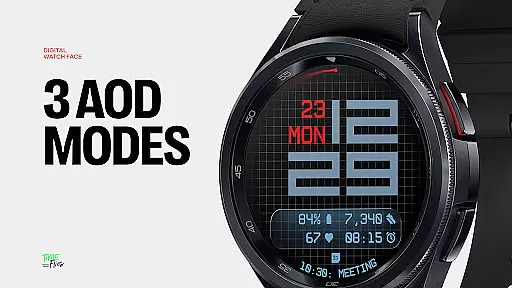
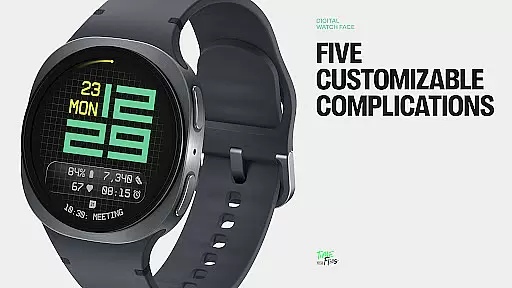
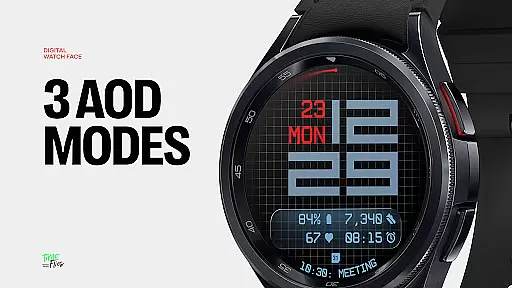
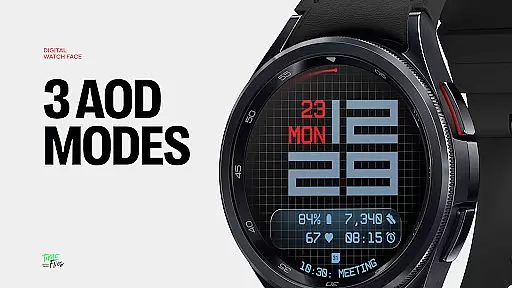
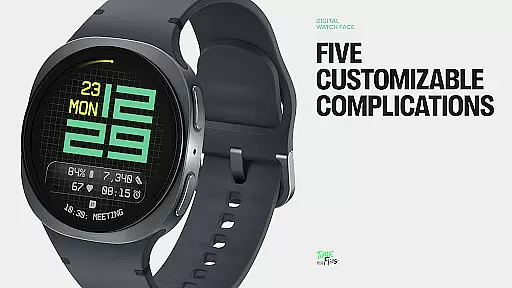
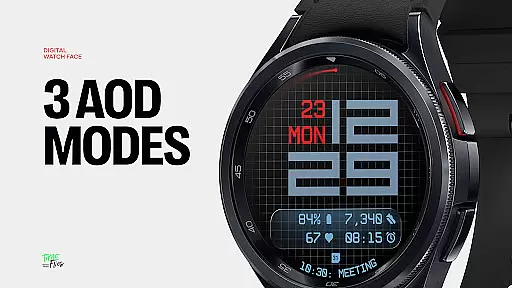
The watch face supports five customizable complications, allowing users to display essential information such as calendar events or moon phases. With 30 color themes, an optional seconds indicator, and three Always-On Display modes, Fast Lane ensures both configurability and visual coherence. Built using the Watch Face File Format, it guarantees optimized performance and energy efficiency across all Wear OS devices.
Ideal for users seeking a balance of style and functionality, Fast Lane enhances smartwatch usability while maintaining a refined aesthetic suitable for various settings.
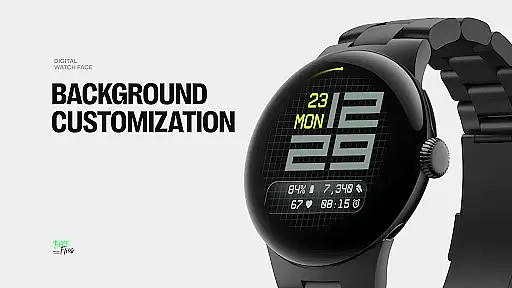
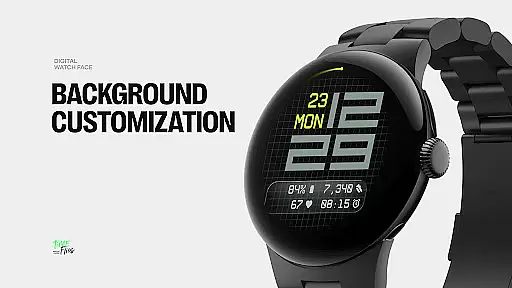
Fast Lane Watch Face stands out with its highly configurable UI layers and contemporary design elements. The modular layout includes a refined grid background, offering texture and subtle structure, while users can select from options like a softly blurred segment or a translucent UI plate for hosting complications. This flexibility allows personalization without compromising visual coherence.
With five available complications, the watch face maximizes information density. Four short-text slots are neatly arranged in the lower display segment, complemented by one long-text slot ideal for detailed updates like calendar events. Above, the day and date are seamlessly integrated into the design, ensuring essential details remain accessible without cluttering the interface.
Additional features include 30 color themes catering to different lighting conditions, an optional seconds indicator for added customization, and three energy-efficient Always-On Display modes. Built using the Watch Face File Format, Fast Lane ensures smooth performance on all Wear OS devices, making it both versatile and reliable.
Companion app integration is a crucial feature for Android Wear applications like Fast Lane Watch Face. This functionality allows users to seamlessly manage and customize their smartwatch experience directly from their mobile device.
The Time Flies companion app provides a comprehensive interface where users can browse the full collection of watch faces, receive regular updates, and install new styles with ease. This ensures that users always have access to the latest designs and features without needing to manually update through the watch itself.
Through this integration, users can personalize their Wear OS experience more efficiently. The companion app acts as a bridge, enabling quick installation of preferred watch face styles and settings adjustments, thus enhancing overall usability.
This level of integration not only simplifies the customization process but also enriches the user's interaction with their smartwatch, making it more intuitive and engaging.
Ensuring broad Wear OS and device compatibility is essential for any Android Wear application. Fast Lane Watch Face is designed to operate smoothly across all Wear OS devices, providing users with a consistent experience regardless of their specific smartwatch model.
The application utilizes the Watch Face File Format, which guarantees optimized performance and energy efficiency. This format helps maintain high standards of speed and reliability, ensuring that animations and interactions remain fluid without draining the smartwatch battery excessively.
With support for over 30 color themes and multiple display styles, Fast Lane Watch Face adapts well to various screen sizes and resolutions. Users can select from different UI layers such as a stylized grid or translucent UI plate, knowing these will render beautifully on their device.
This commitment to compatibility means users enjoy a versatile and reliable product that works harmoniously with their existing technology ecosystem, enhancing both functionality and aesthetic appeal.
Highly customizable
Modern aesthetic design
Optimized energy efficiency
Wide range of color themes
Supports multiple complications
Limited to Wear OS
Companion app required for full features
Complexity may overwhelm new users
No analog-style option
Premium feel but not free

Christmas - Festive - Christmas Village - Winter - Christmas lights
 5.00
5.00
Rose gold watch face with festive lights & customizable features.
4.60
Beautiful artistic animated digital watch face, with a customizable layout!
4.40
Elegant animated Christmas tree with multiple customization options
4.20
sleep, alarm, snoring, stress, healing, focus, sound therapy, circadian rhythm
4.10
Monitor health with the stress test and pulse checker in the heart rate app.
4.60
The Chevron App allows you to pay for fuel from the comfort of your car!
4.80
Stylish, Energizing and Modern Watch Face crafted by Dominus Mathias.
4.50
Fitbit is dedicated to helping people lead healthier, more active lives.
4.10
Walking app for weight loss: walk & step tracker, pedometer, indoor treadmill
4.60
Highly customizable hybrid watch face for Wear OS, perfect for everyday use.
4.60
Kia Access makes getting your vehicle information easier than ever
4.60
Bold, Modern Hybrid Watch Face for Wear OS. 10 Colors, Rich Info Display.
4.30
The #1 source of faces for your smartwatch!
4.00
Hyper-Realistic Airplane Dashboard Watch Face With 10 Skins and Custom AOD
4.00
Viewer for Wyze/Yi/Eufy/Arlo/ONVIF/RTSP/P2P IP cams w/ adv. features & DIY DVR
4.00
Your local weather forecast, storm tracker, radar maps & live weather news
3.40
A heartwarming Christmas scene featuring a cute image of Santa and Rudolf
4.4
Artistic Digital Watchface
4.1


User Reviews