
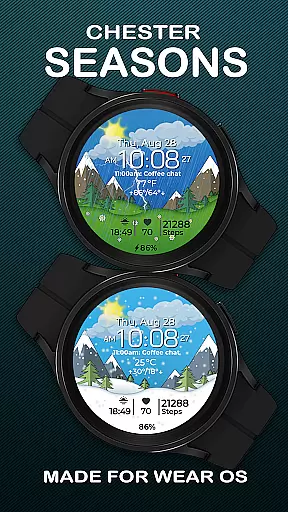
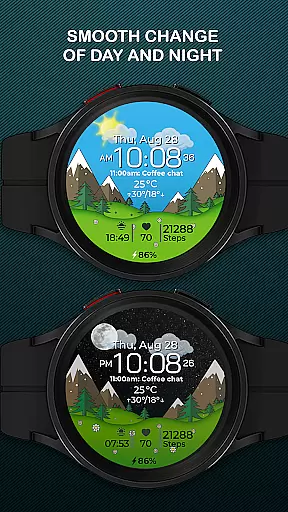
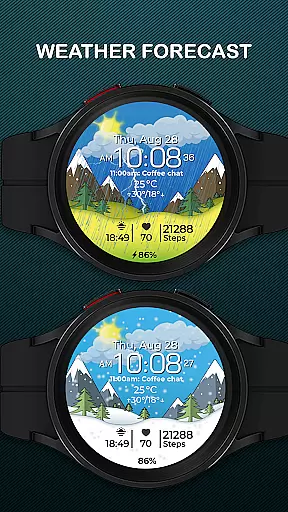
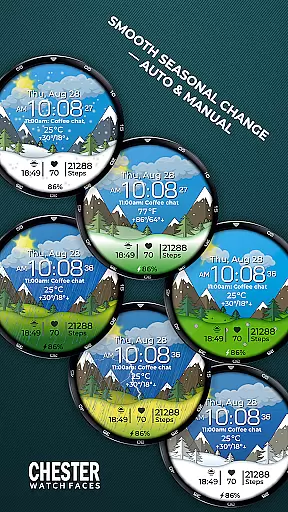
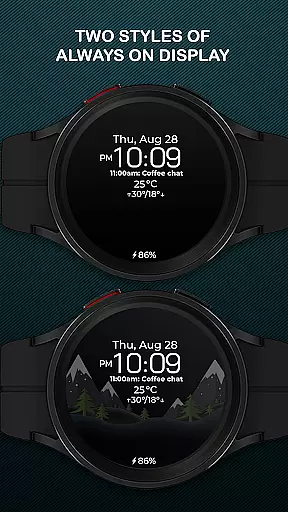
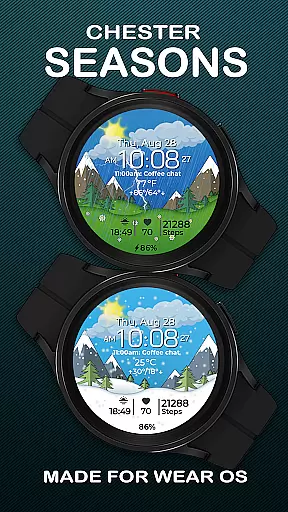
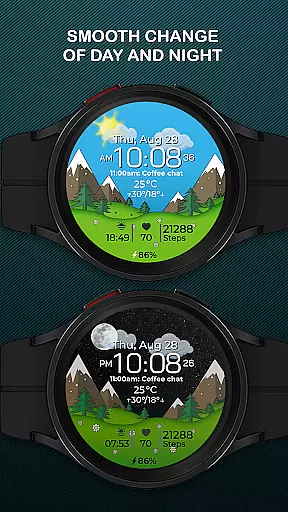
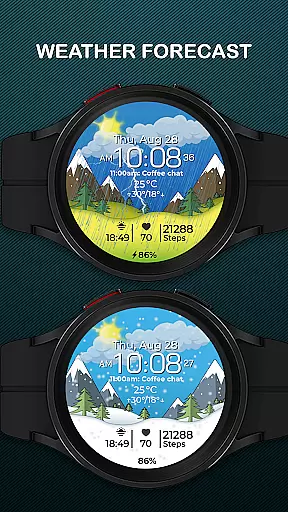
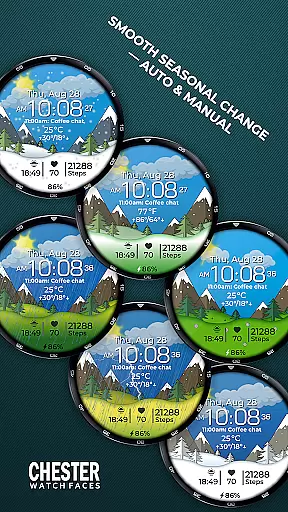
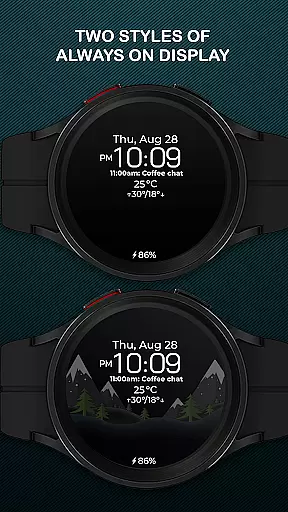
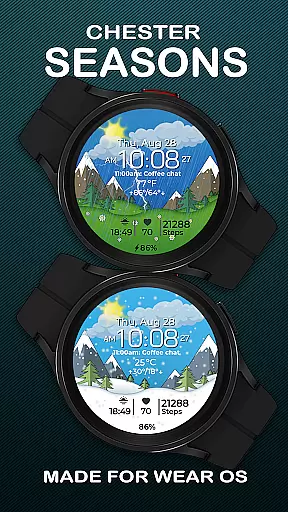
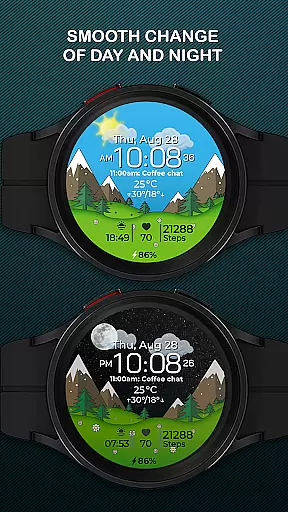
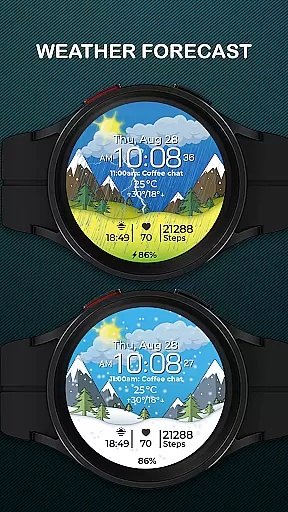
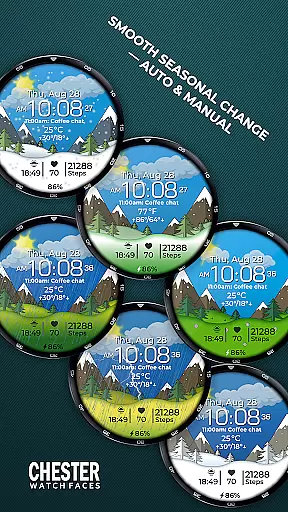
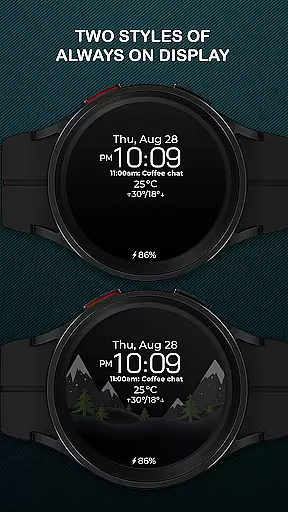
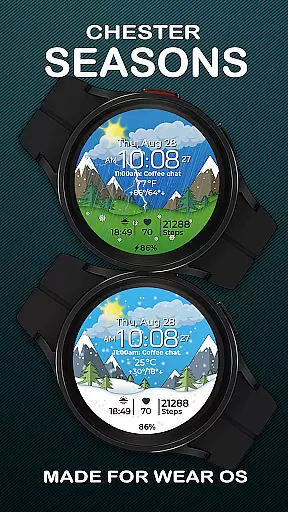
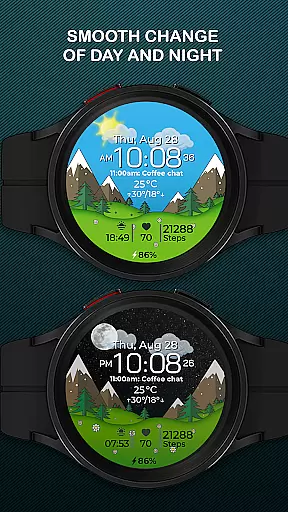
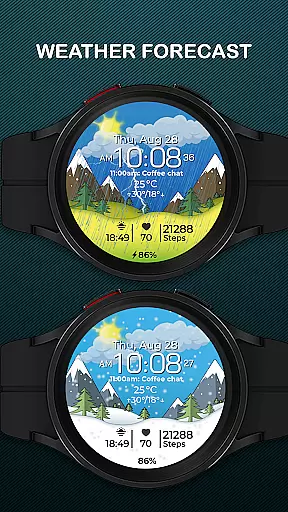
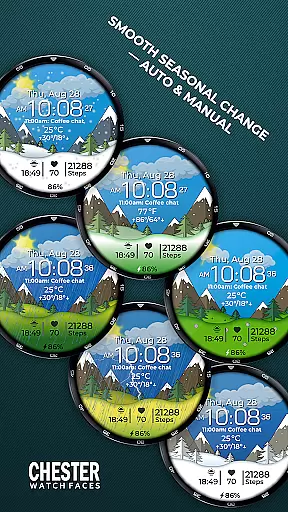
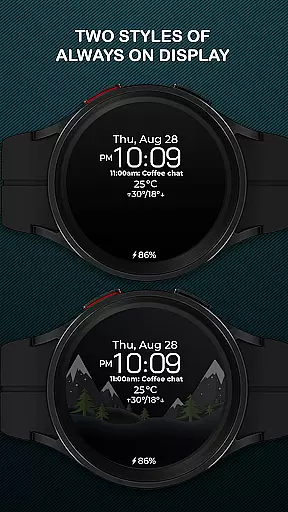
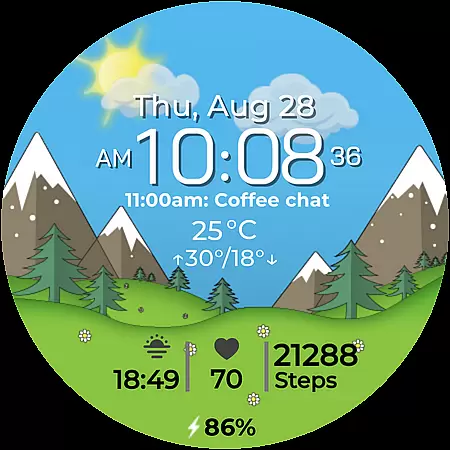
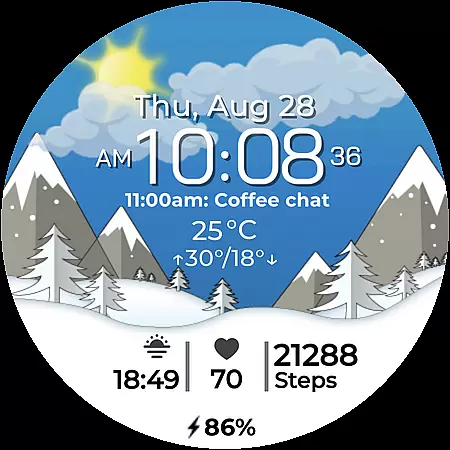
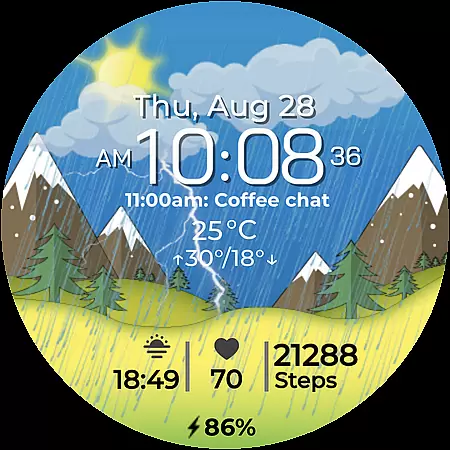
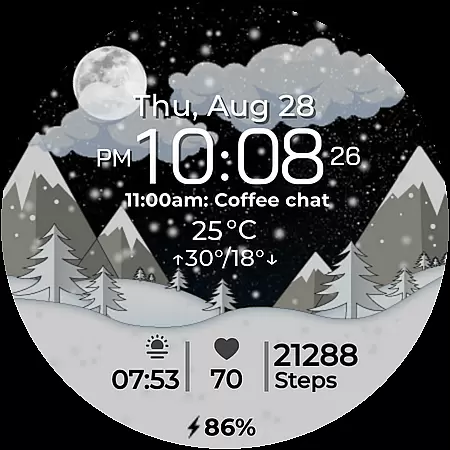
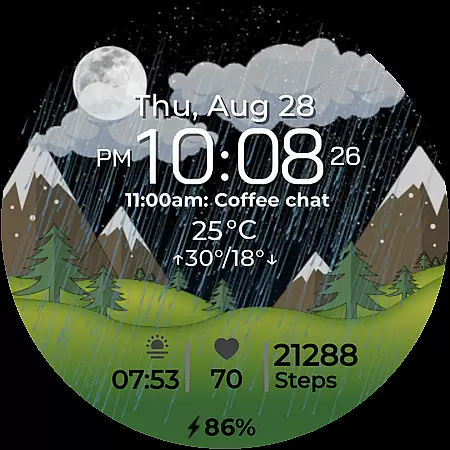
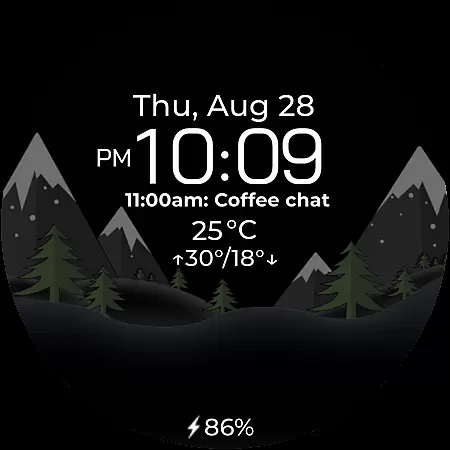
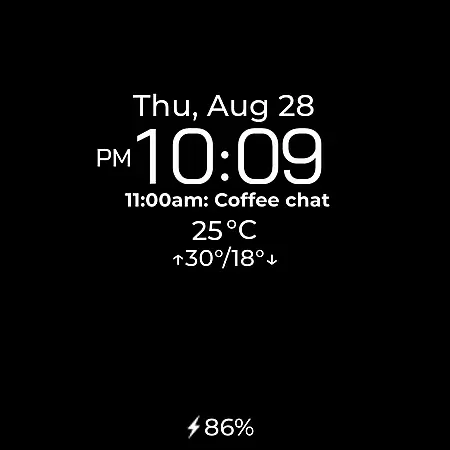
Chester Seasons is a dynamic and stylish watch face designed for Wear OS smartwatches. It combines both functionality and aesthetics, offering users useful information at a glance while enhancing their wristwear with beautiful animations. The watch face features smooth seasonal transitions, interactive tap zones, and customizable complications, making it adaptable to various lifestyles and preferences.
With support for weather display, battery indicators, and quick access to apps, Chester Seasons transforms a simple time-telling device into an interactive accessory. Compatible with Wear OS API 30+ devices like Google Pixel Watch and Samsung Galaxy Watches, this watch face ensures your smartwatch remains both practical and visually appealing throughout the year.
Chester Seasons stands out with its rich feature set tailored for smartwatch users who value both form and function. The watch face displays time, date, weather conditions, and battery levels while supporting both Celsius and Fahrenheit temperature formats. Its unique seasonal animations change automatically based on the month or can be manually adjusted in settings, providing a personalized touch.
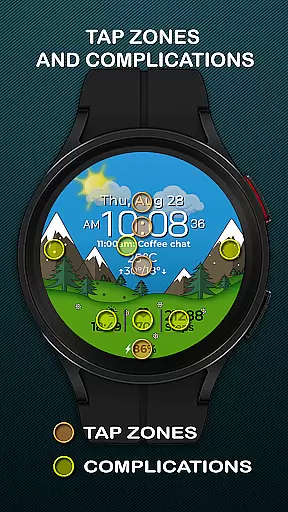
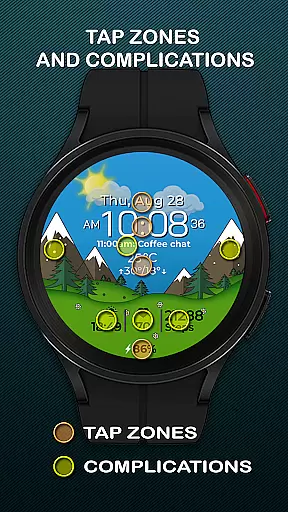
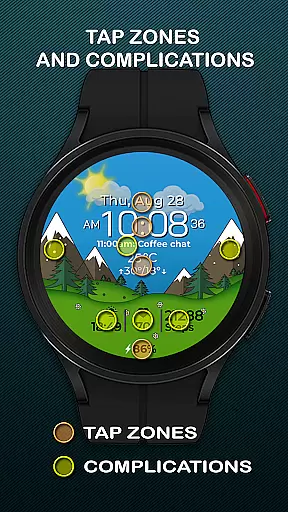
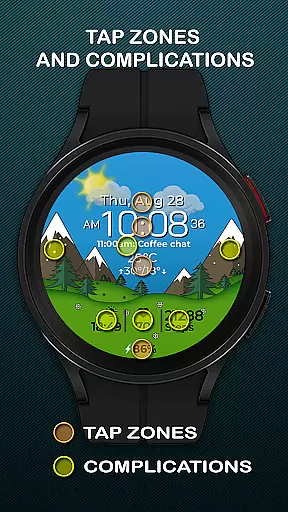
Users benefit from four customizable complications that allow them to choose what information is displayed, such as fitness stats or notifications. Additionally, three quick-access zones enable instant interaction with favorite apps or workout modes. Interactive tap zones further enhance usability by allowing direct engagement with specific features right from the main screen.
Companion app integration is crucial for Android Wear applications as it ensures seamless synchronization between the smartwatch and its paired smartphone. For Chester Seasons, this means that users can easily customize their watch face settings directly from their phone.
The Chester Seasons watch face allows users to adjust seasonal changes manually through the companion app, providing greater control over how the watch face appears on different occasions. This feature enhances user experience by offering both automatic and manual options for background customization.
Additionally, the companion app supports weather display functionality, which requires API integration to fetch real-time data. Users can view current weather conditions and temperature ranges right on their wrist, making the smartwatch not just a timepiece but a practical tool in daily life.
By ensuring robust companion app integration, Chester Seasons guarantees that all features are accessible and functional across compatible devices, enhancing the overall utility and appeal of the smartwatch as a dynamic accessory.
Device compatibility is a key factor for any Wear OS application, determining the range of smartwatches that can support the app's features. Chester Seasons is designed to be compatible with all Wear OS API 30+ devices, including popular models like Google Pixel Watch and Samsung Galaxy Watch series.
This wide compatibility ensures that users with different smartwatch brands can enjoy the stylish and functional design of Chester Seasons. The application supports various features such as battery level indicators, customizable complications, and interactive tap zones, all optimized for a smooth user experience.
However, it's important to note that certain advanced features like weather display and manual background changes for seasons are only available on devices running Wear OS API 34 and above. This limitation is clearly communicated to manage user expectations and ensure satisfaction.
By focusing on broad device compatibility while highlighting specific requirements for advanced features, Chester Seasons maximizes its reach and usability, making it an attractive choice for users seeking a versatile and adaptive watch face.
Stylish design
Customizable features
Interactive zones
Seasonal animations
Weather integration
No rectangular support
Limited older OS
Premium feel costs
Complex setup
Battery intensive

Diet tracker for weight loss - track calories, food and macros. Simple and easy!
 4.70
4.70
Rose gold watch face with festive lights & customizable features.
4.60
Snowflake Rose Gold Watch Face - Digital, modern, & sleek with GYRO effect.
4.10
Embrace the festive spirit with our Christmas Countdown watchface for Wear OS
4.10
Let's celebrate Thanksgiving - Wear Os watch face
4.20
The ultimate destination for kids ages 3-8 to explore the Marvel Universe!
4.30
Funny animated watch face for Thanksgiving
4.3
Simple, helpful messaging by Google
4.60
Back up your contacts & access them anywhere
4.30
Christmas Theme Watch Face for Wear Os
5.00
Christmas - Festive - Christmas Village - Winter - Christmas lights
5.00
The most customizable hybrid watch face. For Wear OS 5.0, API 34+ and later
4.70
Kia Access makes getting your vehicle information easier than ever
4.60
Deck out your Wear OS Watch face with a beautifully decorated pine wreath!
4.50
Locate your family members by GPS phone location tracker everywhere and anytime
4.30
A customizable Christmas watch face for Wear OS with a countdown.
4.20
an Analog Watch Face for winter season with freeze winter background for Wear OS
4.2
Precision analog watch face with 7 complications and style options
4.0
Simple Analog-Digital Watchface For Wear OS 3.0 and Up Smartwatches
4.1


User Reviews