
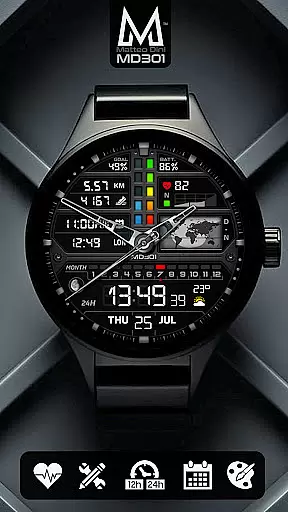
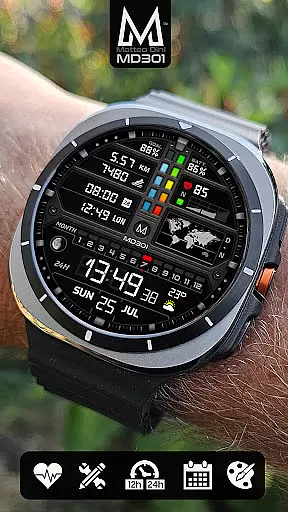
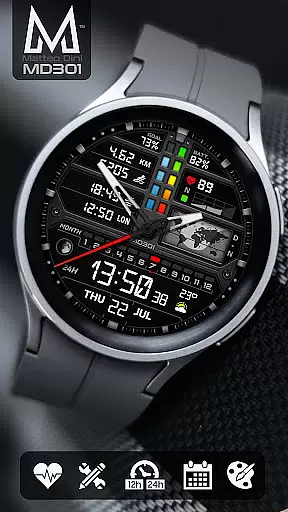
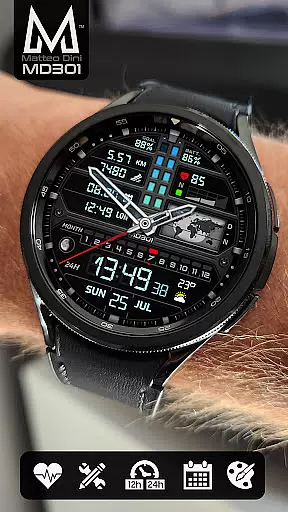
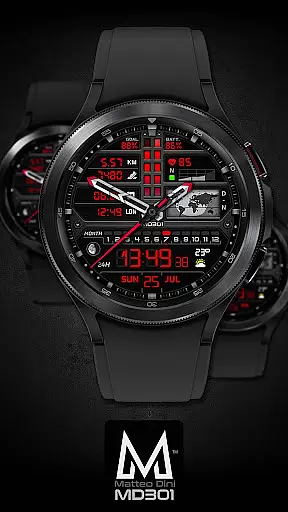
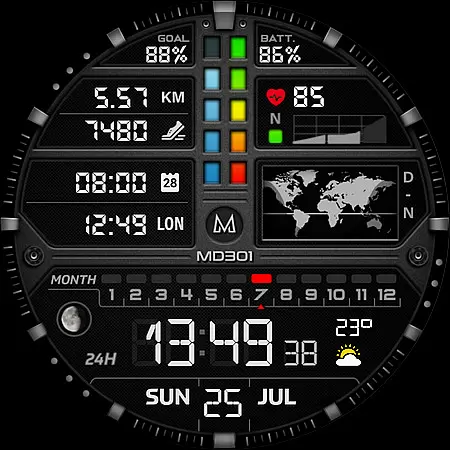
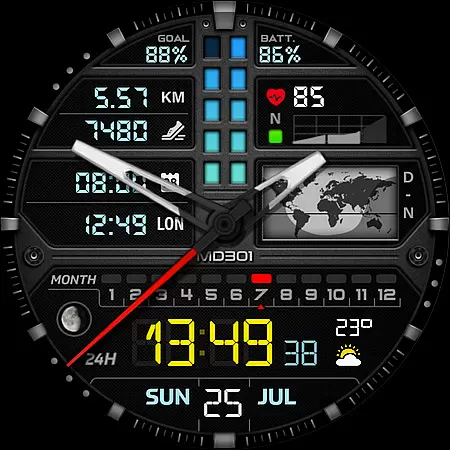
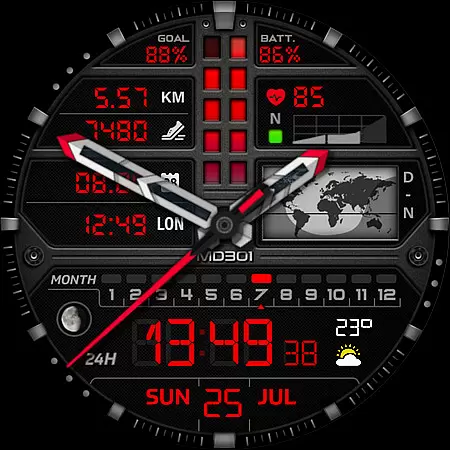
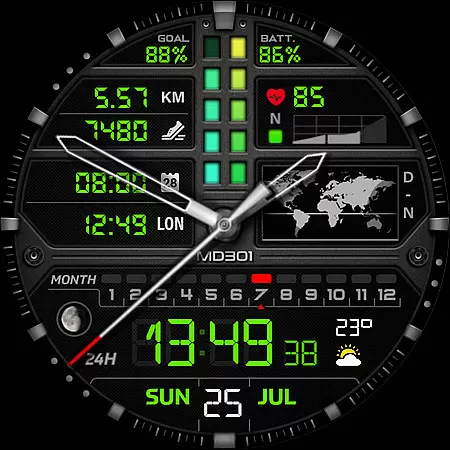
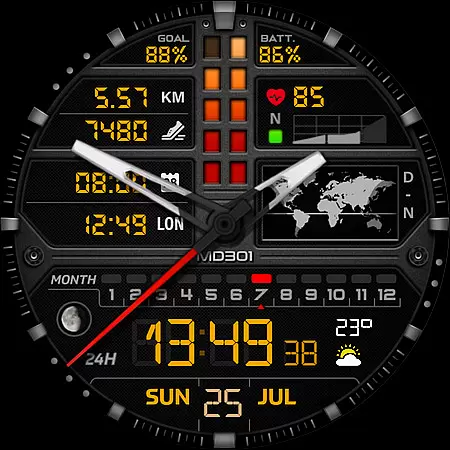
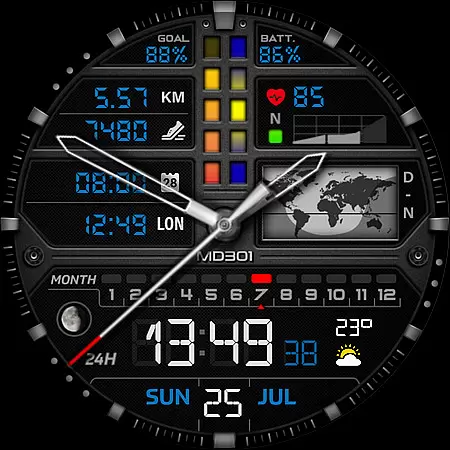
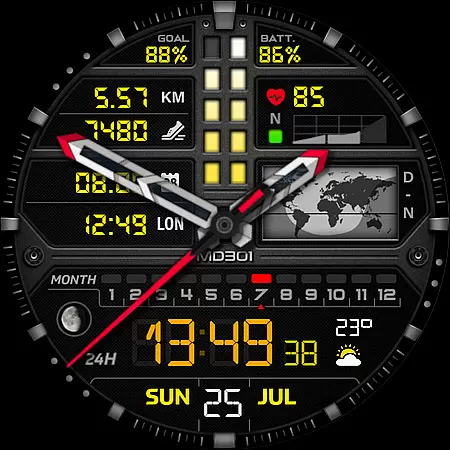
MD301 Hybrid watch face is a feature-rich wearable application designed for smartwatch users. It offers a new format of watch faces with advanced customization options, making it suitable for those who seek both functionality and personalization on their devices. The app supports all Wear OS devices with API Level 33+ including Samsung Galaxy Watch 4-8, Ultra, and Pixel Watch.
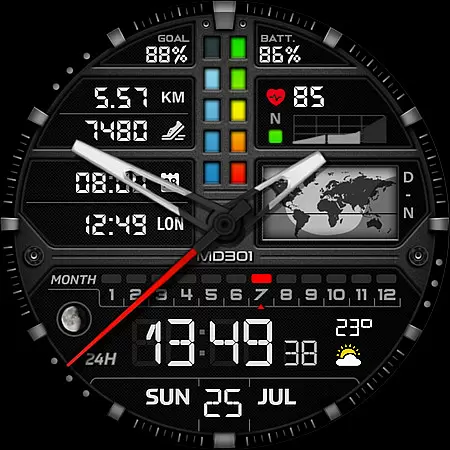
This hybrid watch face includes digital and analog time display, date, moon phase, world map, battery status, heart rate monitor, step counter, and more. Users can customize shortcuts and complications to display preferred data such as weather or distance. Its Always ON Display feature ensures visibility even when the watch is inactive. This makes MD301 an ideal choice for tech-savvy individuals looking to maximize their smartwatch utility.
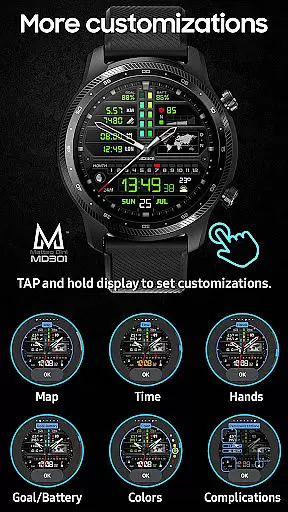
MD301 Hybrid watch face stands out with its comprehensive set of features tailored for smartwatch enthusiasts. The app provides three preset app shortcuts like Calendar, Battery, and Measure HR, alongside three customizable shortcuts and four complications that allow users to personalize displayed information according to their preferences.
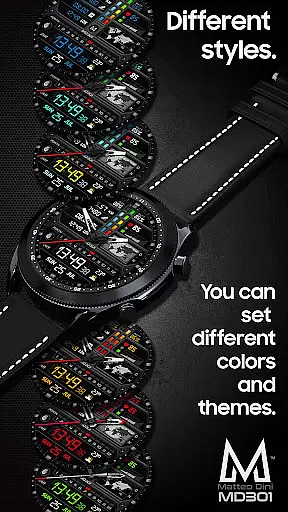
The watch face also incorporates day & night world maps, steps tracking, heart rate intervals, date, month, moon phase indicators, and changeable colors. With support for Always ON Display and various customization options for hands, digital time, general colors, and maps, users can tailor the appearance to match their style. These features collectively enhance user experience by providing both aesthetic appeal and practical utility in managing daily activities through their smartwatches.
Companion app integration is essential for a seamless experience between wearable devices and smartphones. The MD301 Hybrid watch face offers robust companion app support, ensuring that users can easily synchronize and manage their watch face settings directly from their mobile device.
This functionality allows for effortless customization of the watch face, including setting up app shortcuts, complications, and color schemes. Users can access these features through the Samsung Wearable app or directly on their watch, providing flexibility in personalization.
The synchronization process ensures that all data displayed on the watch face, such as weather updates, heart rate, and step counts, remains current and accurate. This real-time data exchange enhances the overall utility of the watch face, making it not just a timepiece but a comprehensive health and productivity tool.
By offering reliable companion app integration, MD301 Hybrid watch face guarantees that users have a cohesive and efficient experience across their devices, maximizing both convenience and functionality.
Ensuring broad compatibility with various devices is crucial for any Wear OS application. The MD301 Hybrid watch face supports all Wear OS devices with API Level 33+ (Wear OS 4 and later versions), including popular models like Samsung Galaxy Watch 4-8, Ultra, and Pixel Watch.
This wide-ranging compatibility means that users with different devices can enjoy the advanced features of the MD301 Hybrid watch face without concern for device-specific limitations. Whether you own a Samsung or a Google-branded smartwatch, this watch face delivers consistent performance and visual appeal.
In addition to supporting multiple devices, the MD301 Hybrid watch face also offers an Always ON Display feature with changeable colors, catering to user preferences and enhancing battery efficiency. This adaptability ensures that users can tailor their experience to suit their lifestyle and device capabilities.
By prioritizing Wear OS and device compatibility, the MD301 Hybrid watch face provides a versatile and reliable solution for users seeking a sophisticated and customizable timepiece experience across a variety of smartwatches.
Highly customizable
Feature-rich interface
Supports Always ON Display
Wide device compatibility
Comprehensive health tracking
Complex setup process
Limited customer support
Premium pricing model
Performance may vary
Requires additional apps

Christmas is near, let's count together the days left until Santa comes
 4.5
4.5
A heartwarming Christmas scene featuring a cute image of Santa and Rudolf
4.1
Let's celebrate Thanksgiving - Wear Os watch face
4.20
The most customizable minimal watch face. For Wear OS 5.0, API 34+ and later
4.70
Stylish digital watch face for Wear OS devices with customizable features
4.0
Funny animated watch face for Thanksgiving
4.2
Connect, create, and collaborate with Gmail, part of Google Workspace.
4.10
Fitbit is dedicated to helping people lead healthier, more active lives.
4.10
Start and succeed with PAP
4.10
WTW M17 is a premium and luxurious hybrid watch face
4.70
Nutrition, Macro tracker: Food, fitness & healthy diet tracking for weight loss
4.60
Gym & home workout plans with strength training, exercise tracking, HIIT & more.
4.60
MyNISSAN® lets you remotely control your car from your phone.*
4.50
Fast and smart typing with Emojis, GIFs, and more
4.50
Viewer for Wyze/Yi/Eufy/Arlo/ONVIF/RTSP/P2P IP cams w/ adv. features & DIY DVR
4.00
Wear Os Watch Face - Animated Snow Effect & Christmas Lights
4.4
Precision analog watch face with 7 complications and style options
4.0
Contemporary digital watch face with five complications
4.5
Simple Analog-Digital Watchface For Wear OS 3.0 and Up Smartwatches
4.2


User Reviews