
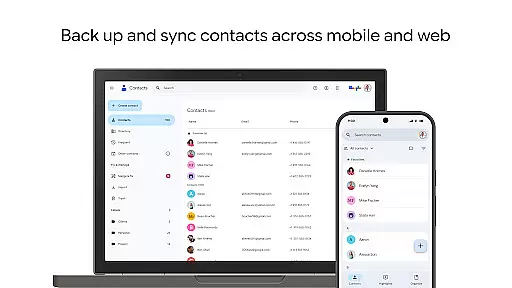
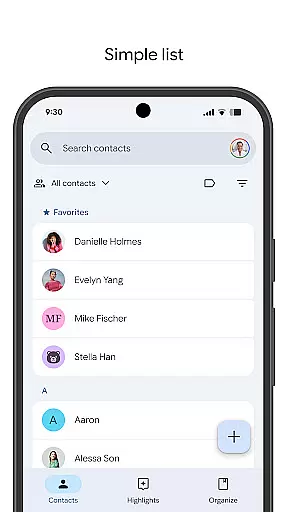
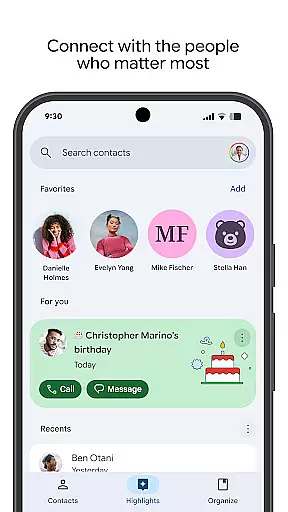
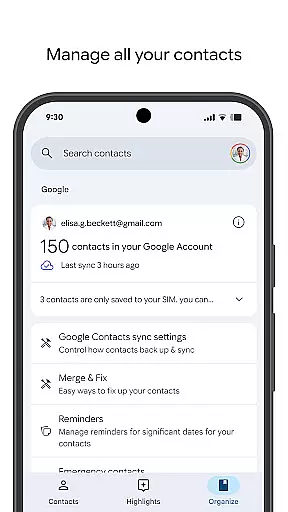
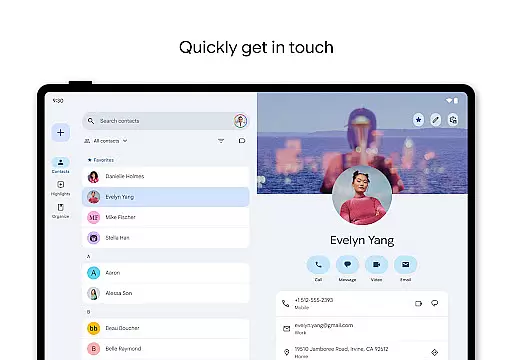
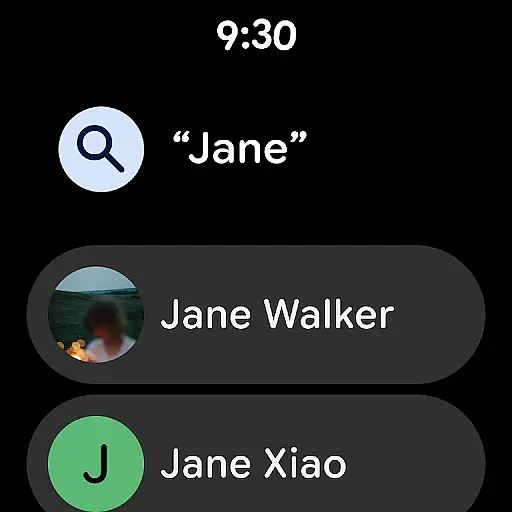
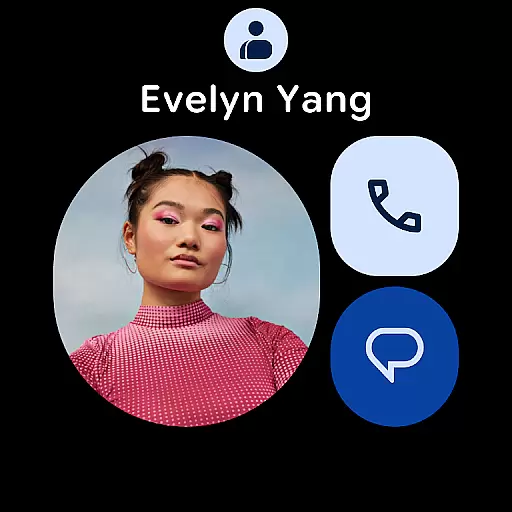
Contacts is a powerful Android Wear application designed to seamlessly manage and synchronize your contacts across all devices. The app ensures that your contact information is securely backed up to your Google Account, allowing you to access it from any signed-in device. This feature not only provides peace of mind but also makes transitioning to a new phone hassle-free.
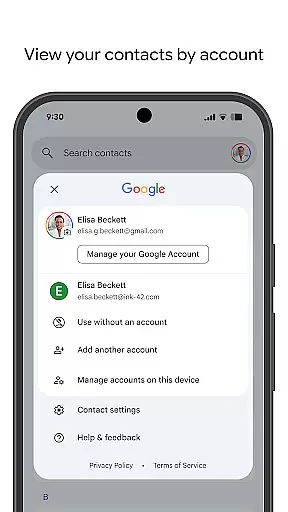
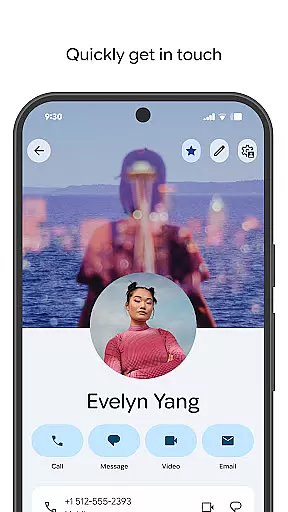
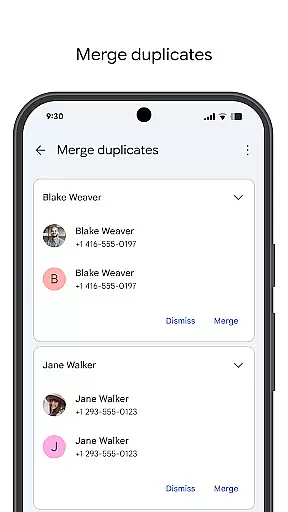
In addition to backup and sync capabilities, Contacts offers robust organizational tools. You can categorize contacts by accounts such as work or personal, edit details like phone numbers and emails with ease, and merge duplicate entries. The app also highlights important dates such as birthdays and anniversaries, ensuring you never miss a special occasion. With its intuitive interface and comprehensive features, Contacts is an essential tool for anyone looking to efficiently manage their connections.
One of the standout features of Contacts is its ability to back up and sync your contacts across multiple devices via your Google Account. This ensures that your data is always up-to-date and accessible wherever you are signed in. Additionally, the app allows users to recover accidentally deleted contacts within 30 days through the Trash feature, providing an extra layer of security.
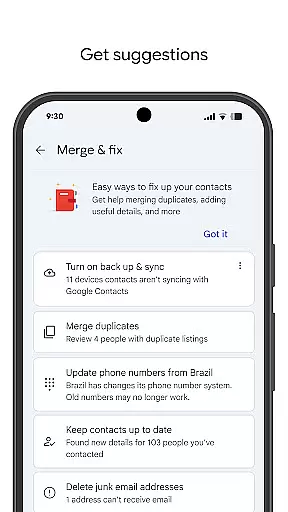
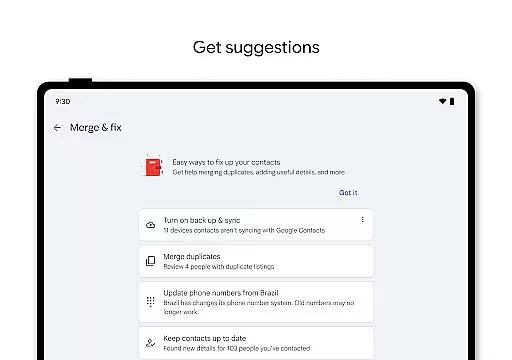
Contacts excels in organization and management. Users can view their contacts by different accounts, making it easier to separate professional from personal connections. Editing contact information is straightforward, and the app offers assistance in merging duplicates and enriching profiles with additional details. Furthermore, the app enhances user engagement by displaying highlights such as upcoming birthdays and anniversaries, along with customizable notifications to ensure no significant event goes unnoticed.
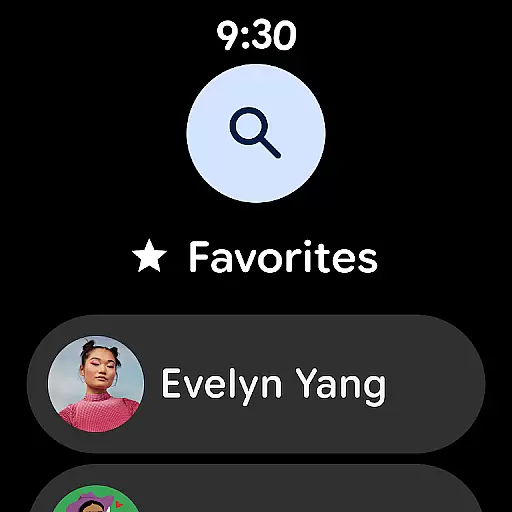
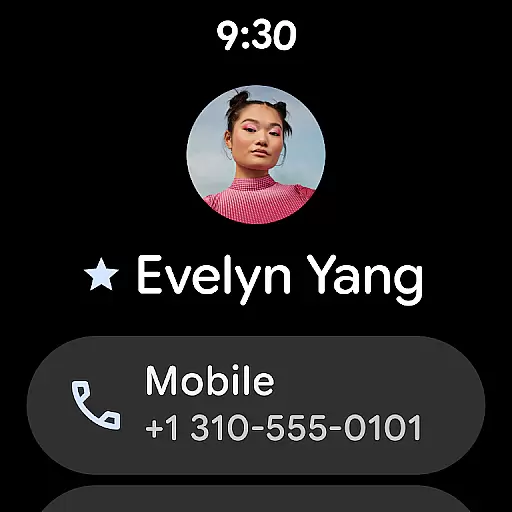
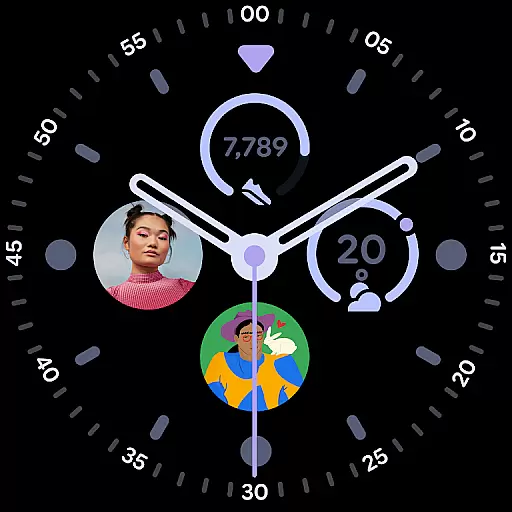
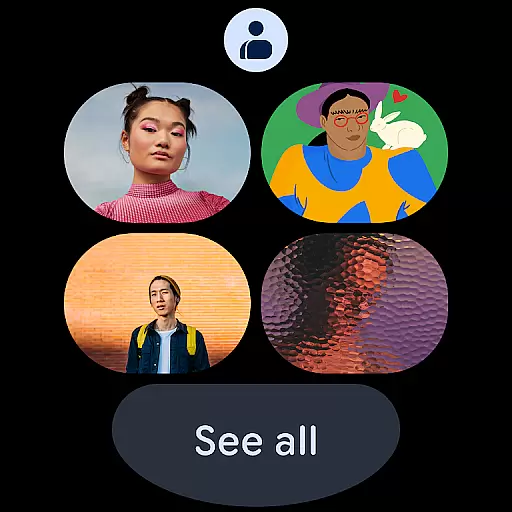
The integration with Wear OS adds another dimension of convenience. With dedicated tiles for favorite contacts and individual contact complications, accessing key information on your smartwatch has never been easier. These features collectively make Contacts a versatile and indispensable tool for modern communication needs.
Companion app integration is essential for ensuring seamless functionality between your mobile devices and wearable technology. The Contacts app offers robust companion app features that allow users to sync their contacts effortlessly across multiple platforms, including Wear OS.
This application ensures that all your important contact information is accessible wherever you are signed in. Whether transitioning to a new phone or checking contacts on your smartwatch, the synchronization process is smooth and reliable. This means no more manual updates or lost information when switching devices.
Users benefit from real-time updates and backups directly linked to their Google Account. Any changes made on one device are immediately reflected on others, providing a consistent and up-to-date experience. This level of integration simplifies contact management and enhances productivity by keeping all your devices in sync.
Ensuring compatibility with Wear OS and various devices is crucial for maximizing the utility of applications like Contacts. This app supports extensive integration with Wear OS, offering features such as favorite contacts tiles, individual contact tiles, and contact complications tailored specifically for wearable devices.
The design prioritizes ease of access and usability on smaller screens without compromising functionality. Users can quickly view and interact with their most frequently contacted individuals right from their wrist, streamlining communication processes significantly.
Moreover, the app's broad device compatibility ensures it works seamlessly across different Android devices and versions. Regardless of whether you're using a smartphone, tablet, or smartwatch, the Contacts app delivers a uniform experience, making it an indispensable tool for managing personal and professional relationships efficiently.
User-friendly interface
Secure cloud backup
Comprehensive contact management
Smart suggestions and reminders
Seamless Wear OS integration
Limited offline functionality
Requires Google Account
Occasional sync delays
No advanced search filters
Basic customization options

Gym Log & Workout Tracker | Fitness Journal, Training & Weight Lifting Planner
 4.90
4.90
Christmas is near, let's count together the days left until Santa comes
4.2
MyNISSAN® lets you remotely control your car from your phone.*
4.50
Stunning modern digital watch face with 7 complications and strong contrast
4.1
3 Complications. All shadow on/off. 30 Themes color palette...
4.2
Daily Weather forecast with 15 weather images for Day & Night plus Big Bold time
4.10
Want to take charge of your health? Let Google Fit help you reach your goals.
3.50
Start and succeed with PAP
4.10
From periods to pregnancy & perimenopause, Flo helps you track it all. Try now.
4.70
Beautiful, colorful and practical watch face. For Wear OS devices.
5.00
Diet tracker for weight loss - track calories, food and macros. Simple and easy!
4.70
Your second brain for organizing your life: to-do, calendar, reminder.
4.70
Christmas watch face. For Wear OS devices.
4.30
Watch the sharpness of the sky on your wrist..
3.70
A full-featured Amazon Alexa voice assistant that can show you things.
3.70
an Analog Watch Face for winter season with freeze winter background for Wear OS
4.2
A heartwarming Christmas scene featuring a cute image of Santa and Rudolf
4.0
A watch face that fuses motorsport precision with contemporary smartwatch design
4.1
Minimalistic design modern digital watch face.
4.5


User Reviews