
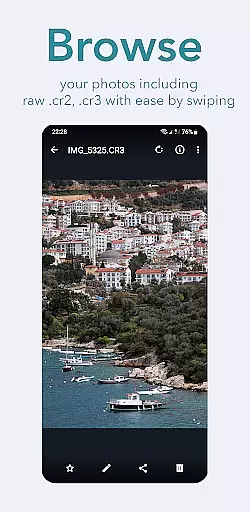
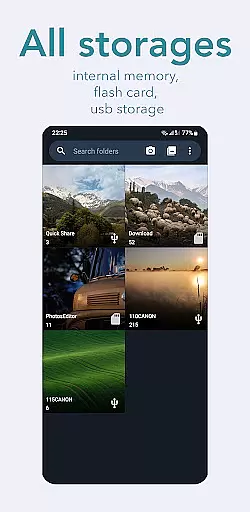
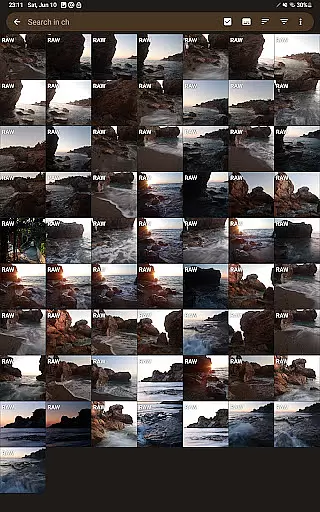
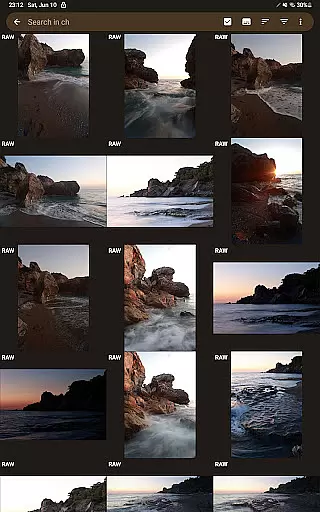
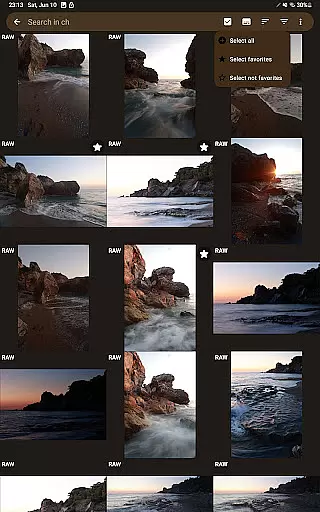
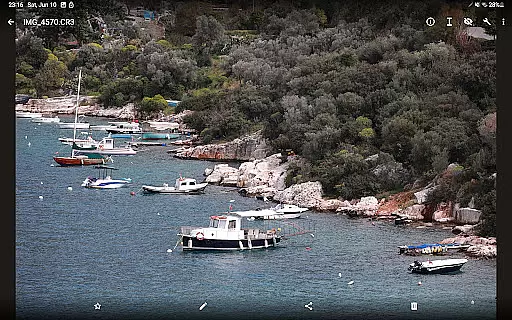
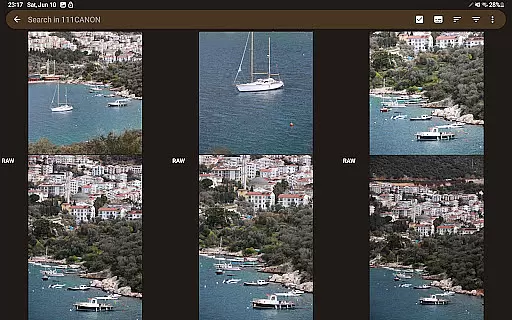
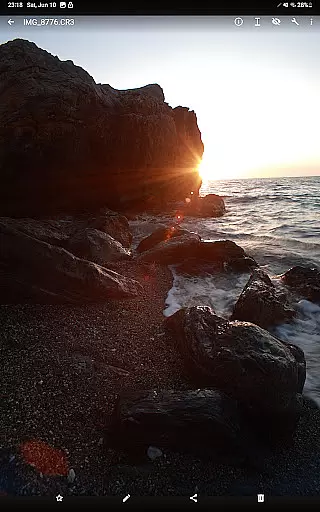
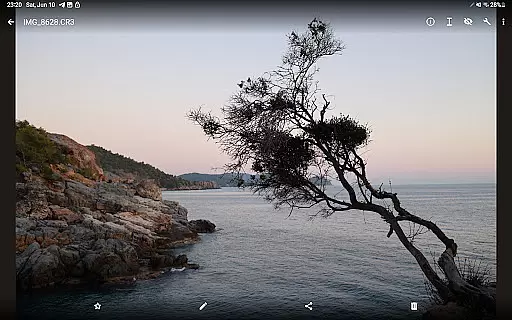

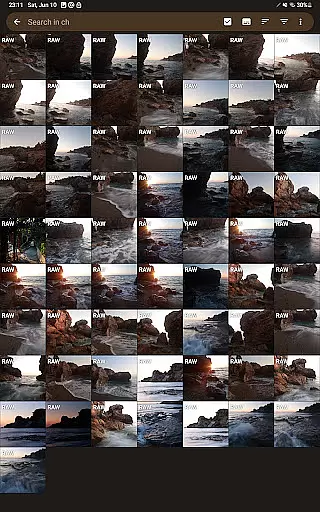
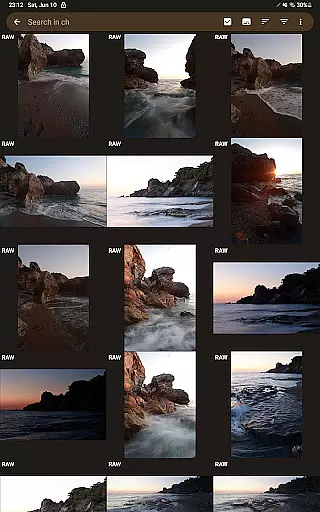
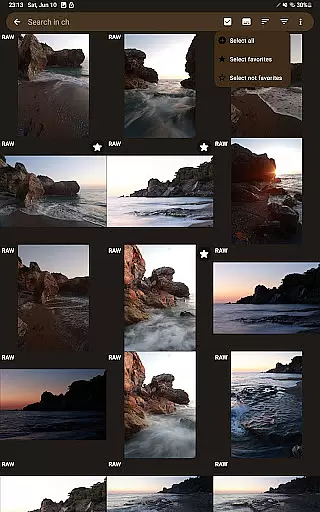
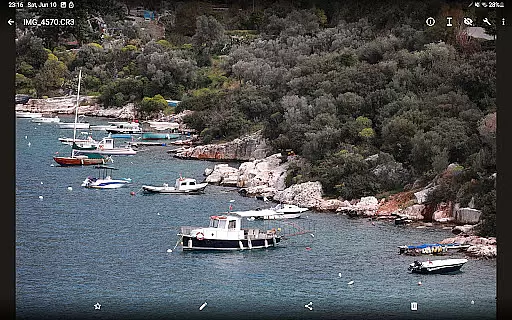
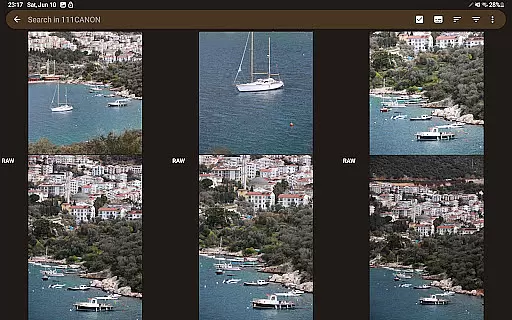
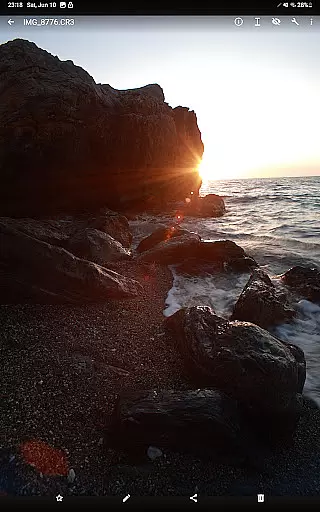
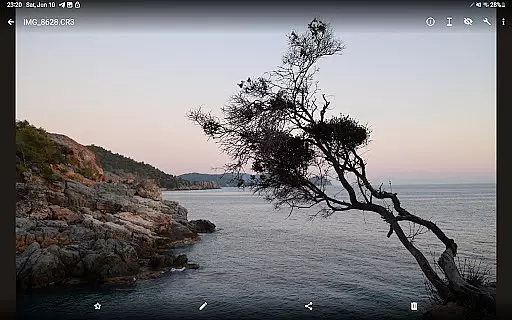

GalleryRAW is a photography app designed for professional photographers and enthusiasts who need to manage and view raw image files on their Android devices. The app supports various raw formats including .cr2, .cr3, .nef, and .raf from Canon, Nikon, Sony, and Fujifilm cameras.
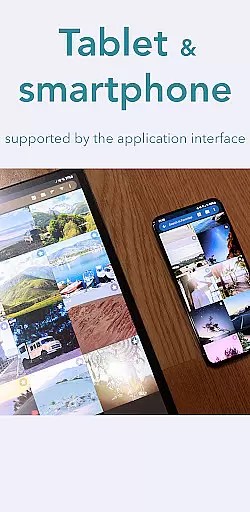
One of the standout features of GalleryRAW is its ability to function as a file manager, allowing users to import, view, and transfer raw images from USB storage connected via HDD/SSD disks or camera flash drives through a USB adapter. This makes it easy to handle large volumes of photos directly on your smartphone or tablet.
Whether you're reviewing photoshoots on the go or need to free up space on your camera's memory card, GalleryRAW offers a practical solution by enabling full-screen viewing and selective copying of desired images to internal storage.
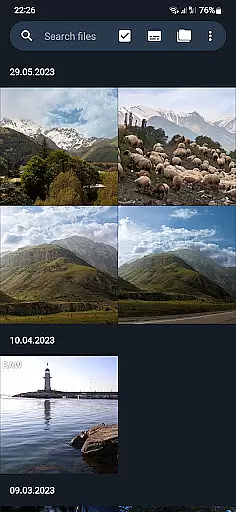
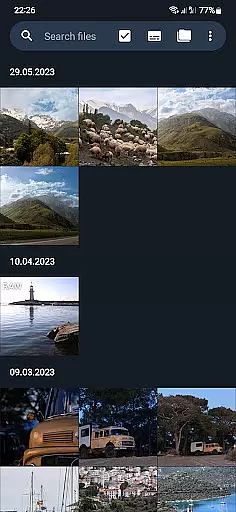
GalleryRAW stands out with its comprehensive support for multiple raw image formats, making it an essential tool for photographers who work with different camera brands. The app allows users to swipe through hundreds or even thousands of raw images in full-screen mode, providing an efficient way to review and select photos.
In addition to viewing capabilities, GalleryRAW includes robust file management features. Users can easily transfer files between their device and external USB storage, whether it's a portable HDD/SSD or a camera flash drive connected via a USB adapter. This functionality streamlines the workflow for professionals who need to manage large photo libraries.
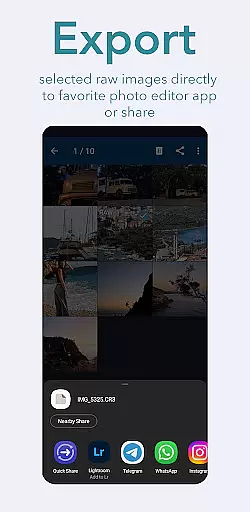
The app also enables users to copy selected photos to their device's internal memory or flash card and delete unwanted images from the external USB storage. This feature helps optimize storage space and ensures that only the best shots are kept for further editing or sharing.
GalleryRAW offers a unique real-time capture and preview experience for professional photographers. The app supports raw image files from Canon, Nikon, Sony, and Fujifilm cameras, allowing users to view their photos in full-screen mode with simple swipe gestures.
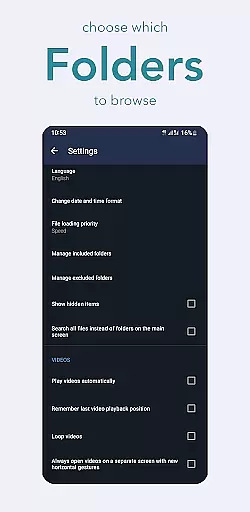
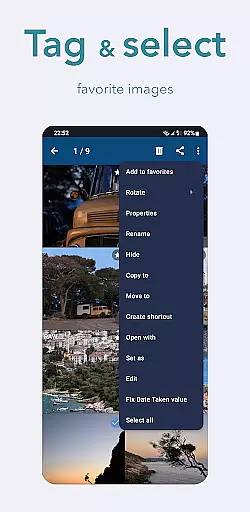
This functionality is crucial for photographers who need to quickly review hundreds or thousands of images on the go. By connecting a camera flash drive via USB adapter, users can swiftly browse through folders and select only the best shots, saving valuable time during photo shoots.
The ability to instantly preview RAW files without conversion ensures that photographers can make informed decisions about which photos to keep. This feature not only enhances workflow efficiency but also helps conserve storage space by enabling users to delete unwanted images directly from external USB devices.
While GalleryRAW focuses primarily on raw image viewing, it incorporates AI-powered enhancement features that maintain the natural quality of photographs. The app's intelligent algorithms ensure that any adjustments made to images retain their original authenticity and detail.
This approach to image enhancement is particularly beneficial for professional photographers who require precise control over their work. Unlike other applications that may overly process images, GalleryRAW's enhancements preserve the integrity of each photograph while still providing useful tools for improvement.
Users can trust that their edited images will maintain professional standards, making this app suitable for both casual browsing and serious post-production work. The combination of raw file support and AI enhancement creates a powerful tool for managing high-quality photography collections.
User-friendly interface
Wide format compatibility
Efficient file management
Full-screen viewing mode
USB storage support
Limited editing tools
No cloud integration
Premium feature costs
Occasional bugs
High storage usage

All-in-One Editor & AI Photo Enhancer, Beautify & Retouch, Collage, Cartoonify
 4.20
4.20
Trendy TikTok time warp scan funny filter app brings you unique photos & videos.
4.40
Photo editor: AI filters, photo enhancer, pic collage maker, AI art generator.
4.80
Create AI Photos, Improve and restore quality of blurry, old or damaged pics.
4.20
Create Business Headshots, Polaroid Filter, Retake Photos,Profile Pics,AI Photos
4.50
AI-powered video creator by MiniMax - Where ideas meet cinema
4.20
Hair color changer, AI haircut app, fun hair editor and buzz cut filter for all!
3.80
Pro version: AR sun/moon tracker for any date. Tool for photographers & planners
4.90
Try an anime version, cartoon yourself, and generate AI hug or aging videos!
3.70
Find time and duration of different sunlight phases at any location
4.90
Viewfinder, Light meter, Reciprocity failure time, DOF & Bellows Extension
4.60
Enhance, retouch & create your story - Share the moment with Photoshop Express.
4.60
Cut and paste photo editor & eraser to customize photos easy and swap faces fun
4.50
AI portrait generator and polaroid AI selfie, fun AI generated AI photo creator!
4.30
Shooting photos and records video easily and efficient with professional Camera
4.30
Natural Beauty, Selfie Retouch
4.30
All-in-One Editor & AI Photo Enhancer, Collage, Cartoonify, Funny Stickers & BGS
4.10
Transform Photos: Edit, Beautify and Craft Memories & Make Collages!
4.10
Application for remote controlling DSLR
3.00


User Reviews