


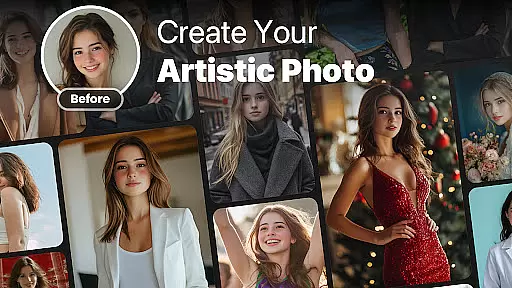

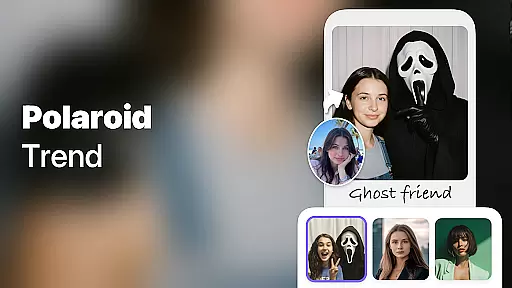
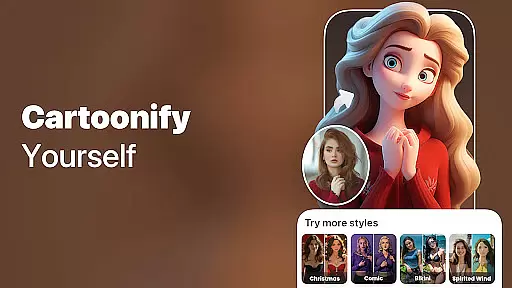
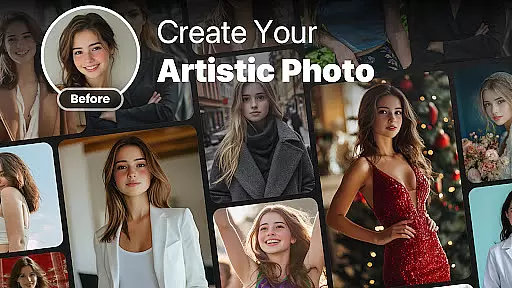
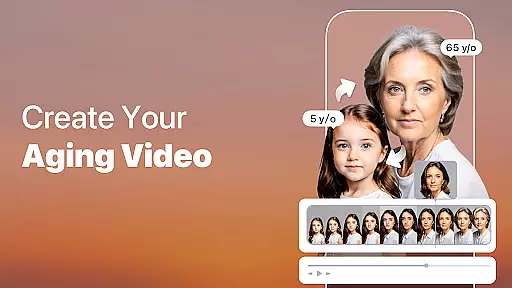
AI Photo Generator, Enhancer is a revolutionary photography app that utilizes advanced AI technology to transform your photos into stunning works of art. With features ranging from photo enhancement and restoration to creating virtual hug videos and predicting future baby faces, this app offers an all-in-one solution for creative photo editing.
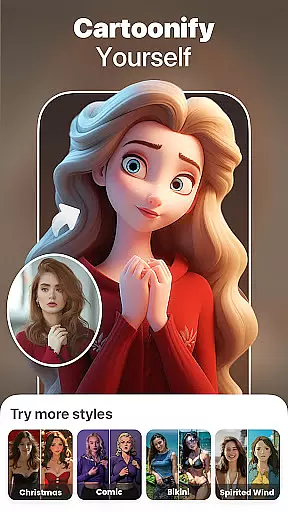
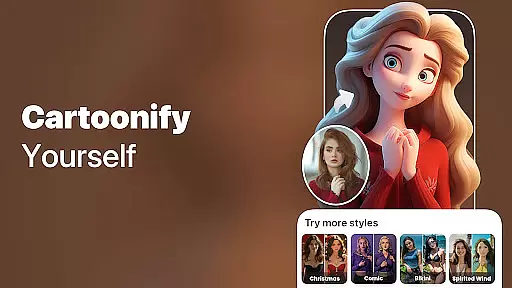
The app's standout capabilities include AI-powered face aging, realistic face-swapping, and artistic filters that allow users to explore endless possibilities. Whether you want to cartoon yourself, colorize old photos, or animate still images, the AI Photo App delivers professional-grade results with just one tap. Its intuitive design ensures seamless usability across devices, making it perfect for both casual users and photography enthusiasts.
By combining cutting-edge AI algorithms with user-friendly tools, this app empowers users to unlock their creative potential while enhancing their visual storytelling. From generating artistic avatars to retaking imperfect shots, AI Photo Generator, Enhancer is your ultimate tool for fun, innovative, and high-quality photo transformations.
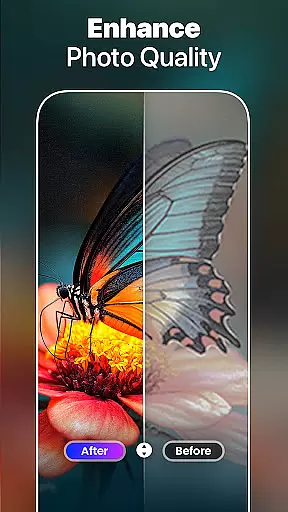
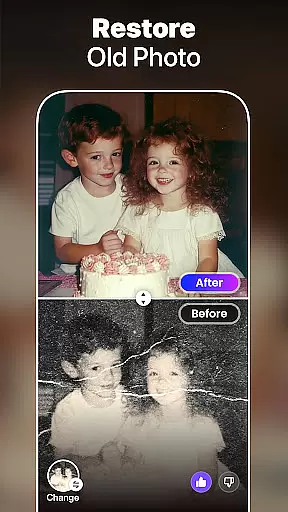
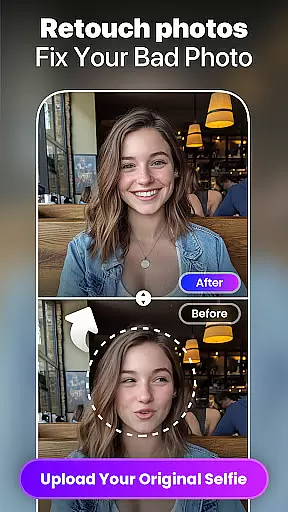
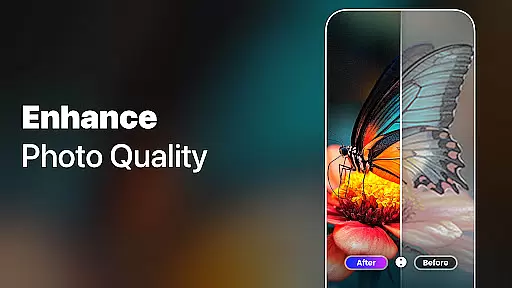
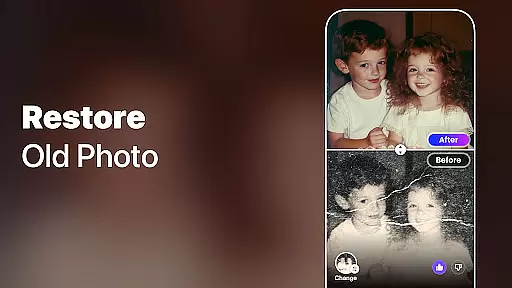
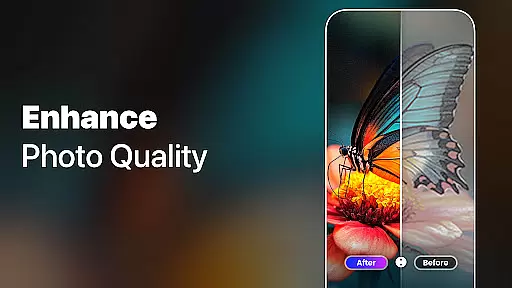
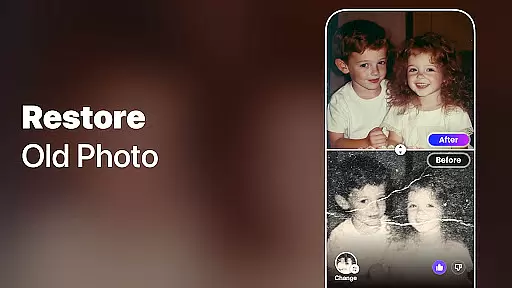
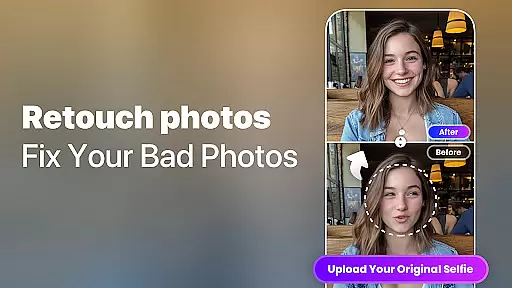
AI Photo Generator, Enhancer stands out with its diverse range of powerful features designed to cater to various creative needs. One of its core functionalities is AI Photo Enhance, which allows users to upload blurry or low-quality images and convert them into sharp, high-definition photos effortlessly. This feature is particularly beneficial for restoring cherished memories captured in old or damaged photographs.
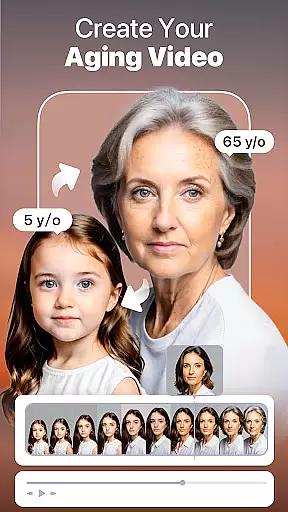
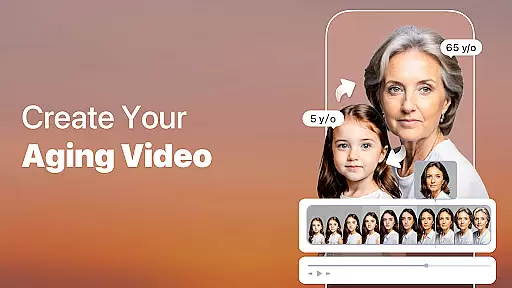
Another highlight is the AI Hug Video, where users can merge two separate photos to create a realistic virtual hug video using advanced AI processing. Additionally, the Aging Video feature provides an entertaining way to visualize how you might look in the future, thanks to precise AI-based aging filters. For those curious about their future family, the AI Future Baby Generator predicts what your child may look like based on uploaded photos of both parents.
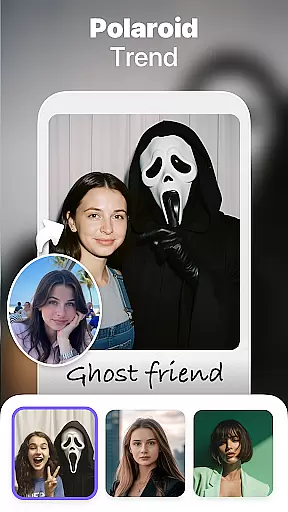
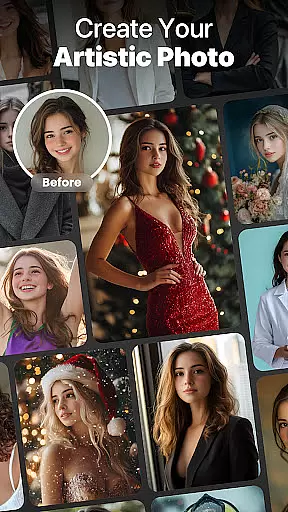
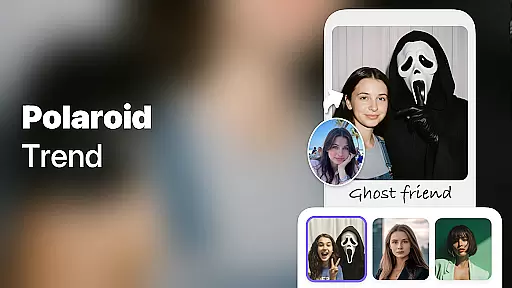
The app also includes creative tools such as AI Filters, Animate Photos, and AI Face Swap, enabling users to experiment with artistic styles, bring static images to life, and even swap faces with celebrities or fantasy characters. Each feature not only showcases technological innovation but also enhances user engagement by offering unique ways to interact with personal content.
Real-time capture and preview functionality is essential for photography applications as it allows users to see exactly what the camera is capturing before taking a shot. This ensures that the framing, lighting, and composition are all perfect before committing to a photo.
The AI Photo Generator, Enhancer app takes this feature to the next level by integrating advanced AI technology into the real-time capture process. Users can apply various AI filters and effects while previewing their shots live, allowing them to visualize the final output instantly.
This immediate feedback loop empowers users to experiment with different styles and settings without any guesswork. Whether they want to transform their appearance into an anime character or apply sophisticated artistic filters, the real-time preview ensures that the results meet their expectations.
By providing such a seamless and interactive experience, the app not only enhances user satisfaction but also encourages creativity and exploration in photography. The ability to see changes applied instantly makes the entire process more engaging and enjoyable.
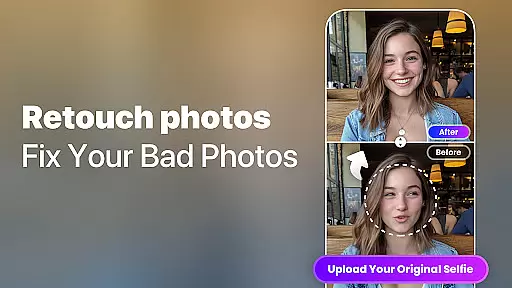
AI beauty and enhancement features have become increasingly popular in photography apps, offering users the ability to improve their photos with just a few taps. However, maintaining naturalness in these enhancements is crucial to avoid unnatural or overly processed images.
The AI Photo Generator, Enhancer app excels in this area by using cutting-edge AI algorithms to ensure that all enhancements look realistic and preserve the original essence of the photo. From unblurring and restoring old photos to applying subtle beauty filters, the app focuses on enhancing natural beauty without overdoing it.
Users can upload their images and let the app work its magic, turning blurry or low-quality photos into stunning high-definition masterpieces. The AI-driven enhancements intelligently adjust elements like skin tone, lighting, and details to create a polished yet authentic result.
This commitment to natural-looking enhancements not only boosts user confidence in sharing their edited photos but also sets the app apart from competitors who may rely on more aggressive editing techniques. With AI Photo Generator, Enhancer, users can achieve professional-grade edits effortlessly while retaining the genuineness of their memories.
User-friendly interface
Wide variety of features
High-quality photo enhancements
Fun and engaging tools
Advanced AI technology
Some features require payment
Occasional processing delays
Limited free usage
Privacy concerns with face data
Subscription model

Photo editor: face & body editor, beauty cam, filters and quality enhancer.
 4.00
4.00
Professional video recording application with manual controls for filmmakers!
2.80
Viewfinder, Light meter, Reciprocity failure time, DOF & Bellows Extension
4.60
Edit like a pro with Hypic. Apply filters, AI effects, & magic touch.
4.40
Photo prints, cards, & gifts at Walgreens. Easy ordering & fast local pickup !
4.80
Light-weight Media Gallery app for Android made with Jetpack Compose
4.60
Movie camera, supports pro recording settings for filming. Try it and be amazed!
4.50
The original Rarevision VHS look seen everywhere!
4.70
Discover How to Plan any Sun, Moon and Milky Way Photo You Imagine in Seconds
4.70
Gallery show photo, video, slideshow, is perfect 3D effect private photo albums.
4.80
A must-have app for landscape photographers
4.60
Add Watermark - Sign your pictures with a text or logo. Effective, quick, easy!
4.50
Photo editor & gallery. Crop pictures & edit photos offline, no wifi!
4.50
AI photo enhancer with Sora 2! Enhance, descratch, and colorize your old photos.
4.50
Use AI Video Generator to turn your words to ai generated videos.
4.50
Trendy TikTok time warp scan funny filter app brings you unique photos & videos.
4.40
The #1 app for B&W film developing featuring an advanced darkroom timer.
4.10
Pet Camera
3.70
Raw Image Viewer. Gallery with support of raw images (.cr3, .cr2, .nef, .raf).
2.00


User Reviews