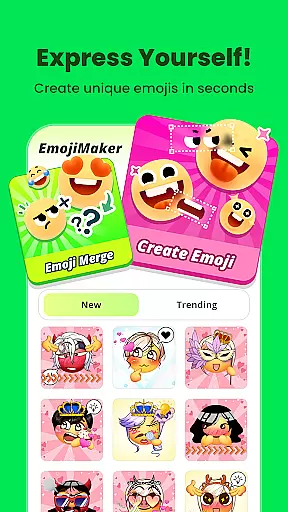
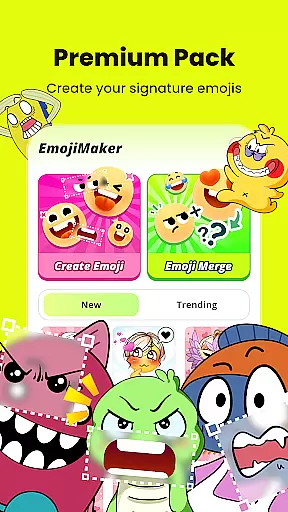
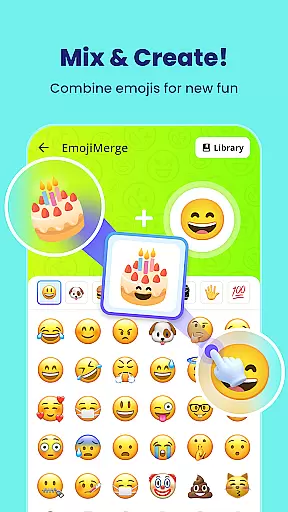
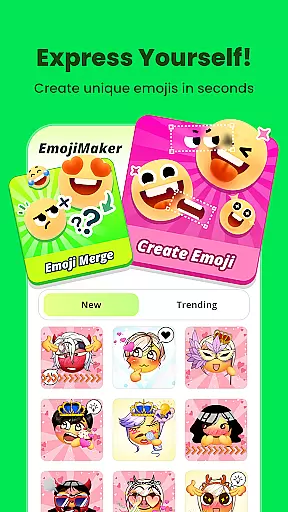
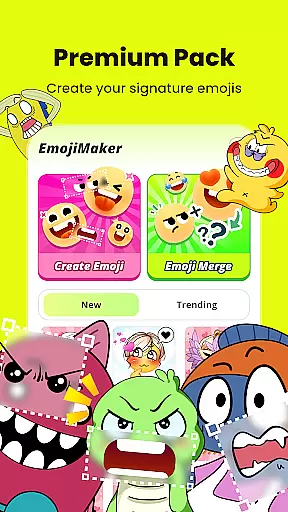
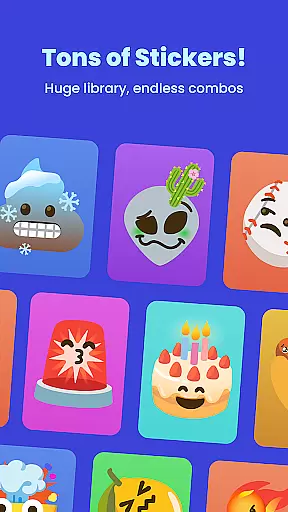
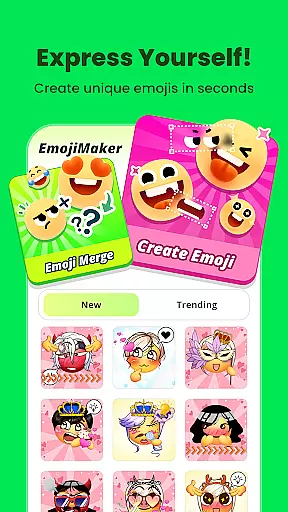
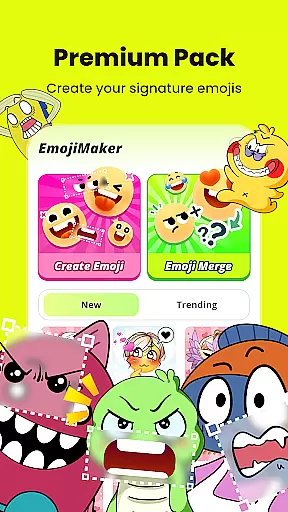
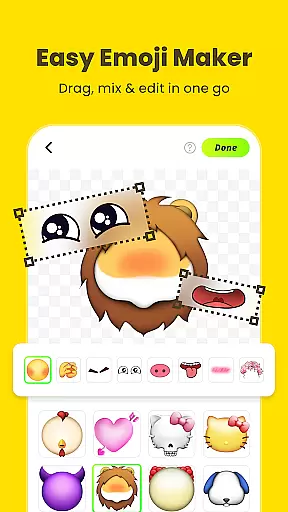
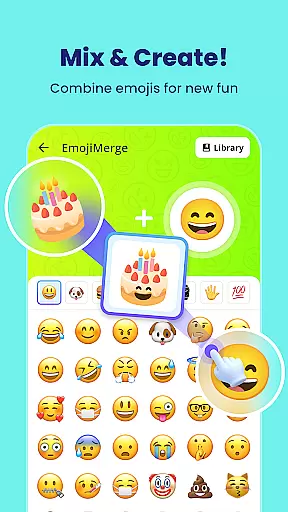
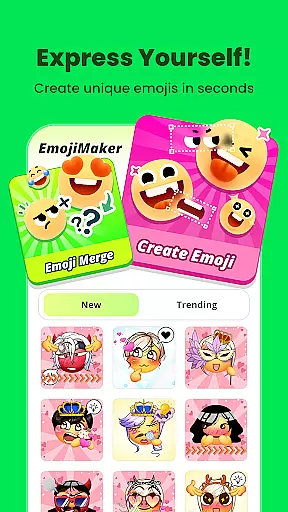
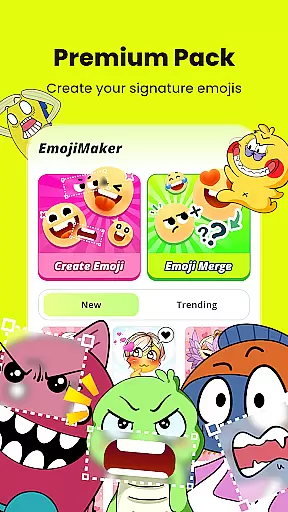
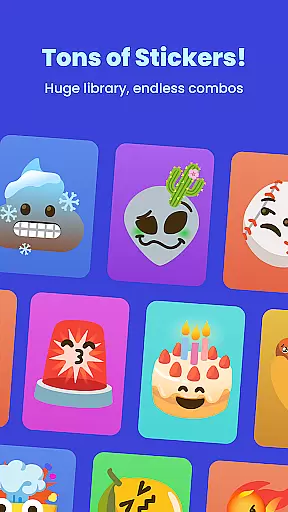
Gemoji is an innovative emoji creation platform that allows users to design personalized emojis and stickers. With a rich library of components including eyes, mouths, accessories, and more, the app enables complete customization for every mood or occasion.
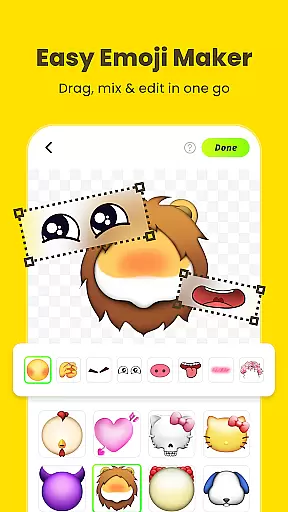
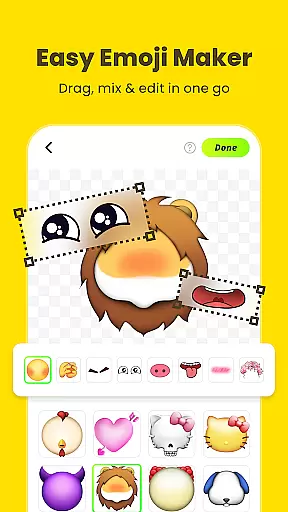
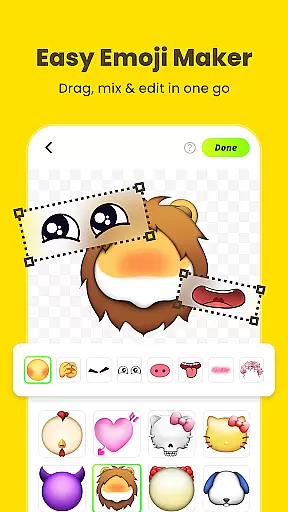
The app's intuitive interface makes it easy to layer elements, apply vibrant colors, and preview changes in real-time. Whether you're crafting unique emojis for messaging apps or creating fun stickers for social media, Gemoji provides all the tools needed to express individuality through digital communication.
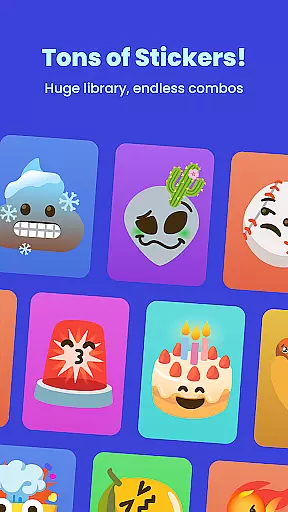
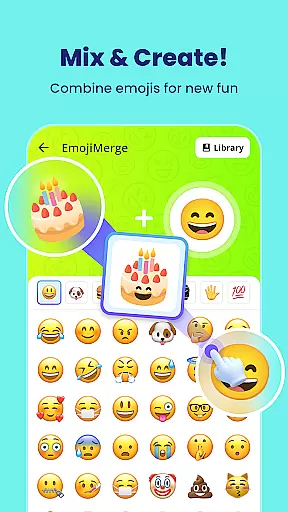
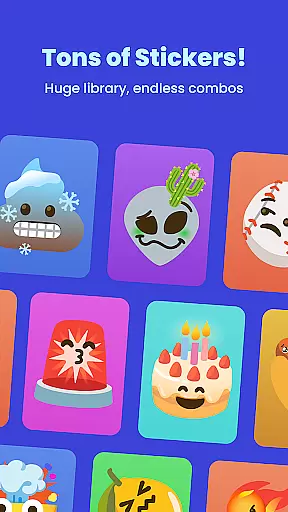
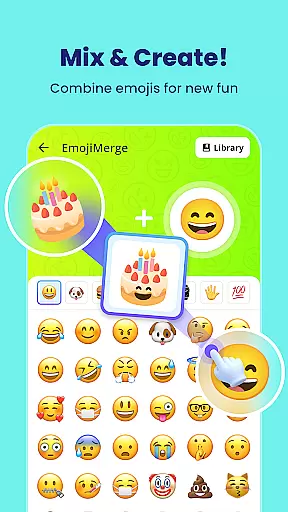
Gemoji stands out with its extensive customization options. Users can mix and match various facial features, decorations, and accessories from a professionally designed library. The app supports seasonal themes and special occasions, allowing for endless creative possibilities.
One of the key highlights is its user-friendly design. The click-to-edit functionality and real-time previews make the emoji creation process seamless. Additionally, frequent updates ensure that new components and design elements are regularly added, keeping the content fresh and engaging for returning users.
Customization is at the heart of Gemoji, allowing users to express their unique style and creativity through emojis. With a vast array of components including eyes, mouths, accessories, and more, users can mix and match elements to create truly personalized emojis.
The app offers an extensive selection of colors and design elements, enabling creators to craft emojis for every mood, season, or special occasion. Whether you're designing cute characters, quirky faces, or unique stickers, Gemoji provides all the tools necessary for an unparalleled DIY experience.
Users benefit from the ability to customize every aspect of their emojis, ensuring that each creation is as individual as they are. This level of personalization not only enhances communication but also allows users to stand out in chats with emojis that no one else has seen.
Gemoji ensures seamless theme compatibility by offering a rich library of professionally designed emoji elements that blend beautifully together. Users can explore various themes, combining stunning effects to create emojis that stand out while maintaining visual consistency across different platforms.
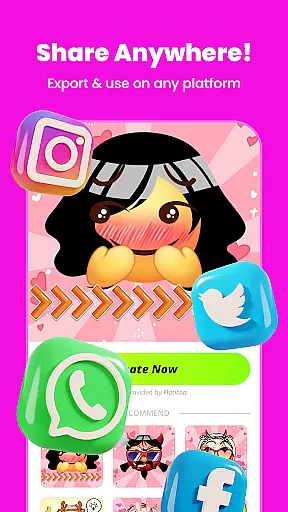
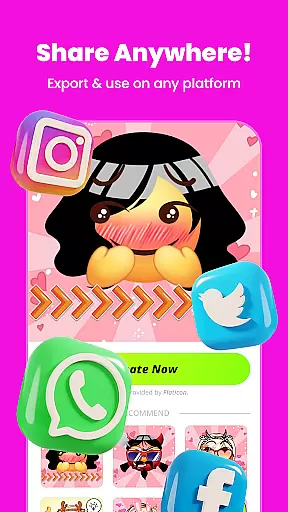
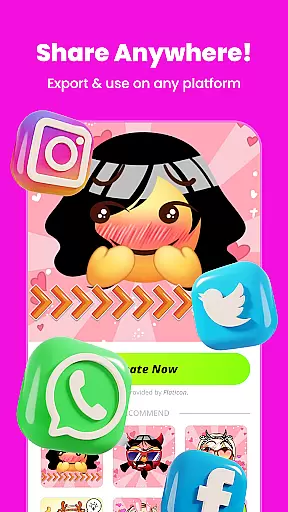
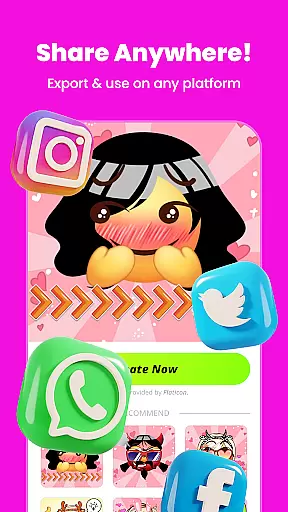
The app's compatibility extends to messaging apps where users can transform their DIY emojis into fun stickers. This feature allows creations to be shared effortlessly with friends and family, enhancing digital conversations with personalized touches.
By providing frequent updates with new components and seasonal themes, Gemoji keeps its content fresh and relevant. This commitment to regular updates ensures that users always have access to current trends and styles, making it easy to create emojis perfect for any occasion.
User-friendly interface
Vibrant color options
Real-time editing
Frequent content updates
Wide component variety
Limited free features
Occasional bugs
Ads between sessions
Premium subscription cost
Learning curve for new users

Ultra realistic high quality analog watch face for Wear OS.
 4.60
4.60
Customizable flower power digital watch face for Wear OS watches.
4.00
Fingerprint Lock Screen & Live Animations with 4K Wallpapers as Live Wallpaper
4.40
Wallpaper HD 4K Live - Thousands of high-quality Anime backgrounds for you.
4.80 4.50
4.50
Adaptive Dot Style IconPack with Light & Dark Theme.
3.70
Color phone with cool effects for call screen, flash alert & ringtones music
4.50
Unleash Your Creativity and Connect with Loved Ones with Lockscreen Drawing!
4.20
Magic fluids wallpaper 4D: Relax with stunning fluid simulation wallpaper app
4.20
Sparkle your screen with Glitter Wallpapers For Girls and Cute Backgrounds!
4.80
A launcher for Samsung Good Lock and Good Guardians modules without ads
4.70
Add cute Shimeji pets to screen, interact with them and relax with cute motions
4.60
App Icon Changer & Shortcut Creator. Customize your icons without any watermarks
4.30
Launcher OS™ Pro without ads help make your phone simple and pretty
4.30
Realistic animated snow on your wrist, with 10 images landscapes to choose from
4.00
Crystal-clear, square icon provides a sleek and sophisticated visual upgrade
4.00
Design your screen with unique, vibrant clocks
3.80
Adorable pets roam and play right on your phone screen!
3.30
Struggling to find apps? Use this app to locate and open any app on your phone!
2.20


User Reviews