
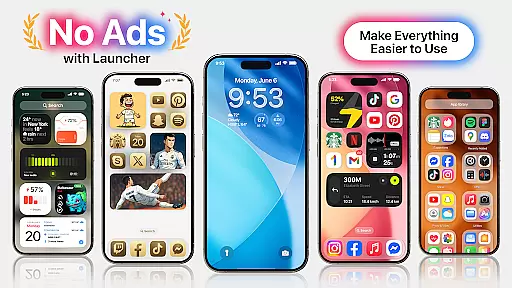
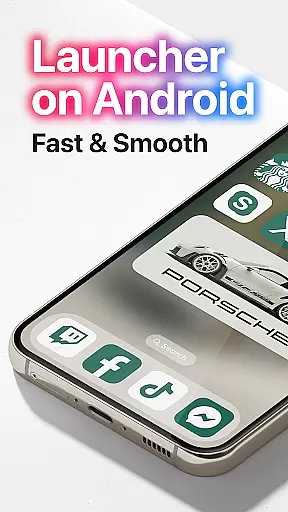
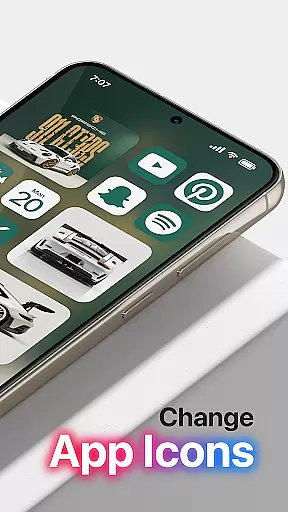
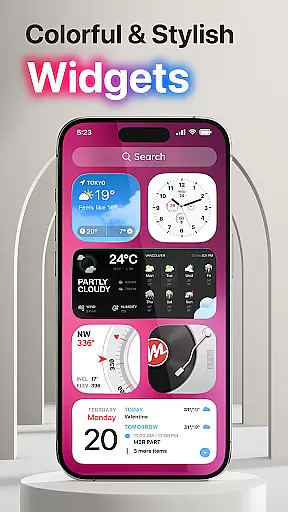
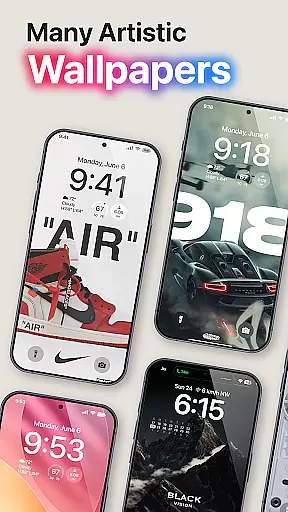
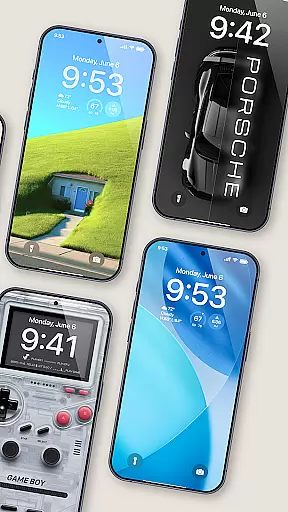
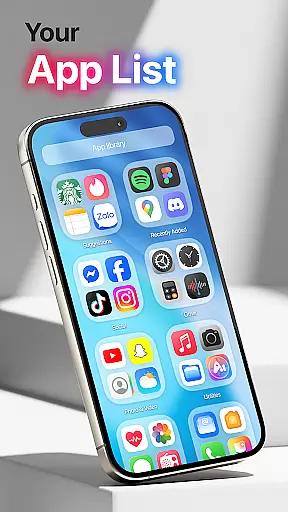
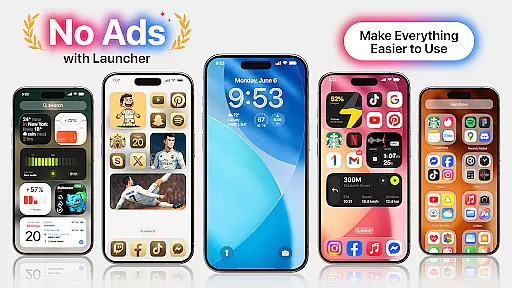
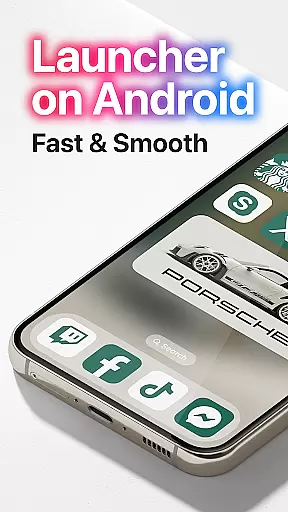
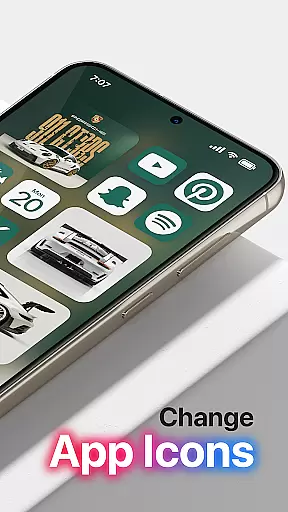

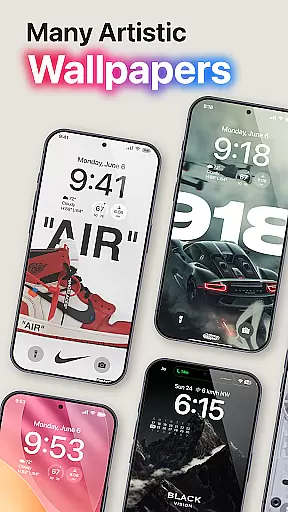
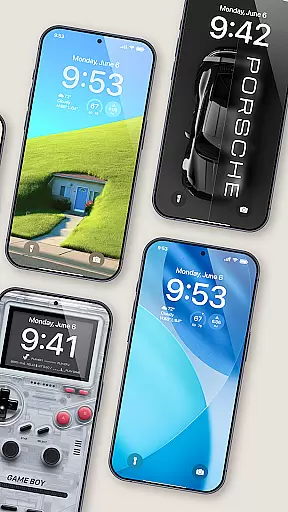
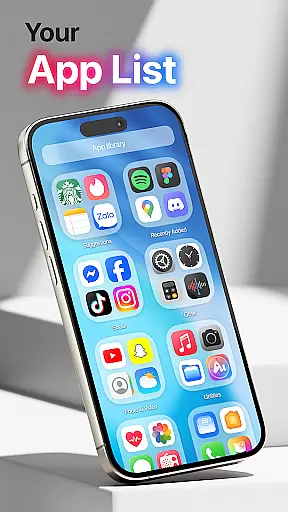
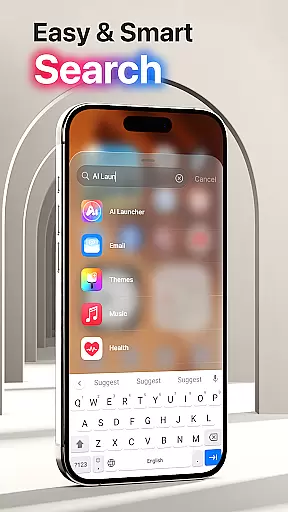
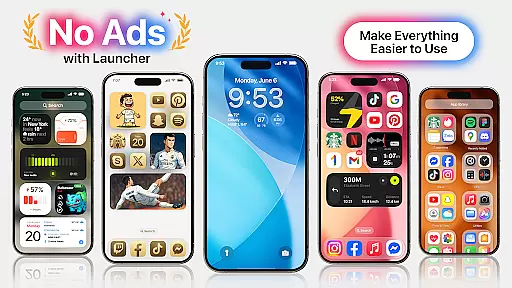
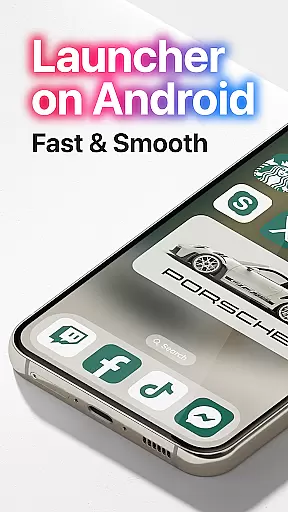
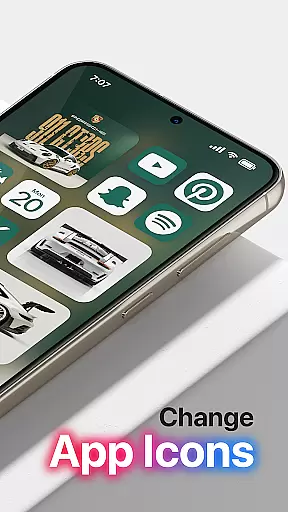
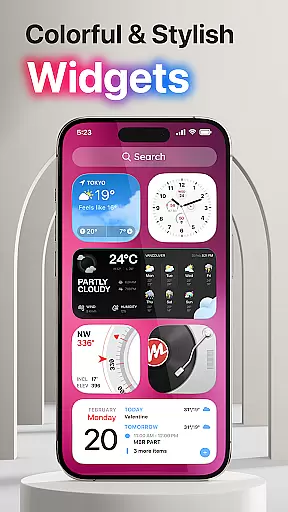
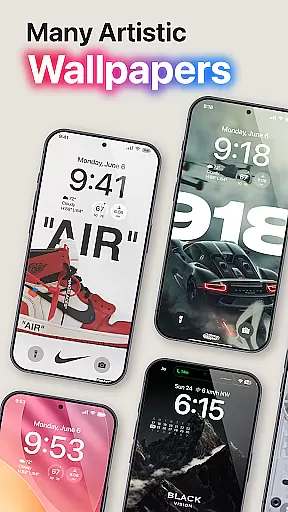
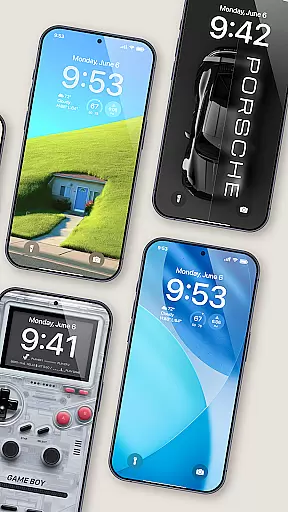
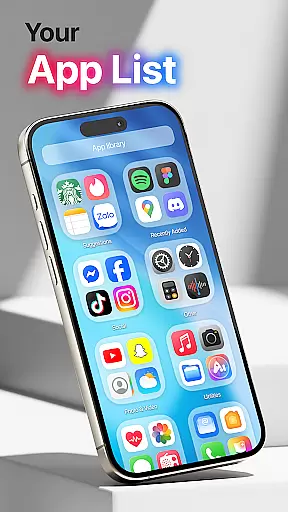
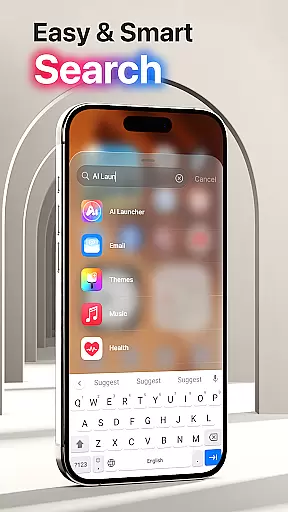
Launcher OS Pro is a premium Android launcher app that redefines the mobile operating experience with its sleek design and powerful customization features. The app offers a clean user interface free from ads, ensuring an uninterrupted and visually appealing experience. With over 50 unique wallpapers and customizable color widgets that support both light and dark modes, users can tailor their home screens to match their personal style.
The app goes beyond aesthetics by providing intelligent features such as gesture controls for quick access to apps, contacts, settings, and more. Launcher OS Pro sets a new standard for personalization on Android devices, making it the most powerful and intuitive launcher available. Whether you're looking to enhance productivity or simply want a more personalized device, Launcher OS Pro delivers amazing possibilities for your smartphone experience.
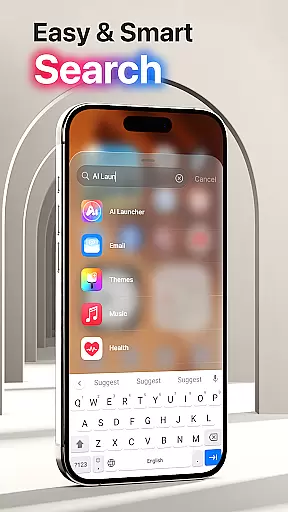
Launcher OS Pro stands out with its extensive feature set designed to provide a personalized and intelligent user experience. One of the key highlights is the ability to customize nearly every aspect of your device's interface, including lock screens and widgets. The app also supports advanced gestures, allowing users to quickly access essential functions like search, app switching, and settings through intuitive swipe actions.
In addition to its customization capabilities, Launcher OS Pro offers a variety of themes and wallpapers, ensuring that your device remains uniquely yours. The app seamlessly integrates with the Android ecosystem, supporting both light and dark modes while maintaining optimal performance. These features collectively create a smarter, more efficient way to interact with your phone, setting a new benchmark for what a launcher should be.
Launcher OS Pro offers an extensive range of customization options that allow users to tailor their device's interface according to their preferences. With over 50 unique wallpapers and a variety of color widgets and themes, the app supports both light mode and dark mode, ensuring a personalized experience for every user.
The app goes beyond just aesthetic changes by providing advanced features such as lock screen customization and widget adjustments. Users can modify their lock screen with different styles and information displays, making their device not only visually distinctive but also functionally tailored to their needs.
Moreover, Launcher OS Pro introduces more gestures for quick access to apps, contacts, settings, and search functions. This intuitive approach to smartphone interaction ensures that users can navigate their devices with unprecedented ease and efficiency, enhancing overall usability.
Theme compatibility is a crucial aspect of Launcher OS Pro, ensuring that all visual elements are harmoniously integrated into the user's device. The app provides numerous themes that seamlessly blend with the system's UI, offering a cohesive look and feel across the entire operating system.
Users will find that these themes are crafted to maintain consistency in design language, whether they prefer a minimalist style or vibrant, colorful interfaces. Each theme is optimized for both performance and aesthetics, preserving the smooth operation of the device while delivering visually pleasing results.
In addition to its rich selection of themes, Launcher OS Pro guarantees that future updates will bring even more premium functions. This commitment to continuous improvement means users can expect ongoing enhancements to their customization capabilities, keeping their devices fresh and up-to-date with the latest trends in mobile personalization.
User-friendly interface
Highly customizable options
Ad-free experience
Unique wallpapers
Advanced gesture controls
Requires multiple permissions
Premium features come at a cost
May overwhelm new users
Limited widget designs
Occasional performance issues

Vertically oriented rectangular icons
 4.70
4.70
Ultra realistic high quality analog watch face for Wear OS.
4.60
Realistic animated snow on your wrist, with 10 images landscapes to choose from
4.00
Transform your phone with Launcher iOS 26 - Smooth & elegant iOS experience
4.50
More than 3000+ themes and 9000+ wallpapers for everybody!
4.10
Turn text & photos into stunning AI videos, art, and creative visual stories.
4.50
Adaptive Dot Style IconPack with Light & Dark Theme.
3.70
set a new experience for the Android mobile phone
4.20
Transform your phone with stylish zipper lock themes and 4D live wallpaper
4.10
Sparkle your screen with Glitter Wallpapers For Girls and Cute Backgrounds!
4.80
Personalize your phone with stunning HD and 4K wallpapers!
4.70
Nothing Icon pack with more than 3750+ highly crafted icons.
4.70
A minimalist productivity launcher. One-hand-friendly. Zero ads.
4.70
Want to make your phone more special than ever?
4.60
Stylish Pink Cute Hippo keyboard with 10000+ customized keyboard themes!
4.60
Try creating your own keyboard with "Keyboard theme for android" app now!
4.50
Magic fluids wallpaper 4D: Relax with stunning fluid simulation wallpaper app
4.20
HappyLighting is a Bluetooth lamp control software.
3.40
Adorable pets roam and play right on your phone screen!
3.30


User Reviews