
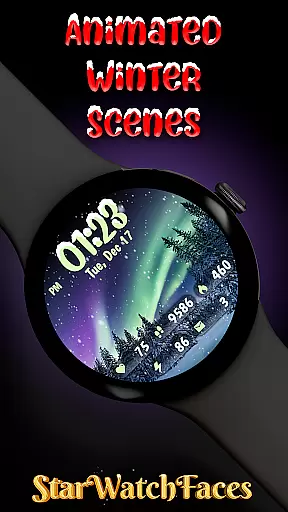
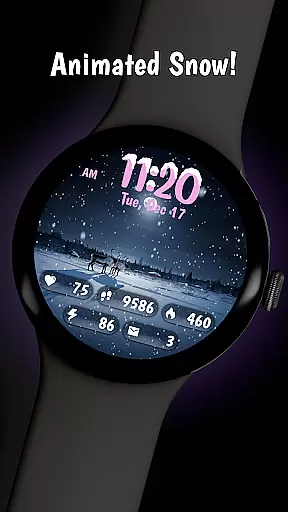
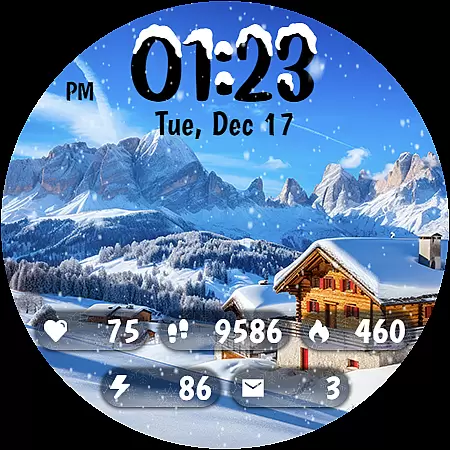
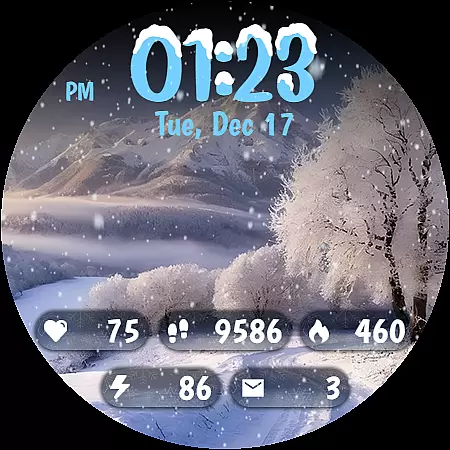
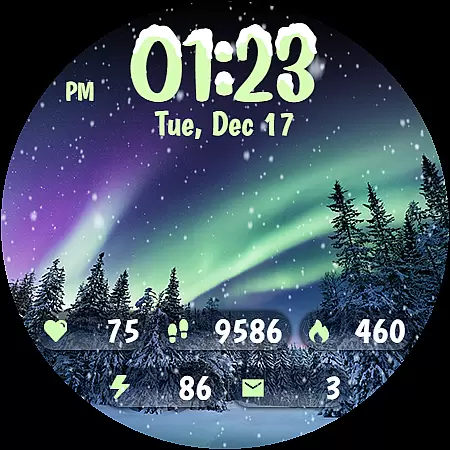
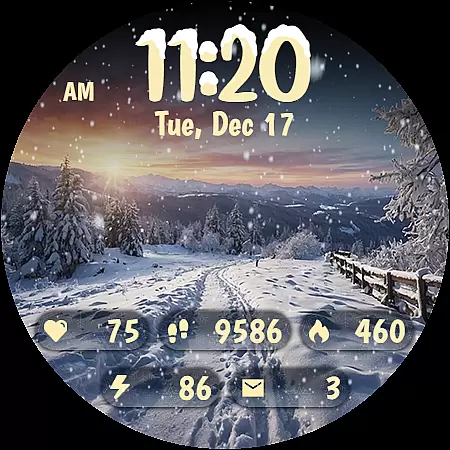
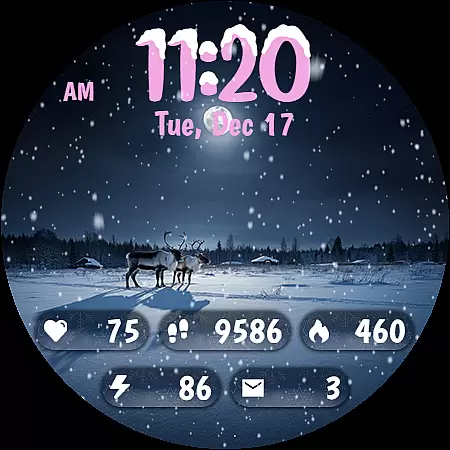
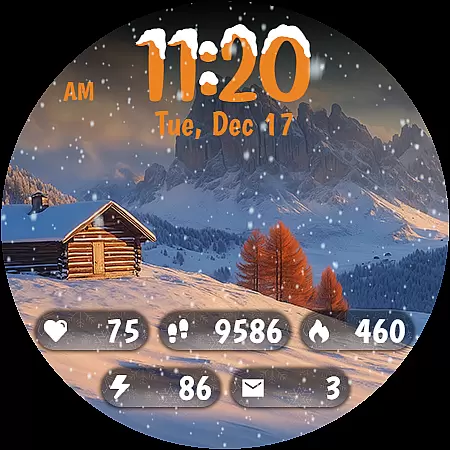
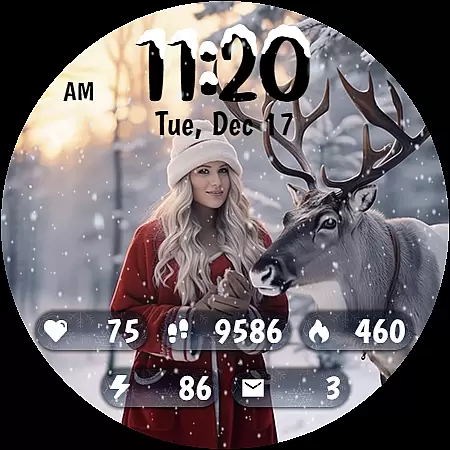
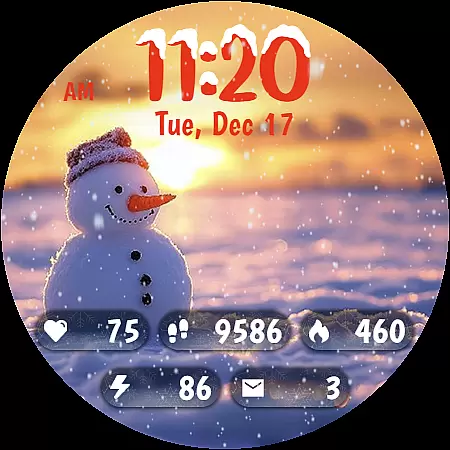
Animated Winter Scenes brings the serene beauty of winter to your Wear OS smartwatch. This personalization app offers a collection of stunning, animated watchfaces that transform your device into a window overlooking enchanting snowy landscapes.
With features like animated snowfall, 30 customizable color themes, and a unique digital clock design, this app creates an immersive winter experience. It also provides practical functionality by displaying essential information such as step count, heart rate, and battery status, making it both beautiful and useful.
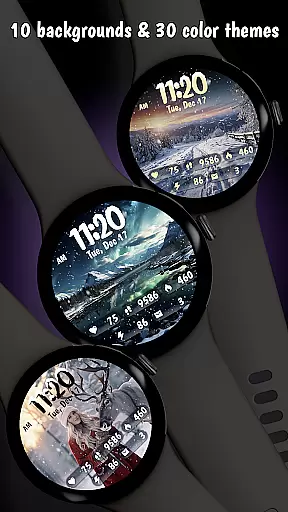
Animated Winter Scenes stands out with its carefully crafted features. The app includes 10 breathtaking winter-themed backgrounds, from snow-covered forests to cozy mountain cabins, each designed to bring winter's charm to your wrist.
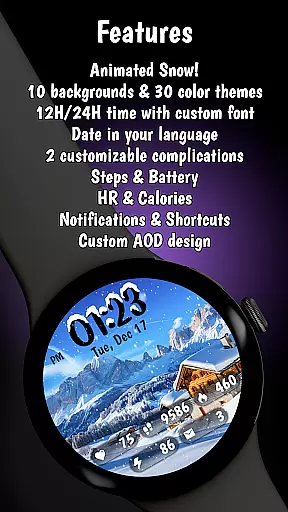
Beyond its visual appeal, the app offers practical customization options. Users can choose from 30 color themes to match their style, while the unique digital clock with snow accents adds festive charm. The app also displays crucial health and device information, including steps, heart rate, and battery status, all optimized for Wear OS performance.
Customization is at the heart of Animated Winter Scenes, offering users a rich tapestry of options to tailor their smartwatch experience. With 10 stunning winter-themed backgrounds ranging from majestic mountains to cozy snow-covered cabins, the app ensures that your watch face is not just a timepiece but a statement of personal style.
The app goes beyond static images by integrating animated snow, creating a dynamic and festive atmosphere on your wrist. This feature adds an element of liveliness and charm that sets it apart from traditional watch faces.
Further personalizing the user experience, Animated Winter Scenes provides 30 unique color themes. These themes are carefully crafted to complement the design elements, allowing for a harmonious and visually pleasing appearance that can match any outfit or mood.
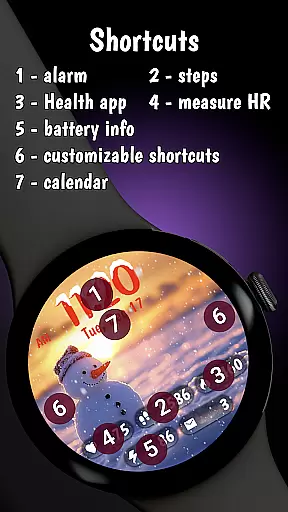
Including a custom digital clock with a unique font adorned with snow accents, users can enjoy both functionality and aesthetics. The ability to display comprehensive information such as steps count, heart rate, and more, ensures that this personalized experience does not come at the cost of utility.
Animated Winter Scenes excels in theme compatibility, ensuring that each visual element aligns perfectly with various Wear OS devices. By optimizing its themes using the latest Watch Face Format (WFF), the app guarantees a seamless integration across different smartwatch models.
The app's dedication to compatibility extends to its Always-On Display (AOD) mode, which is finely tuned for battery efficiency. This optimization allows users to enjoy their customized winter scenes without compromising the deviceu2019s performance or battery life.
Moreover, the date display automatically adjusts to the user's device language, showcasing the app's attention to detail in providing a localized and intuitive experience. Such thoughtful design ensures that users from different regions can effortlessly interact with their watch faces.
With comprehensive customization options accessible directly from the watch interface, Animated Winter Scenes makes it easy for users to modify settings on-the-go. Whether changing background images, color themes, or complications, the process is streamlined and user-friendly, enhancing overall satisfaction and engagement.
Stunning winter visuals
Customizable themes
Practical information display
Optimized for Wear OS
Unique animated effects
Premium price point
Limited to Wear OS
Requires customization
Battery consumption
Seasonal appeal only

Stunningly Different look with Line Icons and Neon Colors
 4.60
4.60
Ultra realistic high quality analog watch face for Wear OS.
4.60
3D, live, and moving wallpapers & themes in 4K and HD for your device.
4.50
Make your phone look simple & luxury, like iDevice
4.60
Try creating your own keyboard with "Keyboard theme for android" app now!
4.50
Customizable screen pets that play, climb, and keep you company.
4.50
Custom edge gestures for volume control, brightness, apps, and shortcuts.
4.5
Struggling to find apps? Use this app to locate and open any app on your phone!
2.20
Create stunning widgets with Widget 2026: Aesthetic Widgets for Android!
4.60
One 8 icons glass color version
4.80
Vertically oriented rectangular icons
4.70
Bring adorable pets to life on your screen. Playful, interactive and full of fun
4.60
300+ widgets inspired by Material You and Material 3 expressive design.
4.60
The definitive Icon pack maker and editor
4.30
App Icon Changer & Shortcut Creator. Customize your icons without any watermarks
4.30
Unleash Your Creativity and Connect with Loved Ones with Lockscreen Drawing!
4.20
Magic fluids wallpaper 4D: Relax with stunning fluid simulation wallpaper app
4.20
Run multiple accounts of the same app on a single device
4.10
Adaptive Dot Style IconPack with Light & Dark Theme.
3.70


User Reviews