
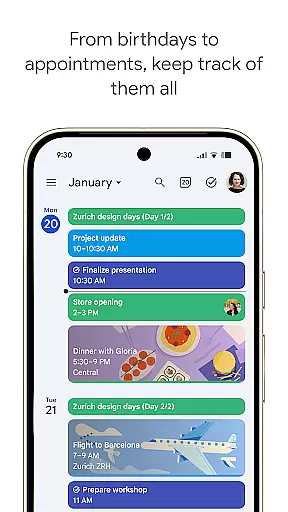
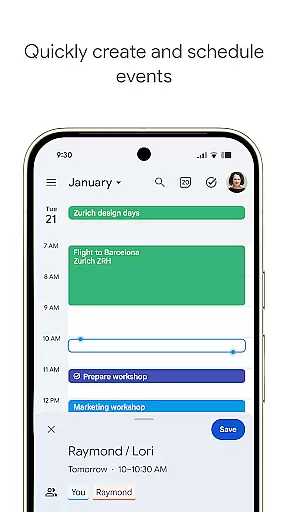
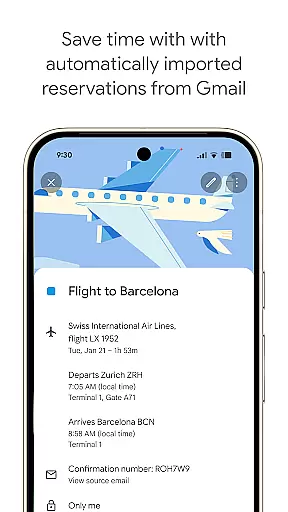
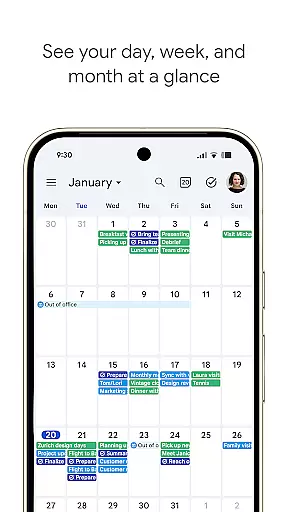
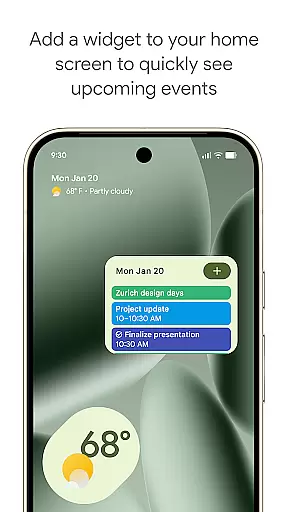
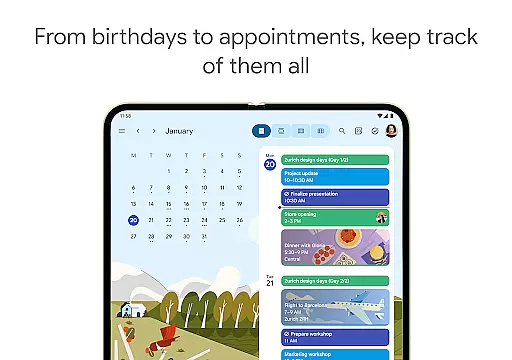
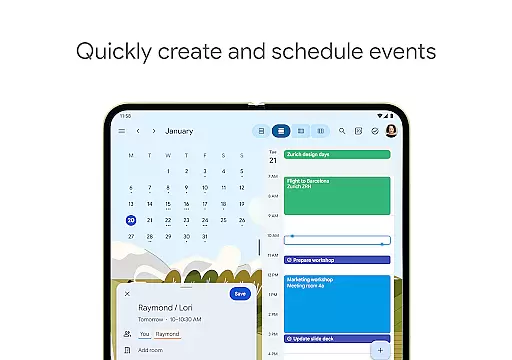
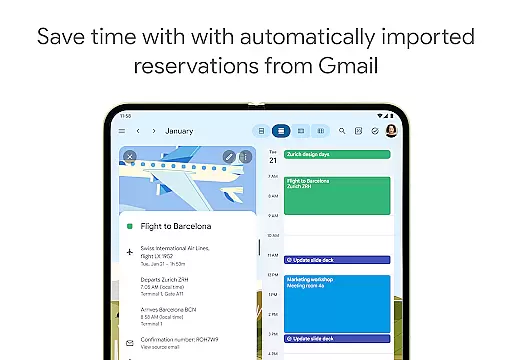
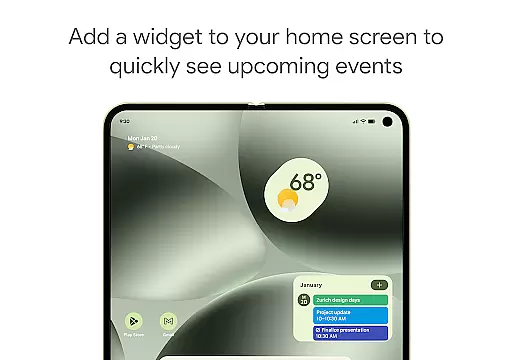
Google Calendar is the official calendar app designed for Android phones, tablets, and Wear OS devices. It helps users stay organized and plan their day efficiently through easy event creation, multiple calendar views, customizable options, widgets, and task management. The app automatically integrates events from Gmail such as flight details, hotel bookings, and restaurant reservations, ensuring all important schedules are centralized.
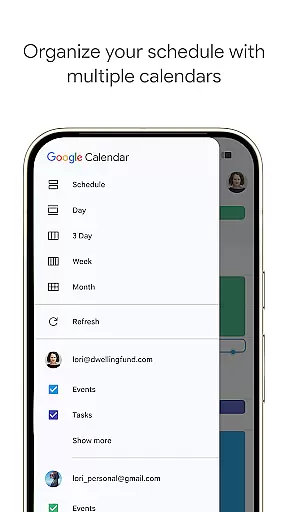
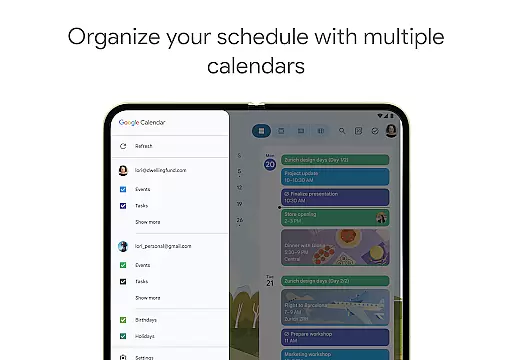
With seamless synchronization across devices, users can transition effortlessly between their phone, tablet, or computer while logged into the same Google account. Shared calendars allow collaboration with family, friends, or colleagues, enabling them to view, add, or modify events. Additionally, Google Calendar supports hybrid work environments by integrating Google Meet video calls and offering professional booking pages, making it a versatile tool for personal and professional use.
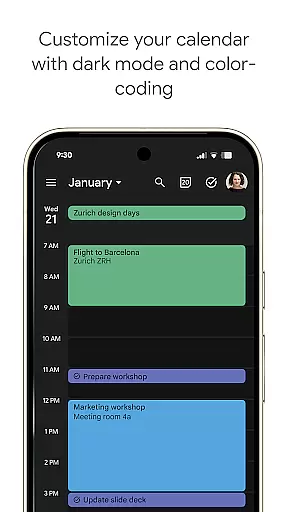
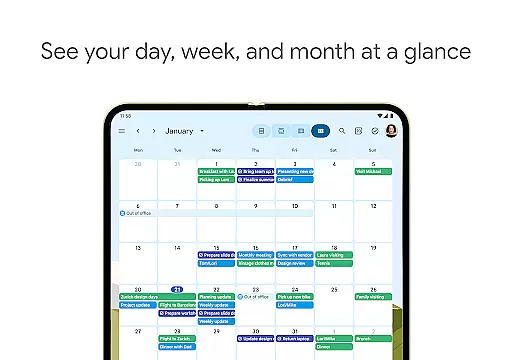
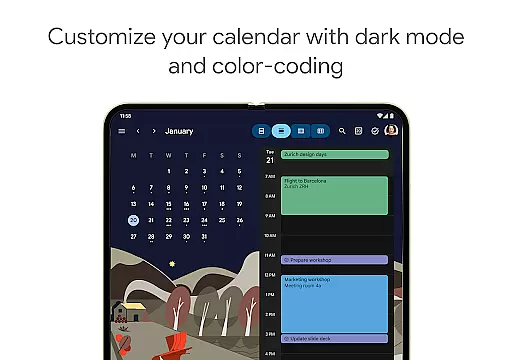
Google Calendar offers an array of features that enhance productivity and organization. Users can switch between month, week, and day views quickly, manage tasks alongside events, and personalize their experience with light or dark mode and color-coded events. The app consolidates Google Calendar events with other device calendars, including Exchange, providing a unified view of all schedules.
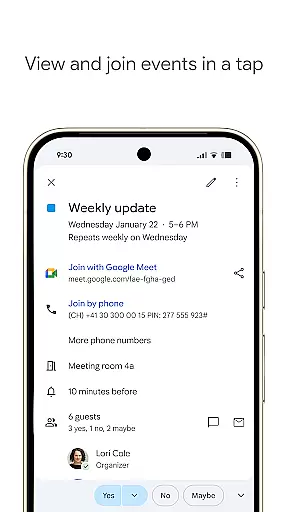
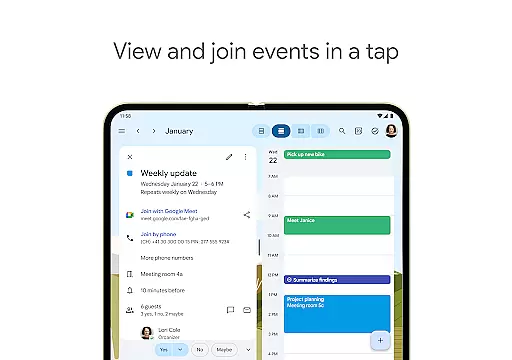
For professionals, Google Calendar integrates seamlessly with Google Workspace tools. This includes adding Google Meet video calls to events, checking teammate availability, and attaching meeting notes or documents directly to calendar entries. Task lists can be managed in full-screen mode, and Wear OS support ensures on-the-go access through tiles and complications. These robust features make Google Calendar a comprehensive solution for both individual and team-based planning.
Companion app integration is essential for users who want a seamless experience across multiple devices. Google Calendar excels in this area by ensuring that your events, tasks, and settings are synchronized effortlessly between your Android phone, tablet, and Wear OS device.
The synchronization process is automatic and real-time, provided you are logged into the same Google account on all devices. This means any event added or modified on one device will instantly reflect on others, keeping you organized no matter where you are.
For professionals and teams using Google Workspace, the companion app integration extends to include shared calendars, meeting notes, and attached documents. This ensures that everyone stays informed and aligned, regardless of the device they use.
By consolidating all calendar events, including those from Gmail and Exchange, Google Calendar provides a unified view that enhances productivity and simplifies planning. This cohesive approach allows users to manage their schedules efficiently, making it an indispensable tool for both personal and professional use.
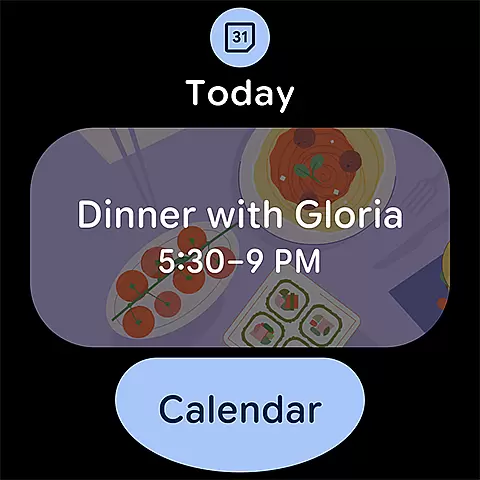
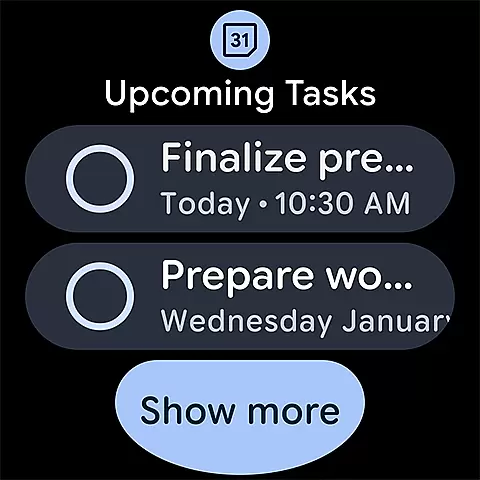
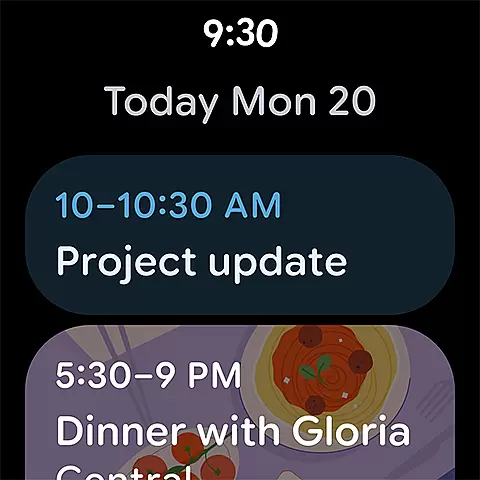
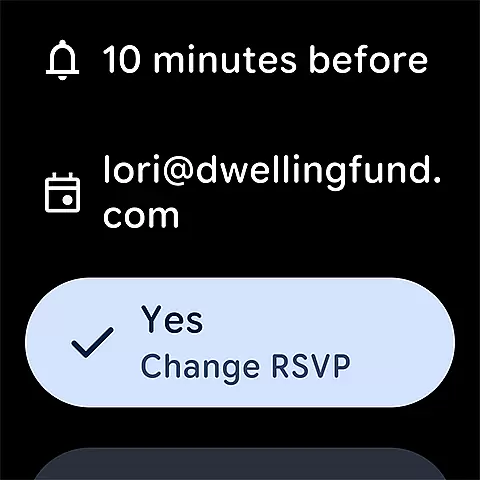
Google Calendar's compatibility with Wear OS devices ensures that users can stay on top of their schedules even when they are on the go. The app supports tiles and complications, providing quick access to upcoming events and tasks directly from the watch face.
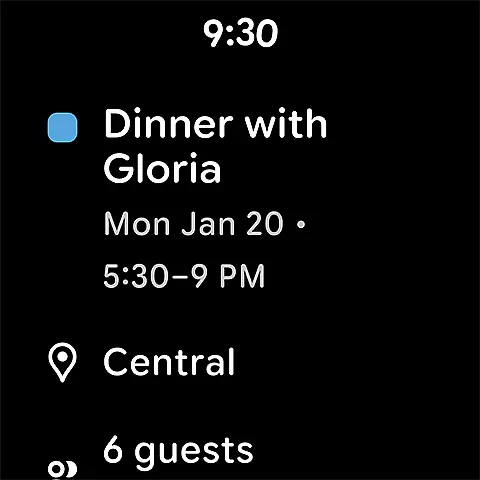
This compatibility is not just about displaying information; it also includes interactive features. Users can view, add, or modify events right from their Wear OS device, ensuring they never miss an important appointment or task.
In addition to basic event management, Google Calendar on Wear OS offers personalized views and customizable settings. Whether you prefer a light or dark mode, or color-coded events, the app adapts to your preferences, offering a tailored experience on your smartwatch.
With robust integration capabilities, Google Calendar ensures that all your devices work together harmoniously. This means you can start planning your day on your phone, make adjustments on your tablet, and get reminders on your Wear OS device, all without missing a beat. This level of compatibility makes Google Calendar a versatile and reliable choice for managing your time effectively.
User-friendly interface
Seamless cross-device sync
Integrated task management
Customizable views and themes
Google Workspace compatibility
Limited offline functionality
Requires Google account
Occasional sync delays
No advanced analytics
Basic free version

Diet tracker for weight loss - track calories, food and macros. Simple and easy!
 4.70
4.70
Rose gold watch face with festive lights & customizable features.
4.60
Wear Os Watch Face - Animated Snow Effect & Magic Spark - 6 Scenes
4.10
Fitness interactive virtual pet super fighter boy watch face
4.1
Gym & home workout plans with strength training, exercise tracking, HIIT & more.
4.60
Fast and smart typing with Emojis, GIFs, and more
4.50
Your local weather forecast, storm tracker, radar maps & live weather news
3.40
Track your active life in one place and share the journey with friends.
4.40
Track airplanes and follow flights with our real-time flight tracker
4.50
Christmas - Festive - Christmas Village - Winter - Christmas lights
5.00
Period, ovulation & pregnancy tracker. Fertility insights & menstrual calendar.
4.90
Walking app for weight loss: walk & step tracker, pedometer, indoor treadmill
4.60
Simple, helpful messaging by Google
4.60
Deck out your Wear OS Watch face with a beautifully decorated pine wreath!
4.50
Premium hybrid watch face with many customizations for Wear OS devices.
4.40
Locate your family members by GPS phone location tracker everywhere and anytime
4.30
Christmas and New Year - Themed Watchface
4.4
Wear Os Watch Face - Animated Snow - Sesonal for Christmas & Winter
4.0
A heartwarming Christmas scene featuring a cute image of Santa and Rudolf
4.4


User Reviews