
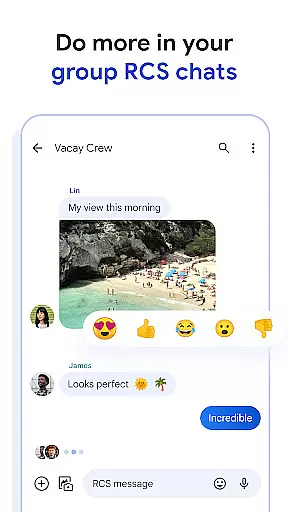
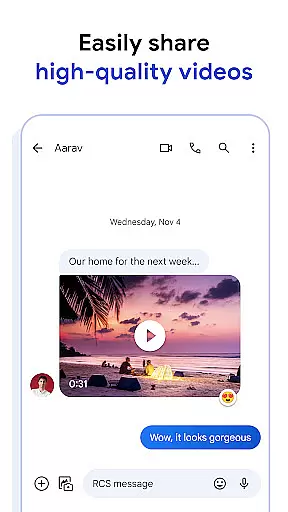
Google Messages is the official messaging app from Google, designed to enhance communication for over a billion users worldwide. Built on the Rich Communication Services (RCS) standard, it replaces traditional SMS and MMS with richer, more interactive conversations. Users can share high-resolution photos and videos, engage in dynamic group chats, and seamlessly connect with friends across platforms, including iPhone users.
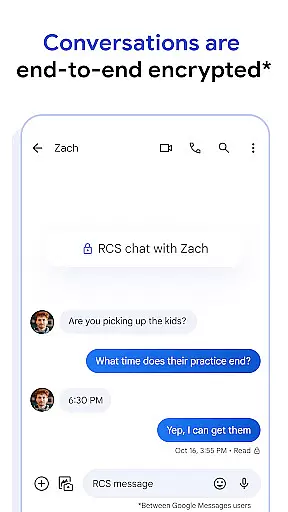
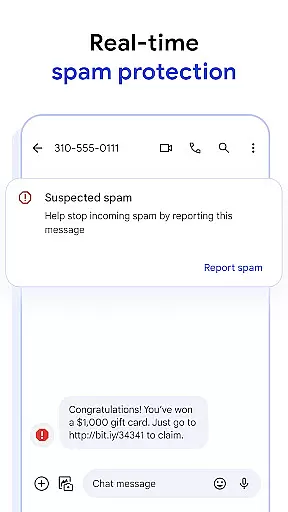
The app offers a personalized experience with features like custom chat bubble colors and fun selfie GIFs. Privacy is prioritized through end-to-end encryption, ensuring messages and attachments remain secure between users. Additionally, advanced spam protection keeps unwanted communications at bay. With AI-powered tools like Magic Compose, crafting the perfect message has never been easier. The app also syncs effortlessly across devices, including tablets, computers, and Wear OS, making it versatile for modern lifestyles.
Google Messages stands out with its innovative features powered by RCS technology. It allows users to send high-quality media, see typing indicators, and enjoy group chats that include iPhone users. This ensures a seamless and inclusive messaging experience regardless of the platform.
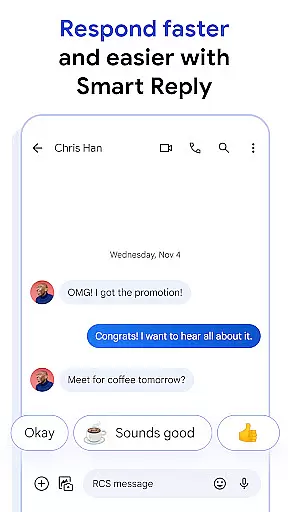
Privacy and security are core components of the app. End-to-end encryption ensures only the intended recipient can read messages and view attachments, while advanced spam protection helps filter out unwanted messages. The app also incorporates AI-driven features like Magic Compose, which suggests context-aware responses to streamline conversations.
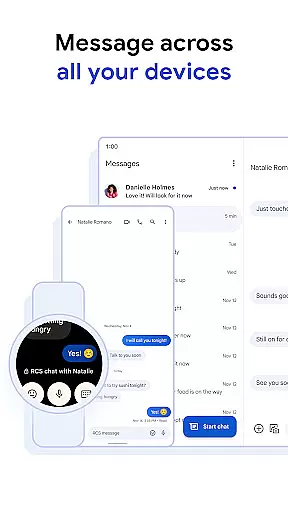
For added convenience, Google Messages is designed to work across multiple devices. Users can start a conversation on their phone and continue it on a tablet, computer, or even a Wear OS smartwatch. This cross-device functionality enhances productivity and ensures users stay connected wherever they are.
Companion app integration is essential for users who want a seamless messaging experience across multiple devices. Google Messages offers robust companion app features that allow you to start a conversation on your phone and continue it effortlessly on other devices like tablets or computers.
The app ensures that all your messages are synced in real-time, meaning you won't miss a beat no matter which device you're using. This synchronization extends to notifications as well, ensuring that you receive alerts on all your active devices simultaneously.
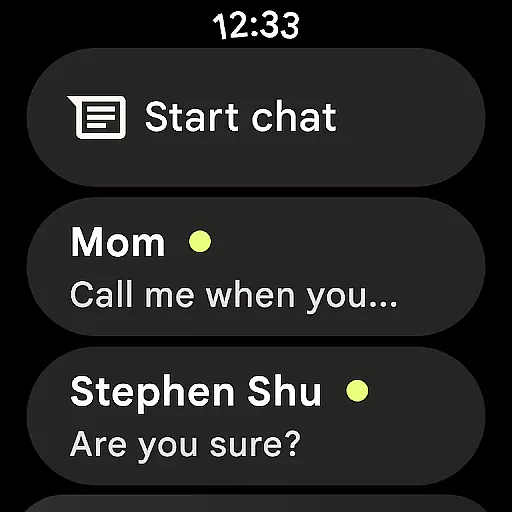
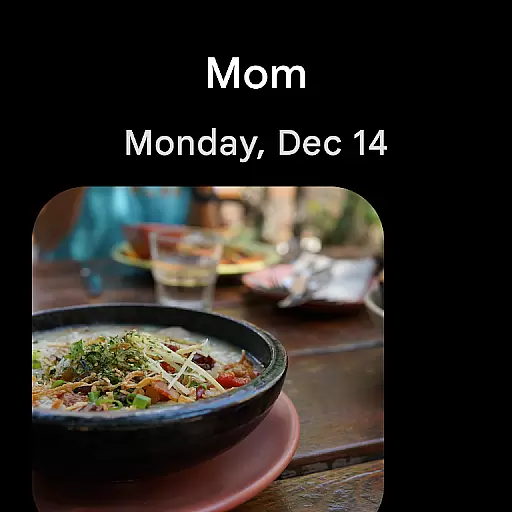
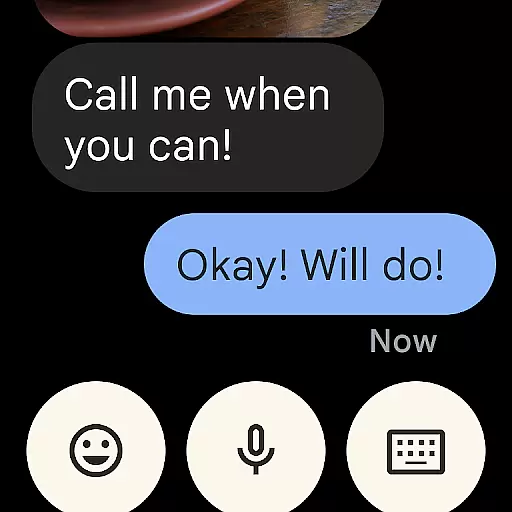
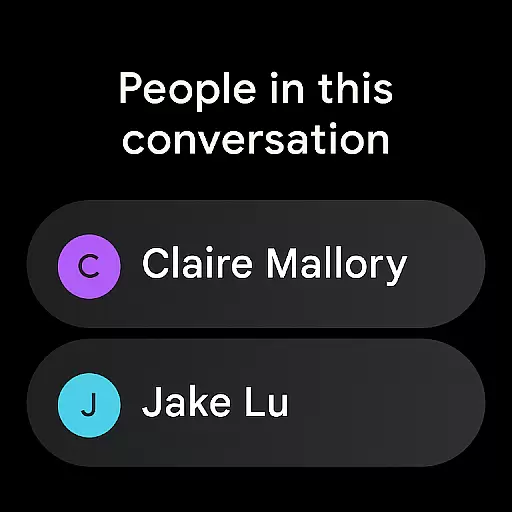
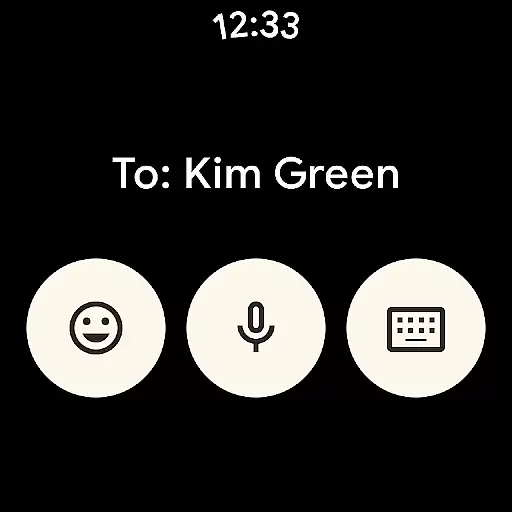
For users with Wear OS devices, Google Messages provides an optimized interface that makes reading and replying to messages from your wrist both convenient and efficient. The Wear OS version maintains the core functionalities of the main app while adapting to the smaller screen size.
This level of integration enhances productivity by allowing users to manage their communications without being tied down to a single device, making multitasking easier and more intuitive.
Device compatibility is crucial for any application aiming to provide a unified user experience across different platforms. Google Messages excels in this area by offering comprehensive support for Wear OS devices, ensuring that users can stay connected regardless of the device they are using.
The app's compatibility with Wear OS allows users to receive and respond to messages directly from their smartwatches. This feature is particularly useful when you're on the go and need quick access to your conversations without having to pull out your phone.
In addition to Wear OS, Google Messages is designed to work seamlessly across various Android devices. Whether you're switching between phones, tablets, or computers, the transition is smooth, and your chat history remains intact.
By prioritizing cross-device functionality, Google Messages ensures that users enjoy a consistent and reliable messaging experience, enhancing both convenience and accessibility in everyday communication.
User-friendly interface
End-to-end encryption
AI-powered suggestions
Cross-device syncing
Advanced spam protection
Limited RCS availability
Device compatibility issues
Requires data plan
Beta testing needed
Market feature variance

Rose gold watch face with festive lights & customizable features.
 4.60
4.60
Embrace the festive spirit with our Christmas Countdown watchface for Wear OS
4.10
Structured watch face with seven complications and modular UI elements
3.90
Nutrition, Macro tracker: Food, fitness & healthy diet tracking for weight loss
4.60
The #1 source of faces for your smartwatch!
4.00
The most customizable hybrid watch face. For Wear OS 5.0, API 34+ and later
4.70
Hyper-Realistic Airplane Dashboard Watch Face With 10 Skins and Custom AOD
4.00
A modern hybrid informative watch face for Wear OS designed by BALLOZI
4.80
Animated video-game inspired “secret agent” simulation, right on your wrist!
4.20
Diet tracker for weight loss - track calories, food and macros. Simple and easy!
4.70
WTW M17 is a premium and luxurious hybrid watch face
4.70
Be an elegant and classy secret agent, with this carefully detailed watch face
4.70
Hybrid watch face for Wear OS with customizable complications by Matteo Dini MD
4.70
Gym & home workout plans with strength training, exercise tracking, HIIT & more.
4.60
Ideal for surviving in the wasteland left after nuclear fallout
4.50
Fast and smart typing with Emojis, GIFs, and more
4.50
Beautiful artistic animated digital watch face, with a customizable layout!
4.40
Bold, Modern Hybrid Watch Face for Wear OS. 10 Colors, Rich Info Display.
4.30
Contemporary digital watch face with five complications
4.0


User Reviews