

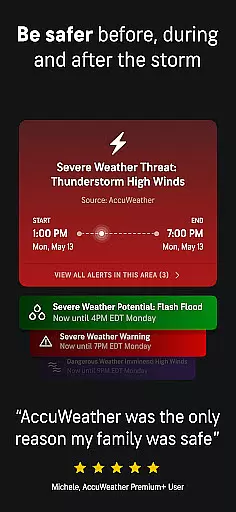
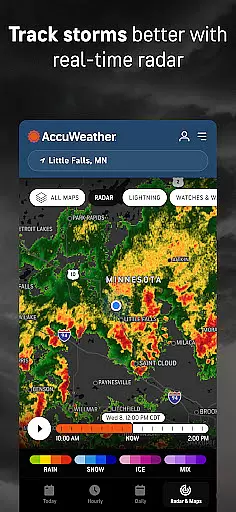
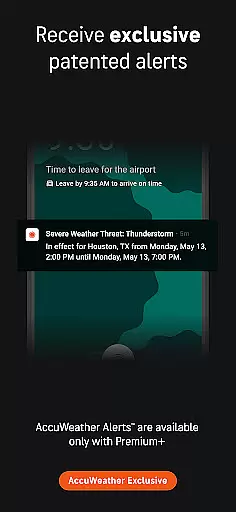
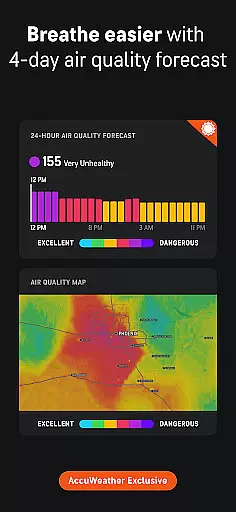
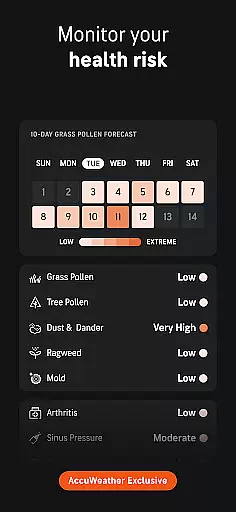
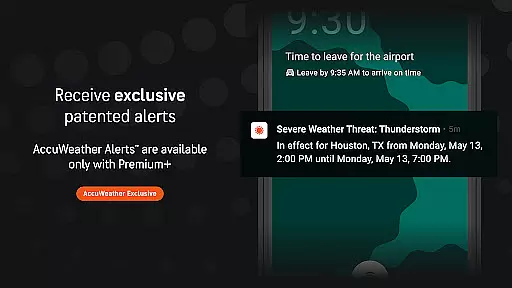
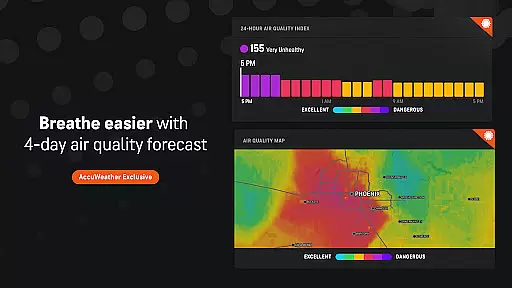
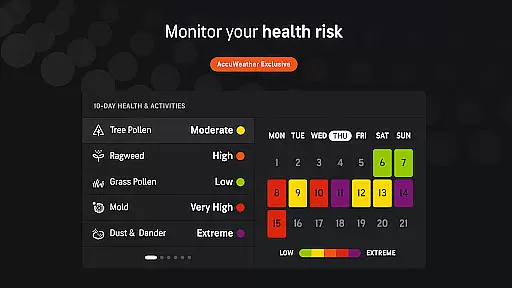
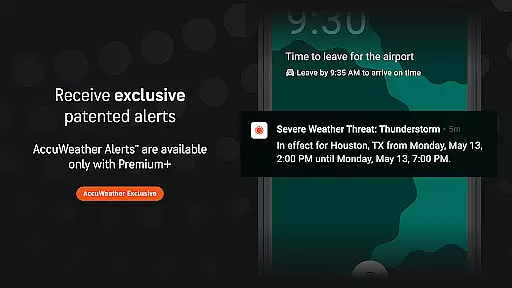
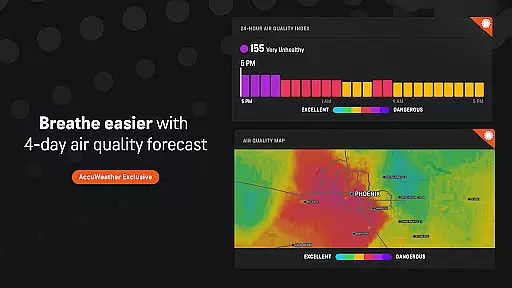
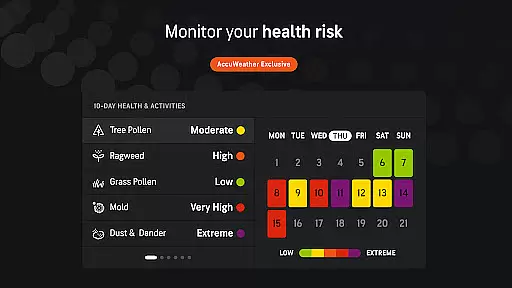
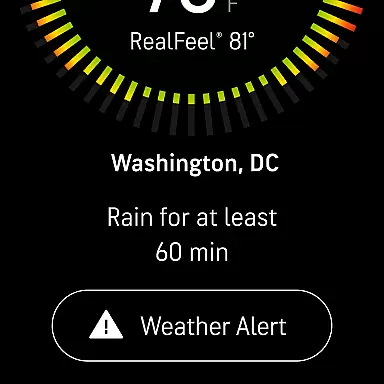
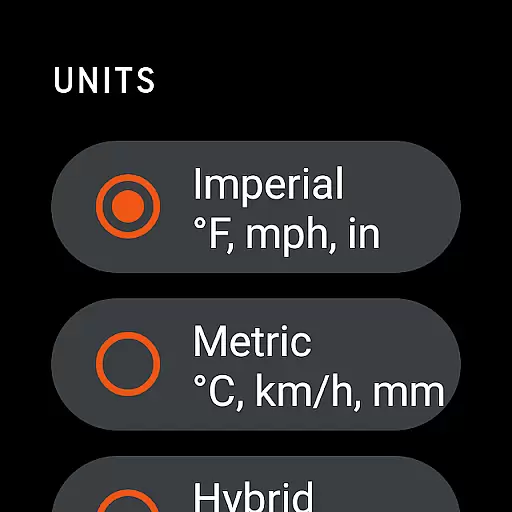
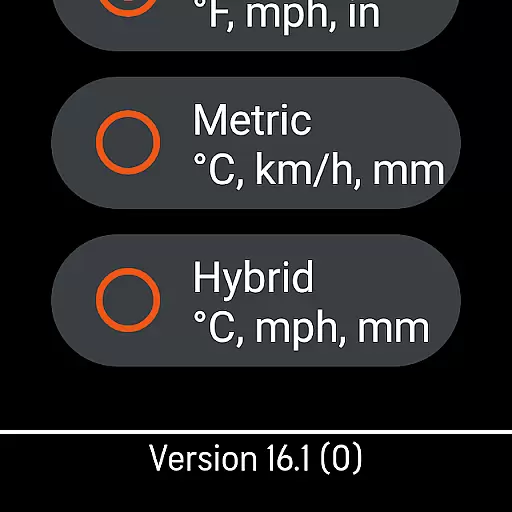
AccuWeather is the most trusted weather app, providing real-time weather alerts and hyperlocal updates with Superior Accuracy™. It helps users make informed decisions by offering detailed forecasts for any location, including severe weather tracking and animated radar.
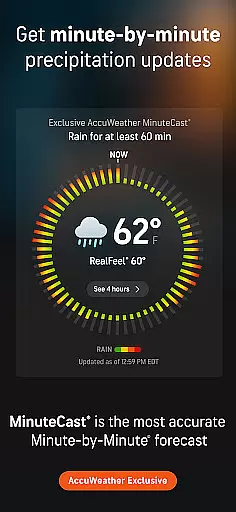
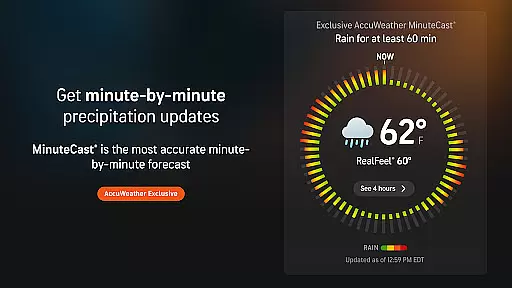
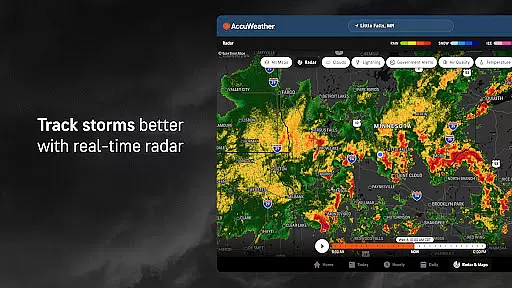
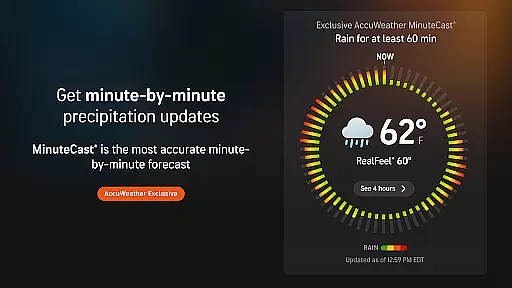
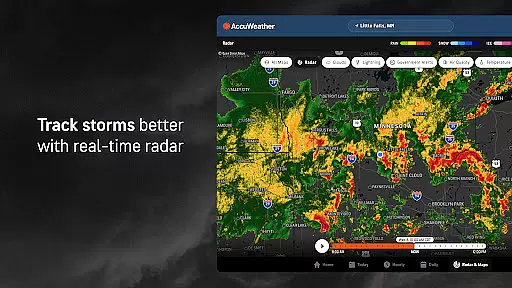
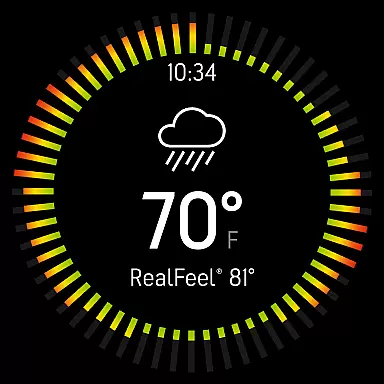
The app's unique features include MinuteCast®, which provides hyperlocal precipitation forecasts for the next four hours, and the AccuWeather RealFeel® Temperature that accurately describes how the temperature actually feels. With advanced tools like live radar and the AccuWeather Lightning Network™, users can closely monitor storms and lightning proximity.
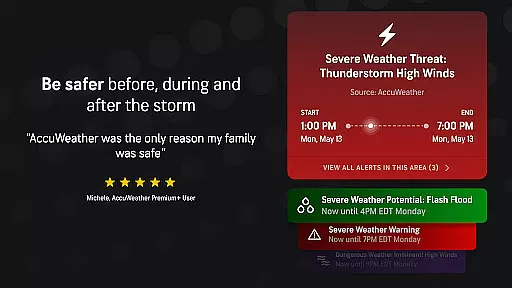
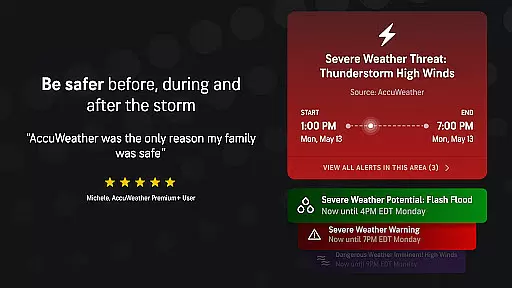
Whether it's hurricanes, snow, or extreme temperatures, AccuWeather offers superior advance notice and detailed information to keep families safer. The app is available on Android mobile, tablet, TV, and Wear OS devices, ensuring comprehensive weather coverage wherever you go.
AccuWeather stands out with its award-winning features designed to provide the most accurate weather information. Its exclusive MinuteCast® delivers hyperlocal forecasts for precipitation type and intensity, pinpointed to exact street addresses across 210 countries.
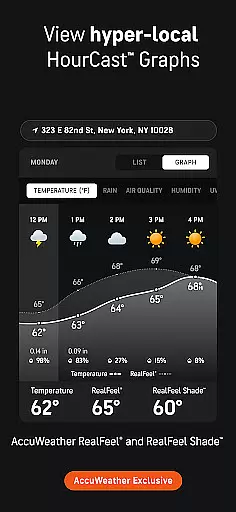
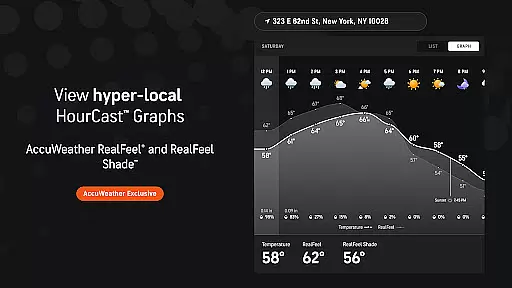
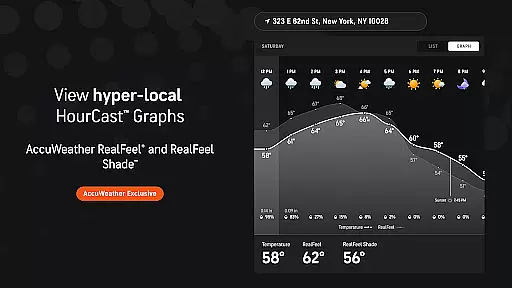
The app includes the AccuWeather RealFeel® Temperature and RealFeel Shade™, offering insights into what the weather feels like in both sun and shade. WinterCast® provides detailed descriptions of upcoming snow and ice events, while the AccuLumen Brightness Index™ helps users plan outdoor activities better.
For those seeking more detailed extended forecasts, upgrading to Premium Plus offers 90-day daily forecasts, 10-day hourly forecast graphics, and an ad-free experience. These features ensure users are always prepared for changing weather conditions.
For AccuWeather, seamless companion app integration is a cornerstone of its functionality. The app ensures that users can effortlessly sync data across multiple devices, including Android mobiles, tablets, TVs, and Wear OS devices. This synchronization allows for real-time updates and alerts, regardless of the device in use.
The integration extends to providing consistent weather information, ensuring that whether you're checking on your phone or wearable, the data remains uniform and up-to-date. This feature is crucial for users who are often on the move and need reliable weather updates at a glance.
By leveraging companion app integration, AccuWeather enhances user experience by offering features like hyperlocal forecasts and severe weather alerts directly to your Wear OS device. This means you're always informed about sudden weather changes, no matter where you are.
Ultimately, this integration provides peace of mind, knowing that your weather data is synchronized and accessible across all your devices, ensuring you're always prepared for whatever weather comes your way.
AccuWeather excels in Wear OS and device compatibility, making it a versatile choice for users with different devices. The app is optimized to function smoothly across Android mobiles, tablets, TVs, and especially Wear OS devices, ensuring that every user gets a tailored yet consistent experience.
This compatibility is not just about running on different devices but also about optimizing performance based on the device's capabilities. For instance, on Wear OS, AccuWeather offers glanceable weather updates and alerts, designed to be quickly read on smaller screens without compromising on detail.
Moreover, the app's design takes into account the unique interaction modes of Wear OS, such as voice commands and gesture controls, enhancing usability. This thoughtful design ensures that users can access critical weather information in the most convenient way possible, without being hindered by device limitations.
In summary, AccuWeather's commitment to broad device compatibility ensures that users can rely on their service, regardless of their device, providing flexibility and convenience in accessing accurate weather information.
Superior Accuracy™
Real-Time Alerts
Hyperlocal Forecasts
Advanced Storm Tracking
Comprehensive Weather Data
Premium Subscription
Ad-Supported Free Version
Complex Interface
Limited Free Features
High Data Usage

"PER27 Galaxy Digital" is a digital Wear OS watch face designed by PERSONA
 4.10
4.10
Contemporary digital watch face with five complications
4.3
Simple Analog-Digital Watchface For Wear OS 3.0 and Up Smartwatches
4.5
Digital watch face with big numbers and many customization for Wear OS devices
4.40
To-Do List: daily schedule planner, task organizer, to do reminder app, calendar
4.60
Premium hybrid watch face with many customizations for Wear OS devices.
4.40
Fitbit is dedicated to helping people lead healthier, more active lives.
4.10
Control your Samsung Smart TVs, appliances, and SmartThings-compatible devices
4.60
Spam call blocker and caller ID for automatic call protection!
4.40
The Chevron App allows you to pay for fuel from the comfort of your car!
4.80
Your second brain for organizing your life: to-do, calendar, reminder.
4.70
Rose gold watch face with festive lights & customizable features.
4.60
Retro digital watch face with customizable colors and a unique lighting effect
4.60
Calming & relaxing sounds for sleeping and stress relief. Stay focused all day!
4.20
A digital watch face that celebrates Christmas.
4.00
Get helpful reminders, take progress photos and find answers to your questions.
3.90
A full-featured Amazon Alexa voice assistant that can show you things.
3.70
Analog watch face with 8 complications and expedition styling
4.5
Hybrid Vibrant Health Watch Face for Wear OS
4.0


User Reviews