
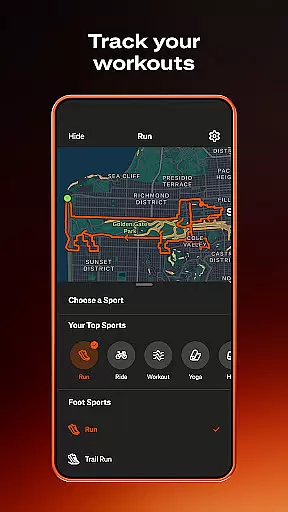
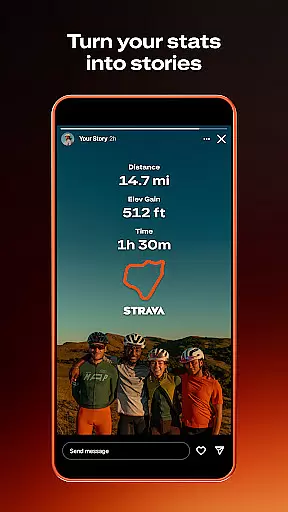
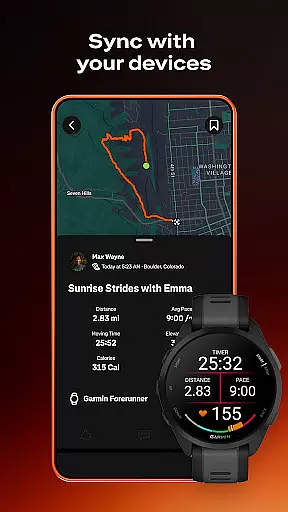
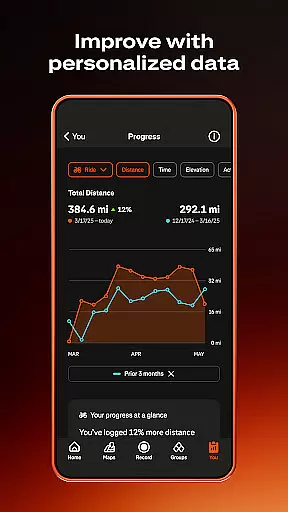
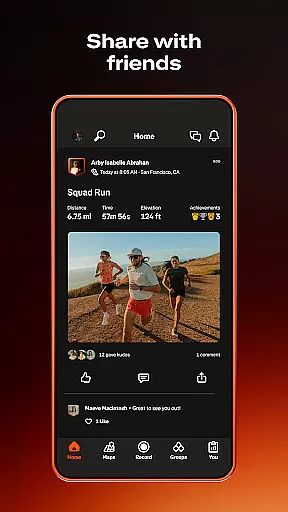
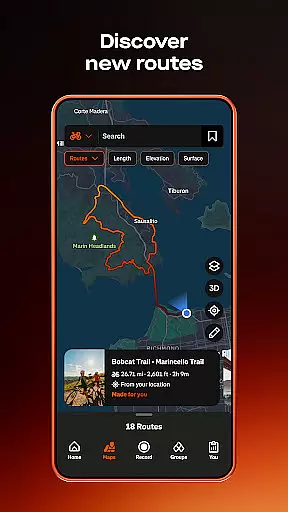

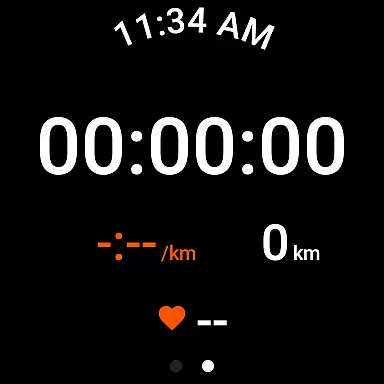
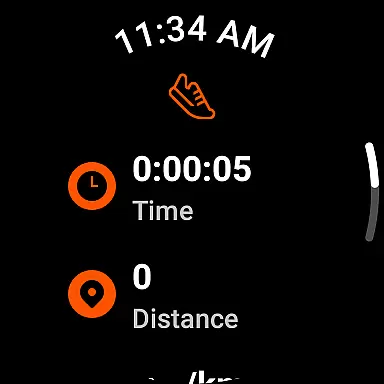
Strava is the ultimate fitness tracking app that combines community building with performance monitoring, designed for athletes of all levels. With over 180 million active users, Strava supports a wide range of activities including running, cycling, walking, hiking, and yoga, along with over 40 other sport types. The app syncs seamlessly with thousands of devices such as Apple Watch, Garmin, Fitbit, and Peloton, offering users comprehensive data insights to track their progress over time.
Beyond just tracking, Strava fosters a sense of community by enabling users to join challenges, follow friends, and connect with local groups through its Clubs feature. Whether you're competing on segments to reach the top of leaderboards or sharing your real-time location with loved ones via Beacon for safety, Strava ensures you stay motivated and connected. Available for free with optional premium features, Strava is the go-to app for anyone looking to enhance their fitness journey while engaging with a supportive community.
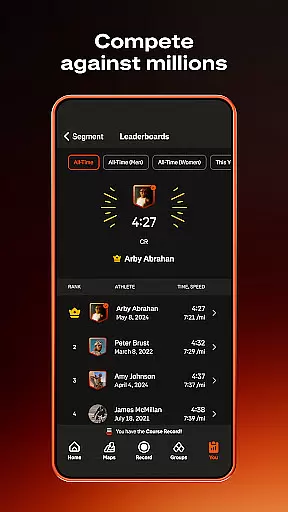
Strava stands out with its extensive tracking capabilities, supporting over 40 sport types and syncing with popular devices like Apple Watch, Garmin, and Fitbit. Users can record activities such as running, cycling, and yoga, gaining access to detailed performance metrics and progress insights over time. A unique feature is the ability to compete on segments, allowing athletes to race against others and claim leaderboard positions, adding a competitive edge to workouts.
The app also emphasizes community engagement through its Clubs and Challenges features. Users can join local groups, participate in monthly challenges, and encourage others by sending kudos on their achievements. Safety is prioritized with the Beacon feature, which shares real-time location during activities. Additionally, Strava offers advanced subscription options, including intelligent route recommendations, live segment updates, and AI-driven athlete insights, making it a versatile tool for both casual exercisers and serious athletes aiming to optimize their training.
Companion app integration is essential for users who want a seamless experience between their mobile devices and wearables. Strava excels in this area by offering robust synchronization capabilities with a wide range of devices, including the Apple Watch, Garmin, Fitbit, and Peloton. This ensures that whether you're cycling, running, or engaging in yoga, your activities are accurately recorded and reflected across all your devices.
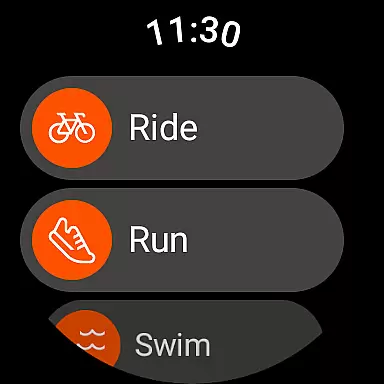
The Strava Wear OS app enhances this integration by providing a tile and a complication that allow users to quickly launch activities directly from their wearable device. This immediate access streamlines the user experience, making it easier than ever to track workouts without needing to reach for a phone. Such features highlight Strava's commitment to creating an interconnected ecosystem where data flows effortlessly between devices.
For athletes and fitness enthusiasts, this level of companion app integration means more than convenience; it translates into reliable data tracking and analysis. Users can trust that their performance metrics, from speed to distance, are consistently captured and available for review. This reliability empowers users to focus on their fitness goals without worrying about data discrepancies between devices.
Device compatibility is a critical factor when choosing a fitness tracking app, especially for users invested in the Wear OS ecosystem. Strava stands out by ensuring broad compatibility with numerous Wear OS devices, allowing users to enjoy a cohesive experience regardless of their chosen hardware. Whether you're using a high-end smartwatch or a more budget-friendly option, Strava's optimization ensures smooth performance and accurate activity tracking.
Beyond just supporting a wide array of devices, Strava also focuses on maintaining functionality across different versions of Wear OS. This dedication ensures that even as operating systems receive updates, Strava remains a reliable tool for fitness enthusiasts. The app's ability to adapt to system changes underscores its commitment to providing uninterrupted service to its users.
Ultimately, Strava's strong Wear OS/device compatibility offers peace of mind to users. Knowing that their app will function correctly regardless of device updates or changes in the Wear OS environment allows users to concentrate on what truly mattersu2014their fitness journey. With Strava, users can be confident that they are equipped with a versatile and future-proof fitness tracking solution.
User-friendly interface
Extensive device compatibility
Comprehensive activity tracking
Strong community features
Advanced performance analytics
Premium subscription cost
Limited free features
Occasional GPS issues
High battery consumption
Complex for beginners

Christmas and New Year - Themed Watchface
 4.3
4.3
Elegant animated Christmas tree with multiple customization options
4.20
Simple Analog-Digital Watchface For Wear OS 3.0 and Up Smartwatches
4.1
Fitness interactive virtual pet super fighter boy watch face
4.3
Your second brain for organizing your life: to-do, calendar, reminder.
4.70
Locate your family members by GPS phone location tracker everywhere and anytime
4.30
The Chevron App allows you to pay for fuel from the comfort of your car!
4.80
Stylish, Energizing and Modern Watch Face crafted by Dominus Mathias.
4.50
Track airplanes and follow flights with our real-time flight tracker
4.50
Period, ovulation & pregnancy tracker. Fertility insights & menstrual calendar.
4.90
WTW M17 is a premium and luxurious hybrid watch face
4.70
Digital watch face with big numbers and many customization for Wear OS devices
4.40
Digital watch face. For Wear OS devices.
4.40
Bold weather Digital watchface with forecast & optional animated background
4.40
Watch face for Wear OS.
4.20
Connect, create, and collaborate with Gmail, part of Google Workspace.
4.10
A digital watch face that celebrates Christmas.
4.00
Watch the sharpness of the sky on your wrist..
3.70
Minimalistic design modern digital watch face.
4.5


User Reviews