
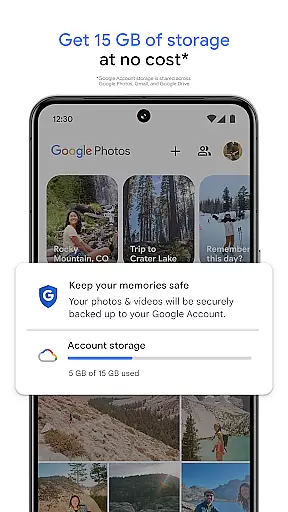
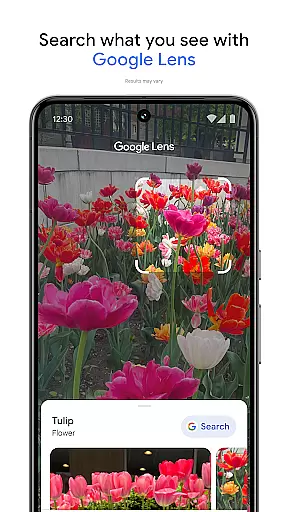
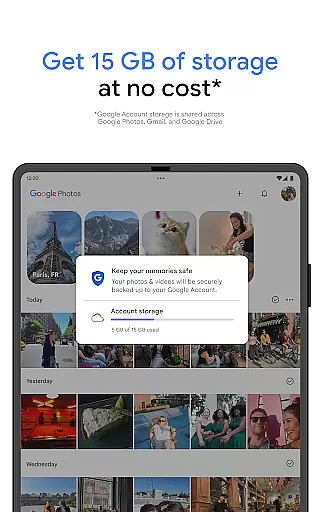
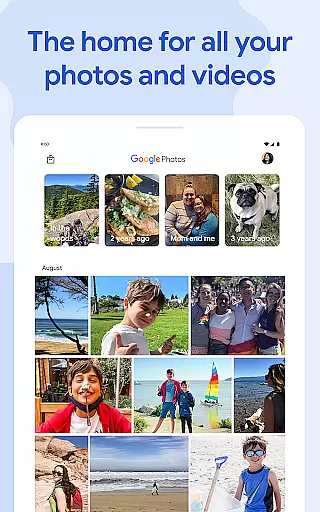
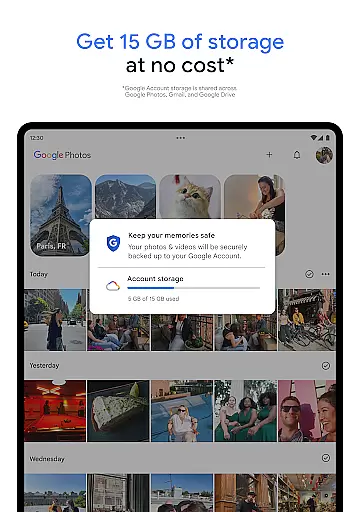
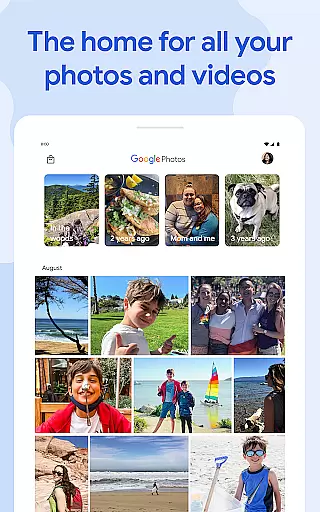
Google Photos is a comprehensive photo and video management application designed for effortless backup, organization, and editing. Powered by Google AI, the app provides users with 15 GB of free cloud storage, enabling automatic backups across all devices. Its standout features include AI-powered editing tools like Magic Eraser and Unblur, which allow users to enhance their photos with minimal effort.
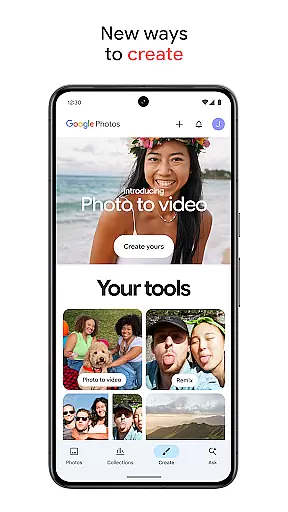
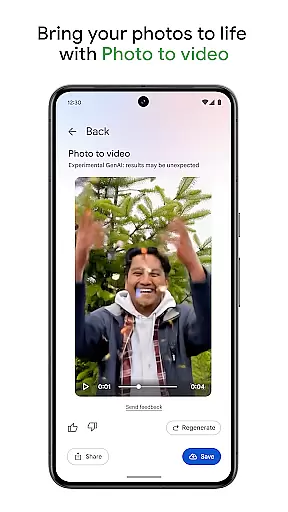
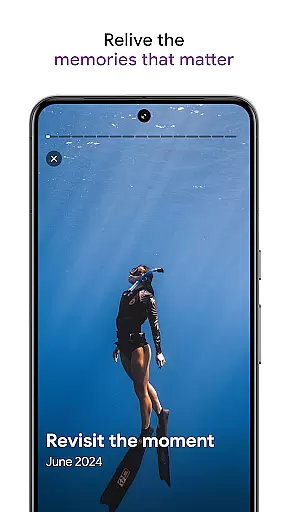
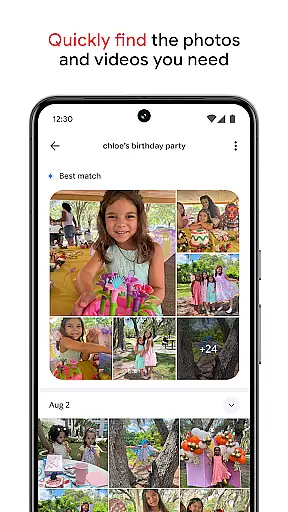
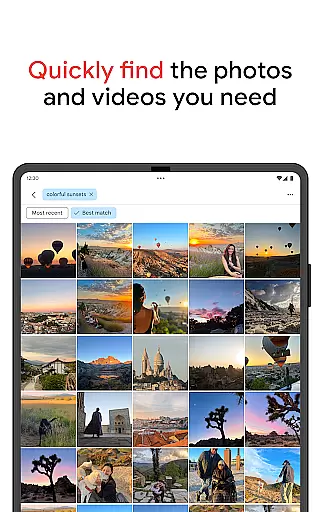
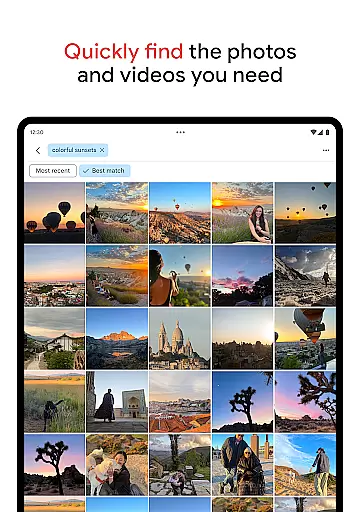
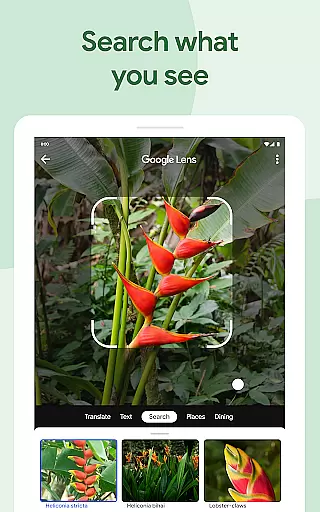
Beyond basic storage, Google Photos offers creative tools such as Remix and Photo to Video, transforming static images into dynamic content. The app simplifies searching for specific memories through intuitive AI-driven search capabilities. Additionally, it helps declutter galleries by organizing duplicates and similar photos into stacks, while also offering secure storage and privacy protection for sensitive content.
With seamless sharing options and the ability to print favorite moments as photo books or wall art, Google Photos ensures users can relive and share their memories effortlessly. Whether transferring files from other apps or freeing up device space, this app serves as an all-in-one solution for managing digital memories securely and efficiently.
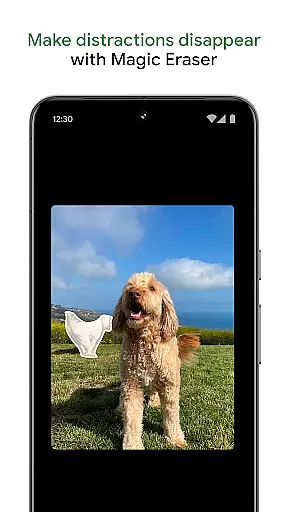
Google Photos stands out with its robust feature set tailored to simplify photo and video management. One of its core strengths is the integration of AI-powered tools that elevate editing capabilities. Features like Magic Eraser allow users to remove unwanted objects from photos, while Unblur enhances out-of-focus images. Portrait Light adjusts brightness and lighting for professional-grade edits, ensuring every picture looks its best without requiring advanced skills.
The app also excels in organization and accessibility. It uses intelligent algorithms to categorize screenshots, documents, and daily camera rolls into intuitive folders. For those concerned about privacy, Google Photos includes a locked folder secured by device screen locks, safeguarding sensitive media. Furthermore, the Ask Photos feature streamlines searches, letting users find specific items or themes within their library quickly.
For creativity enthusiasts, tools like Remix and Photo to Video bring static images to life, turning them into engaging animations or themed styles. With seamless cross-device syncing and the option to print cherished moments as physical keepsakes, Google Photos combines innovation with practicality, making it indispensable for modern digital lifestyles.
Companion app integration is essential for users who want a seamless experience between their mobile devices and wearable technology. Google Photos excels in this area by ensuring that all your photos and videos are automatically backed up and synchronized across all your devices.
The application leverages Google's robust cloud infrastructure to provide real-time updates, meaning any changes you make on one device will instantly reflect on all others. This includes edits made using AI-powered tools, new uploads, or organizational changes like album creations.
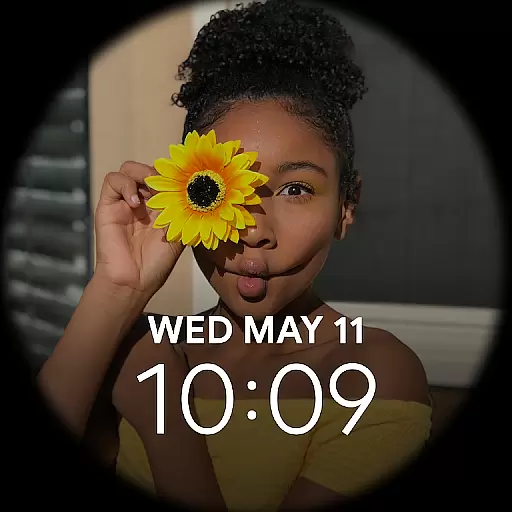
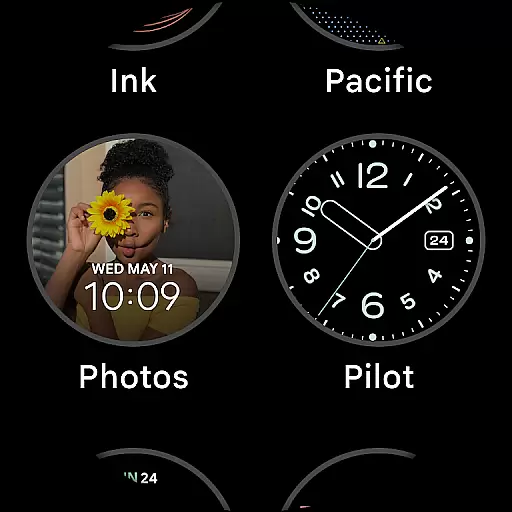
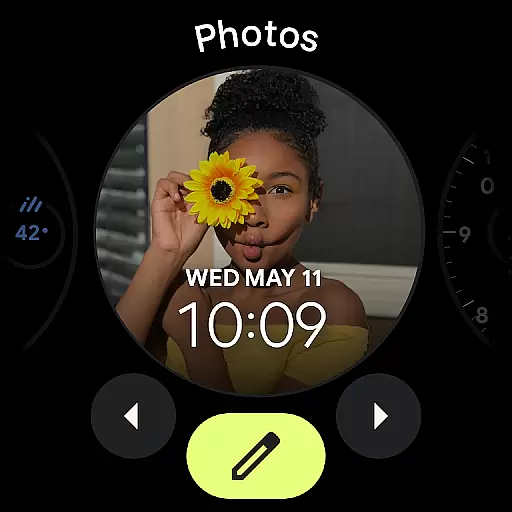
For Android Wear users, this means having instant access to their photo library directly from their smartwatch. Whether you want to show a recent photo to a friend or simply enjoy a memory, the integration ensures that your content is always at your fingertips.
This synchronization not only enhances convenience but also provides peace of mind, knowing that your cherished memories are safely stored and easily accessible no matter which device you're using.
Ensuring compatibility with Wear OS and various devices is crucial for providing a versatile and reliable user experience. Google Photos has been meticulously designed to work harmoniously with Wear OS, allowing users to enjoy a rich set of features tailored for wearable devices.
The app supports a wide range of devices, ensuring that whether you have a smartwatch or another type of wearable, you can access your photos without any hitches. This broad compatibility is achieved through rigorous testing and optimization for different screen sizes and hardware capabilities.
Google Photos offers intuitive navigation and quick access to key functionalities on Wear OS. Users can easily browse their photo library, search for specific images, or even take advantage of AI-powered features like automatic organization and smart suggestions.
By prioritizing Wear OS and device compatibility, Google Photos guarantees that users receive a consistent and high-quality experience, making it simple to manage and relive your favorite moments right from your wrist.
User-friendly interface
Free cloud storage
Advanced AI tools
Secure backup system
Creative editing options
Limited free storage
Paid subscription required
Occasional sync issues
Privacy concerns
Ads in free version

Diet tracker for weight loss - track calories, food and macros. Simple and easy!
 4.70
4.70
Christmas watch face. For Wear OS devices.
4.30
A watch face that fuses motorsport precision with contemporary smartwatch design
4.1
Authentic military-tactical design with ZULU time! Realistic and functional!
3.80
The ultimate destination for kids ages 3-8 to explore the Marvel Universe!
4.30
The Chevron App allows you to pay for fuel from the comfort of your car!
4.80
A white realistic classic analog watch face with many customization options.
4.40
Track your active life in one place and share the journey with friends.
4.40
Fitbit is dedicated to helping people lead healthier, more active lives.
4.10
Christmas - Festive - Christmas Village - Winter - Christmas lights
5.00
WTW M17 is a premium and luxurious hybrid watch face
4.70
Monitor health with the stress test and pulse checker in the heart rate app.
4.60
Reliable phone calls with spam protection, caller ID and more helpful features
4.40
Premium hybrid watch face with many customizations for Wear OS devices.
4.40
Bold, Modern Hybrid Watch Face for Wear OS. 10 Colors, Rich Info Display.
4.30
Animated video-game inspired “secret agent” simulation, right on your wrist!
4.20
"PER27 Galaxy Digital" is a digital Wear OS watch face designed by PERSONA
4.10
The #1 source of faces for your smartwatch!
4.00
Christmas and New Year - Themed Watchface
4.4


User Reviews