
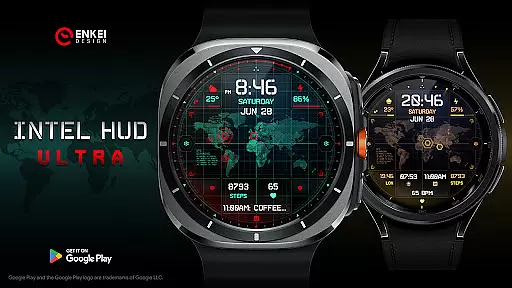
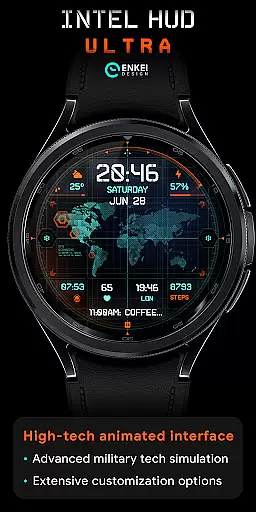
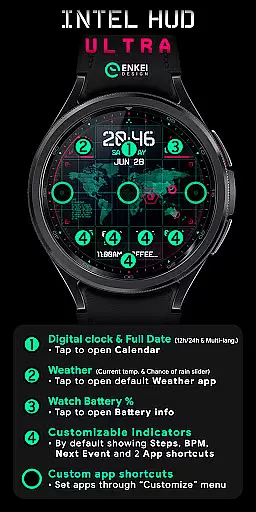
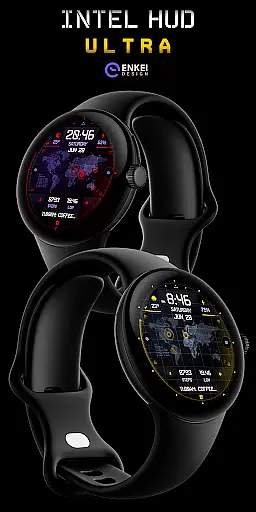
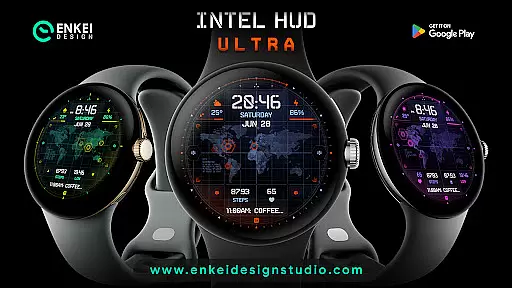
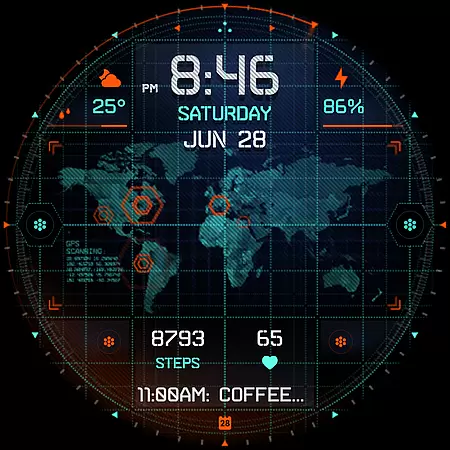
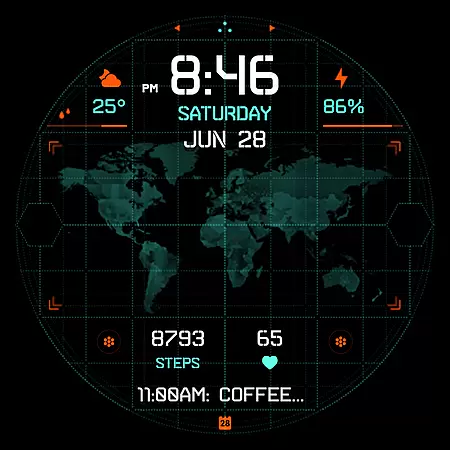
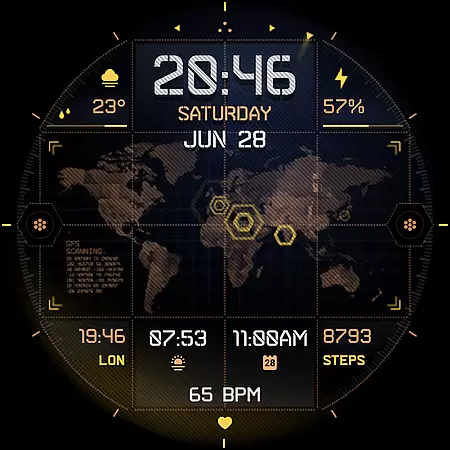
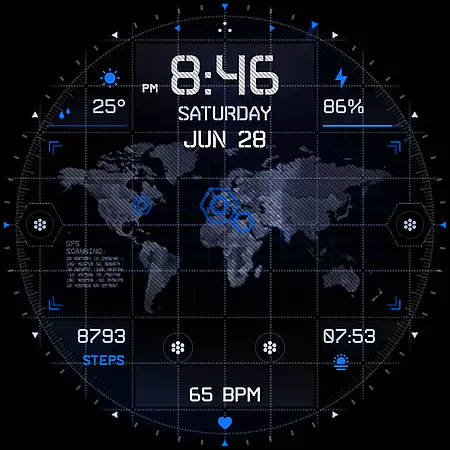
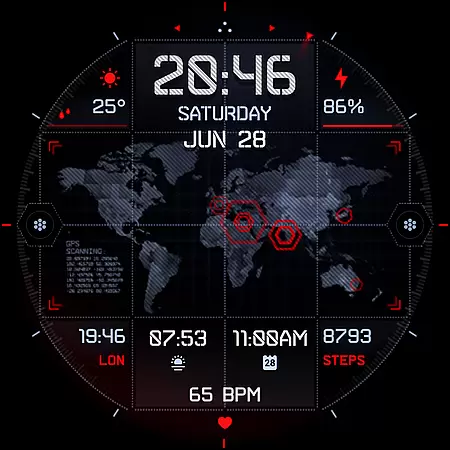
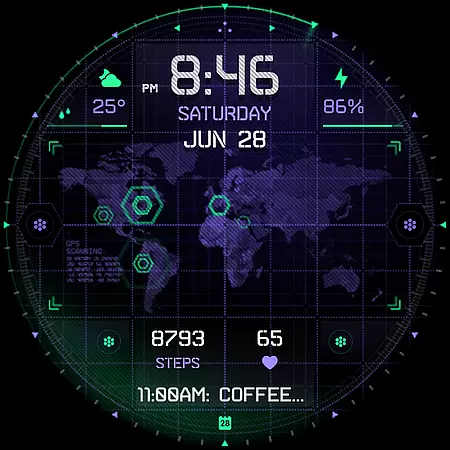
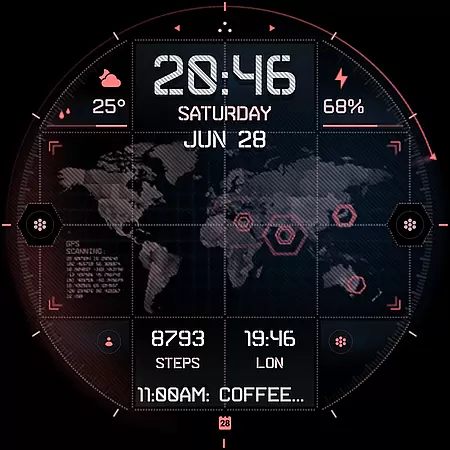
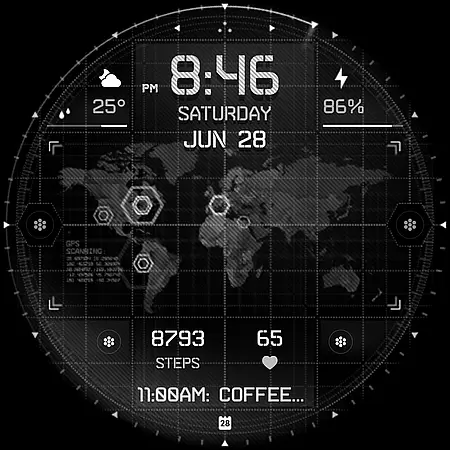
INTEL HUD Ultra is a high-tech digital watch face designed for smartwatches running Wear OS 5.0 and newer. Inspired by advanced military technology, it offers an animated interface optimized for performance and battery efficiency. The design includes extensive customization options, allowing users to personalize indicators, colors, and other visual elements.
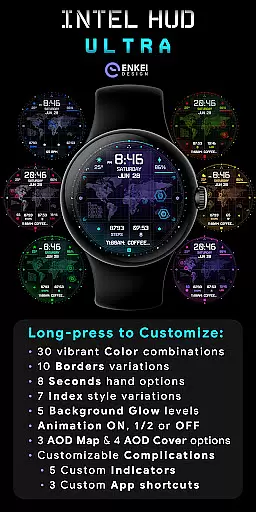
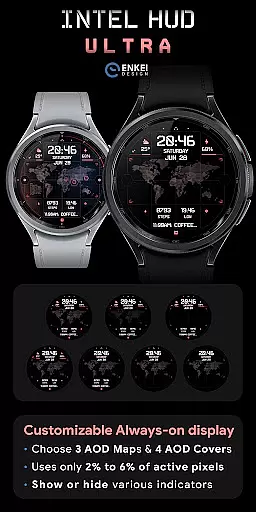
This watch face supports features like a digital clock, weather updates, battery percentage display, and app shortcuts. It also provides a unique Always-On Display (AOD) mode that is both battery-efficient and customizable. Users can access the Customize menu with a long press to adjust colors, borders, animations, and more.
Perfect for tech enthusiasts who want a futuristic and functional watch face, INTEL HUD Ultra combines style and utility in one package. Whether you need quick access to apps or detailed health tracking, this watch face delivers a personalized experience tailored to your needs.
INTEL HUD Ultra stands out with its extensive feature set tailored for smartwatch users. The digital clock supports both 12h and 24h formats and integrates tap actions to open the Calendar app. Weather updates include current temperature and chance of rain, accessible with a tap to open the default Weather app.
The watch face offers four customizable short-text indicators, displaying steps, heart rate, and app shortcuts by default. A long-text indicator shows the next event, while three additional app shortcuts provide quick access to frequently used applications. The Battery Efficient & Customizable Always-On Display (AOD) uses minimal active pixels, ensuring longer battery life.
Users can personalize their experience through the Customize menu, accessed by a long press. Options include vibrant color combinations, border styles, second-hand variations, background glow levels, and animation settings. With these features, INTEL HUD Ultra ensures both functionality and personalization, making it a top choice for smartwatch users.
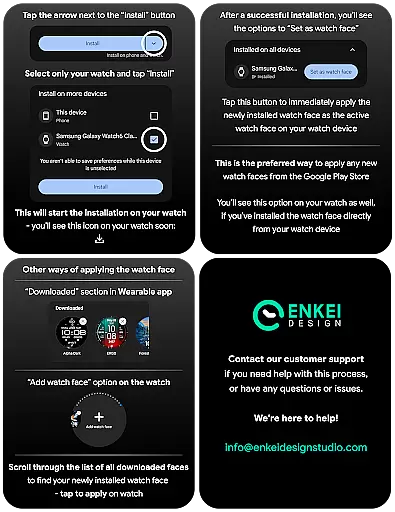
Companion app integration is essential for Android Wear applications as it ensures seamless synchronization between the watch and paired smartphone. INTEL HUD Ultra offers a dedicated phone companion app that simplifies the installation process by directing users to install the watch face directly to their wearable device.
This companion app serves as a bridge, allowing users to access additional features and settings that may not be available directly on the wearable interface. By using the phone app, users can easily manage their watch face settings, ensuring a smooth setup experience without any hassle.
The integration also provides a centralized location for users to explore support resources and installation tips. This ensures that customers can maximize the potential of their smartwatch while maintaining optimal performance and battery efficiency.
With this robust companion app integration, INTEL HUD Ultra delivers a comprehensive user experience that combines convenience with advanced customization options, making it an ideal choice for tech-savvy individuals seeking a high-tech digital watch face.
Device compatibility is a critical factor when selecting a Wear OS application, ensuring that the software runs smoothly on supported devices. INTEL HUD Ultra is specifically optimized for devices running Wear OS 5.0 and newer versions (API 34+), guaranteeing a high level of performance and reliability.
This strict compatibility requirement ensures that users benefit from the latest advancements in wearable technology, including enhanced processing power and improved energy efficiency. By supporting only newer OS versions, INTEL HUD Ultra can leverage advanced APIs and system features to deliver an exceptional user experience.
Moreover, focusing on recent OS versions allows developers to implement cutting-edge functionalities without being constrained by outdated system limitations. As a result, users enjoy a more refined and feature-rich interface that takes full advantage of their smartwatch's capabilities.
By prioritizing Wear OS and device compatibility, INTEL HUD Ultra demonstrates its commitment to providing a state-of-the-art digital watch face that meets the demands of modern consumers who value both aesthetics and functionality in their wearable technology.
Highly customizable
Battery efficient
Advanced features
Modern design
Quick app access
Wear OS 5.0+
Complex setup
Premium cost
Limited devices
Learning curve

Wear Os Watch Face - Animated Snow Effect & Christmas Lights
 4.2
4.2
Wear Os Watch Face - Animated Snow - Sesonal for Christmas & Winter
4.4
A heartwarming Christmas scene featuring a cute image of Santa and Rudolf
4.5
The most customizable minimal watch face. For Wear OS 5.0, API 34+ and later
4.70
Stylish digital watch face for Wear OS devices with customizable features
4.3
Find EV charging stations
4.30
Real-time weather radar with temperatures, warnings, hurricanes, and widgets
4.80
Track airplanes and follow flights with our real-time flight tracker
4.50
From periods to pregnancy & perimenopause, Flo helps you track it all. Try now.
4.70
Christmas - Festive - Christmas Village - Winter - Christmas lights
5.00
Your second brain for organizing your life: to-do, calendar, reminder.
4.70
The most customizable hybrid watch face. For Wear OS 5.0, API 34+ and later
4.70
Retro digital watch face with customizable colors and a unique lighting effect
4.60
Digital watch face with big numbers and many customization for Wear OS devices
4.40
Premium hybrid watch face with many customizations for Wear OS devices.
4.40
sleep, alarm, snoring, stress, healing, focus, sound therapy, circadian rhythm
4.10
Hyper-Realistic Airplane Dashboard Watch Face With 10 Skins and Custom AOD
4.00
Want to take charge of your health? Let Google Fit help you reach your goals.
3.50
Watch face designed for Thanksgiving Day. 7 Background Styles included.
3.20


User Reviews