

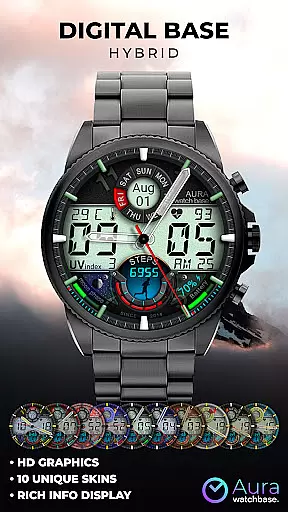
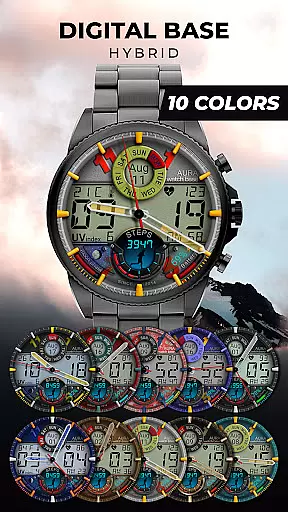
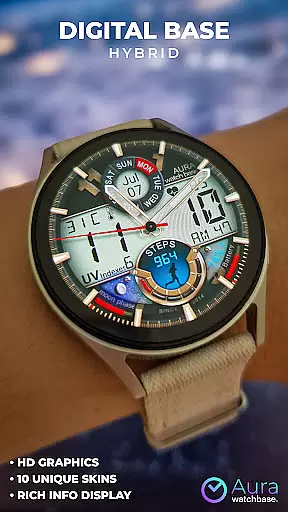
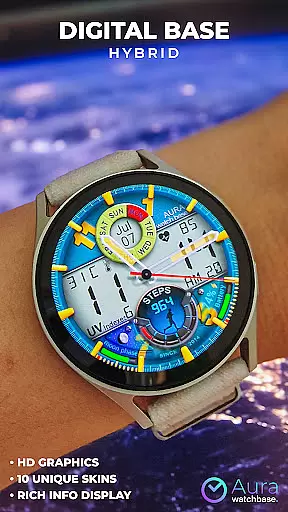
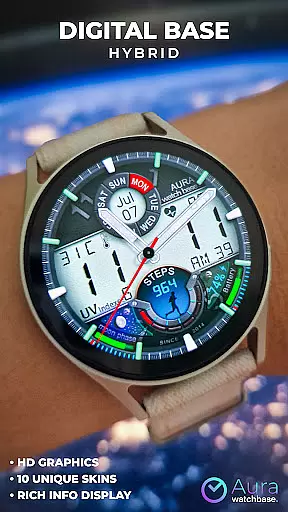
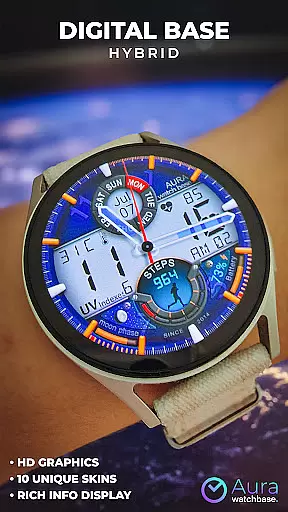
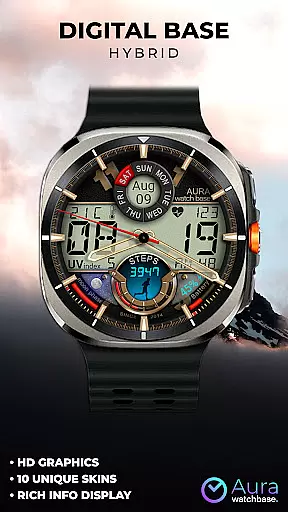
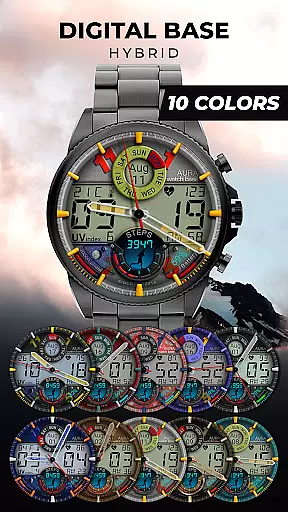
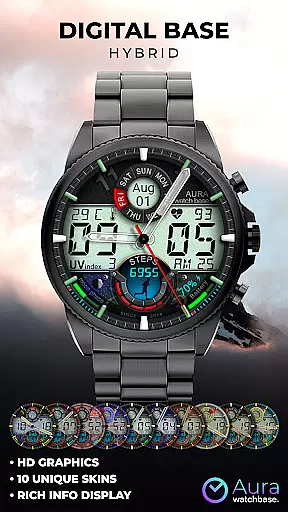
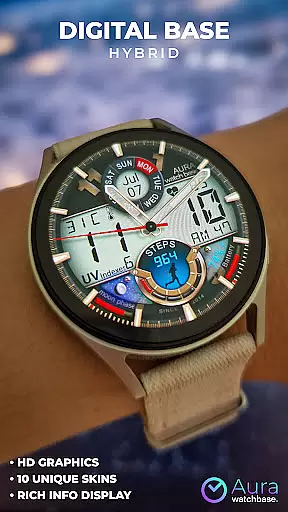
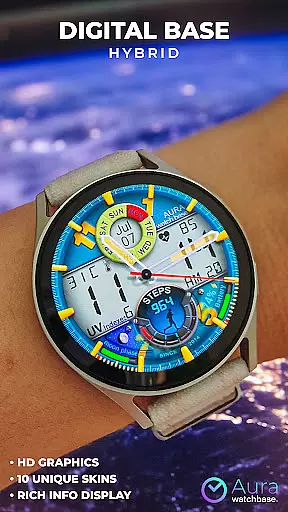
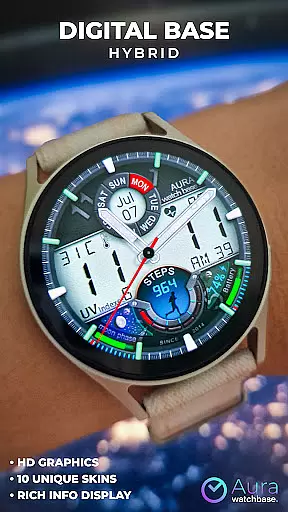
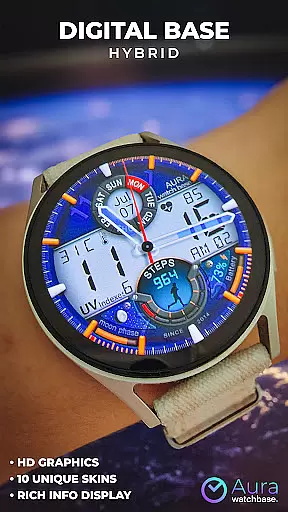
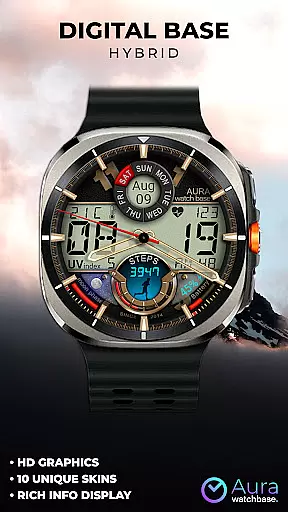
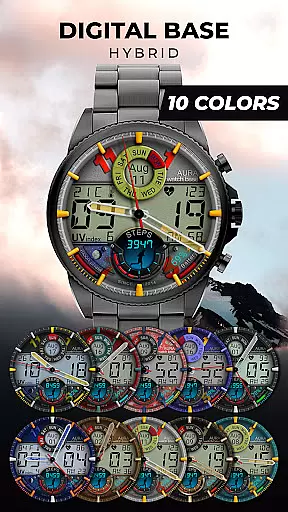
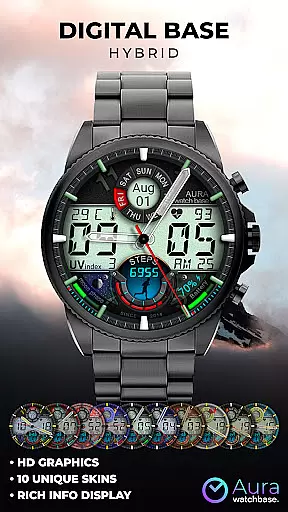
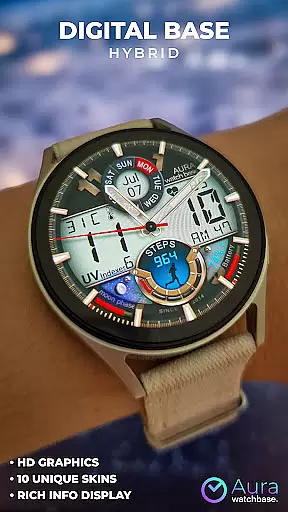
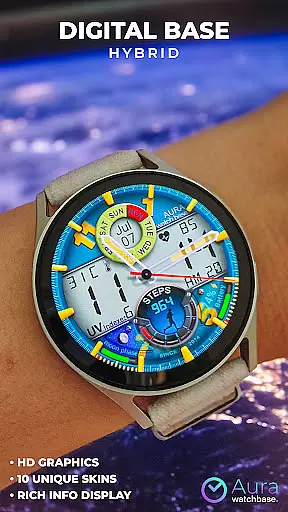
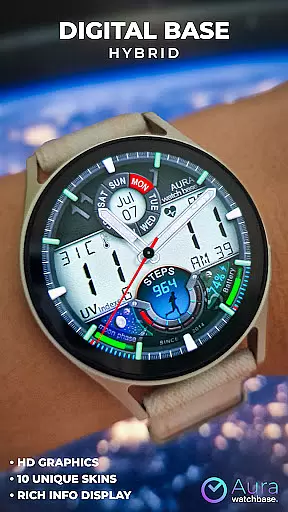
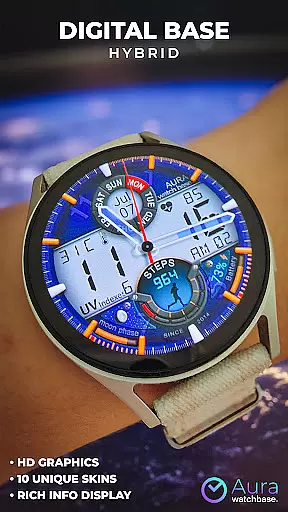
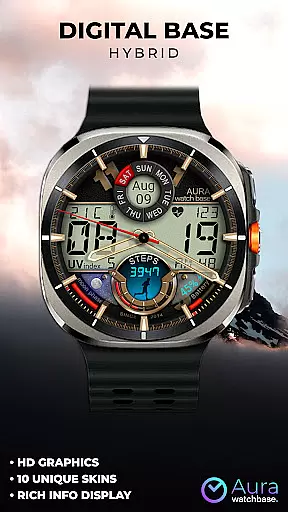
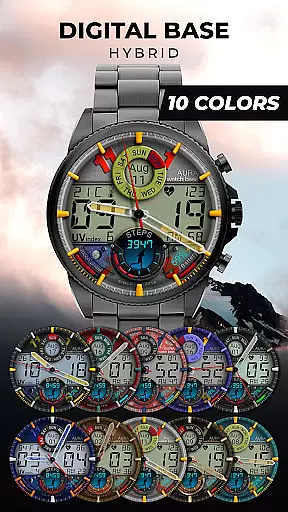
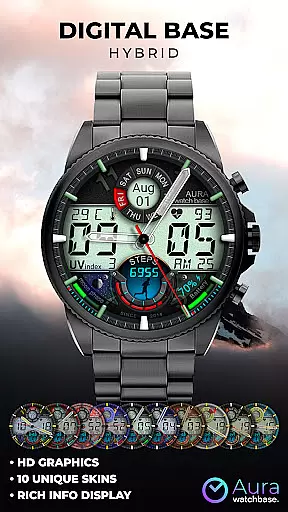
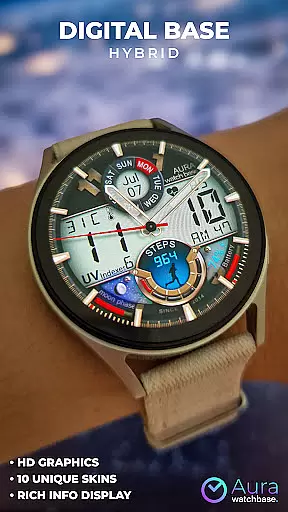
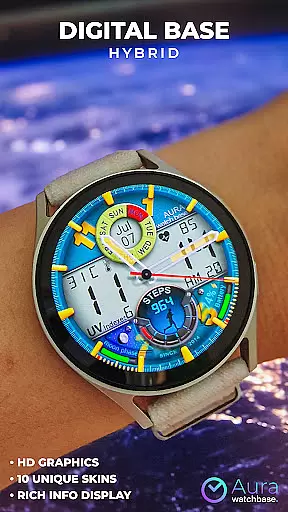
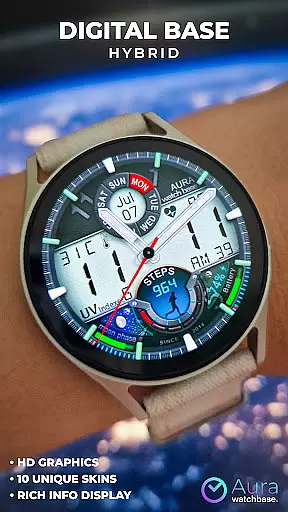
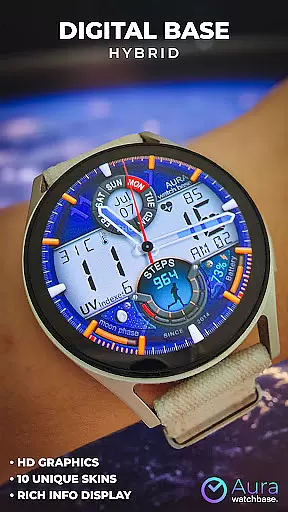
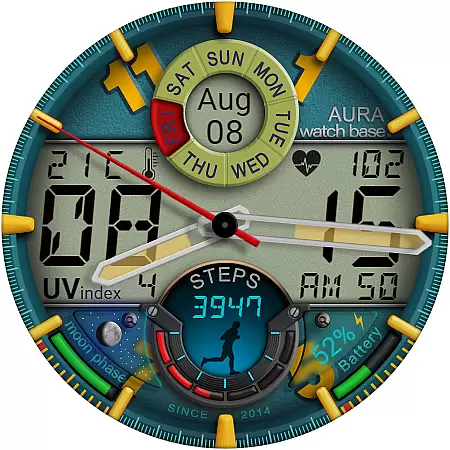
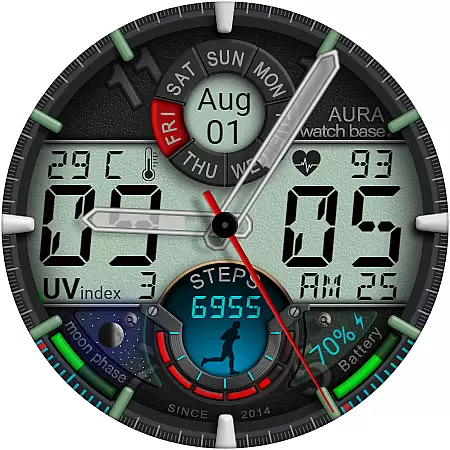
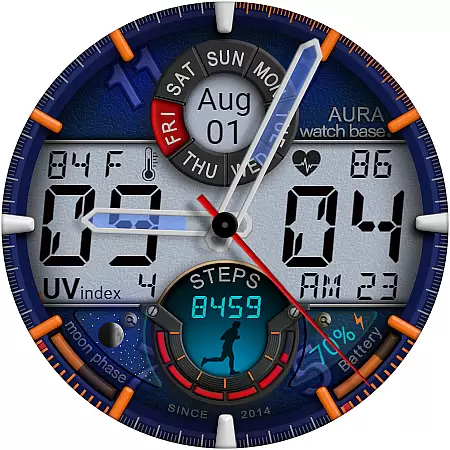
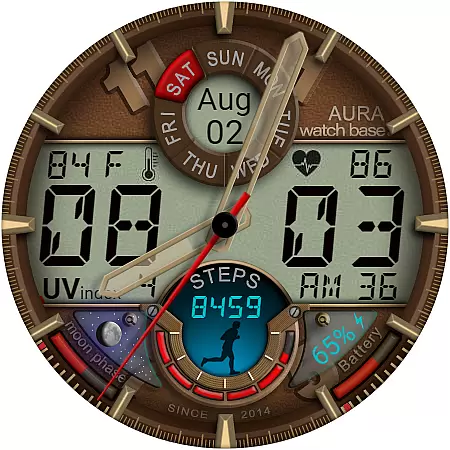
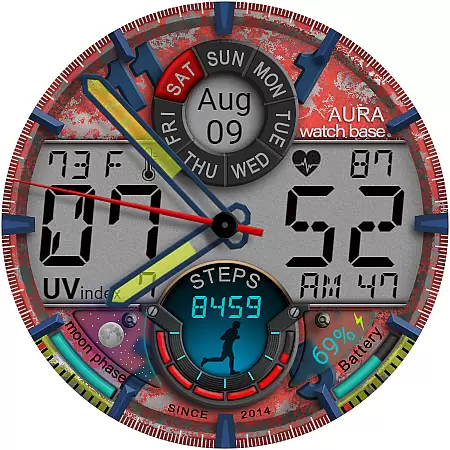
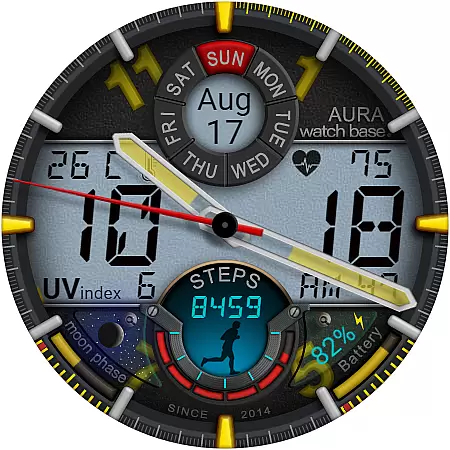
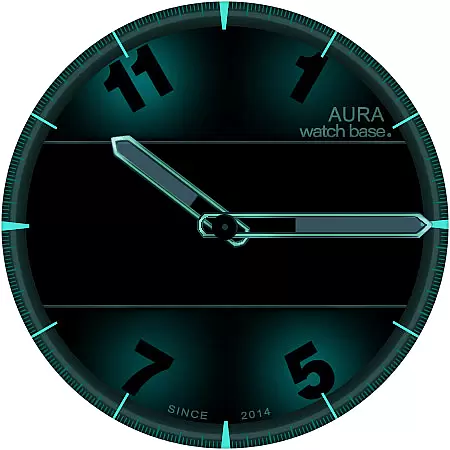
WB DIGITAL BASE Hybrid is a feature-rich watch face designed exclusively for Wear OS 5 and higher. This modern hybrid watch face combines bold aesthetics with practical functionality, offering users 10 vibrant color options to personalize their experience. With its sleek design and comprehensive feature set, it provides essential information at a glance, making it an ideal choice for smartwatch users seeking both style and utility.
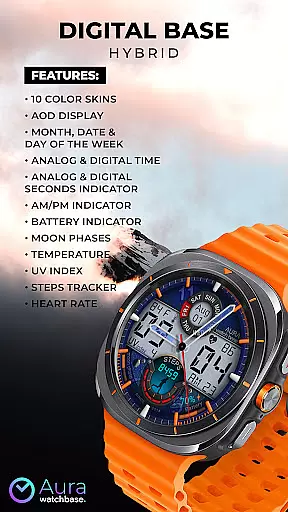
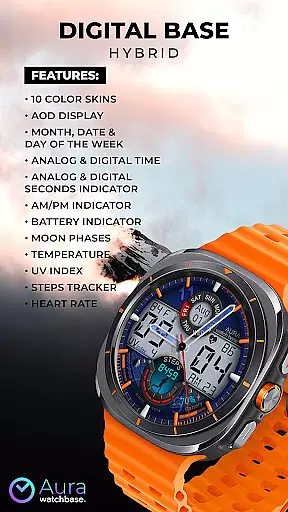
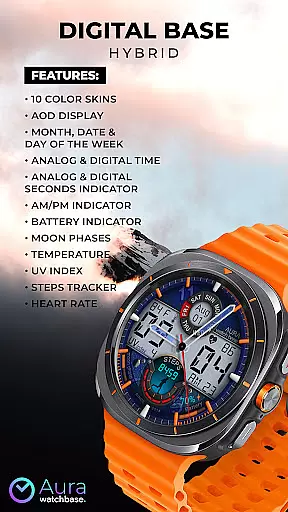
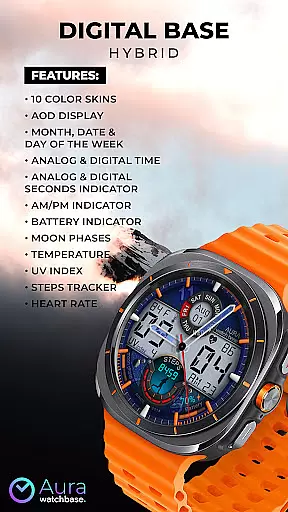
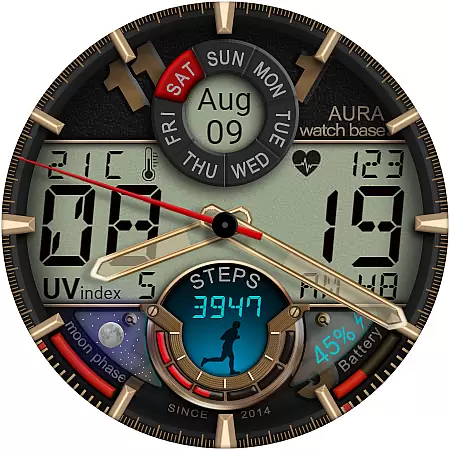
The watch face includes advanced features such as Always-On Display (AOD), date and time indicators, health trackers, and environmental sensors. Users can view their heart rate, track steps, monitor battery levels, check temperature, and even see moon phases. Its seamless integration with device settings ensures automatic adjustment of temperature units, providing a hassle-free user experience.
WB DIGITAL BASE Hybrid stands out with its extensive range of features tailored for smartwatch users. The watch face offers 10 customizable color skins, allowing users to match their personal style. It displays analog and digital time formats alongside seconds indicators, ensuring precise timekeeping. Additional functionalities include AM/PM indicators, battery status, and UV index readings, catering to various daily needs.
Health and fitness enthusiasts will appreciate the built-in step tracker and heart rate monitor, which help users maintain an active lifestyle. Environmental data such as temperature and moon phases are also readily available. The intuitive customization process lets users tailor the layout by simply touching and holding the screen, then tapping 'customize.' This flexibility ensures that each user can optimize their watch face according to their preferences.
Companion app integration is a crucial feature for smartwatch applications as it enhances the overall user experience by enabling seamless interaction between the wearable and its paired mobile device. This functionality allows users to manage settings, receive updates, and access additional features directly from their phones.
In the case of WB DIGITAL BASE Hybrid, the companion app plays an essential role in simplifying the installation process. After purchasing the watch face, users can tap the install button within the phone application. This action triggers a notification on the watch, presenting the watch face for installation. Such a process eliminates potential confusion and ensures that users can effortlessly apply their new watch face.
The value of this integration extends beyond mere convenience. It addresses common synchronization issues where users might be prompted to repurchase the watch face on their wearable device. Thanks to the companion app, users won't face double charges, and any syncing problems can often be resolved with a simple restart or by waiting a short period.
Moreover, the companion app provides peace of mind for users experiencing difficulties during installation. By offering alternative solutions, such as installing the watch face via a browser logged into the user's Google Play account, the app ensures that customers have multiple avenues to successfully acquire and enjoy their chosen watch face.
Device compatibility is a fundamental aspect of any Wear OS application, determining which devices can support and run the software effectively. For smartwatch faces like WB DIGITAL BASE Hybrid, ensuring broad compatibility with Wear OS devices is vital to reach a wider audience and provide users with a consistent experience across different hardware models.
This particular watch face is designed to work with devices running Wear OS 5 and higher, guaranteeing access to advanced features and optimized performance. By specifying compatibility with these versions, the developers ensure that users benefit from the latest technological advancements and security updates provided by the operating system.
Compatibility also encompasses automatic adjustments based on user preferences set within the device itself. For instance, WB DIGITAL BASE Hybrid automatically adapts temperature units (Celsius or Fahrenheit) according to the settings configured on either the watch or paired phone. This intelligent adaptation streamlines the user experience, removing the need for manual configuration while maintaining consistency across devices.
Ultimately, robust Wear OS/device compatibility not only expands the potential user base but also reinforces trust in the product's reliability and ease of use. Users can confidently select this watch face knowing it will integrate smoothly with their existing technology ecosystem, providing both aesthetic appeal and practical functionality without compromising performance or stability.
Wide color options
Comprehensive health tracking
Automatic unit adjustments
User-friendly interface
Versatile feature set
Limited OS compatibility
Potential sync issues
Installation complexity
No manual temp control
Feature overload possible

Wear Os Watch Face - Animated Snow Effect & Christmas Lights
 4.0
4.0
Simple Analog-Digital Watchface For Wear OS 3.0 and Up Smartwatches
4.2
Digital, flexibly customizable watch face. For Wear OS 5.0, API 34+ and later.
5.00
The most customizable minimal watch face. For Wear OS 5.0, API 34+ and later
4.70
Structured watch face with seven complications and modular UI elements
3.90
Find EV charging stations
4.30
Professional weather radar and more
3.90
Bold weather Digital watchface with forecast & optional animated background
4.40
Simple, helpful messaging by Google
4.60
Period, ovulation & pregnancy tracker. Fertility insights & menstrual calendar.
4.90
Be an elegant and classy secret agent, with this carefully detailed watch face
4.70
Kia Access makes getting your vehicle information easier than ever
4.60
Monitor health with the stress test and pulse checker in the heart rate app.
4.60
Nutrition, Macro tracker: Food, fitness & healthy diet tracking for weight loss
4.60
Watch face for Wear OS.
4.20
Connect, create, and collaborate with Gmail, part of Google Workspace.
4.10
A digital watch face that celebrates Christmas.
4.00
Your local weather forecast, storm tracker, radar maps & live weather news
3.40
Contemporary digital watch face with five complications
4.2


User Reviews