
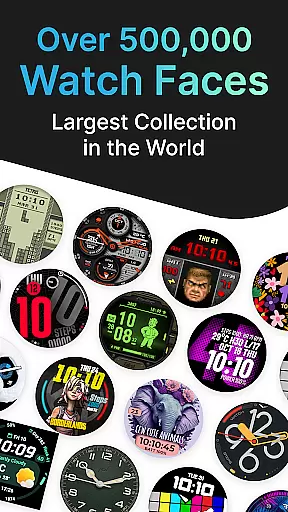
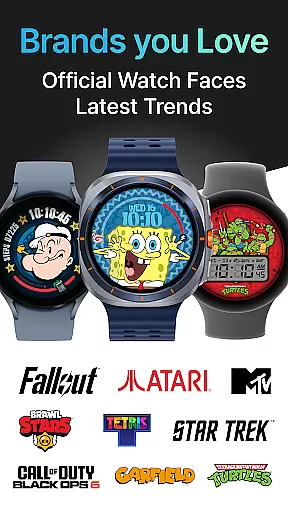
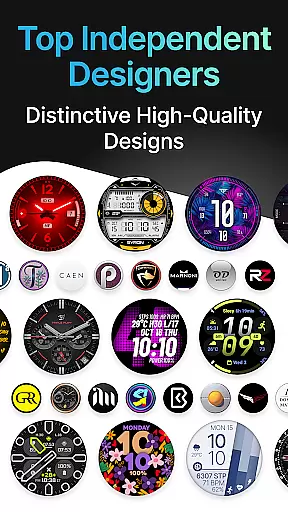
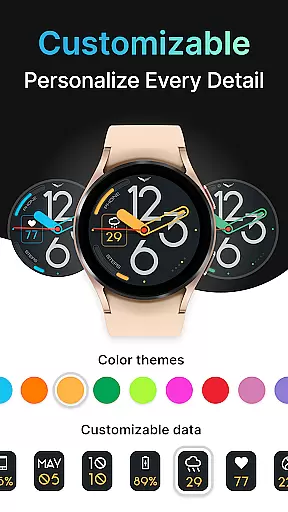
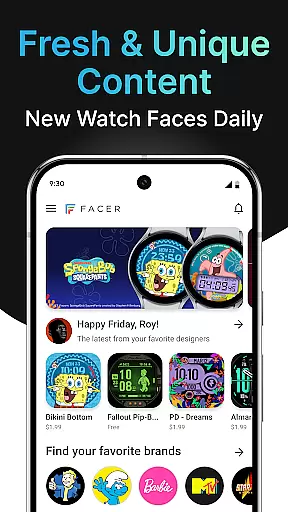
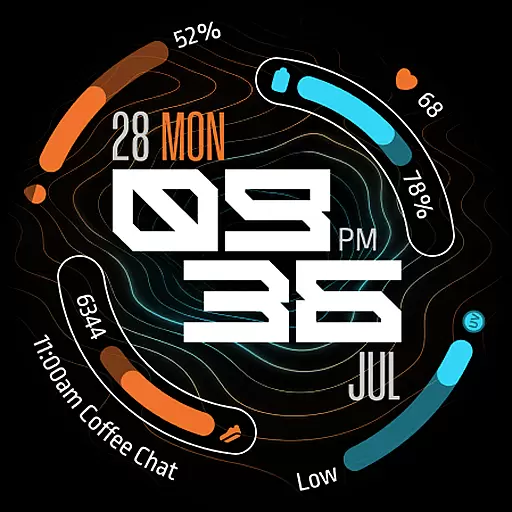
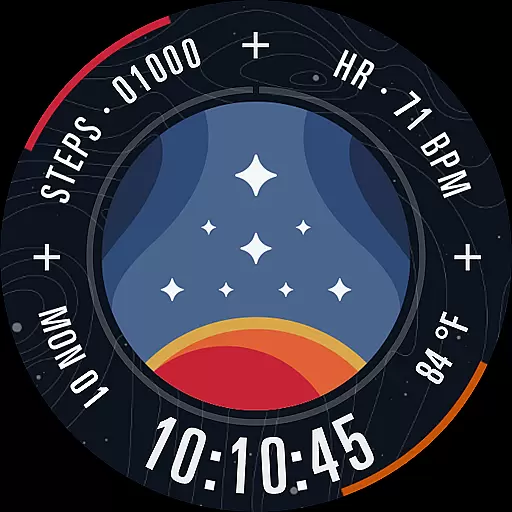
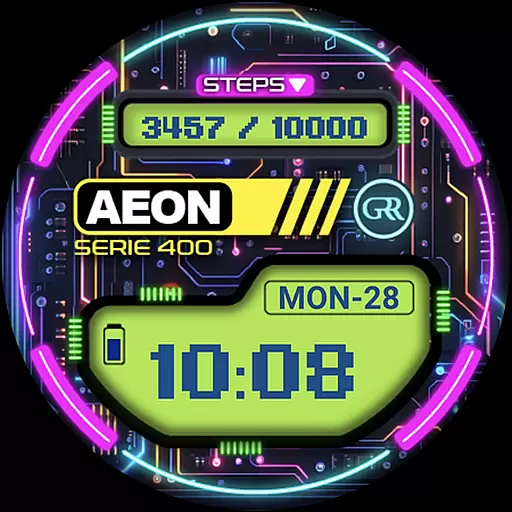
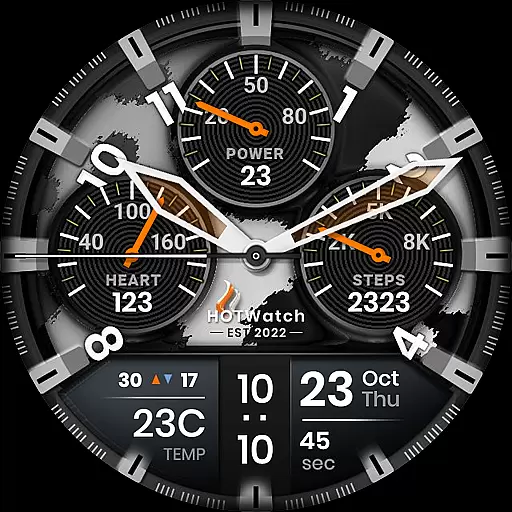
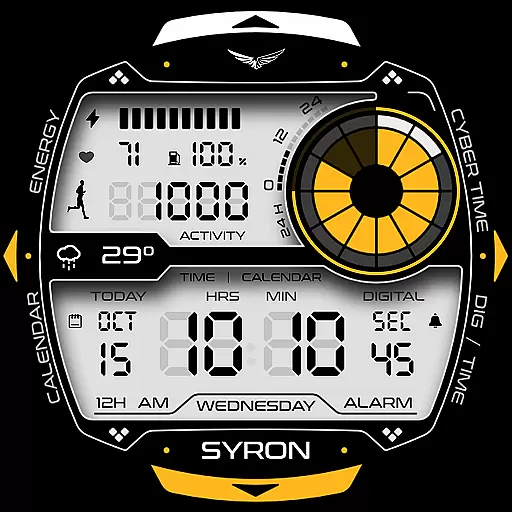
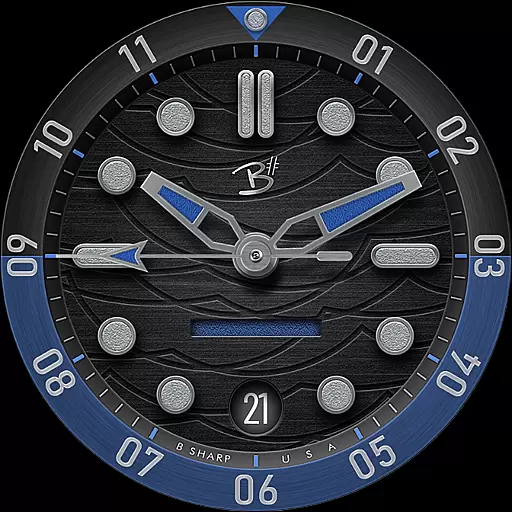
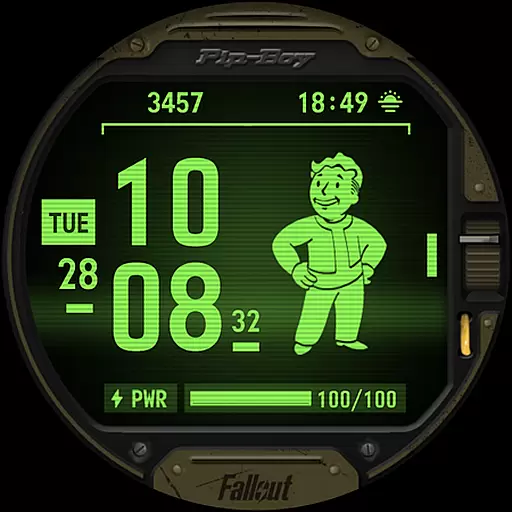

Facer Watch Faces is the ultimate customization tool for your smartwatch, offering over 500,000 free and premium watch faces from leading brands and independent artists. Whether you're looking to personalize your style or explore designs from talented creators, Facer provides unlimited options for Wear OS, Tizen, Apple Watch, and more.
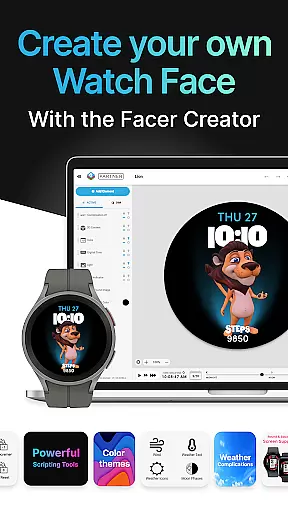
With support for a wide range of devices, including Samsung Galaxy Watches, Google Pixel Watches, and other popular models, Facer ensures compatibility across platforms. The app also features Facer Creator, a powerful web-based editor that allows users to design and share their own watch faces with the community.
Whether you're customizing for fun or publishing your creations, Facer Watch Faces empowers users to express individuality while enjoying dynamic, data-driven designs tailored to their lifestyle.
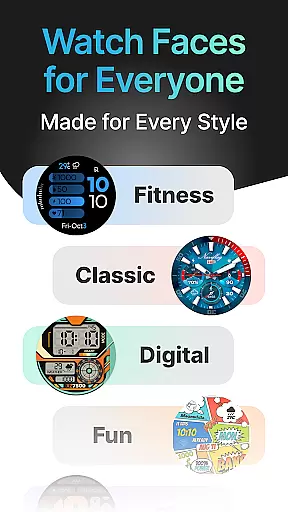
Facer Watch Faces stands out with its extensive catalog of customizable watch faces, featuring everything from original designs by independent artists to branded collaborations like Tetris™, Star Trek, and Ghostbusters. This variety ensures there's something for every user, whether they prefer minimalist designs or feature-rich interfaces displaying fitness and weather data.
The app's Facer Creator tool is a game-changer, enabling users to craft their own watch faces using a robust web-based editor. With intuitive controls and real-time previews, it bridges creativity and functionality. Additionally, seamless cross-platform support for Wear OS, Tizen, and Apple Watch makes switching devices hassle-free.
For those seeking convenience, subscription plans grant unlimited access to premium faces, while optional permissions enhance personalization through location-based weather updates and health metrics like step counts and heart rate monitoring.
Companion app integration is essential for Android Wear applications as it ensures seamless synchronization between the smartphone and smartwatch. Facer excels in this area by providing a robust companion app that allows users to manage their watch faces effortlessly. The app supports both installation and customization on the paired mobile device, ensuring that changes made on one device are reflected instantly on the other.
The setup process involves installing Facer on both the phone and the watch, selecting the desired watch face through the mobile app, and applying it directly to the wearable. This streamlined approach simplifies the user experience, eliminating the need for complex configurations. Additionally, Facer's compatibility with multiple operating systems like Wear OS, Tizen, and Apple Watch ensures that users can enjoy a consistent experience across different devices.
By offering an intuitive interface and comprehensive support resources, Facer enhances the overall utility of companion app integration. Users benefit from real-time updates, access to a vast library of watch faces, and the ability to switch designs effortlessly. This functionality not only improves convenience but also encourages personalization, allowing users to tailor their smartwatches to their unique style and preferences.
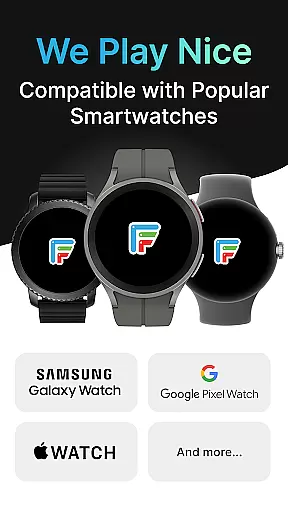
Device compatibility is a critical factor for any Android Wear application, determining its ability to function across various smartwatch models and operating systems. Facer stands out by supporting an extensive range of devices, including Wear OS, Tizen, and Apple Watch. This broad compatibility ensures that users can enjoy a diverse selection of watch faces regardless of their chosen smartwatch brand or model.
Facer's commitment to compatibility extends to specific devices such as Samsung Galaxy Watches, Google Pixel Watches, OnePlus Watches, and many others. Whether you own a high-end model like the Samsung Galaxy Watch7 or an older version running Wear OS 3, Facer provides a consistent and reliable experience. The app even caters to legacy devices, maintaining support for watches that have not yet received the latest software updates.
This wide-ranging compatibility enhances user satisfaction by removing barriers to entry and ensuring that everyone can access Facer's rich library of watch faces. By prioritizing cross-device functionality, Facer not only increases its potential user base but also reinforces its position as a versatile and indispensable tool for smartwatch personalization.
Extensive face library
Cross-platform support
User-friendly creator tool
Regular brand updates
Vibrant artist community
Premium costs apply
Setup can be complex
Limited free options
Device compatibility varies
Subscription required

Highly customizable hybrid watch face for Wear OS, perfect for everyday use.
 4.60
4.60
Current temperature, weather hourly, weather radar by the weather forecast app
4.40
Be an elegant and classy secret agent, with this carefully detailed watch face
4.70
Hyperlocal rain alerts by MyRadar using patent-pending technology, radar & more
4.80
Nutrition, Macro tracker: Food, fitness & healthy diet tracking for weight loss
4.60
Retro digital watch face with customizable colors and a unique lighting effect
4.60
Viewer for Wyze/Yi/Eufy/Arlo/ONVIF/RTSP/P2P IP cams w/ adv. features & DIY DVR
4.00
Track your active life in one place and share the journey with friends.
4.40
Track airplanes and follow flights with our real-time flight tracker
4.50
WTW M17 is a premium and luxurious hybrid watch face
4.70
Monitor health with the stress test and pulse checker in the heart rate app.
4.60
Connect to your Bluelink equipped Hyundai vehicle from your smartphone.
4.50
Beautiful artistic animated digital watch face, with a customizable layout!
4.40
Daily Weather forecast with 15 weather images for Day & Night plus Big Bold time
4.10
Stay in touch with your friends and family using LINE!
3.40
an Analog Watch Face for winter season with freeze winter background for Wear OS
4.2
Christmas is near, let's count together the days left until Santa comes
4.4
A Wintery Snow Globe on Your Wrist; now celebrating Christmas!
4.5
Stunning modern digital watch face with 7 complications and strong contrast
4.3


User Reviews