
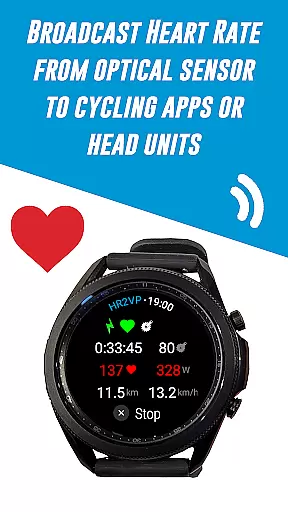
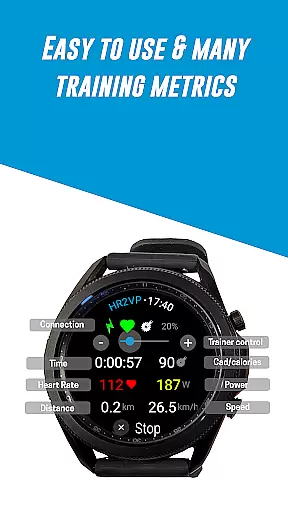
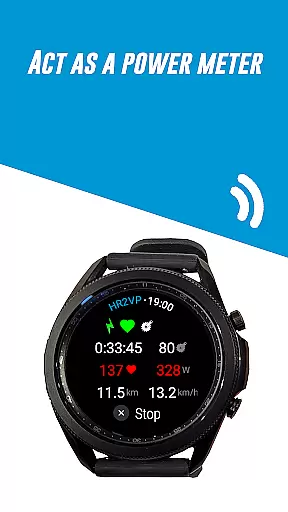
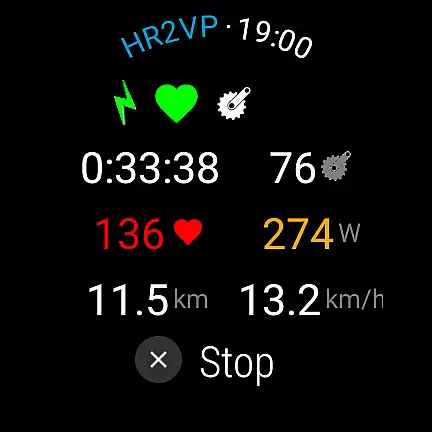
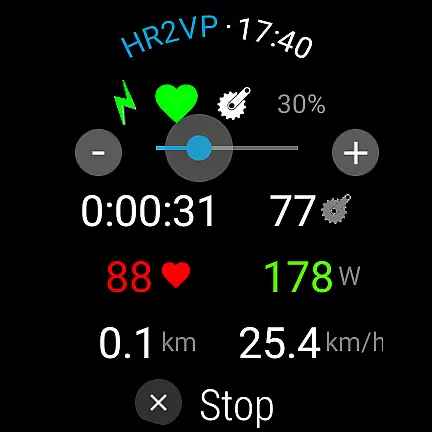
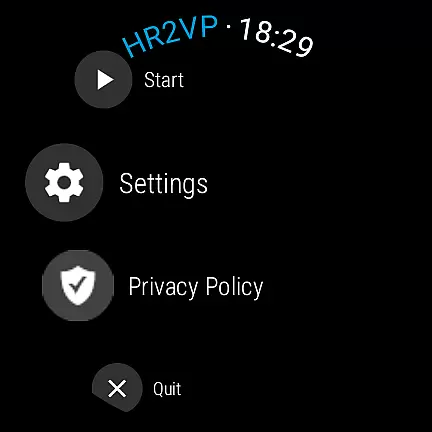
HR2VP Watch Bike Computer is a cutting-edge application designed to transform your Wear OS watch into a powerful heart rate monitor and cycling tracker. This app allows cyclists to connect their smartwatches with bike computers or indoor training platforms, broadcasting vital stats such as heart rate and power over Bluetooth Low Energy or ANT+. Whether you're training indoors or outdoors, HR2VP provides essential metrics that enhance your riding experience.
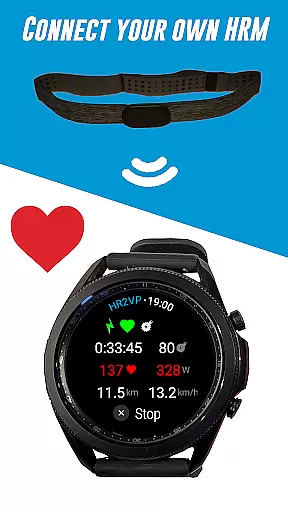
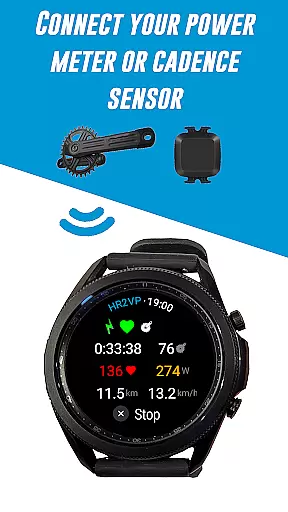
The app supports various sensors including BLE power meters, cadence sensors, and chest strap heart rate monitors. It also features an advanced algorithm that calculates power output based on heart rate data, offering insights into calories burned and overall fitness progress. With compatibility for popular platforms like Zwift and Strava, users can seamlessly upload their ride data for further analysis and mapping.
Designed for both casual riders and serious athletes, HR2VP Watch Bike Computer bridges the gap between wearable technology and professional-grade cycling equipment. By leveraging the built-in optical sensor of Wear OS devices, it delivers accurate real-time feedback, making it an indispensable tool for optimizing performance and achieving fitness goals.
HR2VP Watch Bike Computer boasts a comprehensive set of features tailored for cyclists who demand precision and versatility in their training tools. One standout feature is its ability to function as a standalone BLE heart rate monitor, utilizing the watch's built-in optical sensor to measure and broadcast heart rate during workouts. This eliminates the need for additional hardware and streamlines the tracking process.
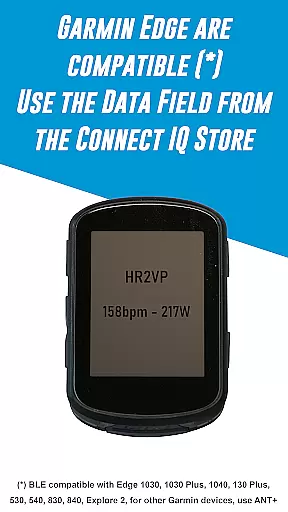
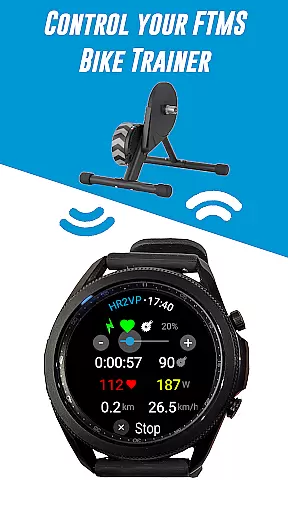
In addition to heart rate monitoring, the app facilitates seamless integration with Garmin Edge bike computers through a dedicated Connect IQ data field. Users can also connect external sensors such as power meters, cadence sensors, and heart rate monitors to gather more detailed training metrics. The inclusion of FTMS bike trainer support adds another layer of functionality, allowing control via the rotating bezel.
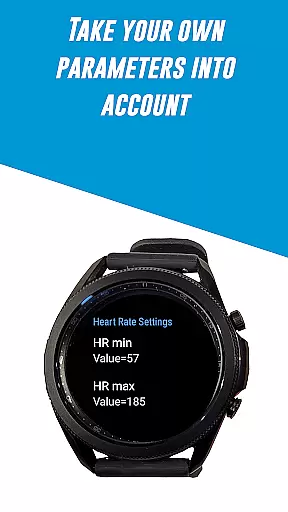
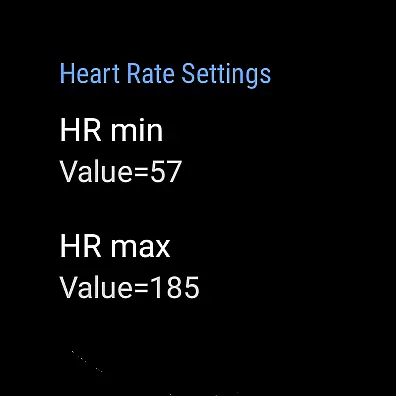
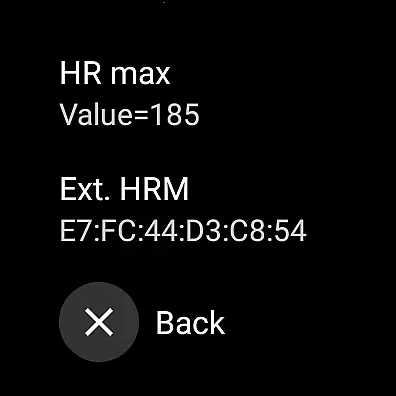
Another innovative aspect is the advanced matching algorithm that computes power output based on individual parameters like FTP, resting heart rate, and maximum heart rate. This personalized approach ensures greater accuracy in estimating power levels and calories burned. Furthermore, the app's compatibility with platforms like Zwift and Strava enables automatic uploads of ride data, providing users with a complete ecosystem for tracking and analyzing their cycling performance.
Personalized planning in HR2VP Watch Bike Computer allows users to tailor their workout experience based on individual metrics. This feature leverages the built-in optical heart rate sensor of the Wear OS watch to measure and broadcast heart rate data over Bluetooth Low Energy, functioning as a heart rate monitor during workouts.
The app's advanced matching algorithm computes power output based on heart rate, factoring in personal parameters such as Functional Threshold Power (FTP), resting heart rate, and maximum heart rate for enhanced accuracy. These personalized inputs ensure that each user's training plan is specifically optimized for their fitness level and goals.
By integrating with indoor cycling apps like Zwift or bike computers such as Garmin Edge, HR2VP provides real-time feedback and enables cyclists to adjust their effort according to their personalized targets. This means users can maintain their ideal training zones, improving performance while avoiding overtraining.
Ultimately, personalized planning empowers athletes to track progress effectively, manage workout intensity, and achieve better fitness outcomes by using precise biometric data tailored to their unique physiological responses.
Progress visualization within HR2VP Watch Bike Computer offers users an intuitive way to monitor their fitness journey. By pairing with platforms like Strava, the app automatically uploads rides complete with power data, allowing cyclists to visualize their routes and performance metrics on maps.
This feature not only displays basic ride statistics but also includes detailed insights into power outputs calculated from heart rate measurements. Cyclists can see how many calories they've burned and assess improvements in their physical conditioning over time through graphical representations.
Moreover, HR2VP takes into account individual parameters such as FTP, resting heart rate, and max heart rate when presenting this data, ensuring accuracy and relevance to each useru2019s training regimen. Such detailed analytics help riders understand trends in their performance and make informed decisions about future workouts.
With clear visual feedback provided after every session, users remain motivated and engaged, able to witness tangible evidence of their progress which reinforces commitment to their cycling goals.
Advanced power calculation
Versatile sensor support
Seamless platform integration
Real-time heart rate monitoring
User-friendly interface
Occasional connectivity issues
Limited ANT+ native support
Dependent on phone for some features
Power estimation lag
Short interval underestimation

Easy access to health benefits
 4.70
4.70
Live Heart Rate Pro - Real Time Heart & Workout Data For Wear OS & Bluetooth BLE
3.20
The simplest way to track your 21 Day Program containers, exercises, and water.
4.50
Relax. Sleep Better. Feel Better.
4.50
Get lasting results with Chair Yoga, Wall Pilates, and Walking workouts!
4.60
Your portable blood pressure tracker. Record, monitor, and analyze BP anytime.
4.30
FitCloudPro takes care of your health every minute.
3.70
Raccoon AI Calorie Counter. Intermittent Fasting & Timer. Macro, Carb, Protein
4.50
Jogging app for calorie counter and distance tracker. Running app to lose weight
4.20
Beauty Care, Makeup & Skin Care Scanner | Pregnancy App For A Mom | Healthy Baby
5.00
Build Healthy Habits!
4.60
Period Tracker, the easiest way to track your periods!
4.50
The Official Blood Type Diet® App - know your categorized foods anytime.
4.50
The OFFICIAL Couch to 5K® running training app! A 9 week walk-run workout plan.
4.50
Track heart rate & HRV in 30s! Get live health insights and anomaly alerts
4.40
Grow with self-tests and personal routine.
4.30
Your personal BP tracking companion, focus on helping you achieve wellness goal.
4.10
Histamine intolerance, low FODMAP diet and irritable bowel syndrome (IBS)
4.00
Find Paid Clinical Trials In Your Area
3.70


User Reviews