
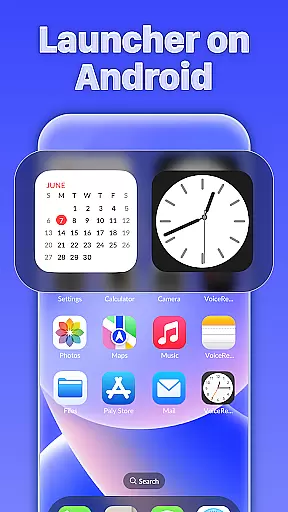
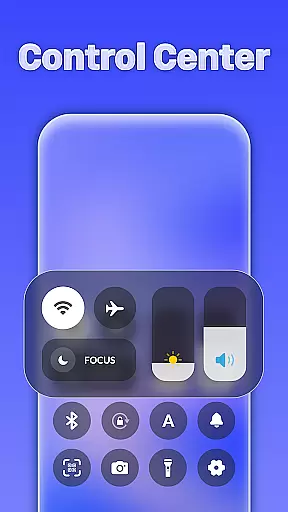
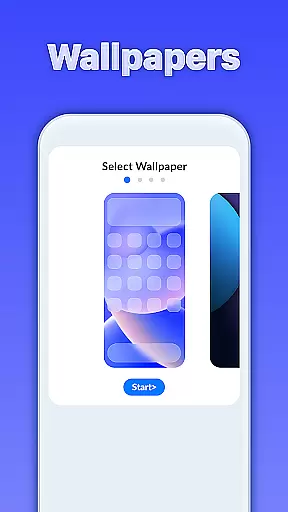
iLauncher OS redefines the Android experience by offering a sophisticated and visually appealing interface that enhances both aesthetics and functionality. This launcher transforms your device into a more luxurious and organized platform, mimicking the design of real operating systems.
Key features include an App Library for seamless app organization, Smart Search for intuitive navigation, stylish OS-like folders, and integrated weather forecasts. Whether you're a professional seeking efficiency or someone who appreciates beautiful design, iLauncher OS caters to all users looking to elevate their mobile experience.
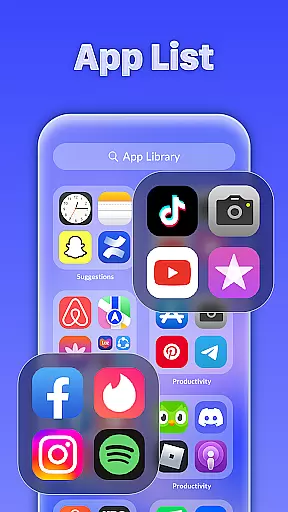
iLauncher OS stands out with its innovative features designed to optimize user interaction. The App Library function allows users to organize apps in a manner similar to modern operating systems, providing a clutter-free interface.
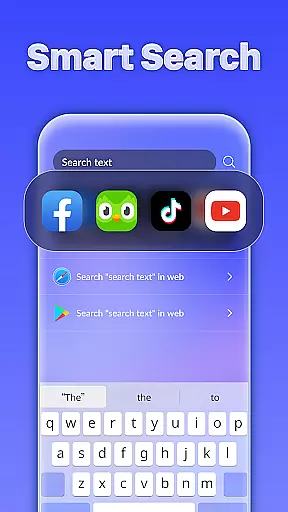
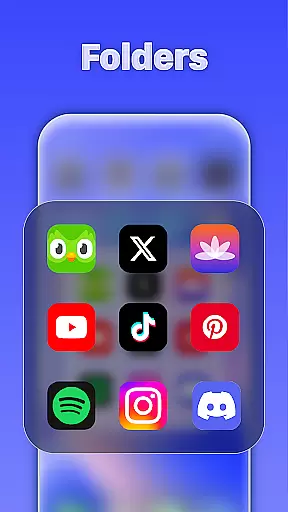
Smart Search enables quick access to apps and information by simply swiping down on the home screen. The Style Folder feature lets users group apps effortlessly by dragging and dropping them into folders. Additionally, the built-in Weather function provides timely updates and forecasts, ensuring you stay informed about the weather at all times.
These features collectively create a personalized and efficient mobile environment, making daily tasks easier while maintaining a sleek and modern appearance.
Customization is at the heart of iLauncher OS, providing users with a plethora of options to tailor their Android experience. The App Library feature revolutionizes app organization, akin to real operating system devices, allowing users to categorize and access their apps in an intuitive manner.
Smart Search enhances customization by offering intelligent search capabilities right from the home screen. This ensures that users can swiftly locate apps or features without hassle, simply by swiping down anywhere on the screen.
The Style Folder option adds another layer of personalization, enabling users to create folders by dragging and dropping apps onto each other. This mirrors desktop OS functionalities, giving a seamless and familiar user experience.
With these customization options, iLauncher OS empowers users to design a mobile interface that truly reflects their personal style and optimizes their daily digital interactions.
iLauncher OS excels in theme compatibility, ensuring that users can apply their favorite themes across their device seamlessly. The launcher supports a wide range of themes, which means you can give your phone a luxury makeover while maintaining operational consistency.
Weather integration within the launcher not only provides functionality but also allows for thematic cohesion. Users can enjoy weather forecasts that are visually aligned with their chosen themes, enhancing both aesthetics and usability.
Moreover, the ability to organize apps into OS-style folders contributes to overall theme integrity. By grouping apps thematically or functionally, users ensure that their home screens remain tidy and visually appealing.
This dedication to theme compatibility makes iLauncher OS stand out, as it combines beauty with practicality, offering a cohesive and personalized Android experience.
User-friendly interface
Highly customizable
Efficient app organization
Intelligent search functionality
Integrated weather updates
May consume more resources
Occasional performance lags
Limited widget support
Not suitable for older devices
Premium features require payment

Vertically oriented rectangular icons
 4.70
4.70
Capture moments that pass like a storm, second by second.
4.2 4.50
4.50 3.50
3.50
⭐ OneUI inspired Fluffy Icon Pack – Soft. Stylish. Standout. ⭐
4.4
Embrace the Night. Unleash the power of darkness with Raven Dark Icon Pack
4.60
HappyLighting is a Bluetooth lamp control software.
3.40
200+ Material Inspired Widgets
4.50
Amazing letter fonts in your messages and social statuses
4.70
100+ Stylish Fonts, Emojis, Symbols keyboard for Instagram & TikTok!
4.80
Personalize your phone with stunning HD and 4K wallpapers!
4.70
Shimeji adds cute animated characters to your screen, lively and fun.
4.70
Stunningly Different look with Line Icons and Neon Colors
4.60
Themes - Widget & Wallpaper: Customize home screen, icon changer w unique themes
4.30
Your home screen, just the way you like it.
4.30
Unleash Your Creativity and Connect with Loved Ones with Lockscreen Drawing!
4.20
Magic fluids wallpaper 4D: Relax with stunning fluid simulation wallpaper app
4.20
Your go to Weather App & Home Screen. Get your weather at a swipe of a finger!
3.80
Interactive Miniature Painting Catalogue
3.30


User Reviews