
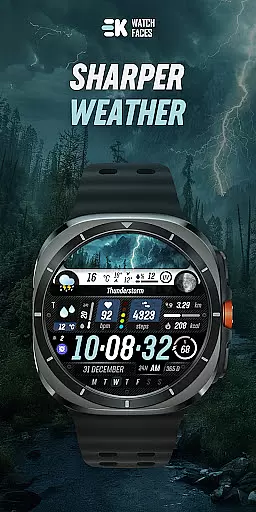
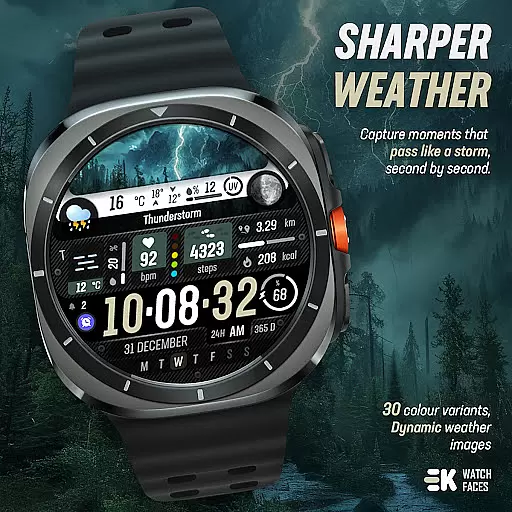
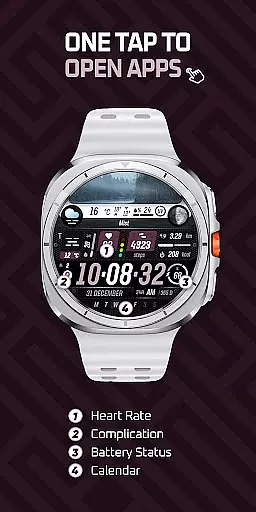
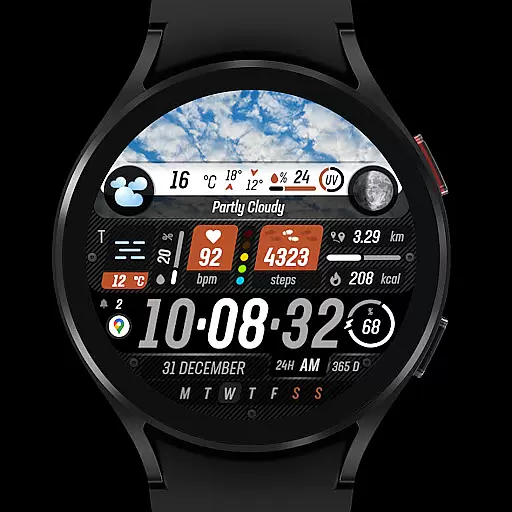
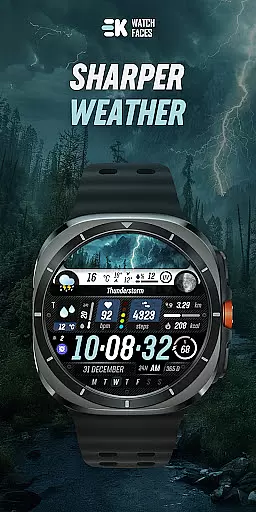
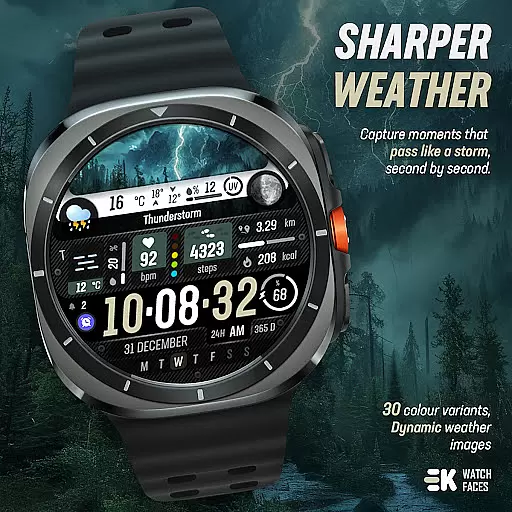
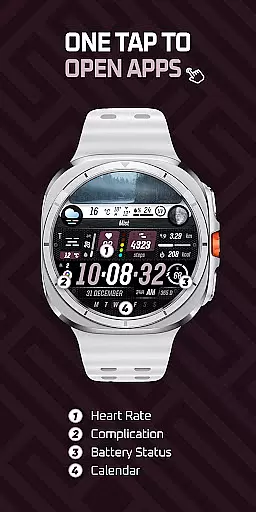
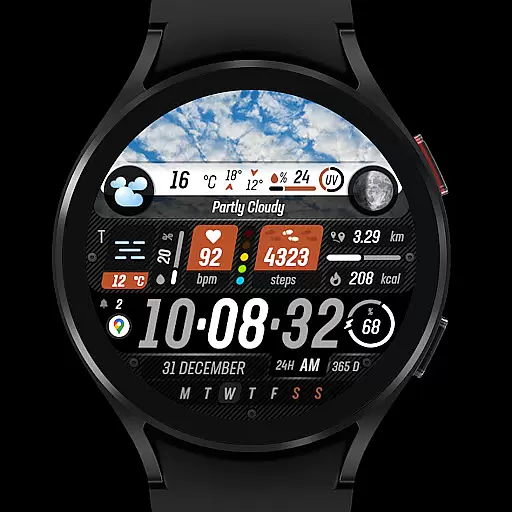
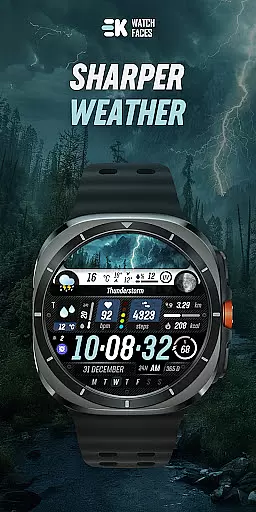
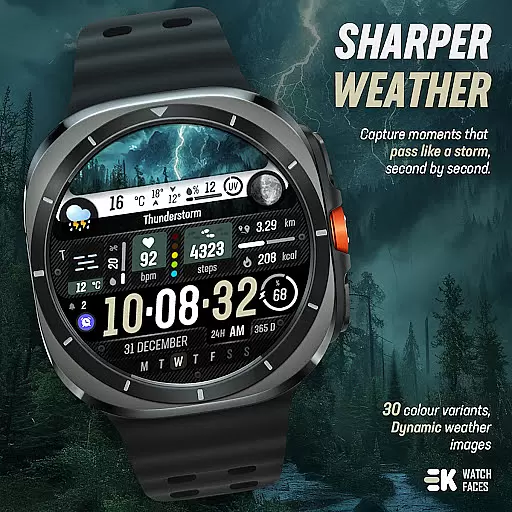
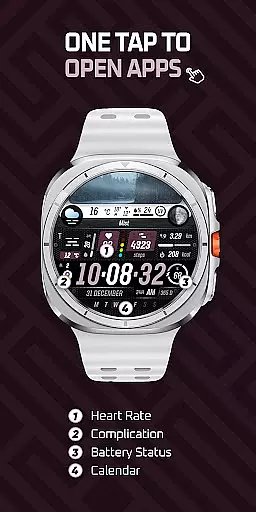
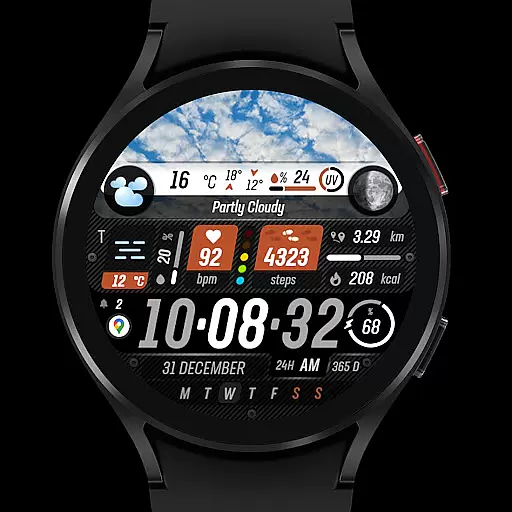
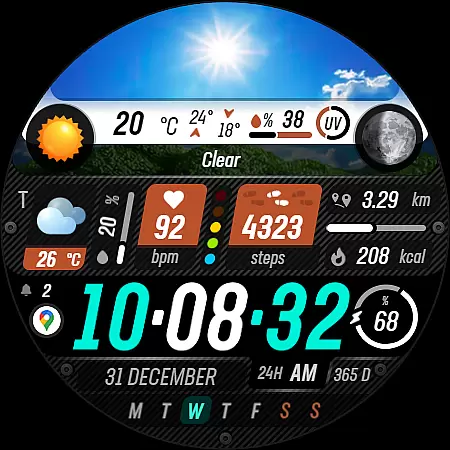
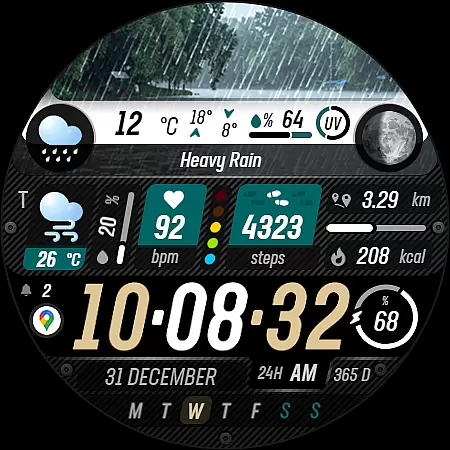
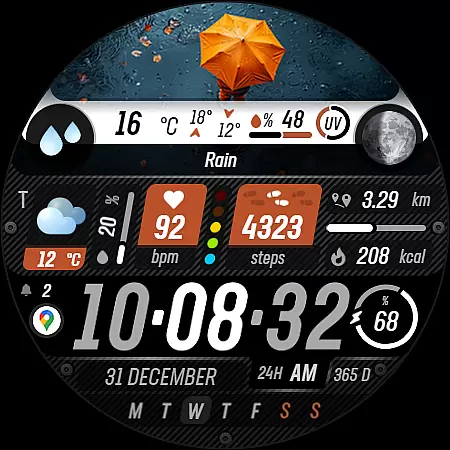
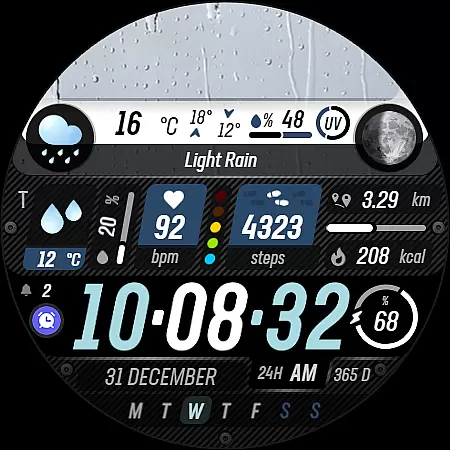
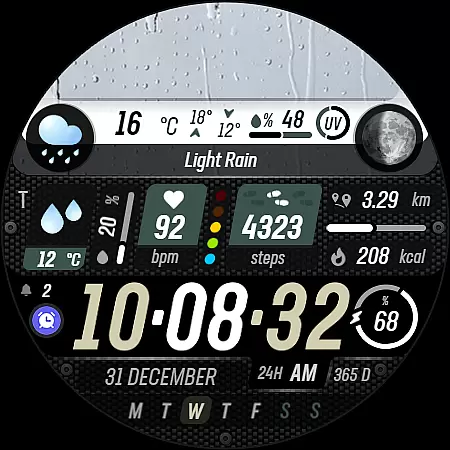
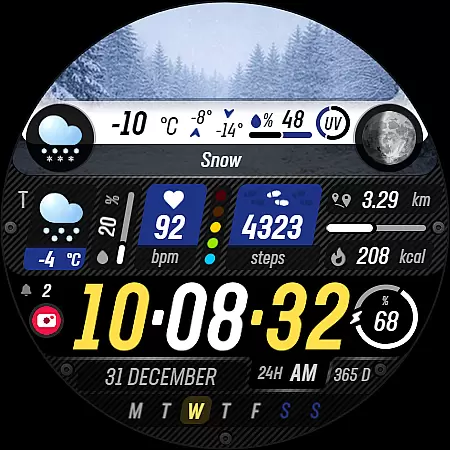
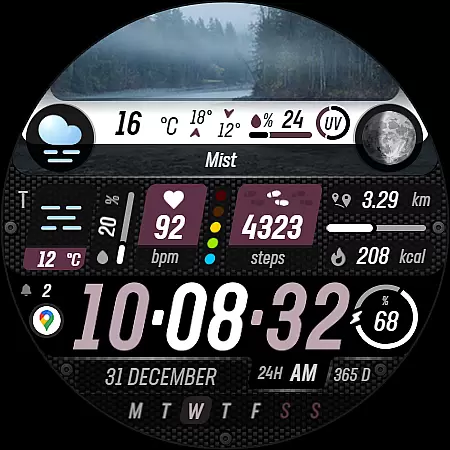
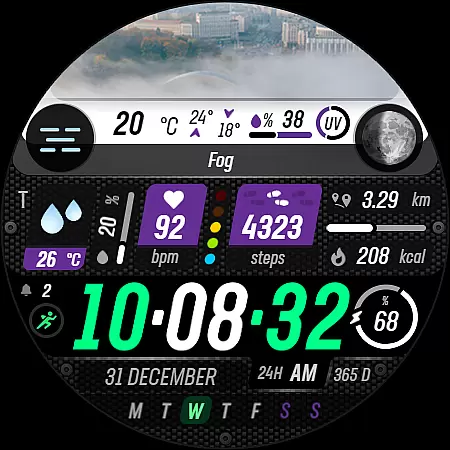
Sharper Weather is a feature-rich watch face designed specifically for Wear OS devices, offering users an enhanced and personalized timekeeping experience. This application provides real-time weather updates with visually appealing graphics that change based on current conditions and time of day.
The app goes beyond basic time display by integrating comprehensive health and activity tracking features, including steps, distance, calories burned, heart rate monitoring, and more. With support for both 12-hour and 24-hour formats, metric and imperial units, and always-on display functionality, Sharper Weather ensures optimal usability across different user preferences and device settings.
Ideal for tech-savvy individuals who value both aesthetics and functionality in their wearable technology, this watch face transforms a simple timepiece into a sophisticated personal assistant that adapts to various weather conditions and lifestyle needs.
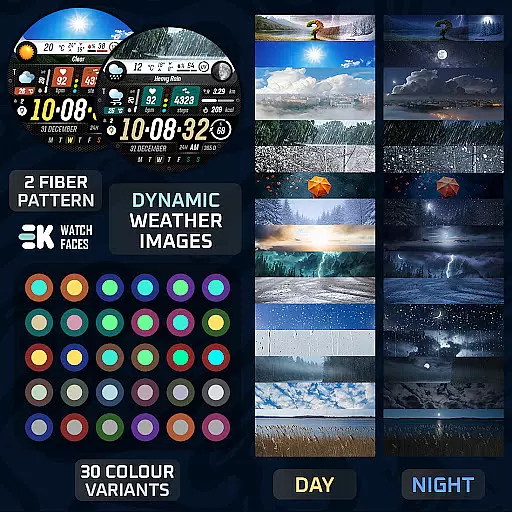
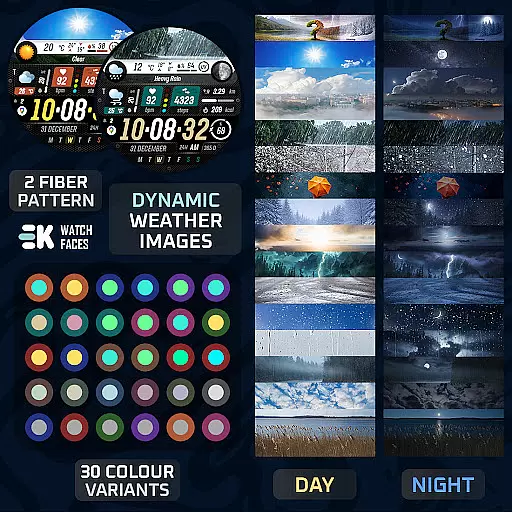
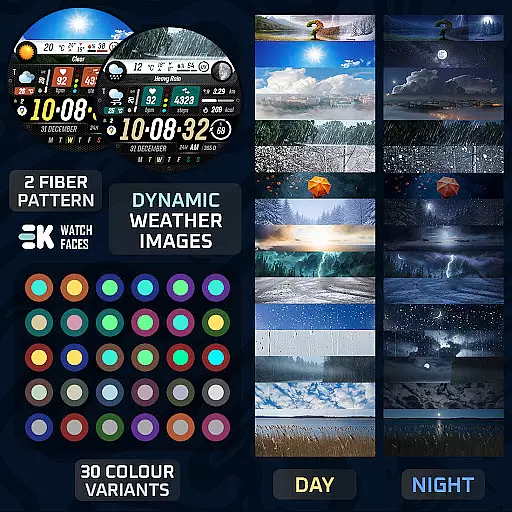
Sharper Weather distinguishes itself through its extensive feature set tailored for modern smartwatch users. The application showcases dynamic weather images that vary according to specific conditions and time periods, providing clear visual indicators for temperature ranges, precipitation probability, and UV index levels.
Users can benefit from advanced health tracking capabilities, including step counting, distance measurement, calorie calculation, and heart rate monitoring. The watch face also displays essential information such as battery status, calendar events, and live moon phases while supporting customizable shortcuts and notifications.
With its animated icons, multiple color options, and fiber variants, plus automatic adaptation to device settings for time format and measurement units, Sharper Weather offers a highly customizable and visually engaging experience that enhances both the functionality and appearance of Wear OS devices.
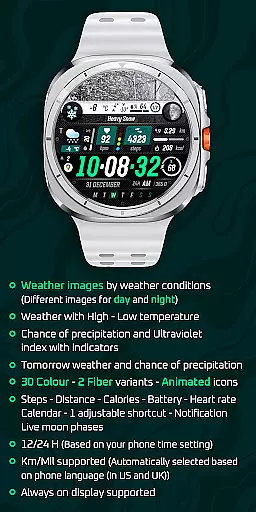
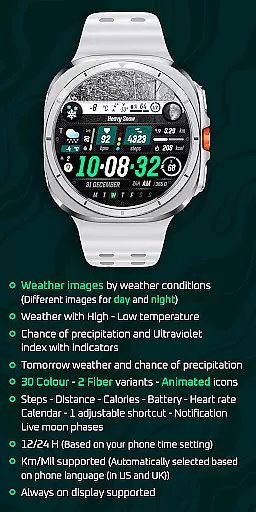
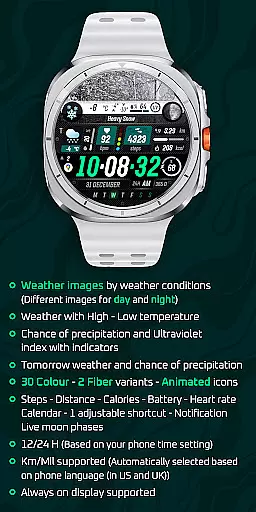
Sharper Weather - Watch Face offers an extensive range of customization options that cater to personal preferences and needs. With 30 color choices and 2 fiber variants, users can tailor the appearance of their watch face to match their style.
The inclusion of animated icons adds a dynamic element to the watch face, making it not only a tool for timekeeping but also a personalized accessory. The ability to display weather images based on conditions, along with high and low temperatures, ensures that users are always informed about the weather.
Additional features such as tomorrow's weather prediction, chance of precipitation, ultraviolet index indicators, and live moon phases further enhance the utility of this app. These elements combine to offer a highly customizable experience that goes beyond mere aesthetics.
Moreover, the app supports various health and activity tracking features like steps, distance, calories, battery status, heart rate, calendar events, and notifications. This comprehensive approach to customization allows users to integrate essential information into their watch face seamlessly.
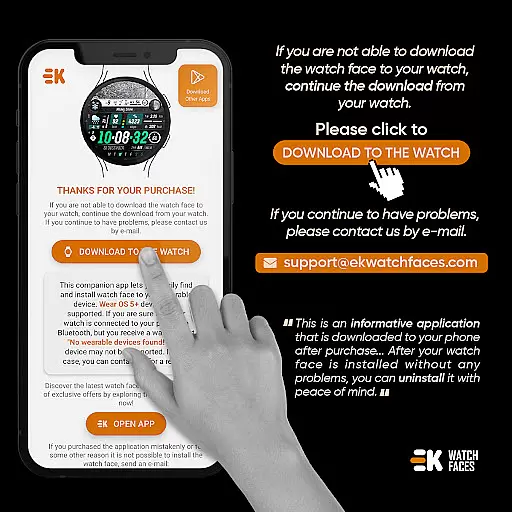
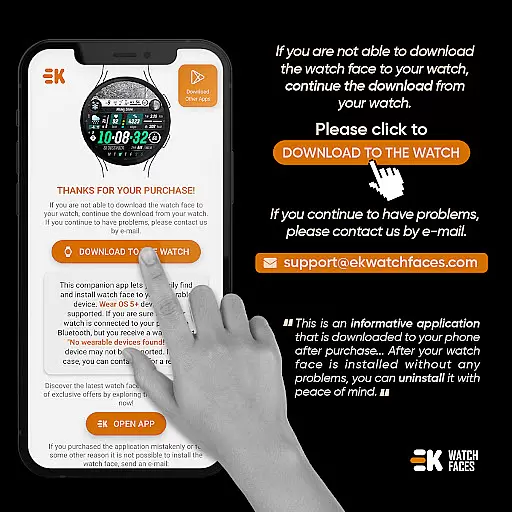
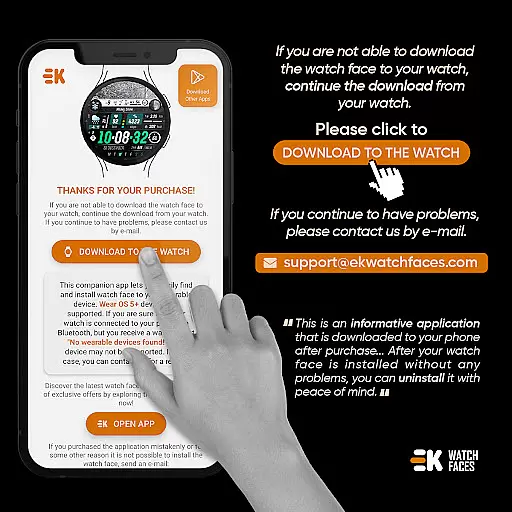
Theme compatibility is a crucial aspect of Sharper Weather - Watch Face, ensuring that the chosen theme works harmoniously across different Wear OS devices. As the phone app acts as a placeholder, it simplifies the installation process and helps maintain consistency between devices.
Users can enjoy a consistent experience whether they're viewing the watch face on their wearable or managing it through their phone. The app automatically adjusts settings such as time format (12/24 H) and unit system (Km/Mil), based on the phone's language and regional settings.
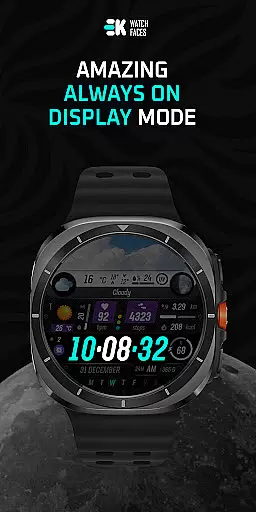
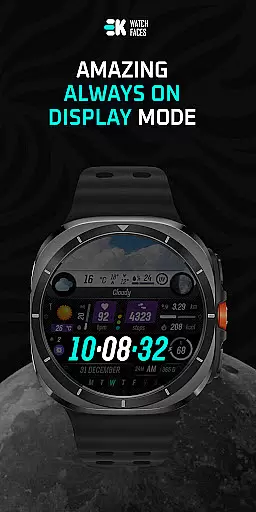
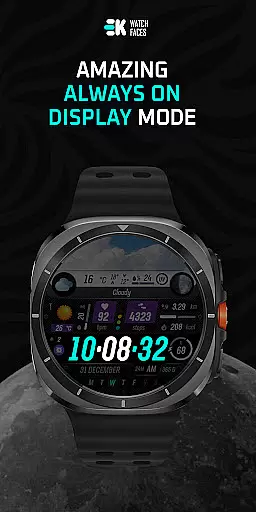
For those who require an always-on display, the watch face supports this feature, maintaining the visual integrity of the chosen theme even when the device is in standby mode. This level of compatibility ensures that all visual elements remain intact and functional.
To fully leverage the capabilities of Sharper Weather - Watch Face, users should manually enable permissions for sensors and complication data. This step is vital for ensuring that all thematic elements are accurately represented and function as intended.
User-friendly interface
Comprehensive weather data
Advanced health tracking
Highly customizable design
Seamless system integration
Limited device compatibility
Installation complexity
Potential sync issues
Additional permissions required
Feature overload for some

Glass style colourful icons with a One UI look and feel
 4.60
4.60
A retro cartoon style watch face and a punch right in the face of the copyright
4.60
Fingerprint Lock Screen & Live Animations with 4K Wallpapers as Live Wallpaper
4.40
AI-powered Copilot. Personalized keyboard with gifs, stickers & themes
4.40 4.50
4.50
300+ widgets inspired by Material You and Material 3 expressive design.
4.60
Modern Glass Icon Pack with glossy icons, clean minimal theme & aesthetic style
4.3
Enjoy a variety of amazing live wallpapers and colorful EDGE lighting borders!
4.80
Your home screen, just the way you like it.
3.80
Shimeji adds cute animated characters to your screen, lively and fun.
4.70
350+ widgets with a premium glass-style finish, perfect for home & lock screens.
4.70
Ultra realistic high quality analog watch face for Wear OS.
4.60
Zip lock screen with magic wallpaper to decorate your phone with fun zipper lock
4.60
Embrace the Night. Unleash the power of darkness with Raven Dark Icon Pack
4.60
Unique Fonts, typefaces and stylish text. Fonts for Instagram, Whatsapp & others
4.20 4.10
4.10
Design your screen with unique, vibrant clocks
3.80
Interactive Miniature Painting Catalogue
3.30
Prank your friends with realistic broken screen and cracked HD effects!
4.0


User Reviews