
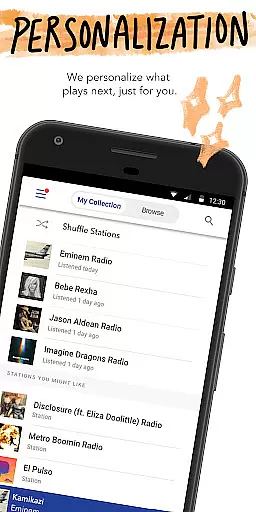
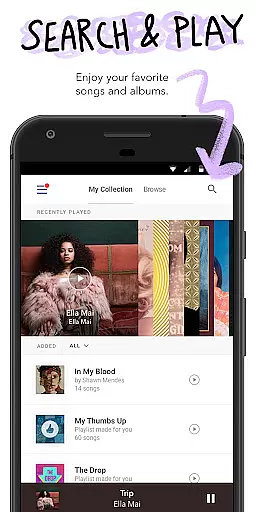
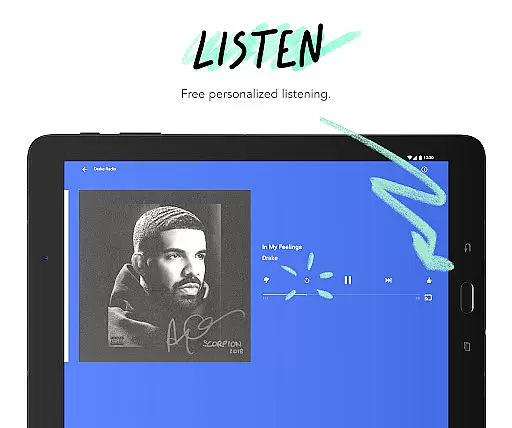
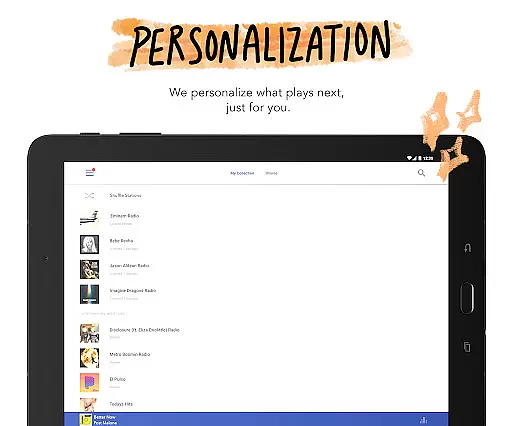
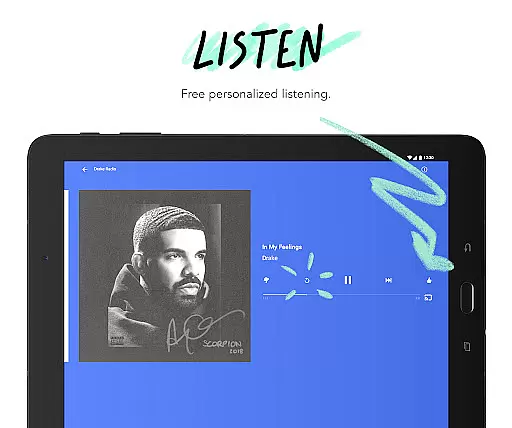
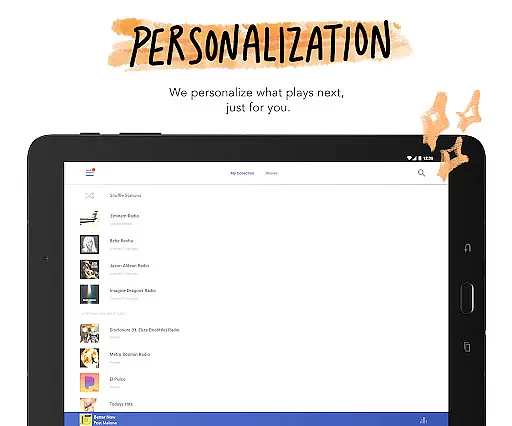
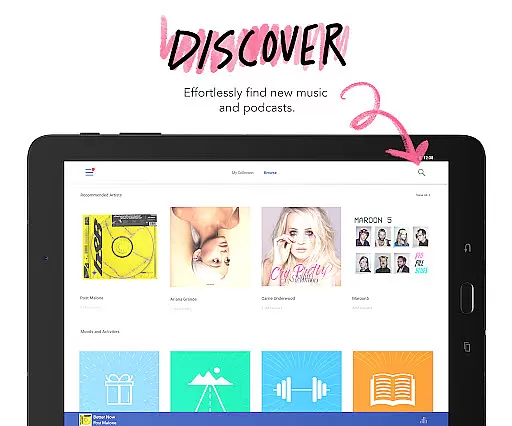
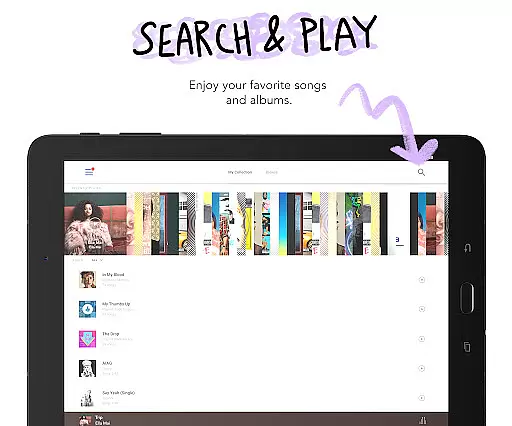


Pandora is a leading music streaming service that offers users a personalized listening experience on Android Wear devices. The app creates custom stations based on your favorite songs, artists, or genres while providing advanced discovery features like Podcasts and Pandora Modes.
With seamless integration across platforms including Android Auto and Wear OS, Pandora allows you to enjoy music and podcasts anywhere. The voice mode feature lets you control playback with simple voice commands, making it perfect for workouts or commutes.
This app is ideal for users seeking a tailored audio experience that evolves with their preferences, offering both free and premium subscription options for enhanced functionality.
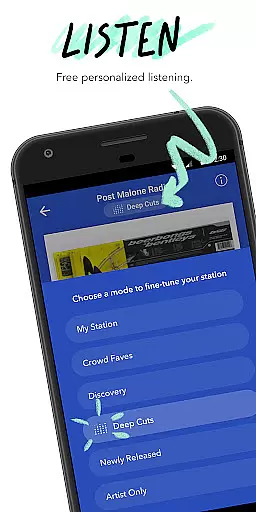
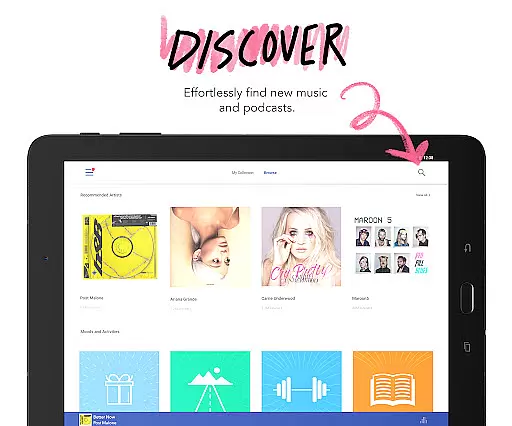
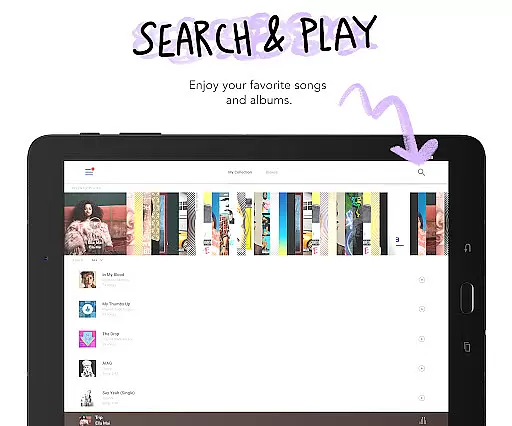
Pandora stands out with its powerful music discovery platform, enabling users to create personalized stations and explore new content through features like Pandora Modes. These modes let you customize your station's music style, from deep cuts to newly released tracks.
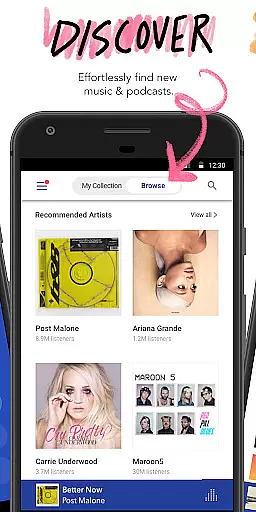
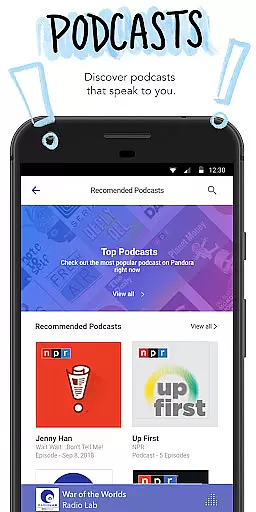
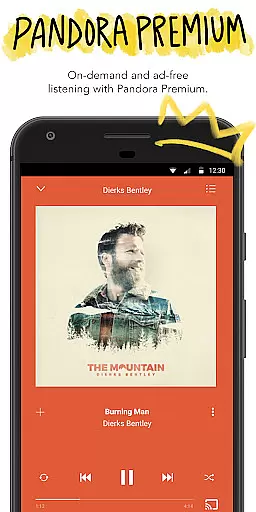
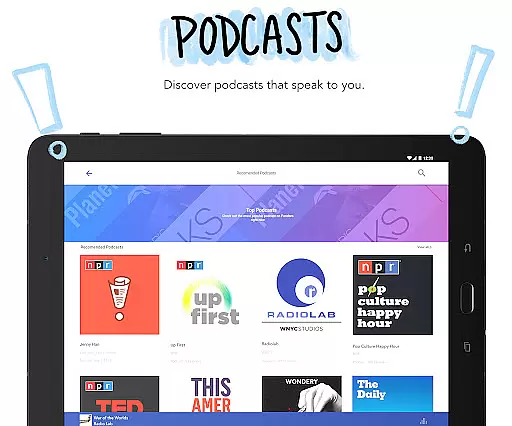
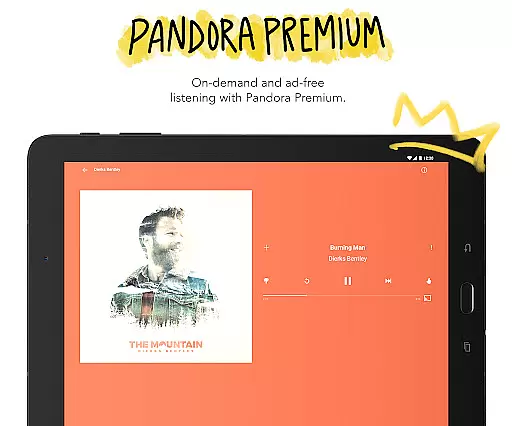
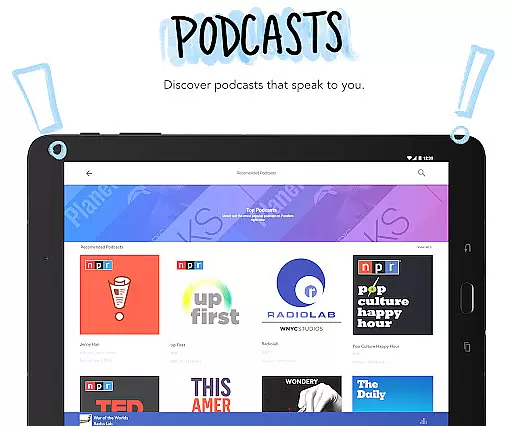
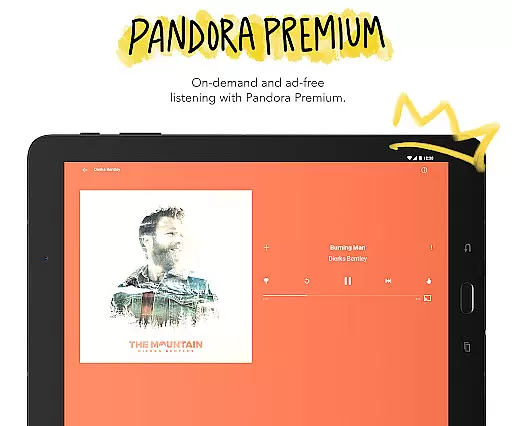
The app also supports Podcasts, giving users access to curated recommendations and popular shows. With support for offline listening via Pandora Plus and Premium subscriptions, users can download music and enjoy ad-free playback with higher quality audio.
Advanced functionalities include voice controls for hands-free operation, compatibility with Android Auto for car commutes, and Wear OS support for streaming directly from your wrist without needing a phone nearby.
Companion app integration is essential for wearable devices as it ensures seamless synchronization between the main application and its wearable counterpart. Pandora excels in this area by offering a cohesive experience across multiple devices.
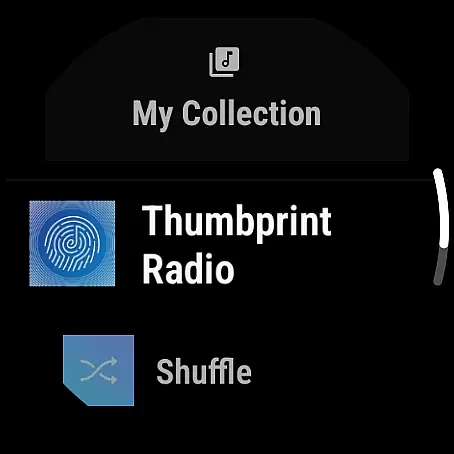
The Android Wear version of Pandora allows users to control music playback directly from their smartwatch. This includes the ability to play, pause, skip tracks, adjust volume, and even give feedback through simple voice commands or touch interactions.
Users benefit from this integration by having the convenience of controlling their music without needing to access their phone. Whether during workouts, walks, or while traveling light, the ability to manage music directly from the wrist enhances accessibility and user engagement.
This feature highlights Pandora's commitment to providing a versatile and user-friendly experience, ensuring that listeners can enjoy their personalized stations and podcasts regardless of the device they are using.
Wear OS/device compatibility refers to the ability of an application to function effectively across various devices running Wear OS. For Pandora, this compatibility ensures that users can enjoy their favorite music and podcasts on a range of smartwatches.
Pandora supports a wide array of Wear OS devices, allowing users to stream music directly over Wi-Fi or cellular connections. This eliminates the need to carry a phone, making it ideal for activities like exercising or traveling.
By ensuring broad device compatibility, Pandora provides a consistent and reliable experience for users. Whether commuting or embarking on a road trip, listeners can access personalized stations and podcasts without interruption.
This compatibility underscores Pandora's dedication to accessibility and convenience, empowering users to enjoy their music seamlessly across different devices and scenarios.
Personalized music stations
Voice command support
Offline listening options
High-quality audio streams
Podcast recommendations
Limited free version
US-only availability
Data usage concerns
Subscription costs
Ad interruptions in free tier

Diet tracker for weight loss - track calories, food and macros. Simple and easy!
 4.70
4.70
Christmas watch face. For Wear OS devices.
4.30
Animated Watch Face and Customizable with 24 Backgrounds. Perfect for Christmas!
3.90
A watch face that fuses motorsport precision with contemporary smartwatch design
4.2
Easy Voice Recorder is your everyday companion to record important moments.
4.70
Simple Analog-Digital Watchface For Wear OS 3.0 and Up Smartwatches
4.1
Watch face for Wear OS.
4.20
Real-time results, stats, schedules and player profiles for all leagues
4.60
Viewer for Wyze/Yi/Eufy/Arlo/ONVIF/RTSP/P2P IP cams w/ adv. features & DIY DVR
4.00
A modern hybrid informative watch face for Wear OS designed by BALLOZI
4.80
A modern premium sporty hybrid watch face for Wear OS by Ballozi
4.70
Hybrid watch face for Wear OS with customizable complications by Matteo Dini MD
4.70
Gym & home workout plans with strength training, exercise tracking, HIIT & more.
4.60
Connect to your Bluelink equipped Hyundai vehicle from your smartphone.
4.50
Embrace the holiday spirit with this magical animated watch face!
4.40
Digital watch face with big numbers and many customization for Wear OS devices
4.40
Daily Weather forecast with 15 weather images for Day & Night plus Big Bold time
4.10
Christmas is near, let's count together the days left until Santa comes
4.4
A heartwarming Christmas scene featuring a cute image of Santa and Rudolf
4.5


User Reviews