
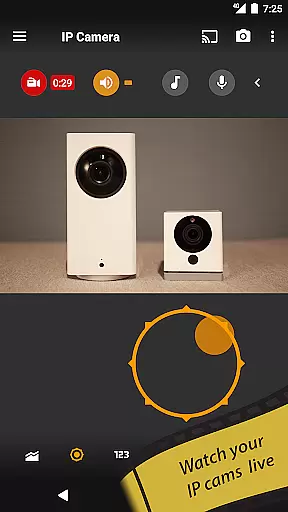
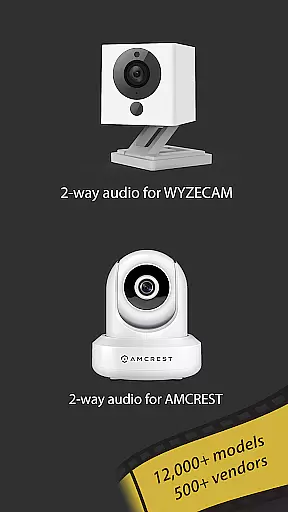
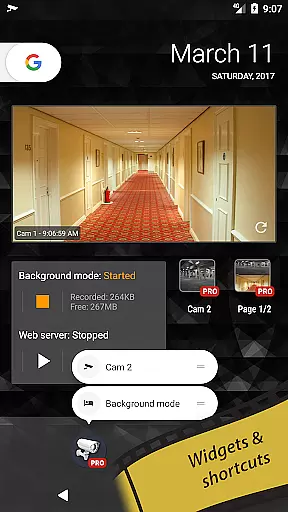
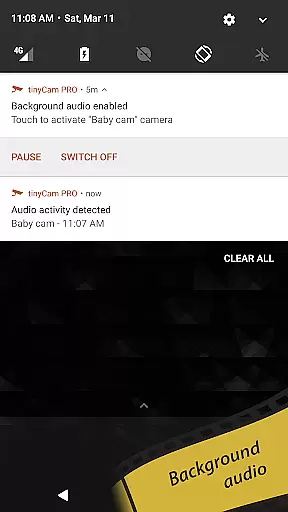
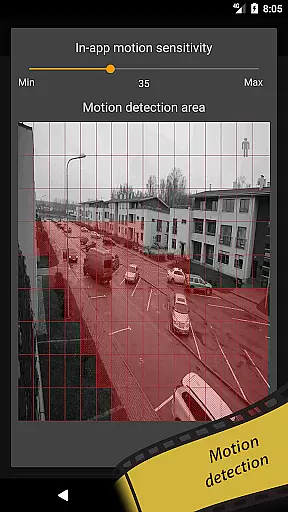
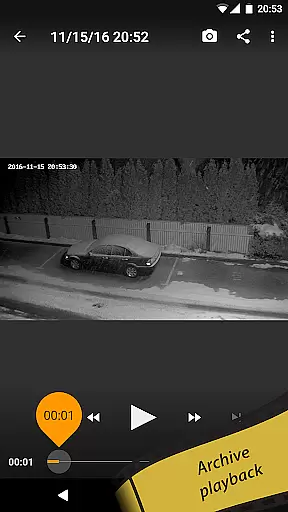
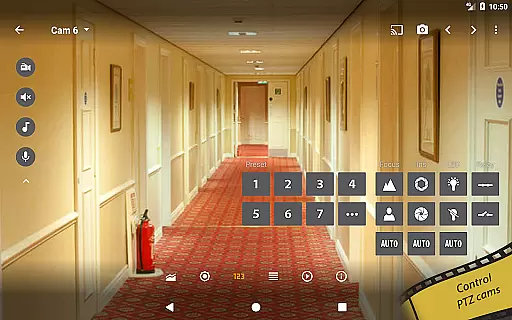
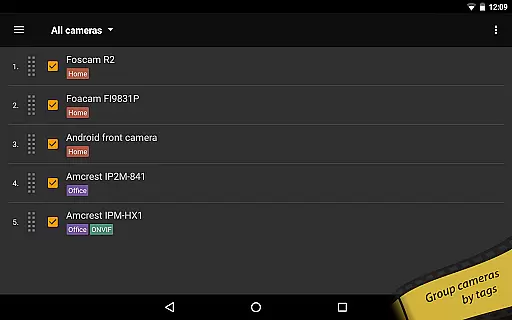
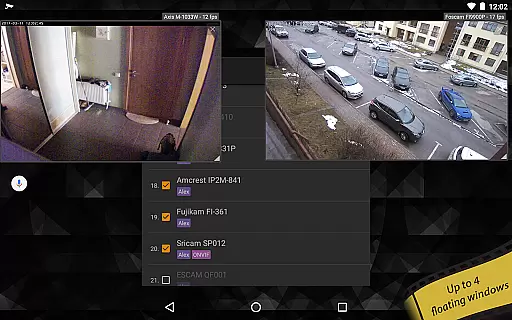
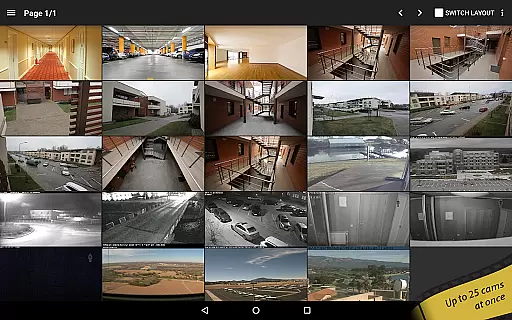
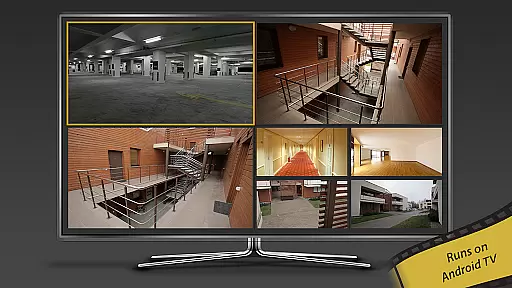
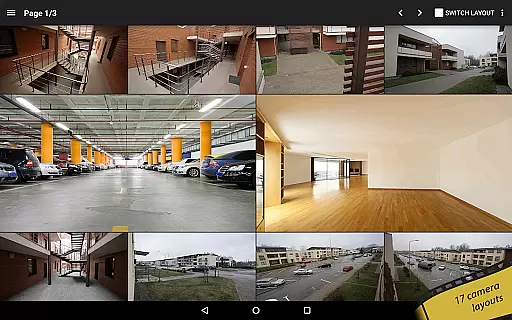
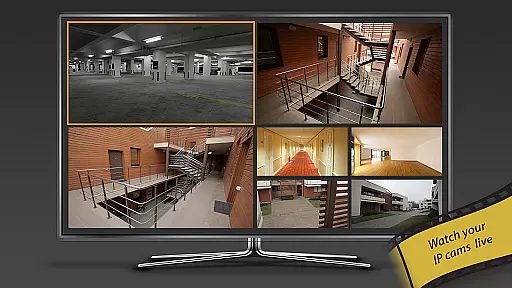
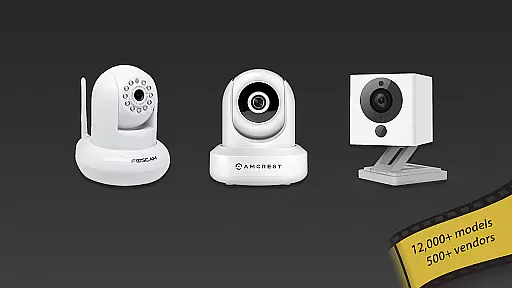
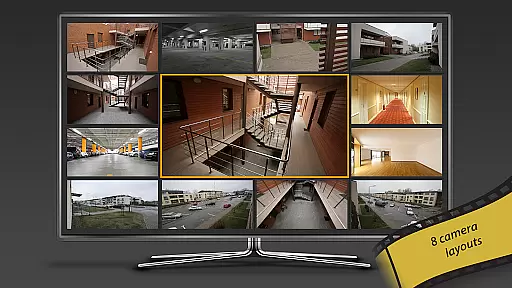
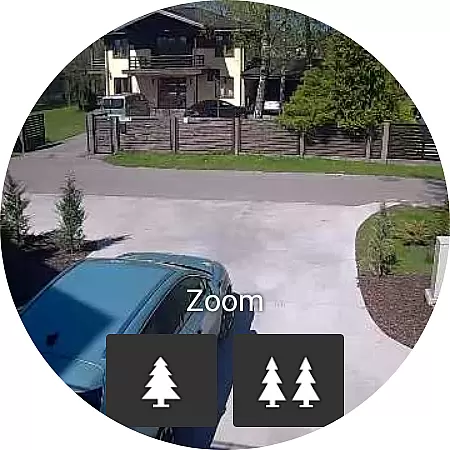
tinyCam Monitor PRO is the ultimate Android application for remote surveillance, control, and video recording of IP cameras, DVRs, and video encoders. With support for over 12,000 camera models including popular brands like Foscam and Amcrest, it offers an intuitive interface with advanced features such as ONVIF Profile S, MJPEG/H264/H265/RTSP streaming, and smart camera compatibility. The app allows users to monitor their homes, businesses, or any other location securely from their mobile devices.
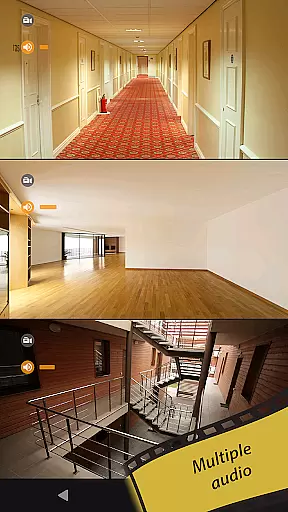
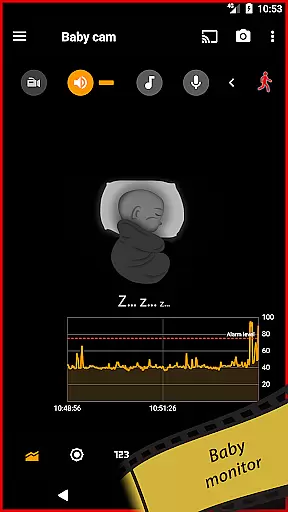
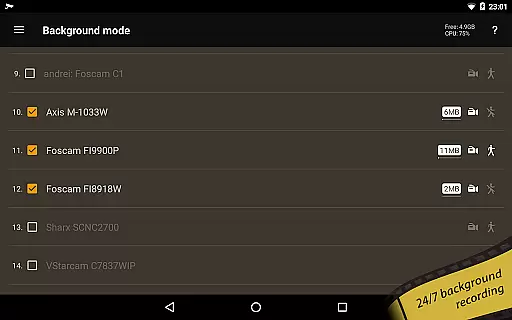
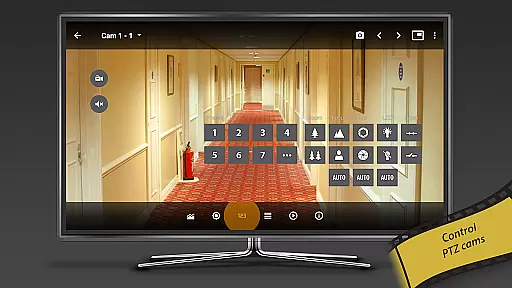
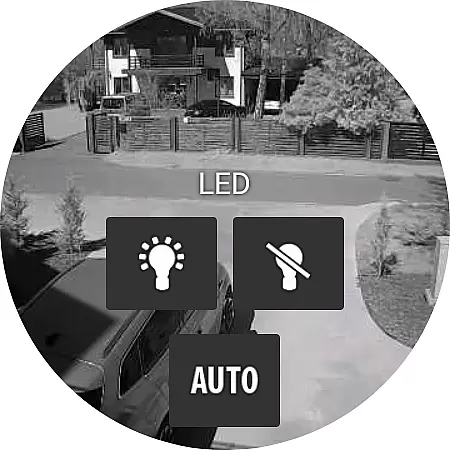
In addition to its robust monitoring capabilities, tinyCam Monitor PRO provides unique functionalities such as background recording, time-lapse recording, and AI object detection for identifying persons, pets, and vehicles. Users can also take advantage of features like two-way audio, SSL-secured monitoring, PTZ (pan-tilt-zoom) control, and relay/LED management. Whether you need to keep an eye on your baby, pet, or property, this app delivers exceptional value by combining comprehensive security solutions with user-friendly controls.
tinyCam Monitor PRO stands out with its extensive feature set tailored for both casual users and professional surveillance needs. It supports multiple video formats including MJPEG, H264, and H265, ensuring compatibility with a wide range of IP cameras. The inclusion of ONVIF Profile S makes it versatile enough to work seamlessly with thousands of camera models, while smart camera support extends its functionality to popular brands like Wyze, Eufy, Blink, Arlo, and KAMI/Yi.
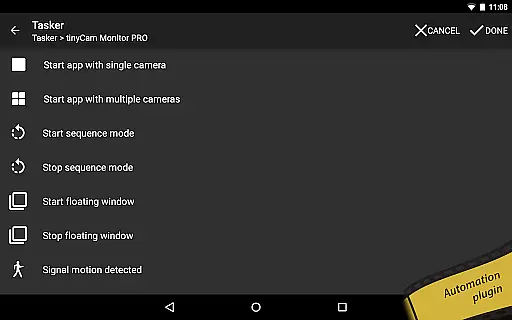
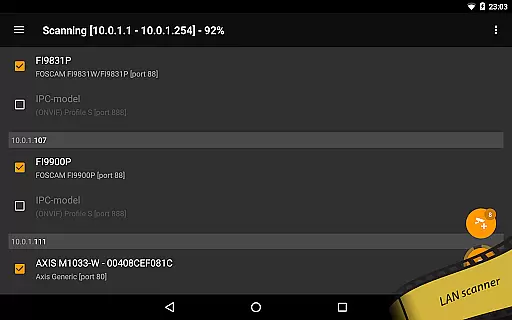
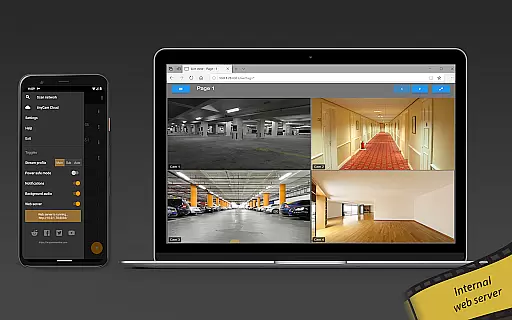
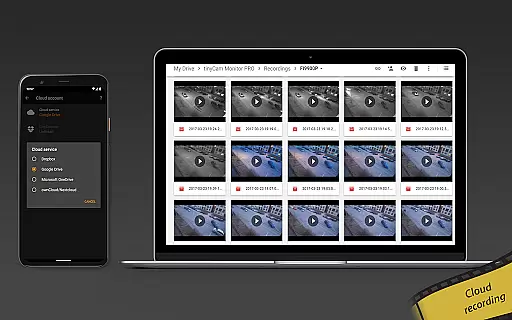
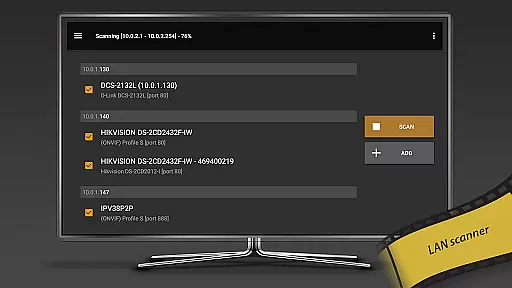
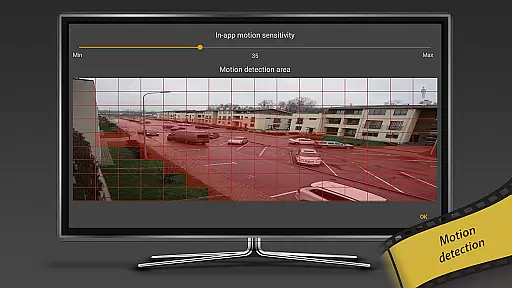
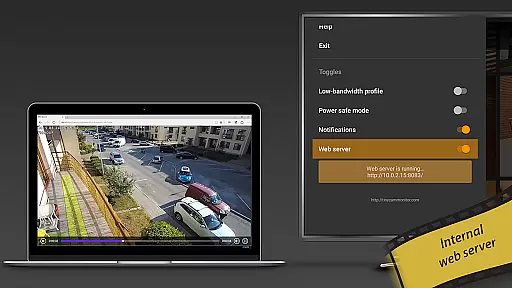
Beyond basic monitoring, the app offers advanced tools such as 24/7 MP4 video recording to local storage, cloud services like Dropbox and Google Drive, and FTP/FTPS servers. Unique features include an internal web server for remote archive access, in-app and on-camera motion detection, and integration with home automation systems via Tasker plugin. Additionally, users can benefit from AI-driven object detection, face detection, and LAN scanning for automatic camera discovery, making tinyCam Monitor PRO a comprehensive solution for all surveillance requirements.
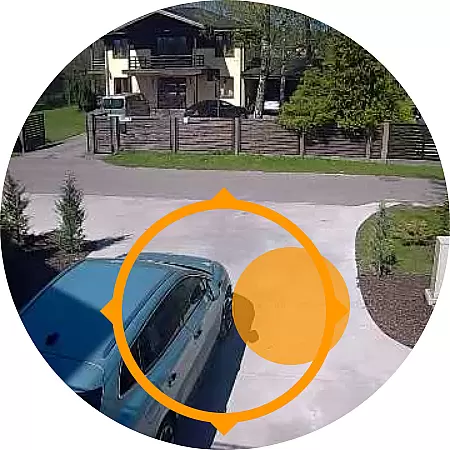
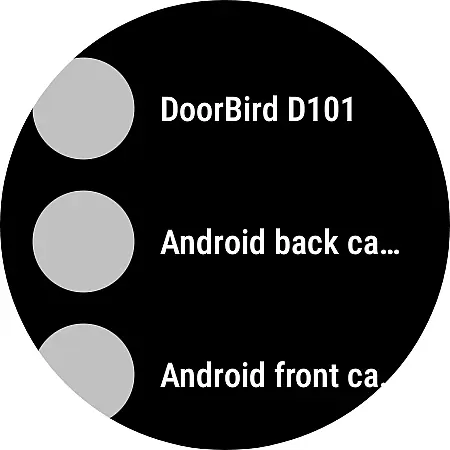
Companion app integration is essential for users who want seamless connectivity between their mobile devices and wearable technology. tinyCam Monitor PRO ensures that your smartwatch or other Android Wear devices can easily sync with the main application, providing real-time updates and notifications.
The app's companion integration allows you to receive instant alerts on your wearable device whenever motion is detected by your IP cameras. This feature ensures that you are always aware of any activity around your property, even when you're not directly monitoring your phone or tablet.
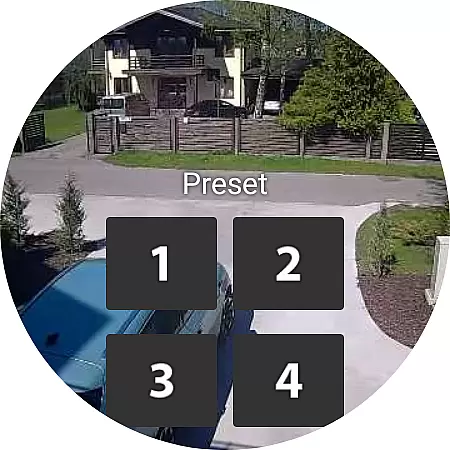
With this robust companion app functionality, users can also control their cameras remotely from their wearables. Whether it's starting a recording or adjusting camera settings, the ability to perform these actions from your wrist adds an unprecedented level of convenience and accessibility.
By leveraging the capabilities of Android Wear, tinyCam Monitor PRO enhances user experience through timely notifications and remote management options, ensuring that security remains at your fingertips no matter where you are.
Ensuring broad compatibility with various Wear OS devices is crucial for maximizing user accessibility and convenience. tinyCam Monitor PRO excels in this area by supporting a wide range of smartwatches running on Wear OS, allowing users to integrate their preferred devices effortlessly.
This extensive compatibility means that whether you own a Fossil, TicWatch, or any other popular Wear OS device, you can rely on tinyCam Monitor PRO to deliver consistent performance. The app has been optimized to work smoothly across different hardware specifications, ensuring reliable operation regardless of your chosen gadget.
In addition to supporting multiple devices, tinyCam Monitor PRO offers tailored functionalities specific to each type of Wear OS device. This includes customized interfaces that make full use of screen real estate and unique features such as voice commands or gesture controls available on certain models.
By prioritizing Wear OS/device compatibility, tinyCam Monitor PRO guarantees that every user can enjoy a personalized and efficient surveillance experience, enhancing both usability and satisfaction across diverse devices.
User-friendly interface
Wide camera compatibility
Advanced AI features
Secure SSL monitoring
Comprehensive recording options
Paid version only
Complex setup for beginners
High system requirements
Limited free features
Occasional connectivity issues

Gym Log & Workout Tracker | Fitness Journal, Training & Weight Lifting Planner
 4.90
4.90
Christmas - Festive - Christmas Village - Winter - Christmas lights
5.00
Elegant animated Christmas tree with multiple customization options
4.20
Beautiful, colorful and practical watch face. For Wear OS devices.
5.00
Period, ovulation & pregnancy tracker. Fertility insights & menstrual calendar.
4.90
Stay in touch with your friends and family using LINE!
3.40
Funny animated watch face for Thanksgiving
4.0
Hyper-Realistic Airplane Dashboard Watch Face With 10 Skins and Custom AOD
4.00
Hybrid Vibrant Health Watch Face for Wear OS
4.5
Digital, flexibly customizable watch face. For Wear OS 5.0, API 34+ and later.
5.00
To-Do List: daily schedule planner, task organizer, to do reminder app, calendar
4.60
Simple, helpful messaging by Google
4.60
Your music, your playlists, and more—offline and unlimited.
4.20
"PER27 Galaxy Digital" is a digital Wear OS watch face designed by PERSONA
4.10
sleep, alarm, snoring, stress, healing, focus, sound therapy, circadian rhythm
4.10
A full-featured Amazon Alexa voice assistant that can show you things.
3.70
Wear Os Watch Face - Animated Snow Effect & Christmas Lights
4.3
Christmas and New Year - Themed Watchface
4.5
Analog watch face with 8 complications and expedition styling
4.1


User Reviews