
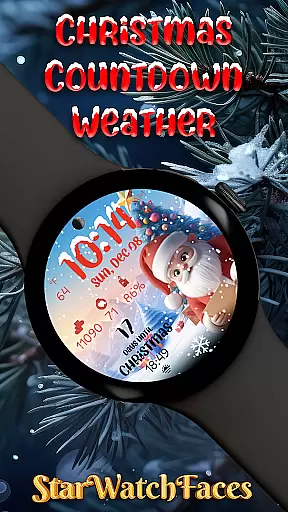
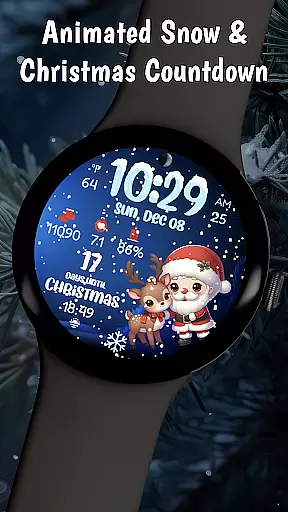
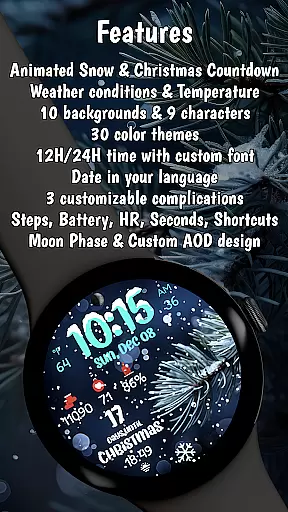
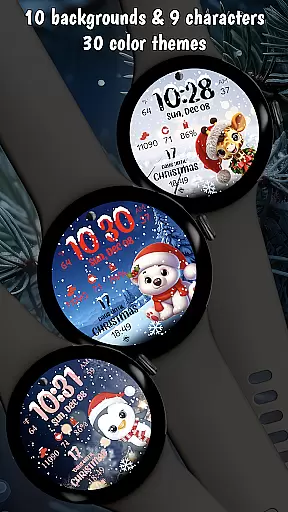
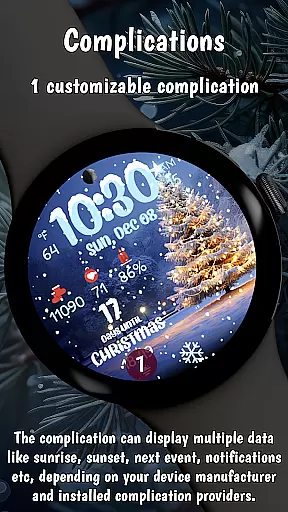
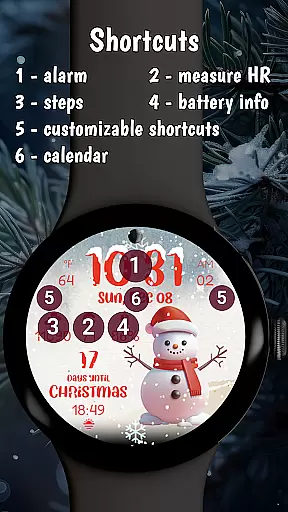

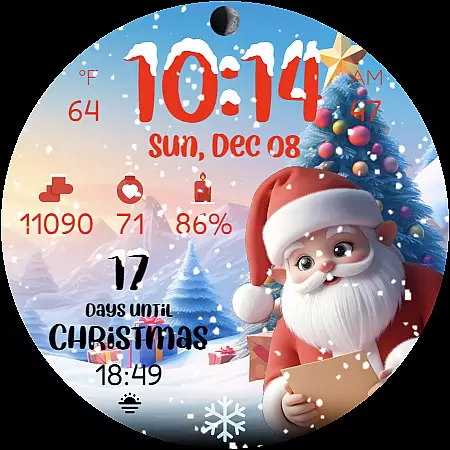
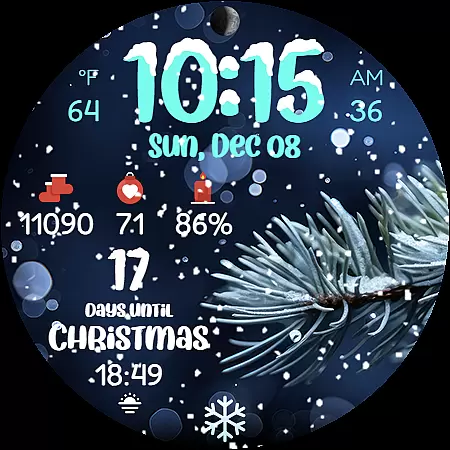
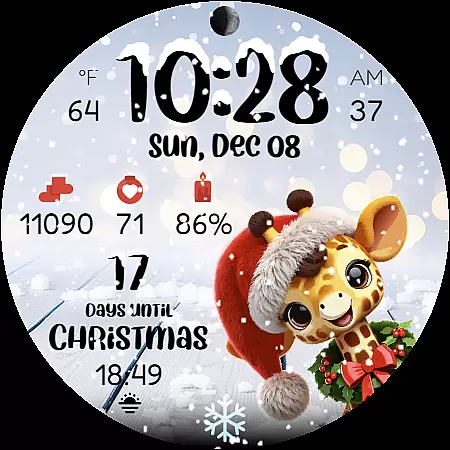
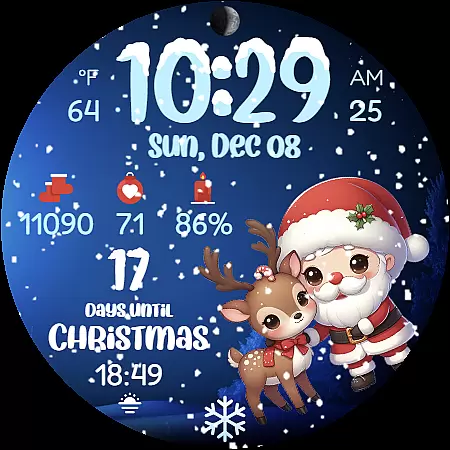
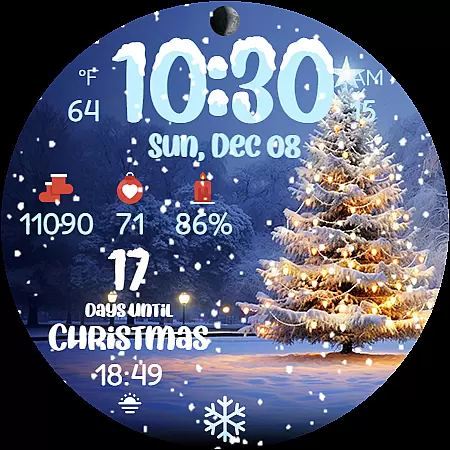
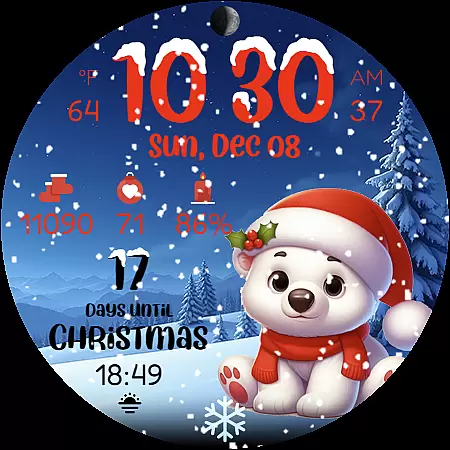
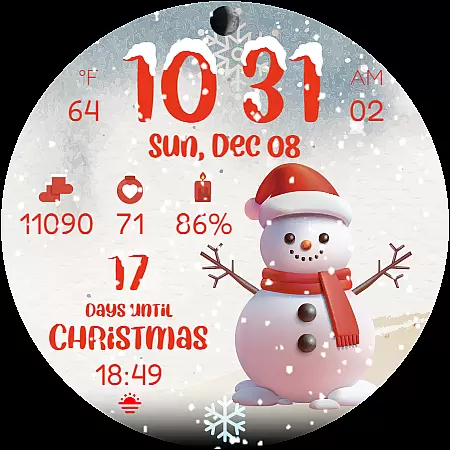
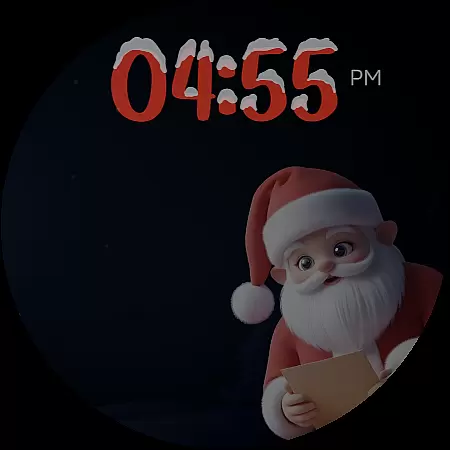
Christmas Countdown Weather is a feature-rich holiday watch face designed specifically for Wear OS smartwatches. This application transforms your smartwatch into a magical Christmas companion, offering users an enchanting countdown experience to the holiday season.
The app provides a beautiful Christmas countdown timer, real-time weather updates, and ten customizable festive backgrounds. Users can enjoy animated snowfall effects while tracking essential metrics like steps and heart rate. The watch face is optimized for latest Wear OS versions, ensuring smooth performance and energy efficiency during holiday activities.
This application is perfect for Christmas enthusiasts who want to bring holiday cheer to their smart devices while maintaining practical functionality. Whether you're counting down to Christmas or monitoring your daily activities, this watch face combines festive spirit with smart features.
Christmas Countdown Weather stands out with its comprehensive set of holiday-themed features. The app offers nine adorable Christmas characters including Santa Claus and festive reindeer, each bringing their unique charm to the watch face.
Users can choose from ten stunning Christmas backgrounds featuring decorated trees and snowy landscapes. The watch face displays real-time weather conditions, temperature, moon phases, and date in device language. Its smart features include step counter, heart rate monitor, and battery indicator - all displayed with beautiful snowy accents.
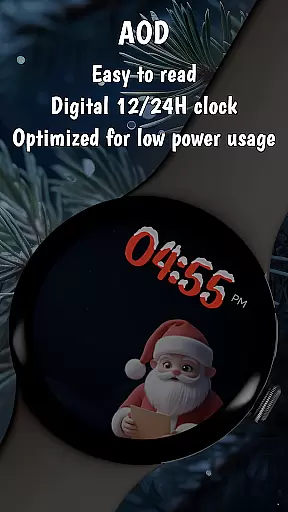
The application's technical excellence lies in its optimization for latest Wear OS versions. It employs an energy-efficient design with battery-saving Always-On Display mode while maintaining smooth animations and high-quality graphics. These features make it an ideal choice for those seeking both functionality and festive atmosphere on their smartwatch.
Companion app integration is essential for wearable devices as it enhances the overall user experience by enabling seamless interaction between the smartwatch and smartphone. Christmas Countdown Weather excels in this area by providing a dedicated companion app that allows users to customize their watch face with ease.
The companion app offers an intuitive interface where users can modify various elements of the watch face. This includes changing background images, selecting festive characters, adjusting color themes, and configuring complications according to personal preferences. Such comprehensive customization options ensure that each user's watch face is uniquely tailored to their taste.
Moreover, the companion app serves as a gateway to discover additional watch faces crafted by the developers. By exploring the app, users can access a wide range of designs that cater to different occasions and styles. This not only enriches the user's collection but also keeps the wearable experience fresh and engaging.
Ultimately, the robust companion app integration provided by Christmas Countdown Weather empowers users to fully leverage the capabilities of their smartwatches. It transforms the device into a personalized accessory that reflects individuality while maintaining functionality and festive spirit during the holiday season.
Ensuring compatibility with Wear OS and various devices is crucial for any wearable application. Christmas Countdown Weather has been meticulously designed to support the latest versions of Wear OS, guaranteeing optimal performance across a wide range of smartwatches. This commitment to compatibility ensures that users can enjoy a seamless experience regardless of their device model.
The application employs the latest WFF format, which is specifically optimized for Wear OS. This not only enhances the visual appeal of the watch face but also contributes to improved battery life. By prioritizing energy efficiency, Christmas Countdown Weather allows users to indulge in its festive features without compromising on device longevity.
Furthermore, the app supports multiple device settings, such as 12 or 24-hour time formats and weather display options. These adaptive features cater to individual preferences and regional variations, making the application versatile and user-friendly. Whether tracking steps during holiday shopping or monitoring heart rate during celebrations, the app remains responsive and reliable.
In summary, Christmas Countdown Weather stands out for its exceptional Wear OS and device compatibility. By embracing the latest technological standards and optimizing for diverse devices, it delivers a consistently high-quality experience that captures the magic of Christmas while maintaining practical functionality.
Beautiful Christmas countdown
Festive character selection
Real-time weather updates
Battery-efficient design
Customizable backgrounds
Limited to Wear OS
Weather requires support
Some features vary
Premium purchase needed
Device compatibility

Walking app for weight loss: walk & step tracker, pedometer, indoor treadmill
 4.60
4.60
A full-featured Amazon Alexa voice assistant that can show you things.
3.70
Artistic Digital Watchface
4.0
Let's celebrate Thanksgiving - Wear Os watch face
4.20
The most customizable minimal watch face. For Wear OS 5.0, API 34+ and later
4.70
Digital watch face with big numbers and many customization for Wear OS devices
4.40
Locate your family members by GPS phone location tracker everywhere and anytime
4.30
Period, ovulation & pregnancy tracker. Fertility insights & menstrual calendar.
4.90
Your local weather forecast, storm tracker, radar maps & live weather news
3.40
Gym Log & Workout Tracker | Fitness Journal, Training & Weight Lifting Planner
4.90
The Chevron App allows you to pay for fuel from the comfort of your car!
4.80
To-Do List: daily schedule planner, task organizer, to do reminder app, calendar
4.60
A realistic hybrid watch face with many customization options.
4.60
Embrace the holiday spirit with this magical animated watch face!
4.40
Watch face for Wear OS.
4.20
Animated video-game inspired “secret agent” simulation, right on your wrist!
4.20
"PER27 Galaxy Digital" is a digital Wear OS watch face designed by PERSONA
4.10
Animated Watch Face and Customizable with 24 Backgrounds. Perfect for Christmas!
3.90
Precision analog watch face with 7 complications and style options
4.0


User Reviews