
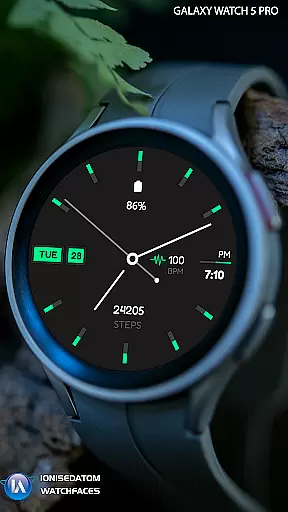
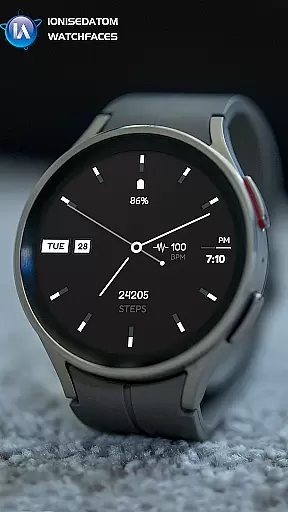
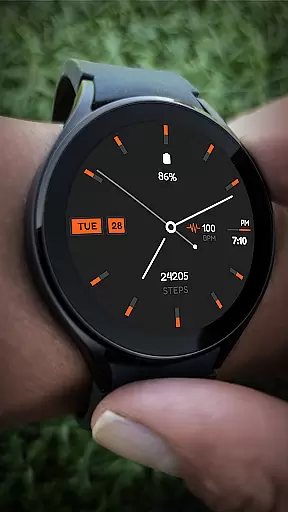
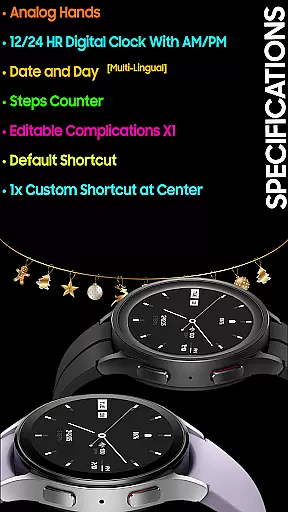
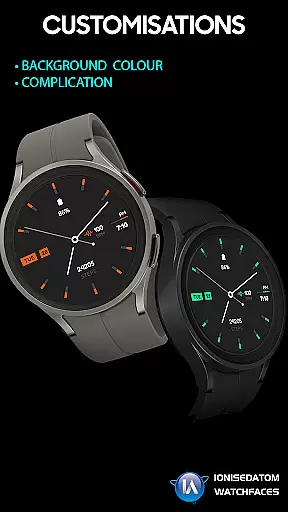
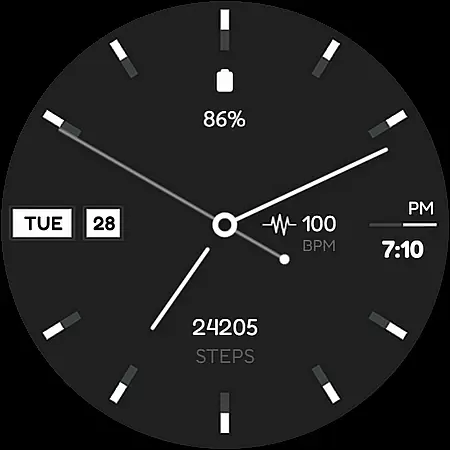
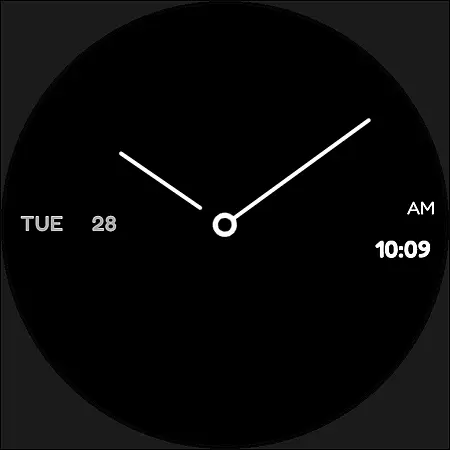
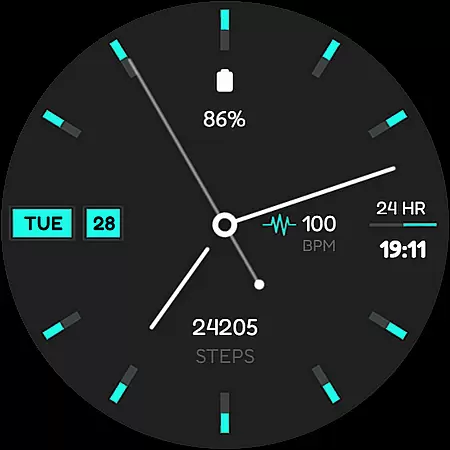
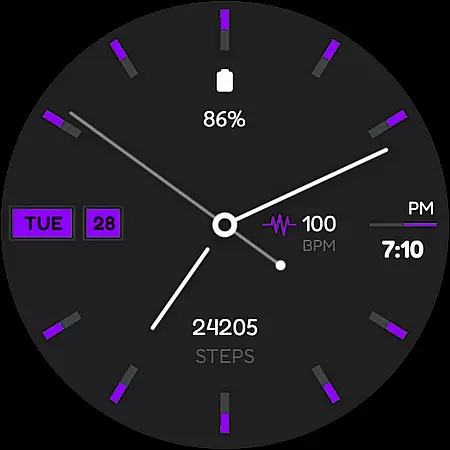
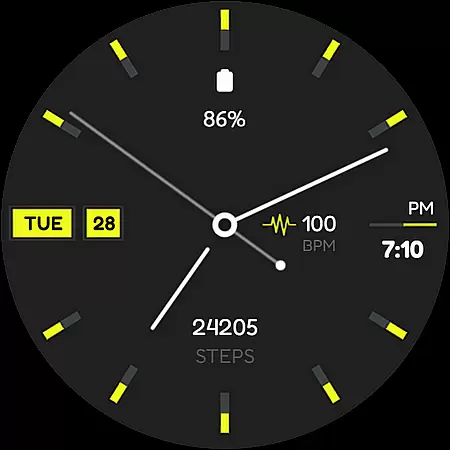
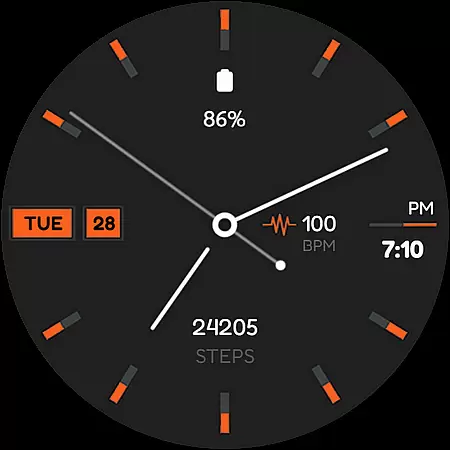
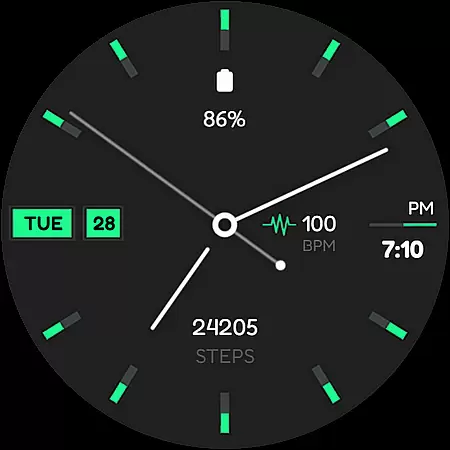
Minima 4 Minimal Watchface is a hybrid analog-digital watch face designed for Wear OS 3.0 and above (API 28+). It combines classic analog hands with a digital clock, offering users both style and functionality. The watch face features include a 12/24 HR digital clock with AM/PM display, date and day in multiple languages, a steps counter, editable complications, and customizable shortcuts.
This versatile watch face is ideal for users who want a balance of aesthetics and practicality on their smartwatch. With its clean design and customizable options, Minima 4 suits various occasions while providing essential information at a glance. Whether you're tracking your daily steps or checking the time, this watch face keeps you informed without cluttering your display.
Minima 4 stands out with its unique combination of analog and digital elements. The analog hands provide a classic look, while the digital clock ensures quick readability. Users can choose between 12-hour and 24-hour formats with AM/PM indicators, making it adaptable to different preferences and regions.
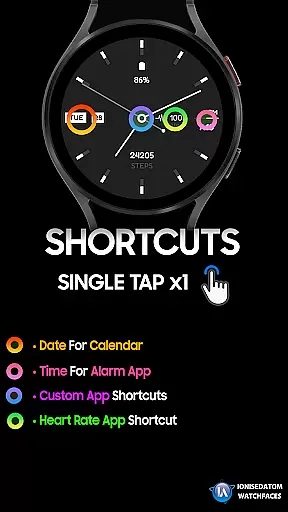
Additional features include multi-lingual support for date and day display, a built-in steps counter for fitness tracking, and editable complications for personalized information. The watch face also offers two customizable shortcuts, allowing users to access frequently used apps or functions directly from the main screen. These thoughtful additions make Minima 4 not just a timepiece but a comprehensive tool for everyday use.
For a wearable device like Minima 4 Minimal Watchface, seamless companion app integration is crucial. This feature ensures that the watch face you purchase and customize on your smartphone can be easily synchronized with your Wear OS device.
The Minima 4 watch face offers robust companion app integration, allowing users to make full use of their smartphone's capabilities to manage settings directly from the Galaxy Wearable app. This includes applying the watch face from the 'Downloads' category, ensuring that any customizations made are accurately reflected on your smartwatch.
This synchronization not only simplifies the setup process but also enhances user experience by providing a unified interface across devices. Whether it's adjusting complications or setting shortcuts, companion app integration makes the process intuitive and efficient.
Compatibility with Wear OS and various devices is a key aspect of Minima 4 Minimal Watchface. Designed for Wear OS 3.0 and above (API 28+), this watch face supports a wide range of smartwatches, ensuring broad device compatibility.
Minima 4 provides an analog-digital hybrid design that works seamlessly across supported devices. With features like analog hands, a 12/24 HR digital clock, date and day display, and step counters, users can enjoy a consistent experience regardless of their specific Wear OS device.
Moreover, the ability to customize complications and shortcuts adds another layer of versatility, making it suitable for different user preferences and needs. This extensive compatibility ensures that users can fully leverage the capabilities of their smartwatches without worrying about technical limitations.
Hybrid Analog-Digital Design
Customizable Shortcuts
Multi-Lingual Date Support
Editable Complications
Clean Minimalist Aesthetic
Potential Payment Bug
Limited to Wear OS 3.0+
Requires API 28+
No Advanced Fitness Tracking
Basic Customization Options

Gym Log & Workout Tracker | Fitness Journal, Training & Weight Lifting Planner
 4.90
4.90
Watch the sharpness of the sky on your wrist..
3.70
an Analog Watch Face for winter season with freeze winter background for Wear OS
4.2
Wear Os Watch Face - Animated Snow Effect & Magic Spark - 6 Scenes
4.10
Watch face designed for Thanksgiving Day. 7 Background Styles included.
3.20
Minimalistic design modern digital watch face.
4.2
Stylish, Energizing and Modern Watch Face crafted by Dominus Mathias.
4.50
Retro digital watch face with customizable colors and a unique lighting effect
4.60
A modern hybrid informative watch face for Wear OS designed by BALLOZI
4.80
The Chevron App allows you to pay for fuel from the comfort of your car!
4.80
Hybrid watch face for Wear OS with customizable complications by Matteo Dini MD
4.70
Connect to your Bluelink equipped Hyundai vehicle from your smartphone.
4.50
Bold weather Digital watchface with forecast & optional animated background
4.40
Premium hybrid watch face with many customizations for Wear OS devices.
4.40
Your music, your playlists, and more—offline and unlimited.
4.20
Professional weather radar and more
3.90
Wear Os Watch Face - Animated Snow Effect & Christmas Lights
4.1
3 Complications. All shadow on/off. 30 Themes color palette...
4.3
Fitness interactive virtual pet super fighter boy watch face
4.5


User Reviews