
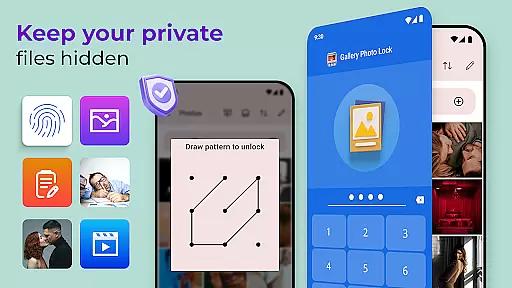
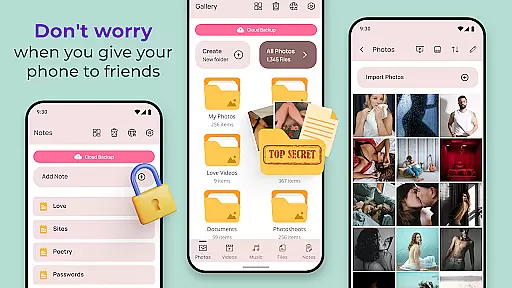
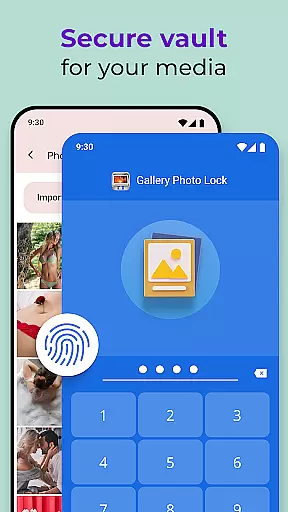
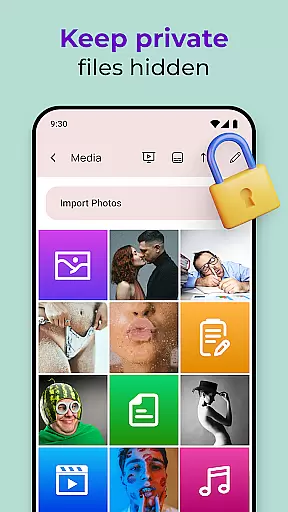
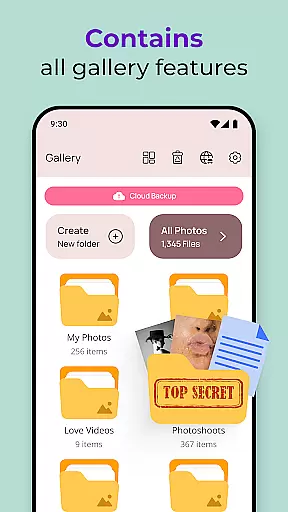
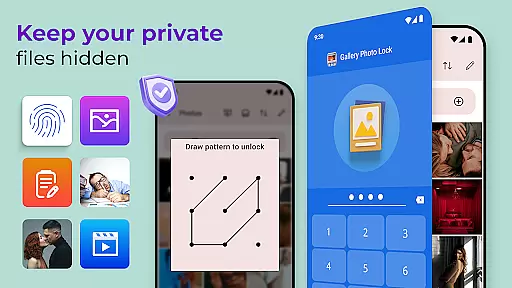
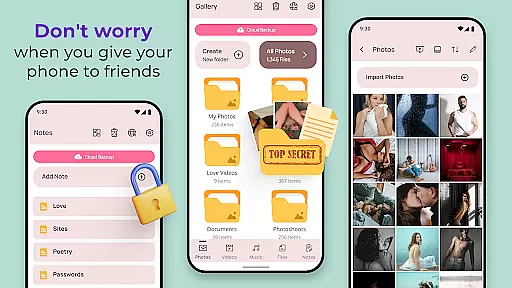
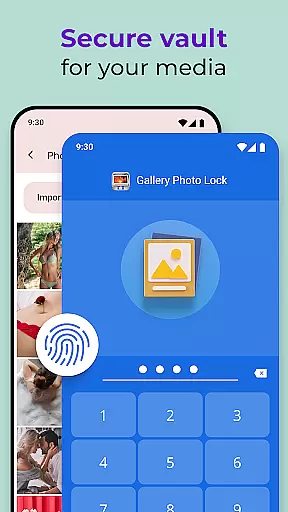
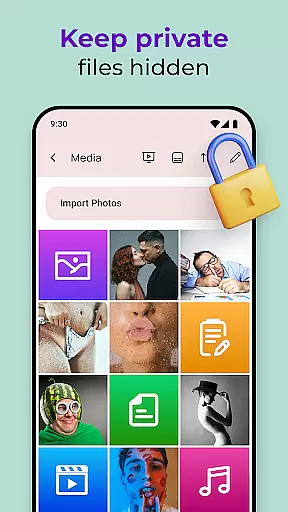
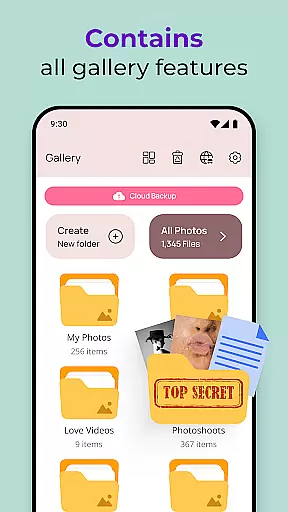
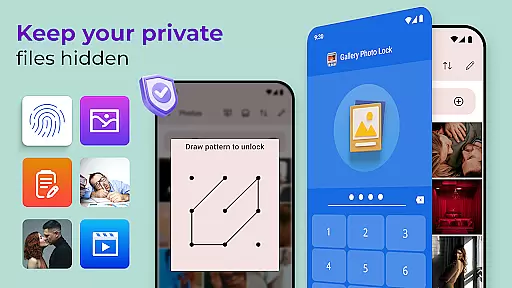
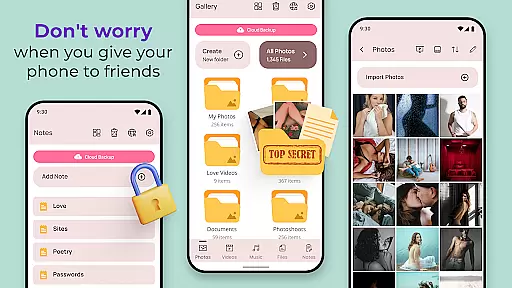
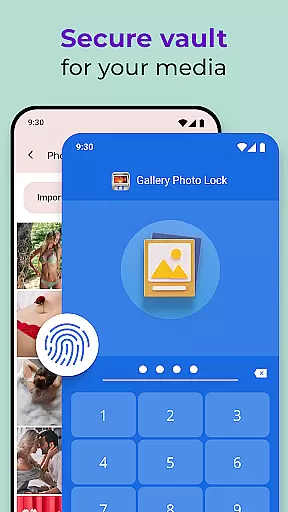
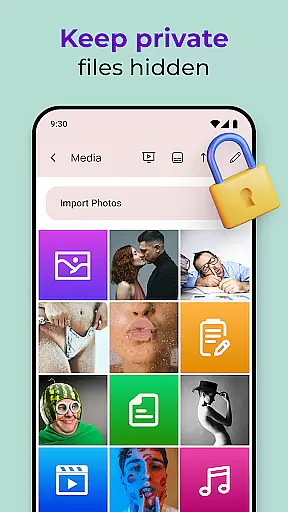
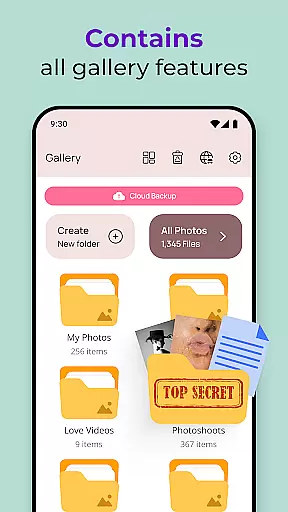
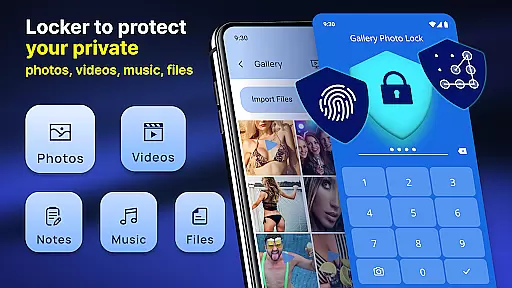
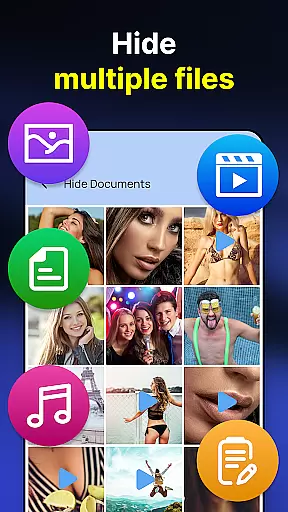
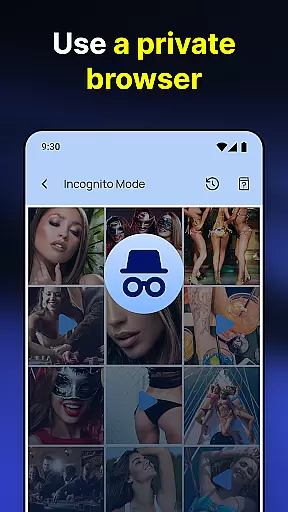
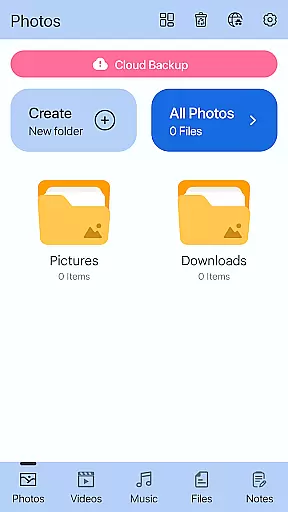
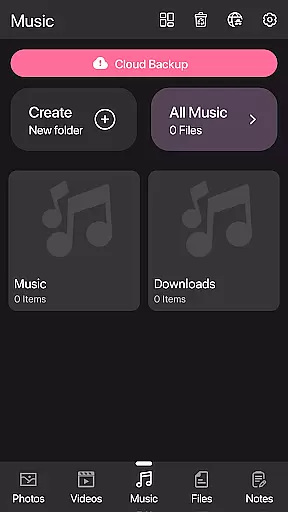
Photo Lock App - Hide Pictures is a comprehensive privacy protection solution designed to safeguard your personal media files. This app allows users to effortlessly hide an unlimited number of images and videos, ensuring that private content remains secure on your device. With features like fingerprint authentication, cloud backup, and customizable lock screens, it offers multiple layers of security while maintaining user convenience.
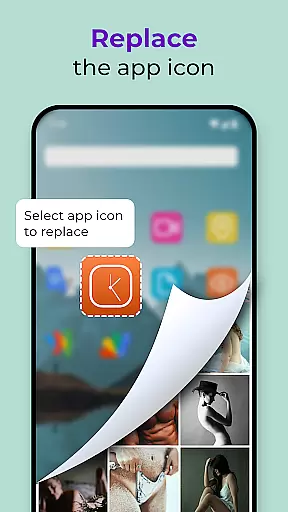
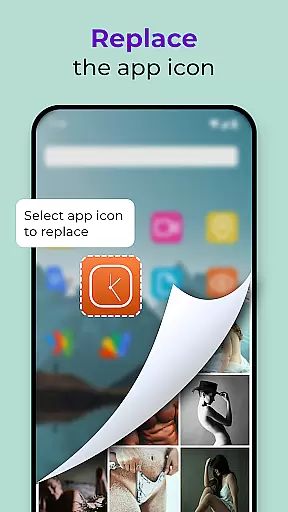
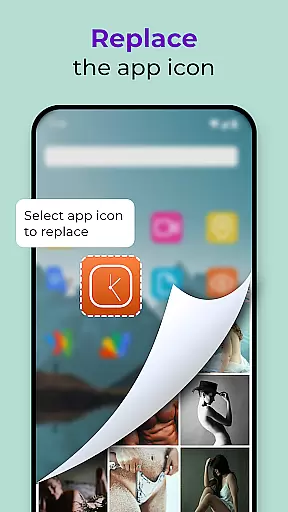
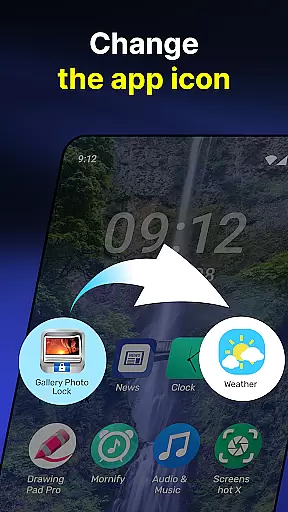
The application's standout feature is its ability to replace the app icon with common icons like news or weather, effectively camouflaging itself. Additionally, the face-down lock function automatically closes the app when the device is placed face down, providing extra security against unauthorized access. These robust privacy protections make it ideal for users who frequently lend their devices to others but still want to keep certain files confidential.
Photo Lock App - Hide Pictures boasts an impressive array of features that cater to various privacy needs. The app supports biometric authentication through fingerprint unlock, allowing quick yet secure access to hidden files. Its cloud backup functionality ensures that users can restore their data even if they switch devices or experience data loss.
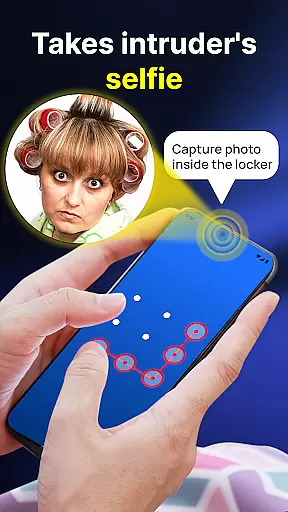
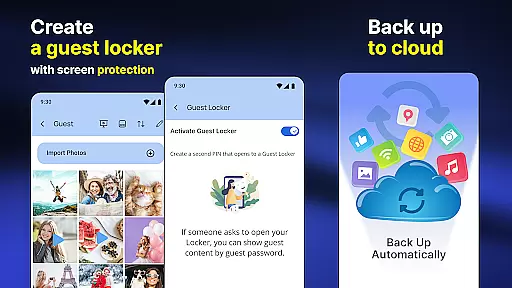
Another notable feature is the Guest Locker, which lets users create a decoy gallery with a different password to store less sensitive files. The Intruder Selfie function captures photos of anyone attempting unauthorized access, adding an extra layer of security. Moreover, the inbuilt viewer and player provide seamless access to hidden media without leaving the app environment, making it both functional and discreet.
Customization is at the heart of the Gallery Photo Locker, allowing users to tailor their privacy experience. The app offers multiple ways to customize how you interact with your hidden media, ensuring that your privacy needs are met in a way that suits you best.
One of the standout customization features is the ability to replace the app icon with something less conspicuous, like a weather or news icon. This feature cleverly masks the app's true purpose, adding an extra layer of security against prying eyes. Additionally, the Galerie Lock Themes let you personalize the look and feel of the Private Photo Vault, making it truly yours.
The app also includes a Guest Locker option, which lets you create a decoy gallery with a different password. This allows you to show a harmless set of images if someone demands access, while your real private collection remains securely hidden. Such innovative customization options ensure that your privacy protection adapts to various situations.
These customization features not only enhance user experience but also reinforce the overall security of the app. By offering diverse ways to protect and manage your private content, the Gallery Photo Locker empowers users to maintain control over their personal data in a personalized manner.
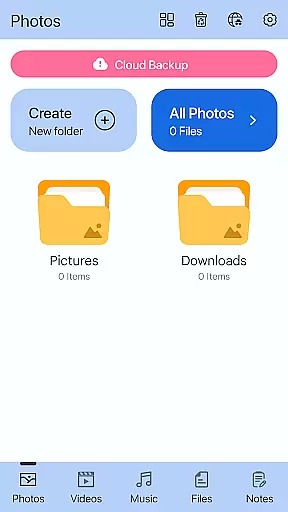
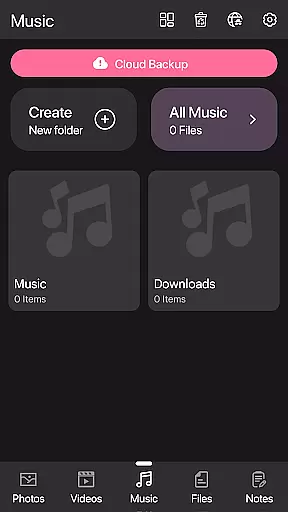
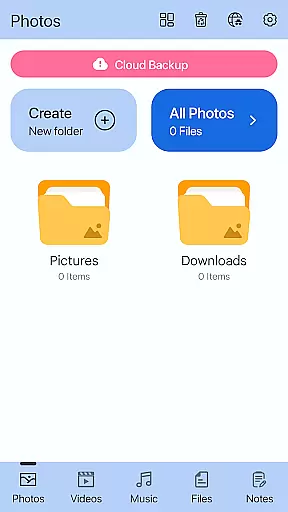
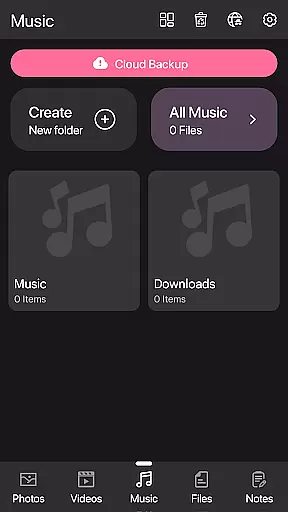
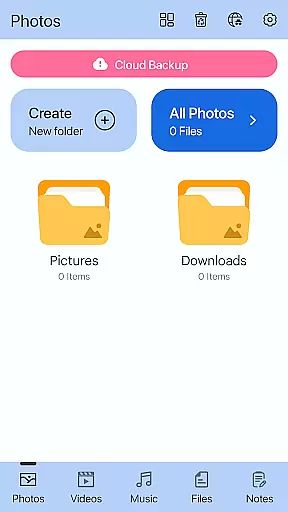
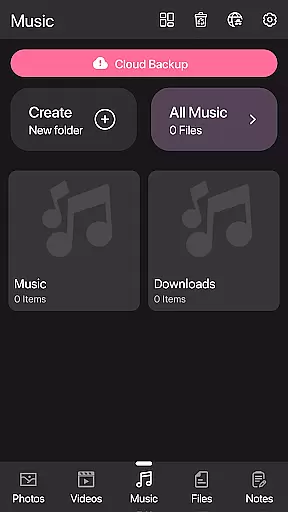
Theme compatibility in the Gallery Photo Locker ensures that users can enjoy a visually cohesive experience across their devices. The app supports various themes, allowing users to choose one that aligns with their deviceu2019s aesthetics or personal preferences, enhancing both usability and visual appeal.
The Galerie Lock Themes feature provides several customization options for the Private Photo Vault interface. Users can select from different themes that change the appearance of the app, making it blend seamlessly with other apps or stand out as desired. This flexibility in theme selection ensures that the app remains visually fresh and engaging.
Moreover, the ability to replace the app icon ties into theme compatibility by letting users pick an icon that matches their chosen theme or disguises the app's function entirely. Whether opting for a calculator, weather, or news icon, this feature complements the overall theming capabilities of the app.
By focusing on theme compatibility, the Gallery Photo Locker not only enhances its functionality but also delivers a more integrated and enjoyable user experience. This attention to detail in visual customization helps maintain user engagement while reinforcing the importance of privacy protection through aesthetic consistency.
Easy-to-use interface
Secure cloud backup
Biometric authentication
Customizable app icon
Intruder detection system
Premium features locked
Occasional bugs reported
Limited free storage
Ads in free version
Complex setup process

Capture moments that pass like a storm, second by second.
 4.2
4.2
Winter's Journey: digital watch face for Galaxy Watch & Wear OS
4.80
Ultimate widget creator. Design custom widgets for a truly unique home screen!
3.90 4.50
4.50
Your go to Weather App & Home Screen. Get your weather at a swipe of a finger!
3.80
Crystal-clear, square icon provides a sleek and sophisticated visual upgrade
4.00
200+ Material Inspired Widgets
4.50
Transform your device in a game console
4.40
Custom ringtones songs, music ringtones for Android phones
4.60
Wallpaper HD 4K Live - Thousands of high-quality Anime backgrounds for you.
4.80
Customizable Glass widgets. Over 360+ stunning widgets and more!
4.70
Ultra realistic high quality analog watch face for Wear OS.
4.60
Icons made of colorful linear lines
4.60
Handcrafted pixel art icons, widgets & wallpapers
4.60 4.50
4.50
Yandex Browser — stylish and secure, with voice search and data compression
4.40
Wear Os Watch Face - Seasonal - Animated Snow Effect - 9 Animals
4.20 3.50
3.50
⭐ OneUI inspired Fluffy Icon Pack – Soft. Stylish. Standout. ⭐
4.3


User Reviews