

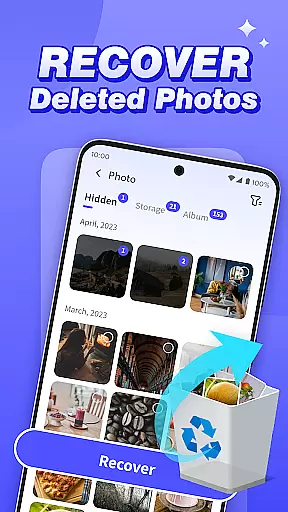


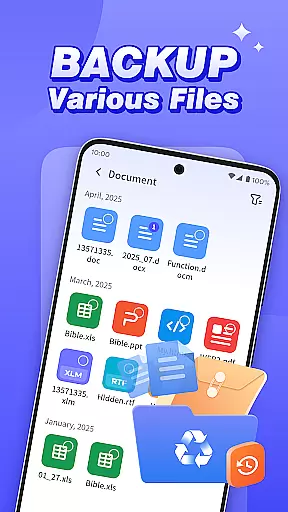

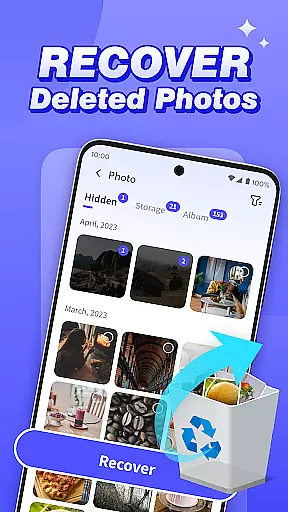


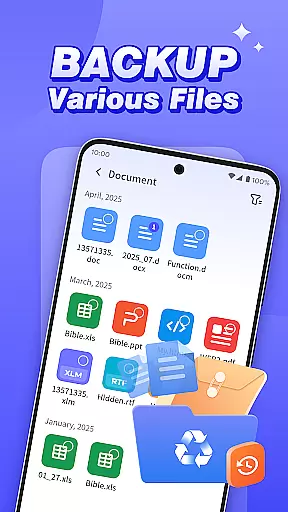

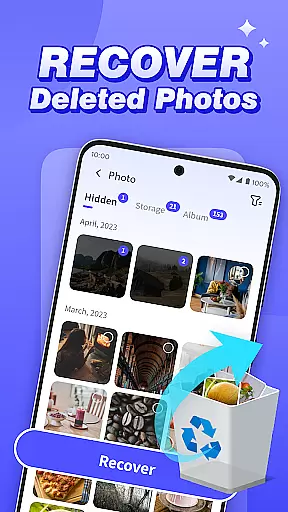


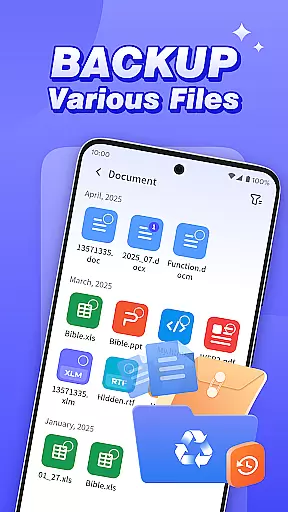
Photo Recovery Plus is a comprehensive data recovery tool designed for Android users, offering solutions to recover lost photos, videos, audio files, documents, and entire folders. The app's core functionality lies in its ability to restore deleted media and files directly to the user's device without requiring technical expertise. Its intuitive interface allows users to easily navigate through recovery options.
In addition to recovery features, the app provides a reliable backup solution to prevent future data loss due to accidental deletion or device malfunction. Whether it's precious memories captured in photos or important work documents, Photo Recovery Plus ensures users can retrieve and safeguard their valuable digital content. This makes it an essential tool for anyone looking to protect their data on Android devices.
Photo Recovery Plus stands out with its diverse range of practical features tailored to meet various data recovery needs. The app offers specialized tools such as photo recovery, which helps restore accidentally deleted images, and folder recovery, enabling users to retrieve lost directories by filtering file types. These features are designed to be user-friendly, ensuring that even those without technical knowledge can recover their data effortlessly.
Another notable feature is the backup functionality, which allows users to create secure copies of their files. This ensures that critical data remains safe in case of device failure or unintended deletions. Additionally, the app supports recovery of videos, audio files, and documents, performing comprehensive scans to locate and restore deleted content accurately. With all operations performed locally on the device, Photo Recovery Plus guarantees privacy and security while delivering reliable performance.
At the heart of Photo Recovery Plus lies its ability to accurately and effectively recover lost data, a crucial feature for any data recovery tool. This app specializes in retrieving deleted photos, videos, audio files, and documents from Android devices, ensuring users can restore precious memories and important information without the need for technical expertise.
The app employs advanced scanning algorithms that meticulously comb through the device's storage. By identifying files based on specific paths and metadata, it ensures a high degree of accuracy in locating and restoring deleted content. This process is both comprehensive and efficient, offering users peace of mind knowing their data is retrievable.
Photo Recovery Plus stands out by addressing diverse recovery needs, whether it's recovering individual files or entire folders. The app provides practical tools that are easy to use, allowing users to filter recoverable content by file type and preview items before restoration. This functionality significantly enhances the user experience by simplifying the recovery process.
Ultimately, the core function of Photo Recovery Plus delivers tangible value by safeguarding users' digital lives. Its effectiveness in restoring lost data not only meets the immediate needs of users but also builds trust in its reliability as a data recovery solution.
A user-friendly interface is essential for ensuring that users can navigate and utilize an app's features effortlessly. Photo Recovery Plus excels in this area by providing an intuitive design that simplifies the complex task of data recovery, making it accessible even to those with limited technical skills.
The app's layout is thoughtfully organized, presenting users with clear options for photo recovery, file backup, and folder recovery. Each feature is easily accessible from the main screen, reducing the learning curve and enabling users to initiate recovery processes with just a few taps. This straightforward approach eliminates unnecessary complexity.
Moreover, Photo Recovery Plus offers step-by-step guidance throughout the recovery process. Users are provided with simple instructions and visual cues that make each step transparent and manageable. This guidance ensures that users feel confident and in control, enhancing their overall experience with the app.
By prioritizing interface simplicity and intuitiveness, Photo Recovery Plus empowers users to focus on what truly mattersu2014recovering their valuable data. The app's design philosophy ensures that users can achieve their goals efficiently, reinforcing its position as a reliable and user-centric data recovery tool.
User-friendly interface
Comprehensive file recovery
Secure local processing
Backup functionality included
Wide file type support
Recovery success varies
No factory reset recovery
Limited by device storage
Performance depends on model
Requires sufficient space

Quickly switch to an encrypted DNS server on Android TV
 4.50
4.50
A powerful, easy-to-use flight computer on your phone or tablet!
3.80
A recovery soft,it features photo recovery, video recovery, file recovery.
3.40
1-Click close all background apps on Android TV
3.90
MS-DOS in your pocket. Play old DOS games anywhere you are ;)
4.10
Mirror your screen to Chromecast and Android TV - Super fast and simple
4.60
Bedrock Together: Join any bedrock server on Xbox/PS
4.80
Connect wirelessly to your computer to watch movies, browse the web, play games
5.00
Screen Mirroring with sound for Samsung TV, LG TV, Sony TV, Smart TV and Browser
4.20
Support Fossify apps with a warm thank you!
5.00
Canon PRINT is a companion app for your Canon printer.
4.60
Keep track of your Palia friendships, tasks, and inventory with Palia Notebook
4.60
Game Booster, GFX Tool is now compatible with newer game update
4.50
Use your phone as a webcam on your computer over WiFi or USB.
4.40
Universal TV remote control all TVs, Roku, LG, Samsung, Fire, Vizio, Sony, TCL.
4.40
Forza Tuning Calculator App for Forza Horizon 5, Motorsport and Earlier Titles
4.40
Effortlessly run ADB commands directly on your device without a PC.
4.20
Create your own custom widget with endless possibilities
3.90
This app unlocks the Pro features of the Central for DayZ app
3.60


User Reviews