
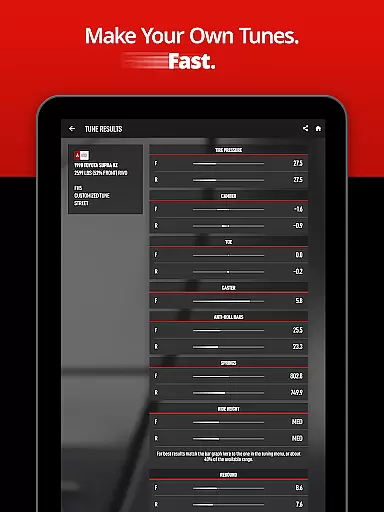
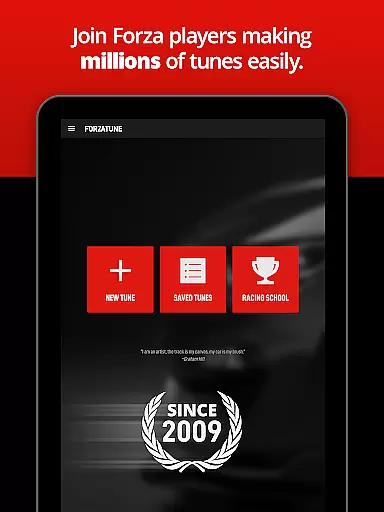
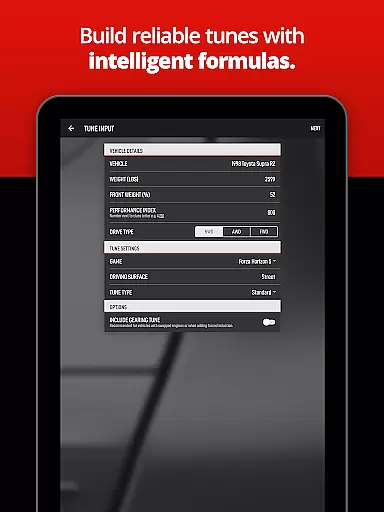
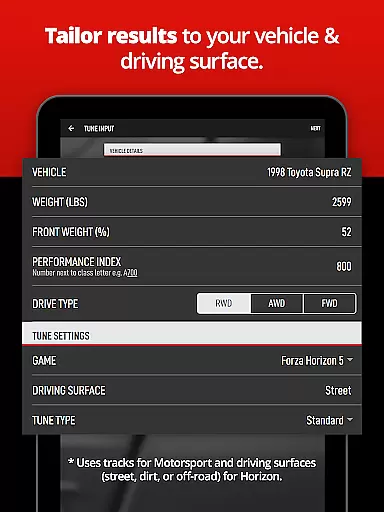
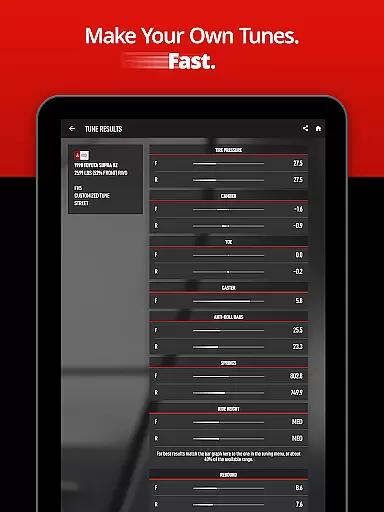
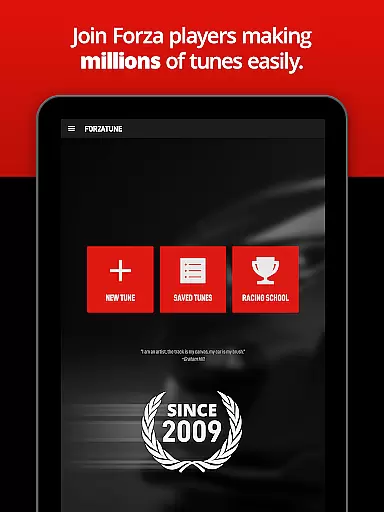
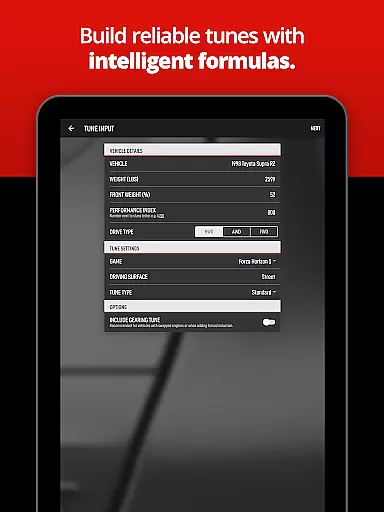
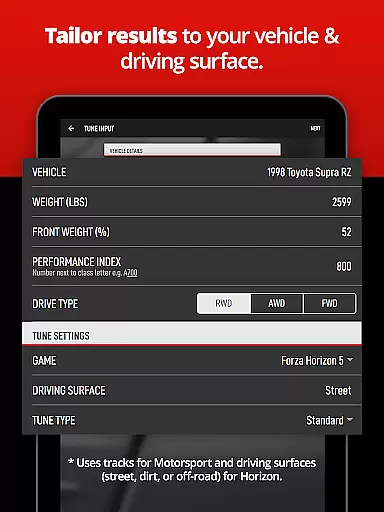
ForzaTune Pro is a premier tuning application designed for Forza Motorsport and Horizon enthusiasts who want to optimize their in-game vehicles. This app strikes the perfect balance between simplicity and depth, allowing users to create custom tunes that match their driving style without requiring extensive technical knowledge. Whether you're building a Mustang for Laguna Seca or a Supra for street racing, ForzaTune Pro provides an expertly calculated base tune including gearing.
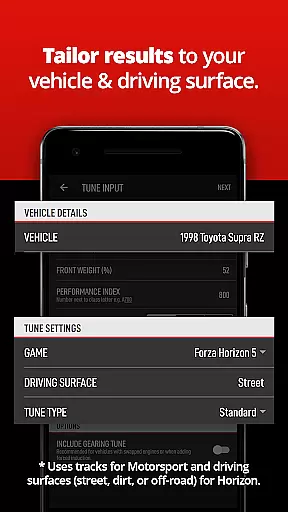
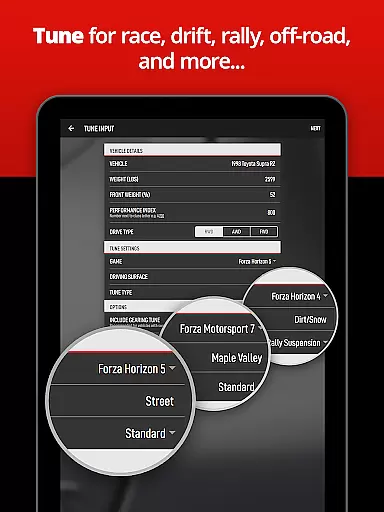
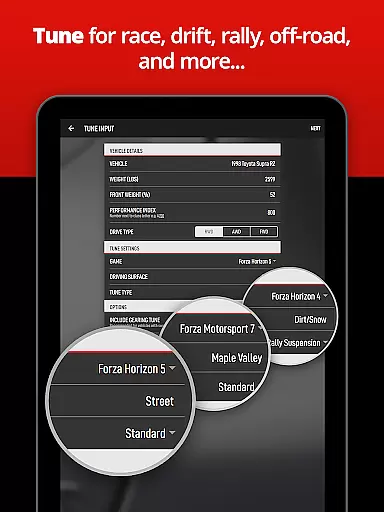
The app supports multiple game titles, including Forza Motorsport (2023), Forza Horizon 5, and earlier versions. It offers specialized tuning options for race, street, drift, rally, and off-road scenarios, ensuring your vehicle performs optimally across different terrains and conditions. With intelligent features like oversteer/understeer adjustments, gearing calculators, and fine-tuned balance controls, ForzaTune Pro caters to both beginners and experienced tuners alike.
One of the standout features is its ability to save and manage tunes, making it easy to transfer settings between devices or share with friends. The app's formulas are meticulously tested and adjusted specifically for Forza games, ensuring accurate and balanced results every time. By using ForzaTune Pro, players can experience the satisfaction of driving a car that’s perfectly tuned to their preferences, giving them a competitive edge in races.
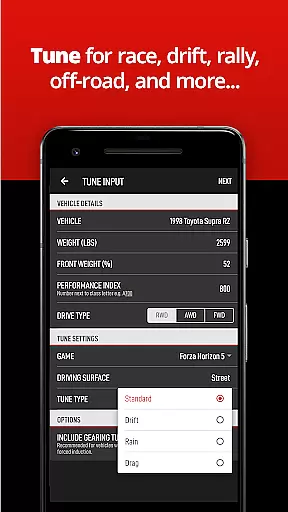
ForzaTune Pro boasts a comprehensive set of features tailored to enhance your tuning experience. The app includes support for over 1400 vehicles across various Forza titles, ensuring compatibility with the latest cars and tracks through regular monthly updates. Users can create multiple types of tunes such as race, street, drift, drag, rain, rally/snow, and off-road setups effortlessly.
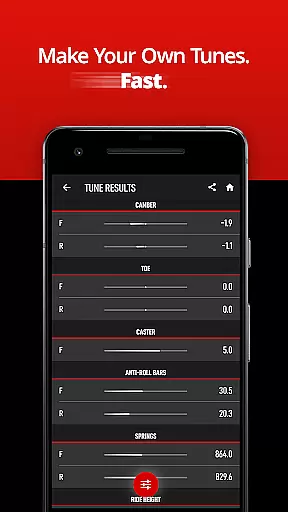
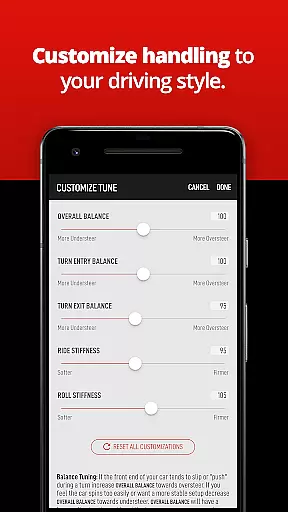
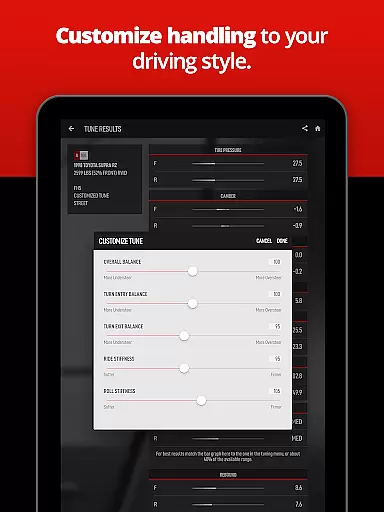
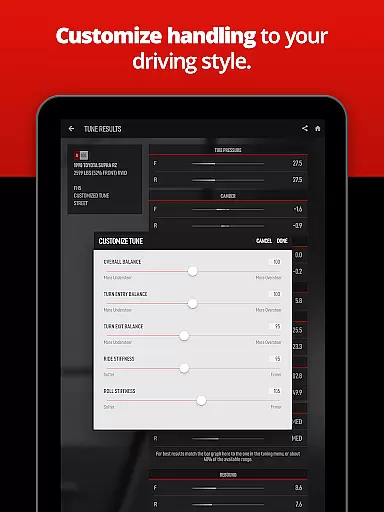
A key feature is the intelligent gearing calculator, which allows users to retune gears easily to match engine swaps or major power upgrades. Additionally, the app provides advanced controls for adjusting overall balance, turn entry and exit balance, ride stiffness, and roll stiffness within seconds. These precise adjustments enable drivers to tailor their vehicles' performance to specific tracks and driving styles.
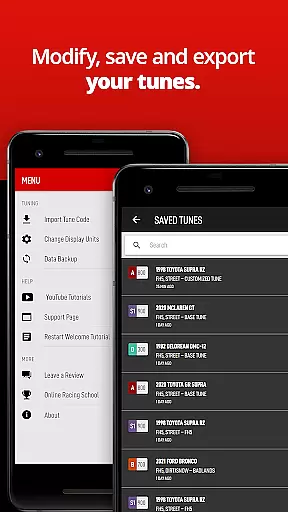
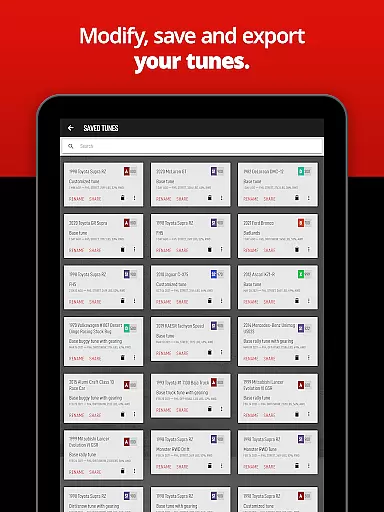
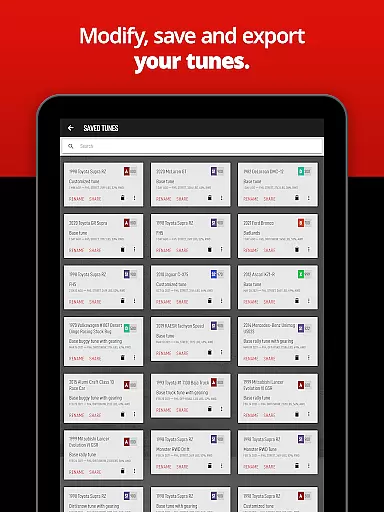
Another significant advantage is the ability to save, edit, search, and backup all your tunes. Export and import options facilitate transferring tunes to new devices or sharing them with friends without needing logins or accounts. ForzaTune Pro's formulas are based on race engineering principles but adapted for Forza’s unique simulation environment, ensuring reliable and tested results. This makes it an indispensable tool for anyone looking to elevate their Forza gameplay.
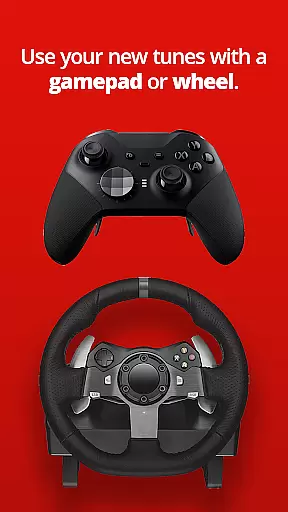
ForzaTune Pro excels in delivering accurate and effective tuning solutions for Forza games. The app uses advanced formulas to model your car based on real-world race engineering principles, adjusted specifically for the Forza gaming environment. This ensures that each tune is not only precise but also optimized for both gamepad and steering wheel controls.
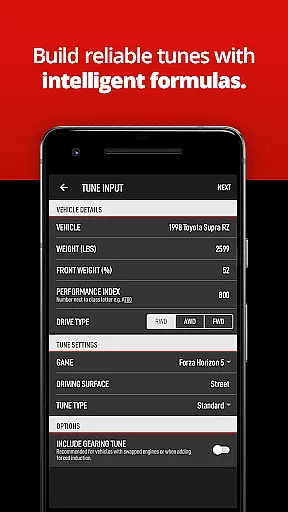
The core functionality includes an intelligent gearing calculator, which adapts to engine swaps or major power upgrades seamlessly. By inputting specific car details from the game, users receive expertly calculated base tunes tailored to their vehicle and track conditions. This eliminates the guesswork and manual adjustments typically associated with in-game tuning.
Players benefit from finely tuned cars that match their driving style and skill level. Whether you're a beginner looking for stability or an expert seeking edge control, ForzaTune Pro provides the tools to achieve a custom-tuned experience. This precision enhances gameplay satisfaction by ensuring cars perform optimally under various racing conditions.
ForzaTune Pro offers a streamlined and intuitive interface that simplifies the tuning process. Users can input car details directly from the game and receive comprehensive tuning results without navigating through complex menus or tutorials. This ease of use makes it accessible for both newcomers and experienced tuners alike.
The app's design focuses on user-friendly features such as quick adjustments for overall balance, turn entry and exit balance, ride stiffness, and roll stiffness. These options are presented clearly, allowing users to fine-tune their vehicles within seconds. Such intuitive controls ensure that even those new to tuning can quickly grasp essential concepts and apply them effectively.
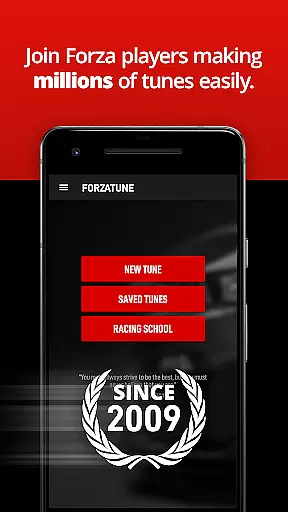
Additionally, ForzaTune Pro supports saving, editing, searching, and backing up tunes effortlessly. With export and import capabilities, sharing tunes between devices or friends becomes hassle-free. This simplicity in managing tunes enhances the overall user experience, making advanced tuning accessible to all Forza players.
User-friendly interface
Extensive vehicle support
Advanced tuning options
Regular updates
Comprehensive gear calculator
Requires in-game upgrades
Limited to Forza series
Paid version necessary
Steep learning curve
No automatic sync

 4.50
4.50
Change your GPS location instantly. Simulate routes anywhere in the world.
4.90
Just swipe the edge to do something!
4.40
Extremely fast, secure, and protects your privacy
4.80
card-reader app
2.20
ADB support Android 4.X-Android 13(Support wireless pair mode).No root required!
4.70
Excellent scientific calculator with symbolic algebra, integrals, derivatives
4.80
Connect wirelessly to your computer to watch movies, browse the web, play games
5.00
Introducing Smart Printer, your ultimate destination for printing solutions!
4.00
Bedrock Together: Join any bedrock server on Xbox/PS
4.80
WiFi Signal Strength Meter help you detect WiFi Signal Strength in real time.
4.80
Learn the vast amount of system information about device and monitor it's state
4.70
Protect your device with antivirus, storage cleanup, and system monitoring
4.70
Connect instantly to a fast, encrypted VPN with one tap
4.60
Canon PRINT is a companion app for your Canon printer.
4.60
eXtended Permission Manager - a small app to manage permissions and AppOps
4.50
Pro Emulator is an easy to use game console emulator for a range of consoles.
4.40
Just one-tap to easy translate in any language after calls within seconds.
4.20
MS-DOS in your pocket. Play old DOS games anywhere you are ;)
4.10


User Reviews