
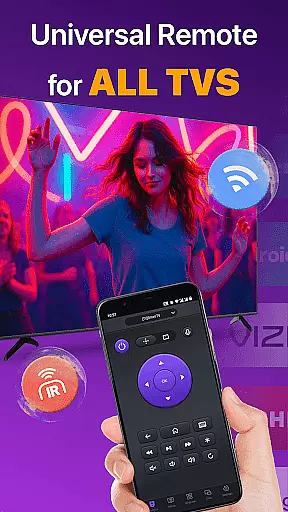
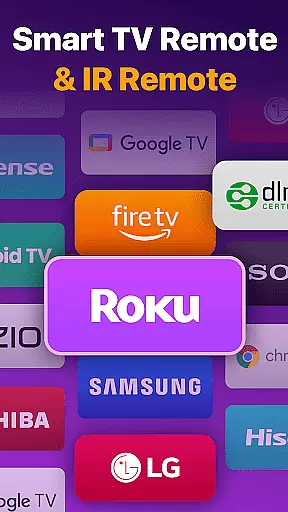
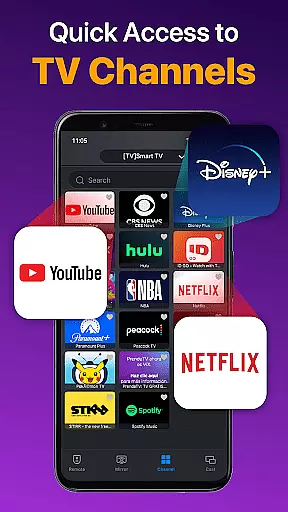
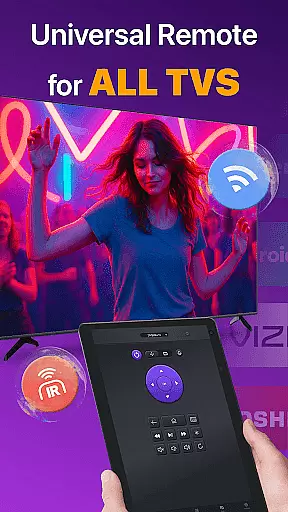
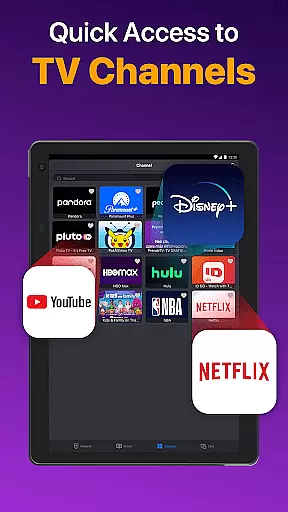
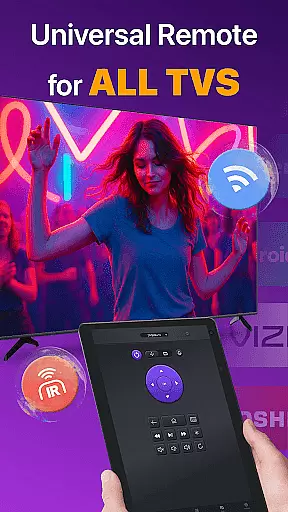
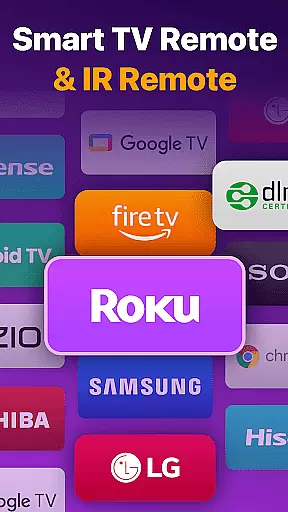
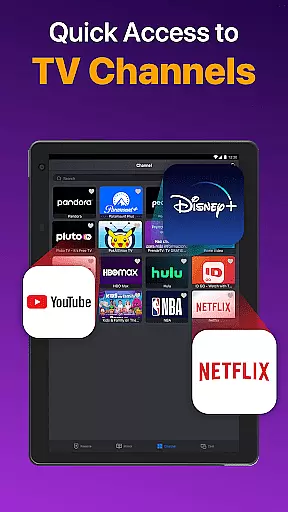
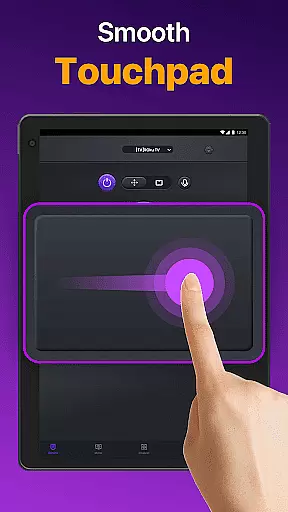
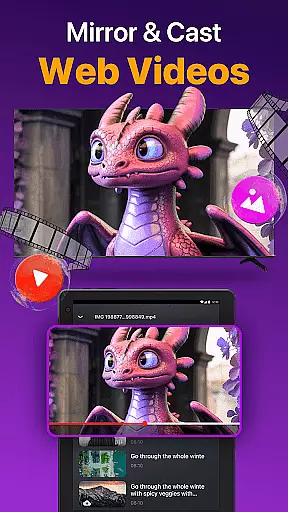
Universal TV Remote for All TV is a versatile remote control application designed to simplify the management of multiple smart TVs. This app supports major brands like Roku, LG, Samsung, and TCL, allowing users to seamlessly switch between devices without the need for multiple physical remotes. The app operates efficiently under the same WiFi network as your smart TV, providing essential functions such as power on/off, channel management, volume adjustment, and playback control.
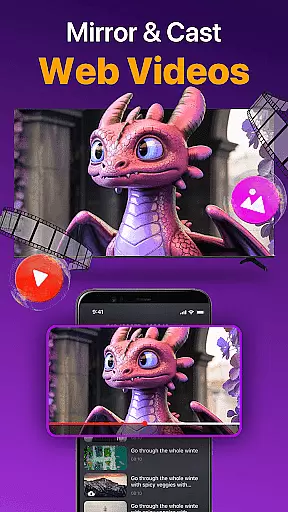
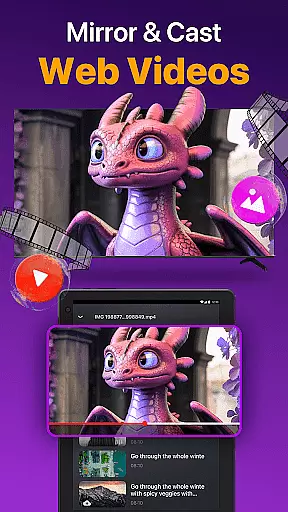
In addition to WiFi connectivity, Universal TV Remote also supports IR modes, ensuring reliable control even when WiFi is unavailable. Its intuitive interface includes a responsive touchpad and quick text input feature, enabling efficient navigation and search capabilities. Users can also cast photos and videos from their local albums or mirror their phone screens to the TV with minimal latency. These features make it an indispensable tool for modern smart TV owners seeking convenience and functionality.
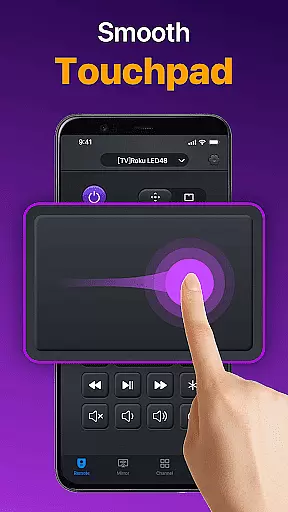
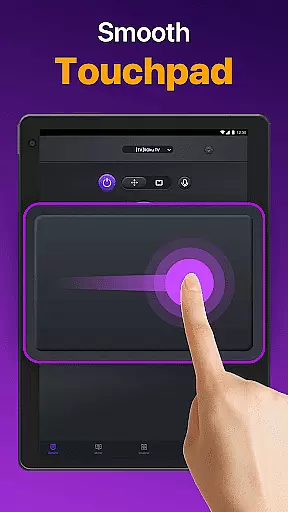
Universal TV Remote stands out with its comprehensive feature set tailored for smart TV control. The app's auto-detection capability identifies all compatible smart TVs on the same WiFi network, streamlining the connection process. Once connected, users can enjoy precise control over their TVs through a responsive touchpad interface, complete with volume control, reverse, and fast forward functionalities.
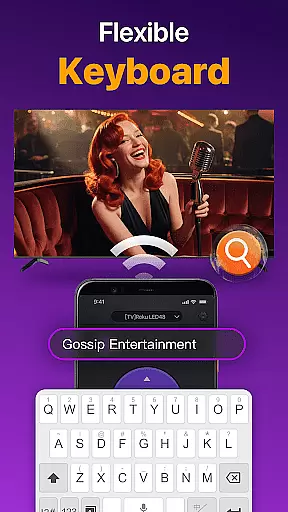
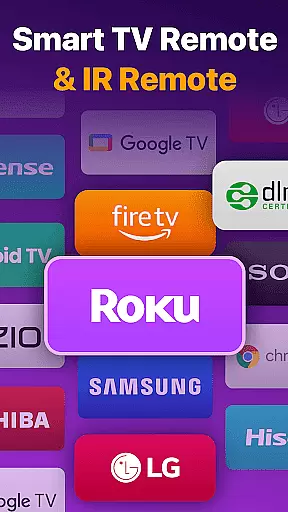
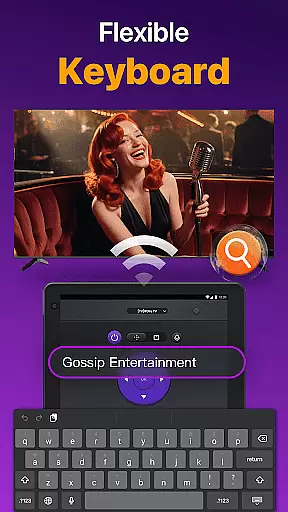
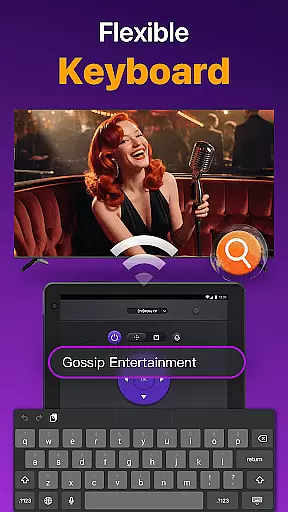
One of the standout features is the ability to perform quick text input and search, making it easy to find favorite shows or movies. Additionally, the app allows screen mirroring and casting to compatible devices, including Chromecast. With support for major brands like Vizio, Fire TV, Hisense, and Toshiba, this universal remote ensures broad compatibility. Whether you're controlling a Roku TV or managing content playback on a Samsung TV, this app delivers a seamless experience that enhances user interaction with their smart TVs.
Universal TV Remote for All TV is designed to provide accurate and effective control over a wide range of smart TVs. The app's core functionality lies in its ability to auto-detect all Smart TVs on the same WiFi network, enabling users to seamlessly switch between different TV brands such as Roku, LG, Samsung, and more.
The app ensures precise execution of commands, allowing users to manage channels, adjust volume, and control content playback with minimal latency. Its responsive touchpad feature enhances the efficiency of remote operations, making it comparable to using a physical remote control.
With added support for IR modes, the app extends its functionality beyond WiFi-dependent control, offering reliable performance even when network connectivity is unavailable. This dual-mode operation significantly increases the app's versatility and reliability in various usage scenarios.
By delivering consistent responsiveness and precision, Universal TV Remote for All TV establishes itself as an essential tool for users seeking a comprehensive and dependable remote control solution for their smart TVs.
The interface of Universal TV Remote for All TV is crafted to offer simplicity and intuitiveness, ensuring that users can easily navigate and utilize its features without a steep learning curve. Upon launching the app, users are greeted with a straightforward setup process that involves selecting their TV brand or stick, such as Fire TV, Samsung, Roku, and others, and connecting to their Smart TV.
Once connected, the app provides quick access to essential functions like volume control, reverse, fast forward, and power on/off capabilities. These controls are presented in a clear and organized manner, allowing users to effortlessly operate their TVs with just a few taps.
In addition to basic controls, the app includes a quick text input feature for efficient searching of shows or movies. This thoughtful design minimizes unnecessary complexity, focusing instead on delivering a streamlined user experience that prioritizes ease of use and accessibility.
Overall, the app's intuitive interface empowers users to harness the full potential of their smart TVs without being overwhelmed by complicated settings or procedures, making it an ideal choice for individuals seeking a hassle-free remote control solution.
User-friendly interface
Wide device compatibility
Efficient WiFi and IR modes
Quick text input feature
Screen mirroring capability
Requires same WiFi network
Occasional connectivity issues
Limited to tested TV models
No official brand affiliation
Dependent on device compatibility

A recovery soft,it features photo recovery, video recovery, file recovery.
 3.40
3.40
Clean the junk files on your device
3.40
Safely recover deleted photos, videos, and files with a single easy tap.
3.70
Quickly & easily calculate the spacing of handrail balusters
4.20
Mirror your screen to Chromecast and Android TV - Super fast and simple
4.60
Bedrock Together: Join any bedrock server on Xbox/PS
4.80
The Ultimate Bluetooth Keyboard & Mouse. Securely control your PC, Mac, and more
4.50
The Ultimate Flex Drivers Utility App - Convenient Tapping & Block Filters
4.70
The ideal app to be the digital eye of your family
3.40
Enjoy smooth gameplay with Game Booster
4.90
Planner and Tracker for Stardew Valley
4.60
Game Booster, GFX Tool is now compatible with newer game update
4.50
App that Recover your pictures, videos or files after you delete them.
4.20
Carry a FTP server in your pocket and avoid USB cables for file transfer
4.20
MS-DOS in your pocket. Play old DOS games anywhere you are ;)
4.10
This app unlocks the Pro features of the Central for DayZ app
3.60
Undelete and recover your lost or deleted files with DiskDigger!
3.40
card-reader app
2.20
Transfer Files, APK from Phone to Watch & Install.
4.5


User Reviews