
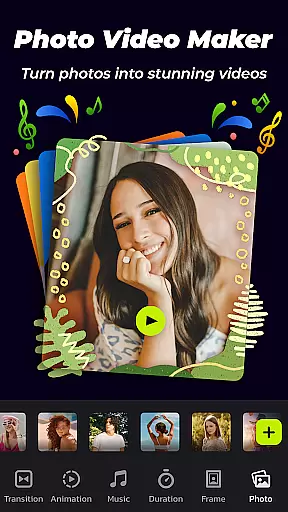
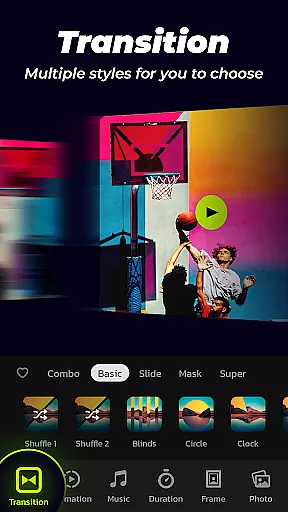

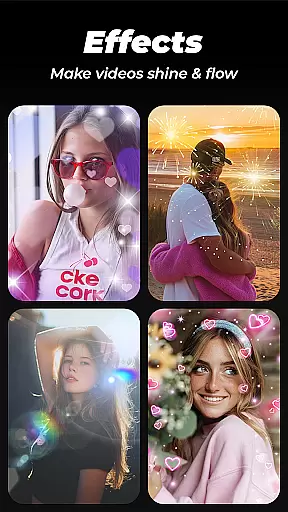
Photo Video Maker with Music - InSlide is a versatile video editing tool designed for creating engaging photo slideshows, music albums, and presentations. This app allows users to transform their photos and videos into professional-looking content by adding music, transitions, animations, and frames.
The app's intuitive interface enables users to create stunning videos in just four easy steps. Whether you're looking to revitalize dull photos, design visually appealing slideshows, or publish catchy videos on social media platforms like Instagram and TikTok, InSlide provides the necessary tools. With abundant well-organized content libraries and continuous updates, users can customize their creations extensively.
InSlide is suitable for both casual users who want to share precious moments with friends and professionals needing to create tutorial videos quickly. Its powerful features ensure that your creative vision is realized without compromising on quality or ease of use.
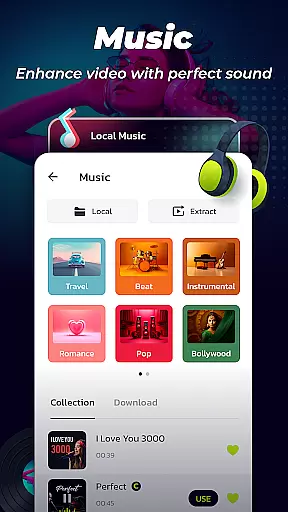
Photo Video Maker offers a comprehensive suite of features tailored to enhance your video creation process. One standout feature is the ability to add music directly to your slideshow. The app provides a wide range of online music styles including Pop, Bollywood, Love, and more. Additionally, users have the option to upload their own music tracks, ensuring a personalized touch to each project.
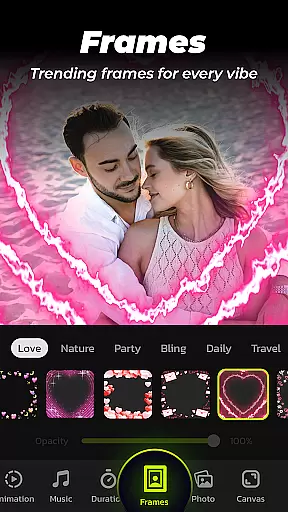
Another remarkable feature is the diverse collection of categorized frames. These frames come in various themes such as family, lovers, and travel, allowing users to seamlessly match them with their slideshow content. Coupled with customizable transition durations ranging from 0.5 seconds to 8 seconds, this ensures smooth visual flow throughout the presentation.
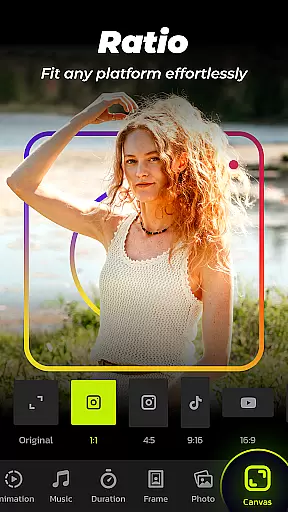
Resolution selection is another key aspect where InSlide excels. Users can choose from five different resolutions, ranging from 480P to 2K, tailoring the output to fit specific needs whether it be for easy sharing or enhanced visual quality. Moreover, adjusting the video aspect ratio makes it compatible with multiple platforms like YouTube, TikTok, Facebook, and Instagram, thus broadening its usability across different mediums.
Video format compatibility is a crucial feature for any video editing tool, ensuring that users can work with a wide range of file types. Photo Video Maker with Music - InSlide supports multiple formats, allowing creators to import and export videos without worrying about compatibility issues.
The application provides five resolution options, ranging from 480P to 2K, giving users the flexibility to choose the best quality for their needs. Whether it's for quick sharing on social media or high-quality presentations, this app ensures that your video maintains its integrity across different platforms.
In addition to supporting various resolutions, the app also allows you to adjust the video aspect ratio. This means you can easily tailor your slideshow for platforms like YouTube, TikTok, Facebook, Instagram, WhatsApp, and Twitter, making sure your content looks great no matter where it's viewed.
AI-powered editing features are revolutionizing the way we create and edit videos, offering smart solutions that save time and enhance creativity. Photo Video Maker with Music - InSlide incorporates such features, providing users with intelligent tools that automate complex tasks like transitions and animations.
One standout feature is the one-click transition effect, which eliminates the need to manually select transitions between images. With a diverse selection of transition effects, users can effortlessly optimize the visual flow of their slideshow, creating professional-looking videos in minutes.
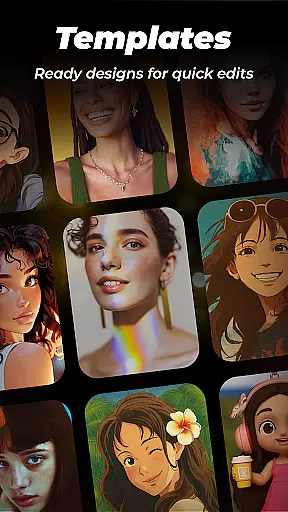
Beyond transitions, the app offers an extensive library of categorized frames and templates, continuously updated to keep content fresh and engaging. These AI-driven suggestions help users revitalize dull photos, design stunning slideshows, and publish eye-catching videos on social media platforms with minimal effort.
User-friendly interface
Extensive customization options
Versatile resolution settings
Abundant content library
Seamless social media integration
Limited advanced editing tools
Occasional bugs reported
Watermark in free version
Subscription fees apply
Heavy on storage

The smartest M3U IPTV Player your playlists have ever seen.
 4.1
4.1
Video Trimmer, Video to MP3 Converter. Extract music from video, Easy & Fast.
4.80
Video player with powerful streaming playback and various convenient features.
2.10
Movie maker & video editing app with AI effects and green screen
4.30
AI Video Editor:AI Music, Text to Video,Text to Speech,Auto Caption,Video Effect
4.00
IPTV Loader, loads your own Playlist. DOES NOT CONTAIN ANY LIST OR CHANNELS
4.60
Mix with Virtual DJ directly from your phone or tablet !
3.10
Flud is a simple and beautiful BitTorrent client for Android.
4.80
Video player with 4K & 1080P support, popup play, background play and subtitle.
4.20
HD Video player all format, HD Videos, Cast & Subtitle. No annoying ads.
4.60
Search & download videos from net with all video downloader, auto-detect & safe.
4.60
KineMaster, Your Ultimate Video Editor!
4.40
Create & edit videos with AI
4.30
LumaFusion: The Ultimate Storytelling Experience for Video Editing
4.10
Make your own Animations, Video and Photo Edits, Visual Effects, and more!
4.00
Livestream, news, & gaming content. Watch, chat, and upload. Join Rumble today!
3.80
This app is an emulator of some specific IPTV boxes
3.50
You can play SWF format file!
2.50
Stream high quality video from your camera over NDI protocol
4.1


User Reviews