
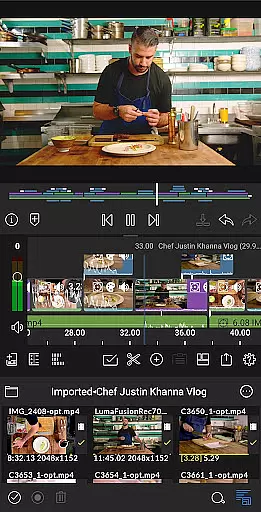
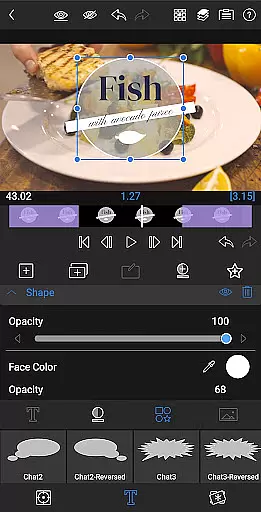
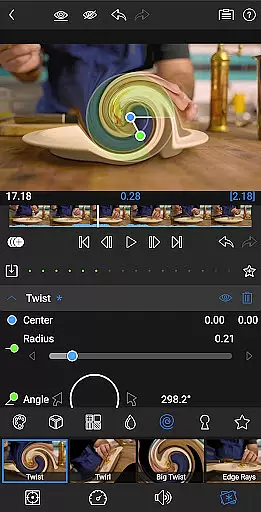
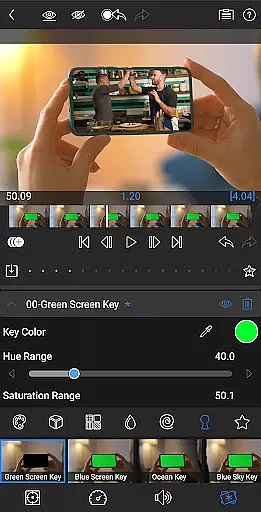
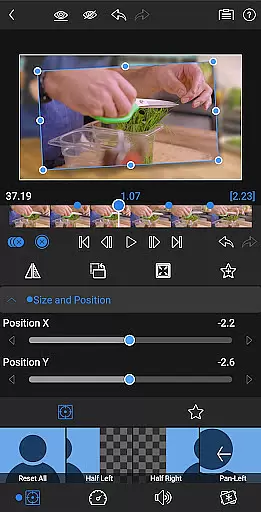
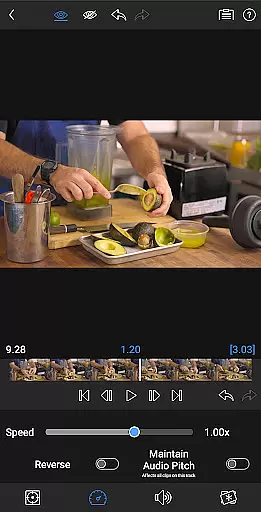
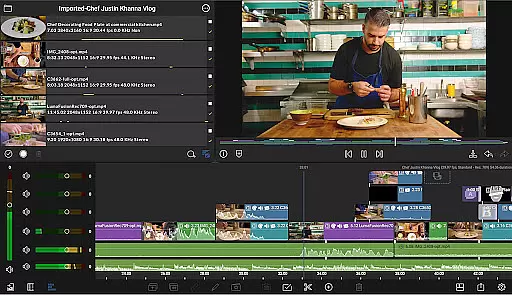
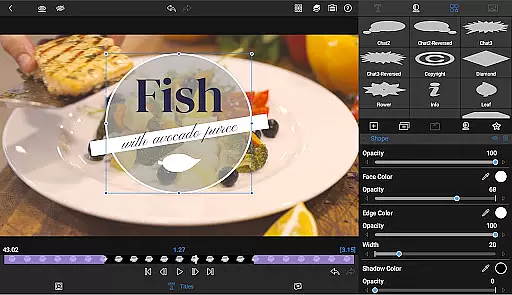
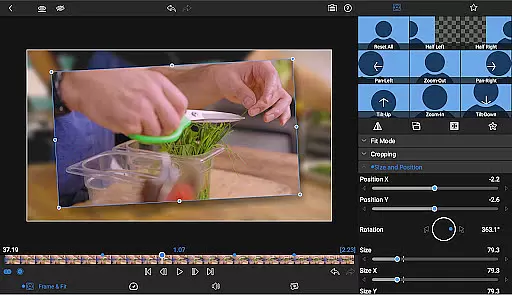
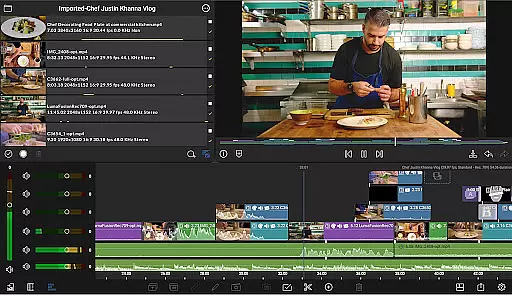
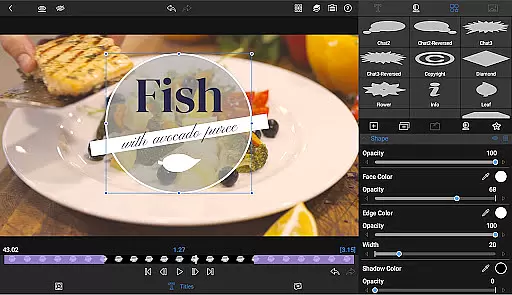
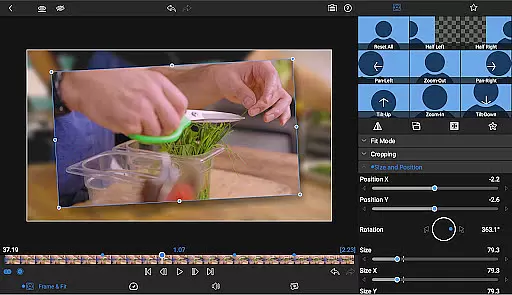
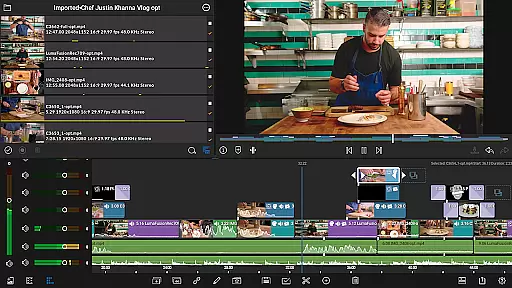
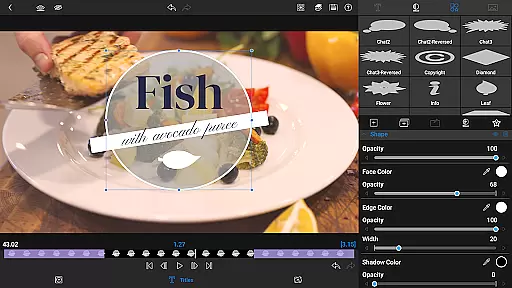
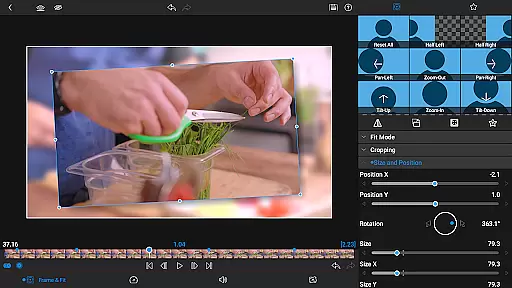

LumaFusion is the gold standard for storytellers, offering a fluid, intuitive touch-screen editing experience. With professional editing tools, it supports up to 4K media and provides six video-with-audio or graphic tracks alongside six additional audio-only tracks. The app features advanced audio control, layered effects, color correction, and creative titles with multilayer text.
Designed for flexibility, LumaFusion allows users to edit projects with various aspect ratios and frame rates. It also offers project flexibility and a comprehensive media library, enabling seamless access to content from different sources including cloud storage and USB-C drives. Creators can share their masterpieces directly to social media, local storage, or cloud storage with controlled resolution, quality, and format.
LumaFusion stands out with its ultimate timeline that combines track-based and magnetic editing, making fluent editing possible. The app includes a variety of transitions, markers, tags, and notes to keep your project organized. Unique capabilities like Dex Mode allow for a bigger screen experience, while voiceover recording and track height adjustment enhance usability.
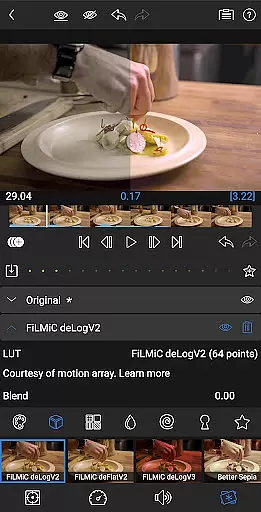
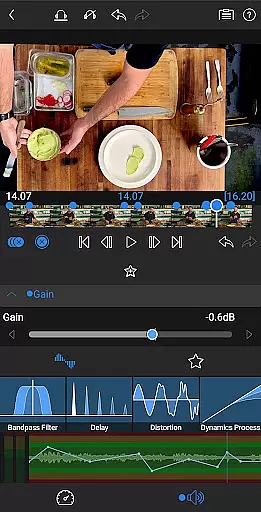
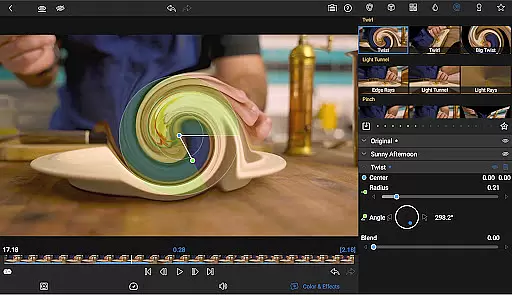
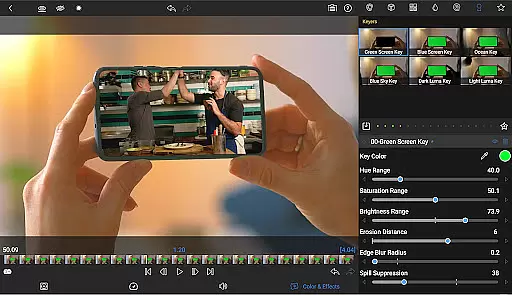
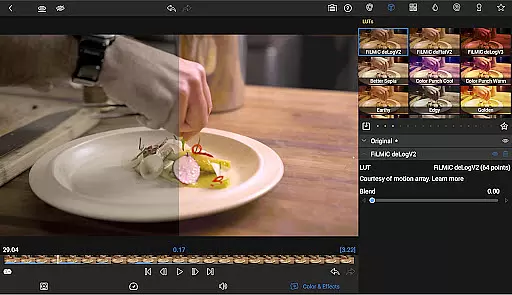
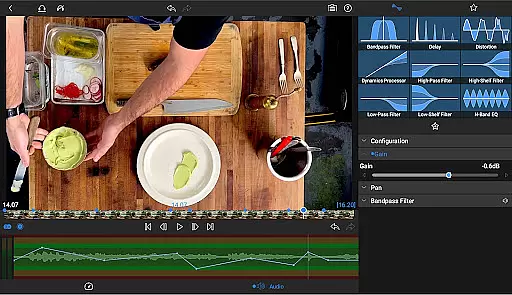
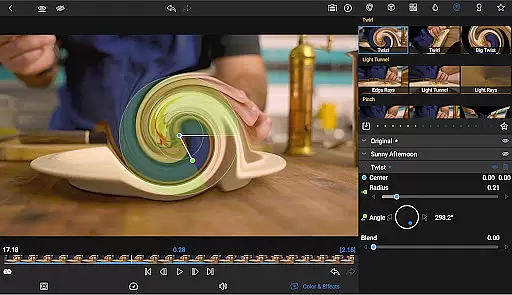
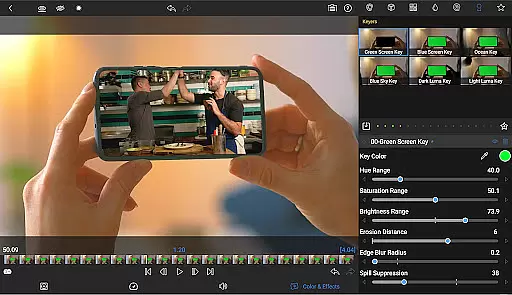
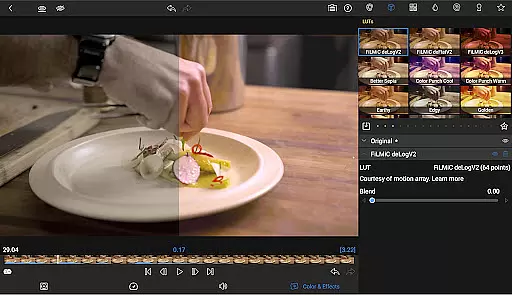
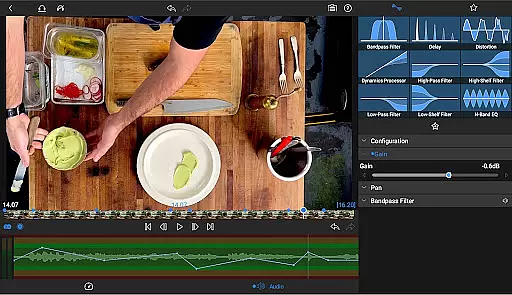
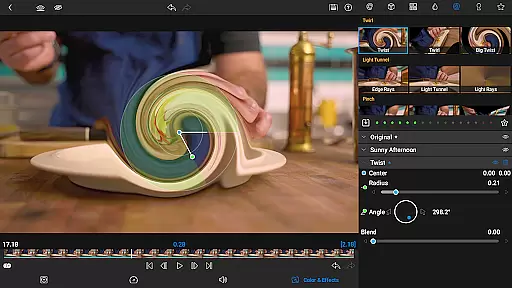
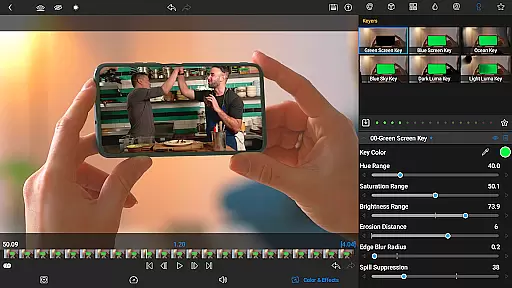
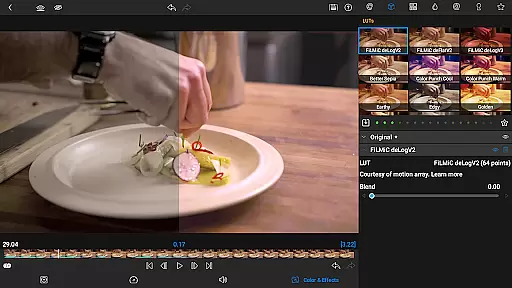
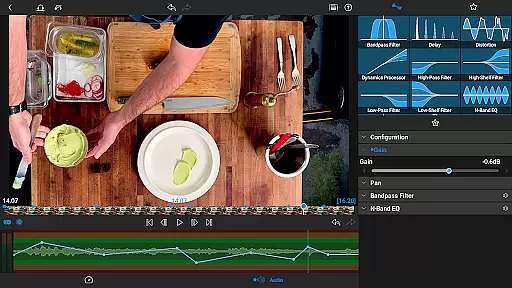
The app excels in layered effects and color correction, providing green screen, luma, and chroma keys along with powerful color correction tools. Users can import and apply LUTs, animate effects with unlimited keyframes, and save custom text and effect presets. Advanced audio controls include graphic EQ, parametric EQ, and keyframe audio levels, ensuring high-quality sound design.
Video format compatibility is a crucial feature for any video editing application, ensuring that users can work with a wide range of video files without conversion hassles. LumaFusion excels in this area by supporting multiple video formats up to 4K resolution.
The app allows creators to import and edit videos directly from various sources, including USB-C drives and cloud storage. This versatility ensures that no matter where your media is stored, you can access and edit it seamlessly within the app.
With six video-with-audio or graphic tracks, editors can create complex multi-layered projects while maintaining smooth performance. The ability to handle different file types and resolutions makes LumaFusion adaptable to diverse project requirements.
Moreover, LumaFusion offers flexible export options, enabling users to share their masterpieces in various formats suitable for social media, local storage, or cloud services. This comprehensive compatibility empowers creators to focus on storytelling rather than technical limitations.
AI-powered editing features are transforming the way video editors work by automating repetitive tasks and enhancing creative possibilities. LumaFusion incorporates several intelligent tools that streamline the editing process and elevate the final output quality.
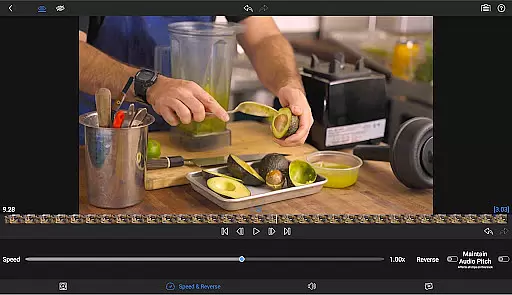
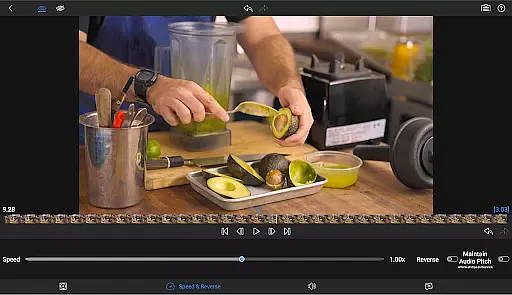
One standout feature is Speed Ramping, available through an in-app purchase or as part of the Creator Pass subscription. This tool allows editors to add eye-catching effects to on-screen motion, creating dynamic visual narratives with ease.
The app also includes advanced keyframing capabilities, such as Bu00e9zier curves and easing functions. These features enable precise control over animations, allowing titles, graphics, and clips to move naturally across the screen.
Additionally, LumaFusion's AI-driven audio tools, including Graphic EQ and Parametric EQ, help fine-tune soundscapes. The Audio Ducking feature intelligently balances music and dialogue levels, ensuring professional-quality audio mixes without manual adjustments.
Intuitive touch-screen interface
Professional-grade editing tools
Advanced audio and color features
Flexible project settings
Comprehensive media library access
Subscription required for full access
Some features need in-app purchase
Complex for beginners
High system requirements
Limited free support options

Fast, private downloading, video saving, social media
 4.50
4.50
You can play SWF format file!
2.50
Watch full episodes of your favorite Cartoon Network and Cartoonito shows!
3.50
Play and download HD videos from all sources — fast, simple, and all-in-one.
4.5
Browser for Samsung TV to stream webvideos, online movies and livestreams in HD
4.10
Fast private browser with secure, seamless access & supported video downloads!
4.00
Viddo: Generate Action Figure, AI Anime, AI kiss, AI hug Video from image & text
4.40
VLC for Android is the best open source video and music player, fast and easy!
4.10
Capture the moment and Cut
3.40
Video Trimmer, Video to MP3 Converter. Extract music from video, Easy & Fast.
4.80
Find, download, and play torrents with the official BitTorrent® Pro app
4.70
Watch a large amount of high-definition short drama content
4.60
Browser + Remote for Roku to stream webvideos, online movies and livestreams
4.60
HD video maker with no watermark, no ads & vlog maker with music, PIP, text
4.50
Video Downloader, Multiple Resolution Options, Video Player
4.50
Fast & Private Video Downloader App. Save all videos easily from the Internet.
4.40
Create & edit videos with AI
4.30
Make your own Animations, Video and Photo Edits, Visual Effects, and more!
4.00
Livestream, news, & gaming content. Watch, chat, and upload. Join Rumble today!
3.80


User Reviews