
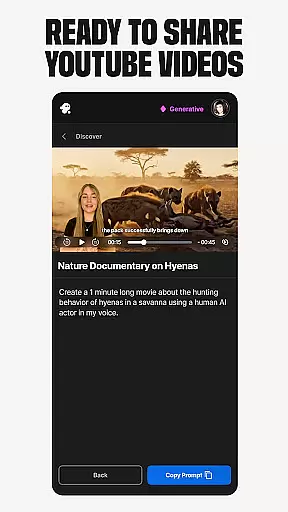
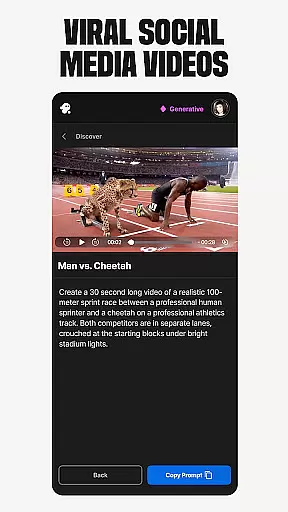
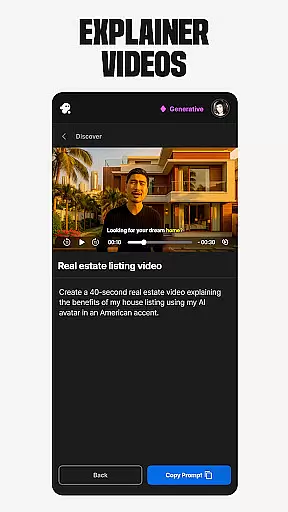
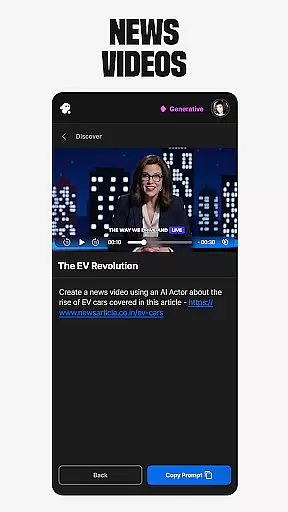
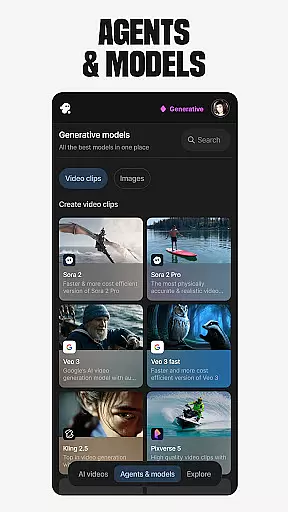
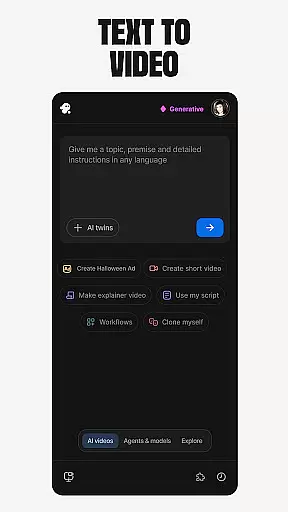
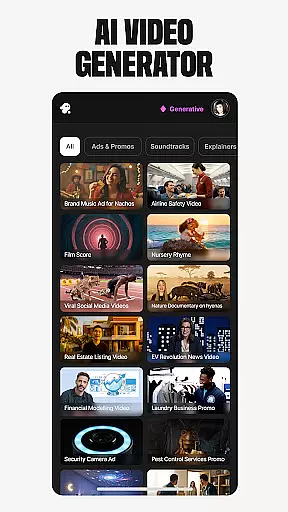
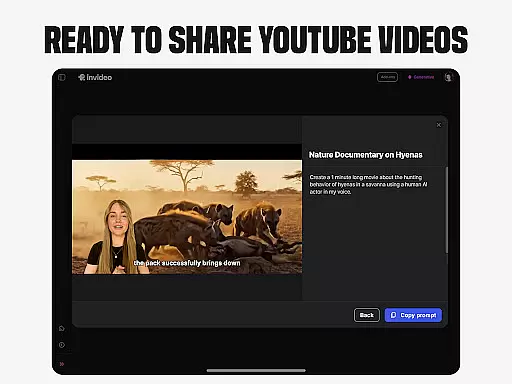
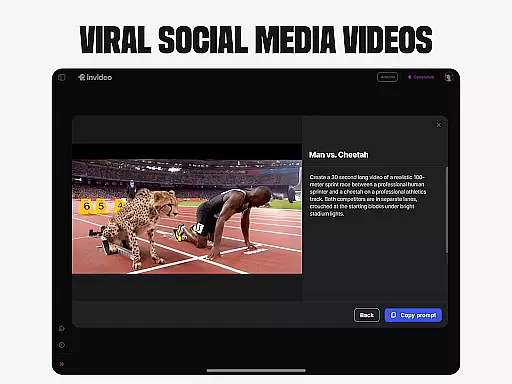
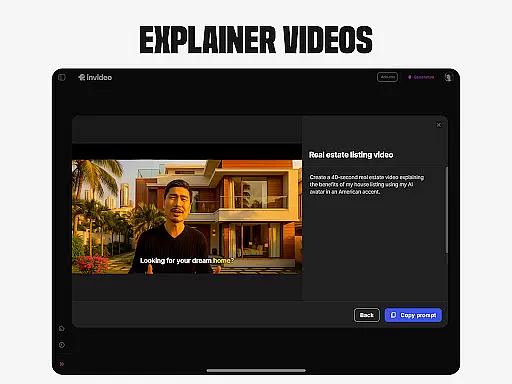
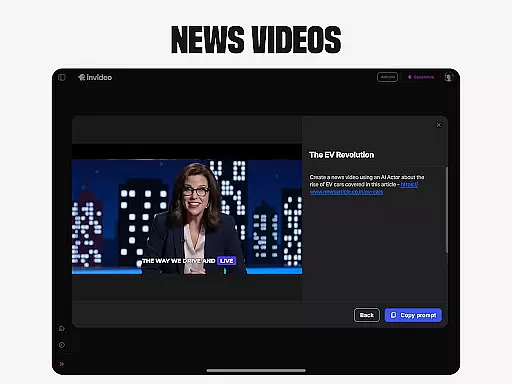
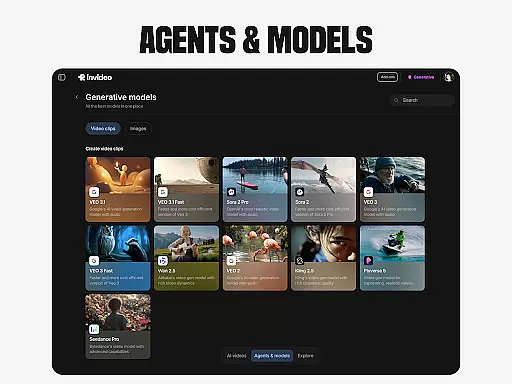
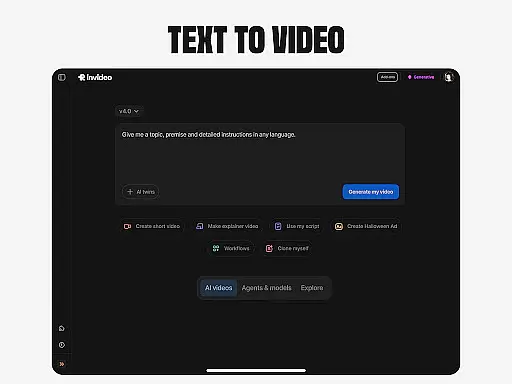
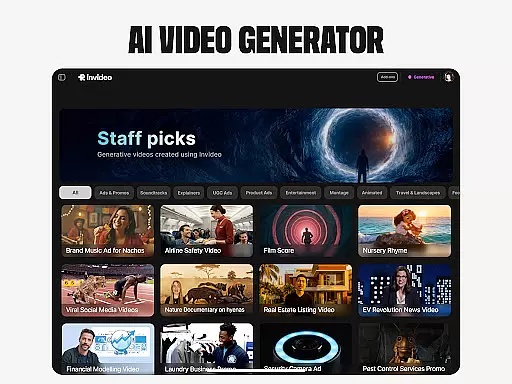
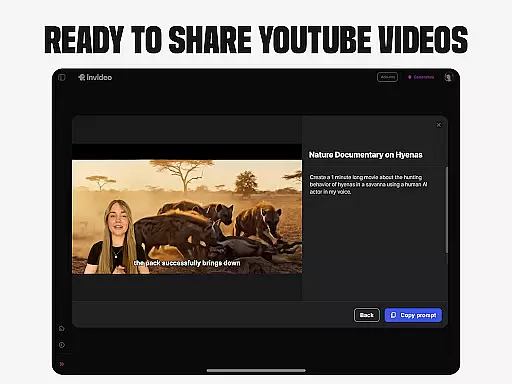
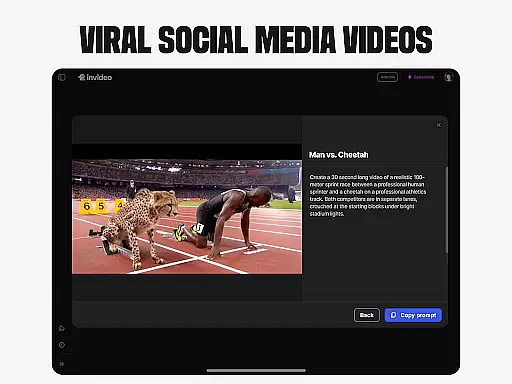
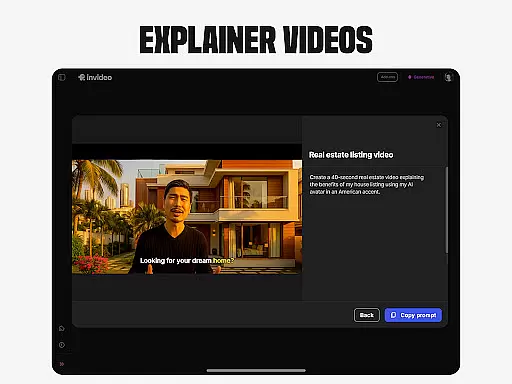
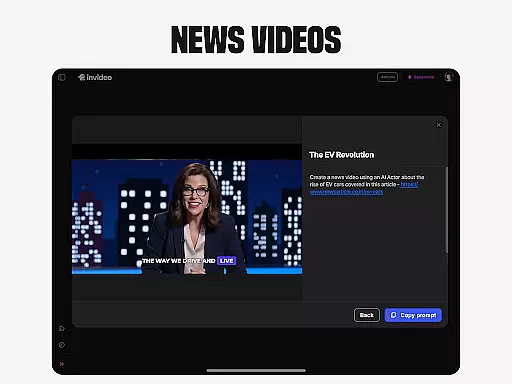
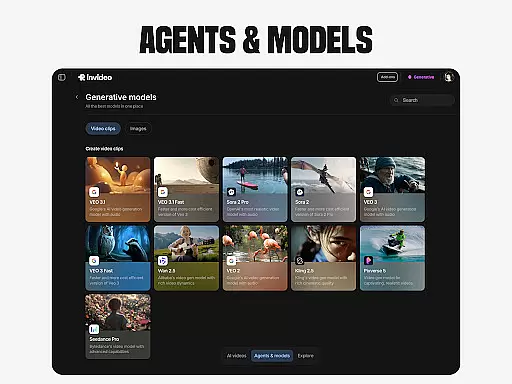
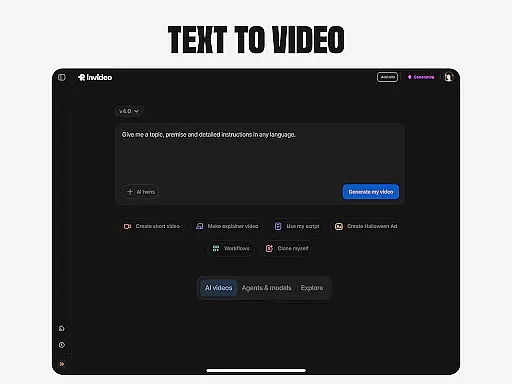
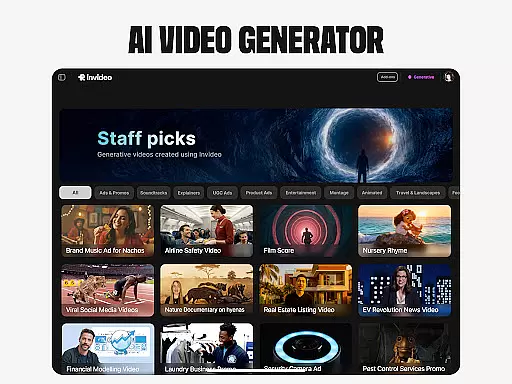
Invideo AI is a revolutionary video creation platform that empowers users to generate professional-quality videos using artificial intelligence. The app offers a comprehensive suite of tools for creating various types of video content, including explainers, promotional videos, advertisements, and more.
With support for over 50 languages, Invideo AI enables users to produce full-length videos complete with scripts, generative media, captions, voiceovers, music, and effects. Its standout features include AI movie generation, text-to-video conversion, AI avatars, voice cloning, image-to-video transformation, and virtual product try-ons.
This versatile application caters to both novice creators and professionals, making it an ideal solution for businesses, educators, and content creators looking to streamline their video production process while maintaining high-quality standards.
Invideo AI distinguishes itself through its diverse range of innovative features designed to simplify video creation. The platform's AI video generator allows users to create explainers, promos, ads, and stories effortlessly. Its AI movie maker tools enable the generation of full-length films and documentaries in various creative styles.
The app's AI Text-to-video functionality converts written prompts into complete scenes, while its AI Avatar feature lets users create digital twins for training videos and product explainers. Additionally, the AI voice cloning tool helps users generate faceless videos with multilingual support.
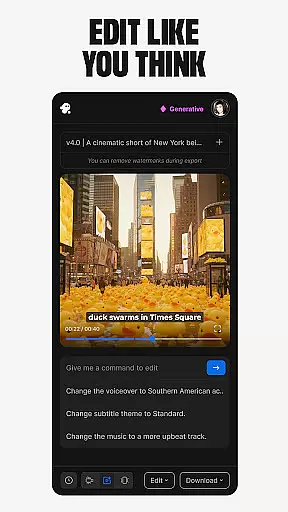
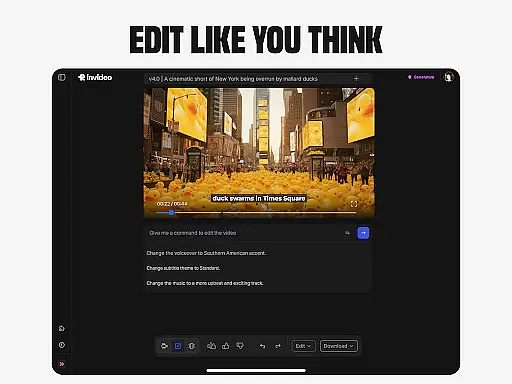
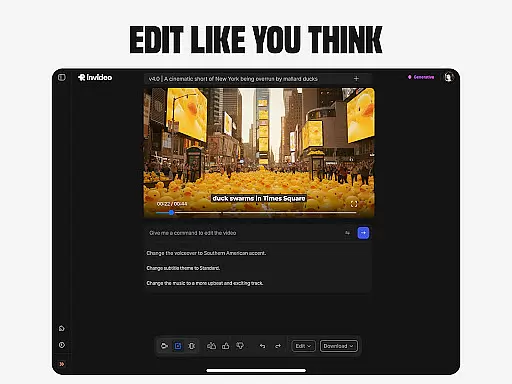
Other notable features include UGC video creation with realistic human avatars, virtual product try-ons for e-commerce, and an AI-powered video editor that simplifies post-production tasks through intuitive text commands, eliminating the need for complex timeline-based editing.
Invideo AI stands out with its extensive video format compatibility, ensuring that creators can work with a wide array of file types without the need for pre-conversion. This flexibility allows users to import and export videos in formats that suit their specific needs, whether for social media, YouTube, or professional presentations.
The platform supports over 50 languages, making it an ideal tool for international projects. Users can seamlessly integrate various media elements such as scripts, generative media, captions, voiceovers, music, and effects into their videos, regardless of the original format.
By removing technical barriers related to format compatibility, Invideo AI empowers both beginners and professionals to focus on the creative aspects of video production. The ability to handle diverse formats simplifies the workflow and enhances productivity.
This comprehensive support for multiple formats ensures that content creators can reach wider audiences across different platforms without worrying about compatibility issues. As a result, users can maximize their creative potential while minimizing technical hurdles.
Invideo AI revolutionizes video editing with its advanced AI-powered features, enabling users to make sophisticated edits through simple text commands. This innovative approach eliminates the steep learning curve associated with traditional timeline-based editing software.
Creators can effortlessly change scenes, adjust music, refine tone, and swap voiceovers within videos produced on the platform. These capabilities allow for precise control over the final output, ensuring that each video meets the desired creative vision.
The AI-driven editor provides tools for generating full-length films, documentaries, and promotional content in various styles. Users can convert scripts into visual scenes, create AI avatars, and clone voices, streamlining the entire production process.
By leveraging these intelligent editing features, content creators can produce high-quality videos more efficiently. This not only saves time but also maintains creative consistency across different projects, making Invideo AI a valuable asset for both amateur and professional video producers.
User-friendly interface
Comprehensive feature set
Multilingual support
Time-saving automation
Professional output quality
Subscription costs may be high
Learning curve for advanced features
Limited free tier options
Internet connection required
Occasional rendering delays

Connect 2 UVC devices for recording and broadcast video/audio stream
 3.90
3.90
?100% FREE! Download & save videos? safely in this app. All formats supported.
4.60
Fast video downloader & private browser. Save HD clips to watch offline.
4.40
Support 1000+ Video Format, Subtitle Download, mp3 & Background Play, Cast On TV
4.60
Seamlessly connect and control your smart devices, anytime, anywhere with ease.
4.60
Cast to Smart TV, Fire TV. Cast video, photo - Fast & Stable!
3.90
Add date and time watermark to photos and videos
4.50
All in one multi protocols stream receiver for AirPlay, Cast and DLNA.
3.60
Viddo: Generate Action Figure, AI Anime, AI kiss, AI hug Video from image & text
4.40
Download Hub, easy and private way to download and enjoy your videos offline
4.80
Screen recorder with audio to take live videos & Screenshot in high quality!
4.70
Search & download videos from net with all video downloader, auto-detect & safe.
4.60
Cast to Chromecast, Xbox, Fire Stick, Roku, DLNA, Smart TV & No Feature Limited!
4.50
Video Downloader is an utility that can save videos and music from web sites
4.20
This app was created to edit the metadata of music files.
4.20
Stream Web Videos to Chromecast, Samsung, LG, Sony, Roku, Fire TV, DLNA + more
4.00
AI Video Editor:AI Music, Text to Video,Text to Speech,Auto Caption,Video Effect
4.00
IPTV Player - Watch live TV from m3m & m3u8 playlist, stream IPTV on mobile
3.30
The essential companion to your Blue Iris PC software
2.50


User Reviews