
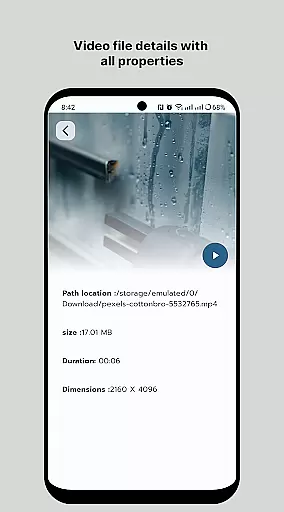
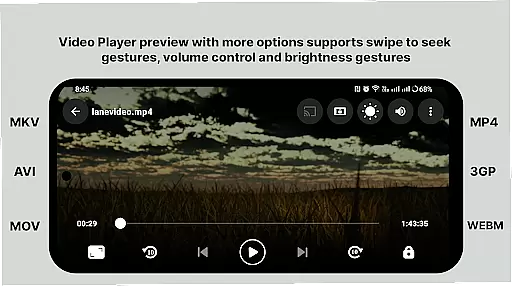
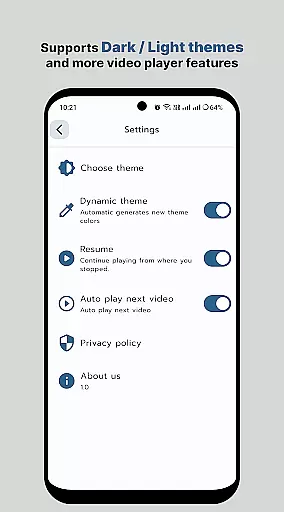
HD Video Player All Format is a versatile video player for Android devices, supporting all popular video formats including 4K and ultra HD. The app offers an ad-free experience with advanced playback features such as subtitle support, multi-track audio, and aspect-ratio adjustments. Designed for both smartphones and tablets, it ensures smooth and high-quality video playback.
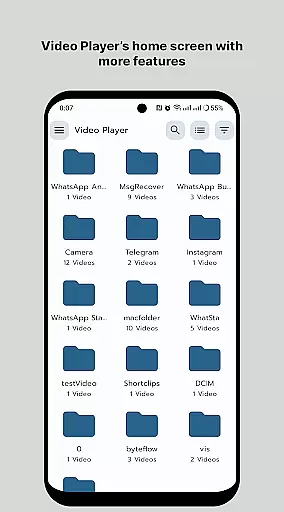
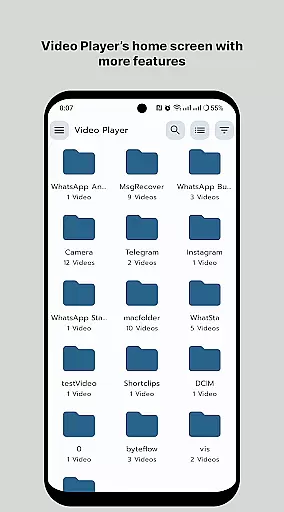
The application stands out with its smart media library that organizes video files efficiently, making it easier to browse and manage your media collection. With intuitive gestures for controlling volume and brightness, along with playback speed control, users can enjoy a personalized viewing experience. Its lightweight design and simple operation make it an ideal choice for those seeking a powerful yet user-friendly video player.
Whether you're watching movies or viewing personal recordings, HD Video Player All Format provides a seamless experience. The app's ability to play videos in their original resolution while maintaining optimal performance makes it perfect for enjoying high-quality content on the go.
HD Video Player All Format boasts an impressive array of features designed to enhance your video playback experience. One of its key strengths is the comprehensive format support, which includes almost all video file types, ensuring that users won't encounter compatibility issues. The app's capability to handle 4K and HD videos with high resolution and sound quality makes it stand out among other video players.
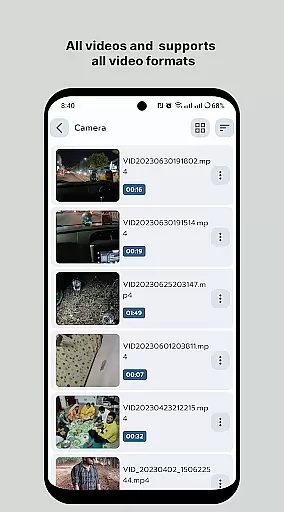
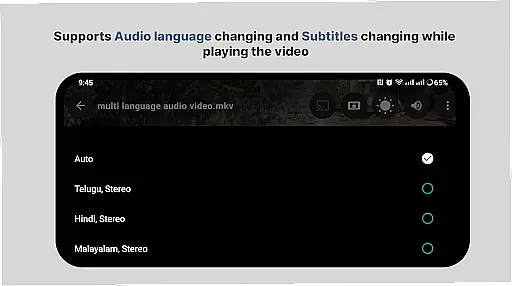
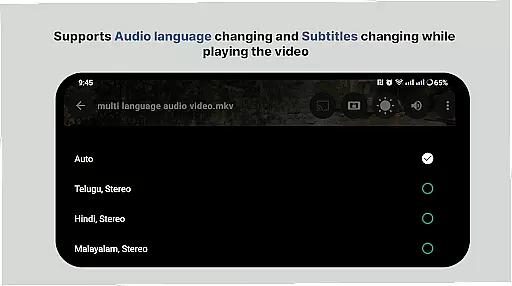
The smart media library is another standout feature, providing efficient organization and quick access to all your video files. Users can easily browse folders directly and manage or share videos with minimal effort. Advanced playback controls, including multi-track audio support, subtitle options, and aspect-ratio adjustments, offer a customizable viewing experience tailored to individual preferences.
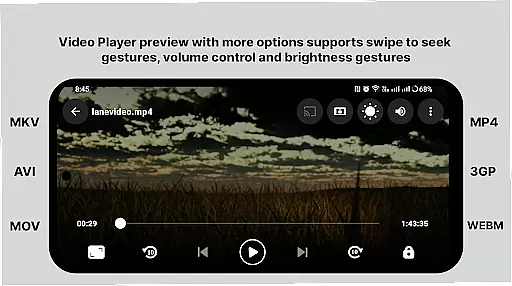
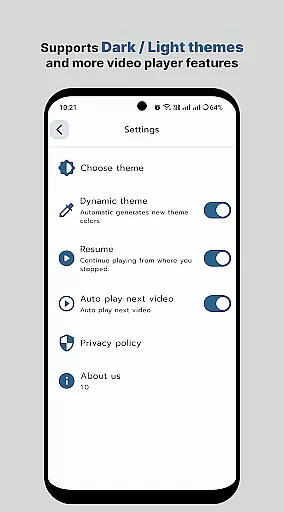
Additional features include gesture controls for volume and brightness adjustment, screen lock functionality, and playback speed control. These thoughtful additions demonstrate the app's commitment to providing a superior user experience. The combination of these features makes HD Video Player All Format a top choice for Android users seeking a comprehensive video playback solution.
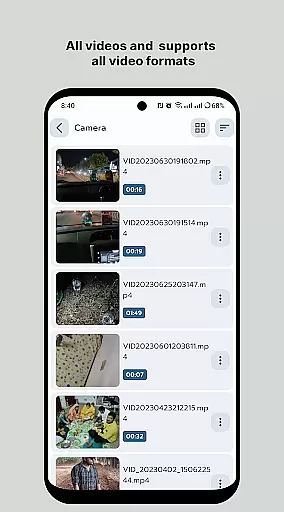
Video format compatibility is a crucial feature for any video player application, ensuring that users can play videos in various formats without the need for conversion. HD Video Player supports an extensive range of video file types, including but not limited to MP4, AVI, MKV, and FLV. This versatility allows users to enjoy their video content in its original format, preserving the intended quality and experience.
The application's ability to handle 4K and ultra HD video files with high-definition playback is particularly noteworthy. By supporting advanced codecs and maintaining high-resolution output, HD Video Player ensures that even the most demanding video files are played smoothly and clearly. This makes it an ideal choice for users who require a reliable solution for playing high-quality video content on their Android devices.
Moreover, the inclusion of subtitle support enhances the viewing experience by allowing users to add contextual or translated text to their videos. Whether watching foreign films or educational content, the availability of multi-track audio and subtitles ensures that users can fully engage with their media. The smart media library further simplifies access to video files, making it easier and faster to locate and play desired content.
AI-powered editing features represent the cutting edge of video player technology, offering users advanced tools to enhance their viewing experience. HD Video Player incorporates intelligent algorithms that optimize video playback efficiency and speed, ensuring that files are played in their original resolution. This focus on maximizing playback performance allows users to enjoy smoother and higher-quality video experiences, regardless of the file format.
In addition to playback optimization, HD Video Player provides several smart control options that improve usability. Users can easily adjust aspect ratios, lock the screen, or mute audio with simple touch gestures. These intuitive controls empower users to customize their viewing experience according to their preferences and environment. Furthermore, the player supports gesture-based volume and brightness adjustments, enhancing accessibility and convenience during playback.
The application also includes features such as playback speed control and the ability to manage or share videos effortlessly. These functionalities cater to a wide range of user needs, from casual viewers to professionals requiring precise control over their media. By integrating these AI-driven enhancements, HD Video Player sets itself apart as a versatile and powerful tool for both consuming and managing video content on Android devices.
User-friendly interface
Wide format compatibility
High-quality playback
Smart media library
Customizable controls
Limited iOS availability
No cloud integration
Premium version required
Occasional bugs
Heavy on resources

Connect 2 UVC devices for recording and broadcast video/audio stream
 3.90
3.90
Explore the largest library of free GIFs, Stickers & Memes - or create your own!
3.90
Movie maker & video editing app with AI effects and green screen
4.30
All in one HD video downloader & player for multiple formats with full privacy
4.70
Add date and time watermark to photos and videos
4.50
Browser for Sony TV to stream web videos, online movies and live tv
3.20
Find, download, and play torrents with the official BitTorrent® Pro app
4.70
Browser for Samsung TV to stream webvideos, online movies and livestreams in HD
4.10
Web Browser for LG TV to stream webvideos, online movies and livestreams in HD
4.20
An easy-to-use and all-round screen recorder with audio
4.80
AI Video Editor with Music, Filter, Slideshow, Effect, Merge & Trim Video.
4.80
High-Quality USB Camera Viewer & HDMI Display
4.70
Powerful, professional, versatile teleprompter. Developed by an active film crew
4.00
All in one multi protocols stream receiver for AirPlay, Cast and DLNA.
3.60
Watch full episodes of your favorite Cartoon Network and Cartoonito shows!
3.50
This app is an emulator of some specific IPTV boxes
3.50
The essential companion to your Blue Iris PC software
2.50
Stream high quality video from your camera over NDI protocol
4.5
Play and download HD videos from all sources — fast, simple, and all-in-one.
4.3


User Reviews